
Create a CV Without a Photo for Free
Create a CV without a photo in MojCV. Leave the Profile photo field empty, choose a template, and download your PDF for free. No account or payment required.
Start your CV
Enter your name and choose a language. No account or email address required.
CV Templates Without a Photo
Every MojCV template works without a photo. Choose a design and customize it in the editor. Or see all CV templates.
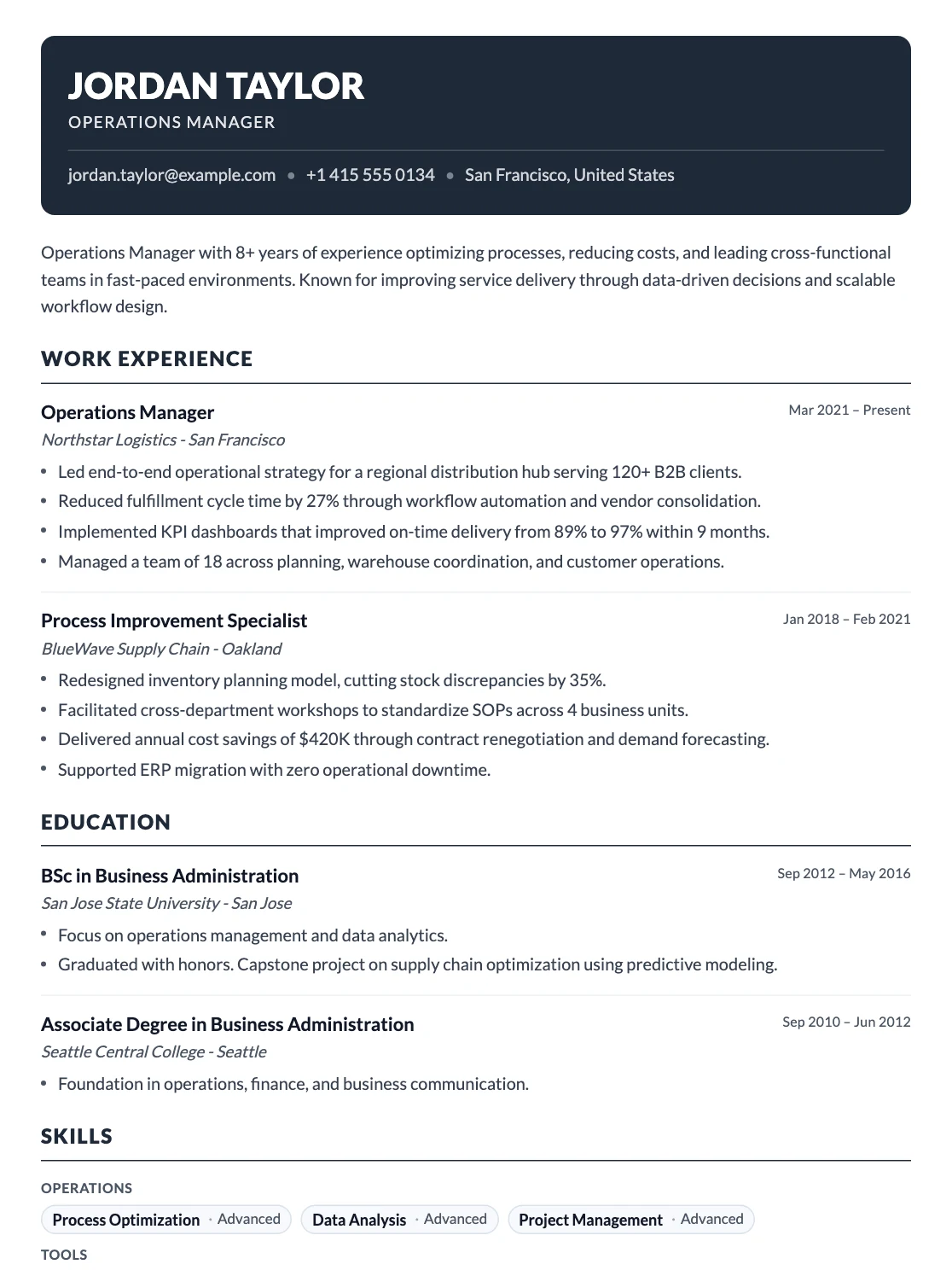
Milan
Dark header, single column
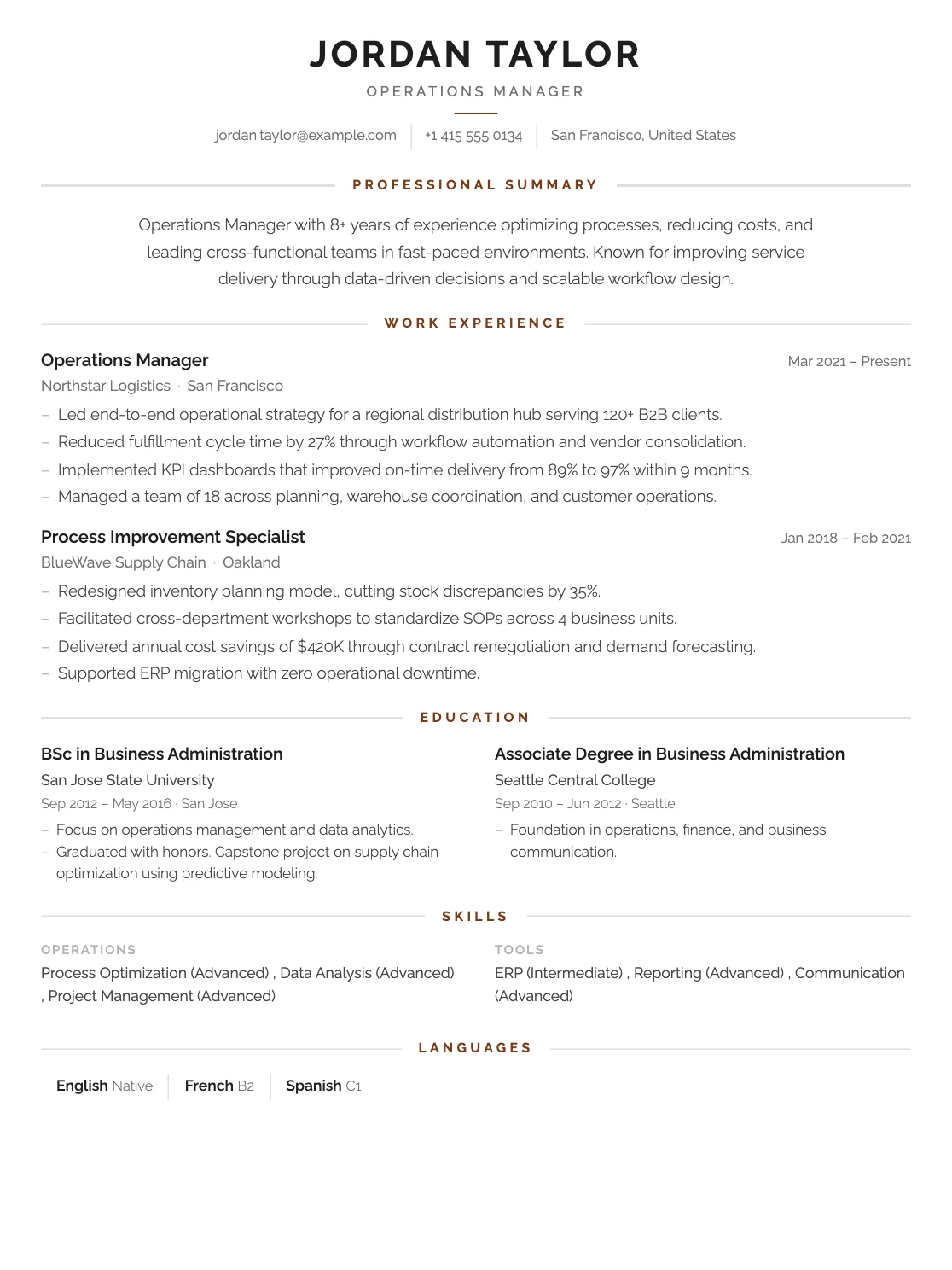
London
Centered header, single column
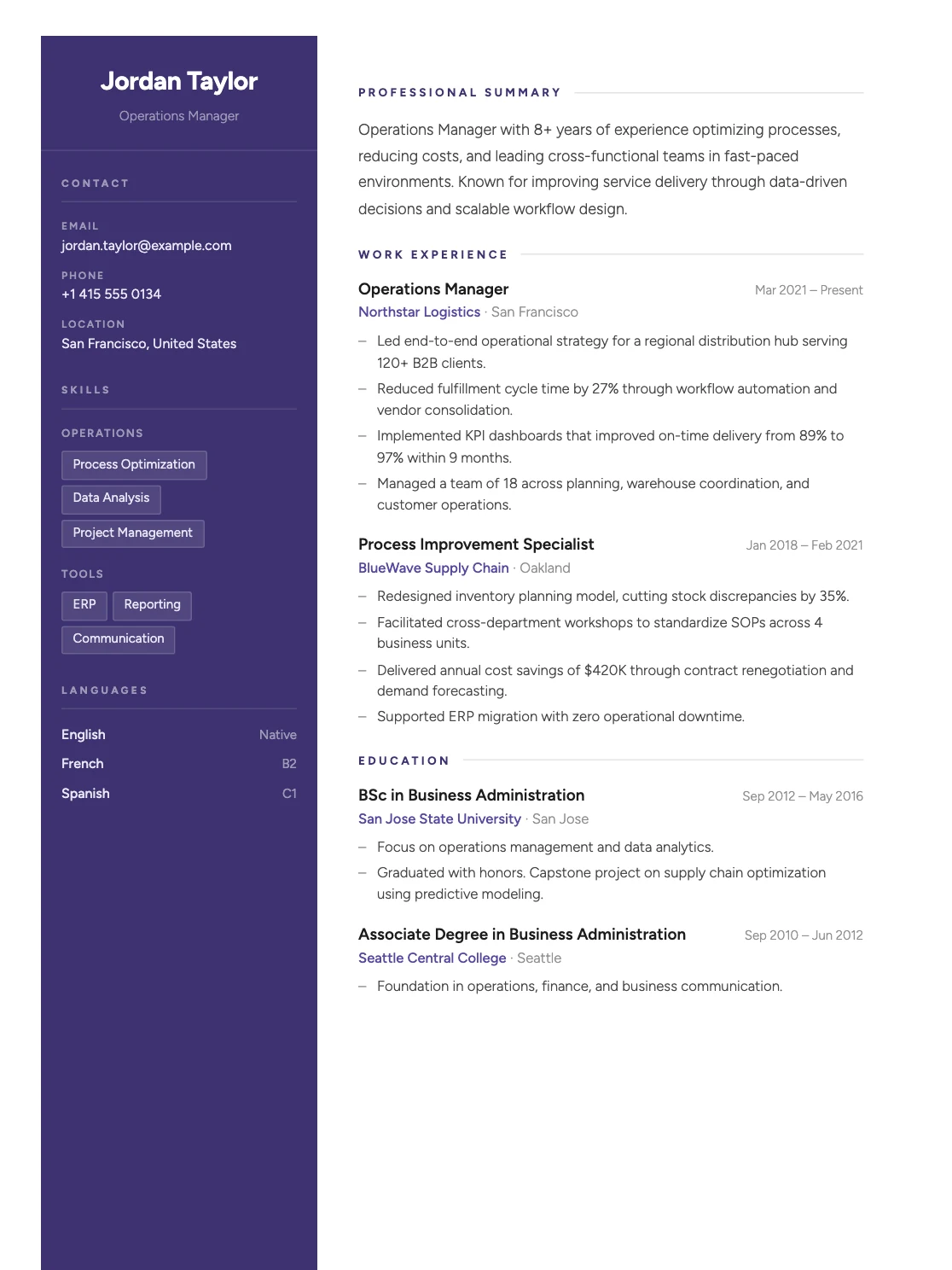
Venice
Sidebar, two columns
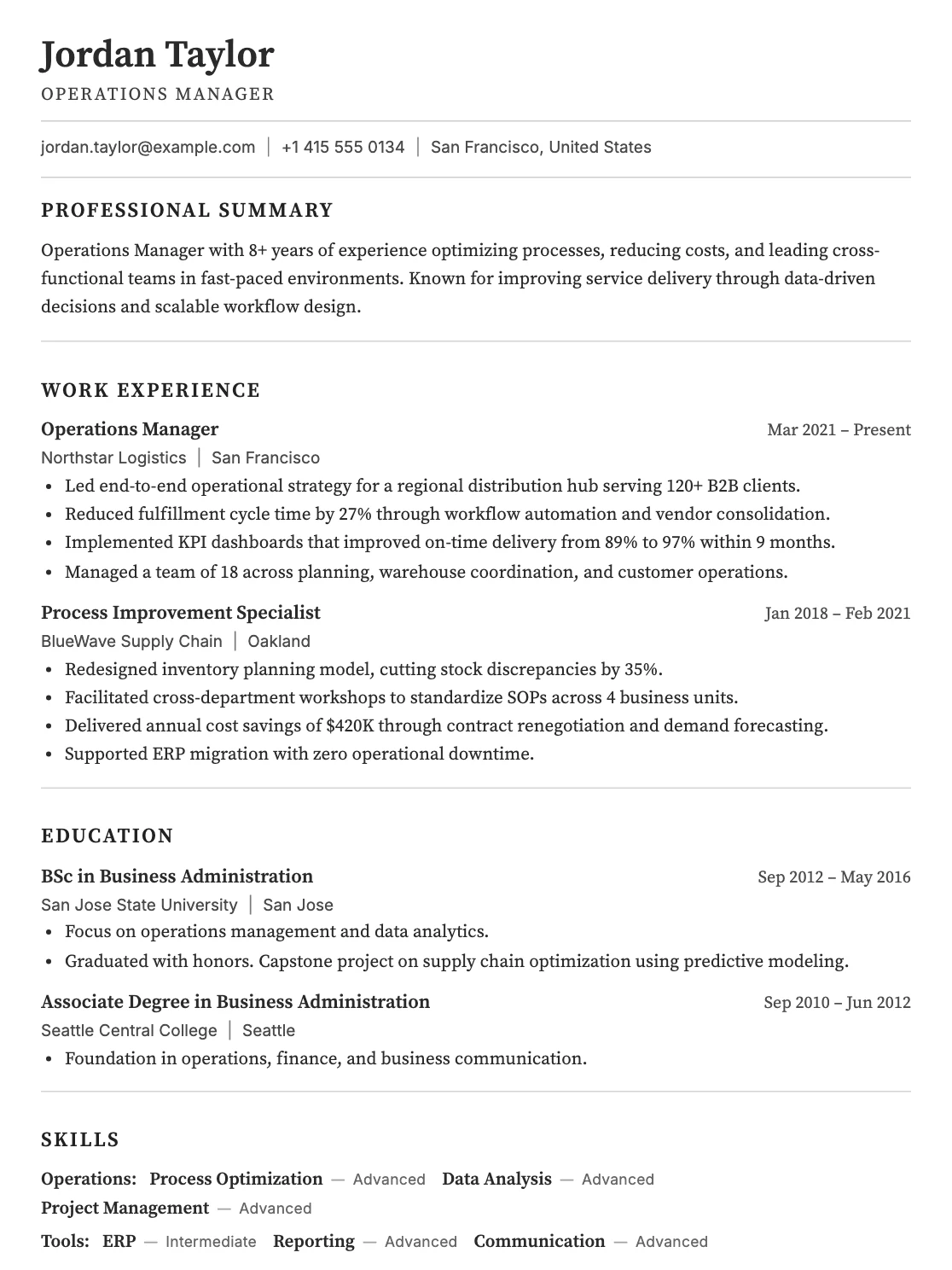
Rome
Classic black and white, single column
How to Create a CV Without a Photo
1. Create your CV
Enter your name and choose a language in the form above, then open the Personal section.
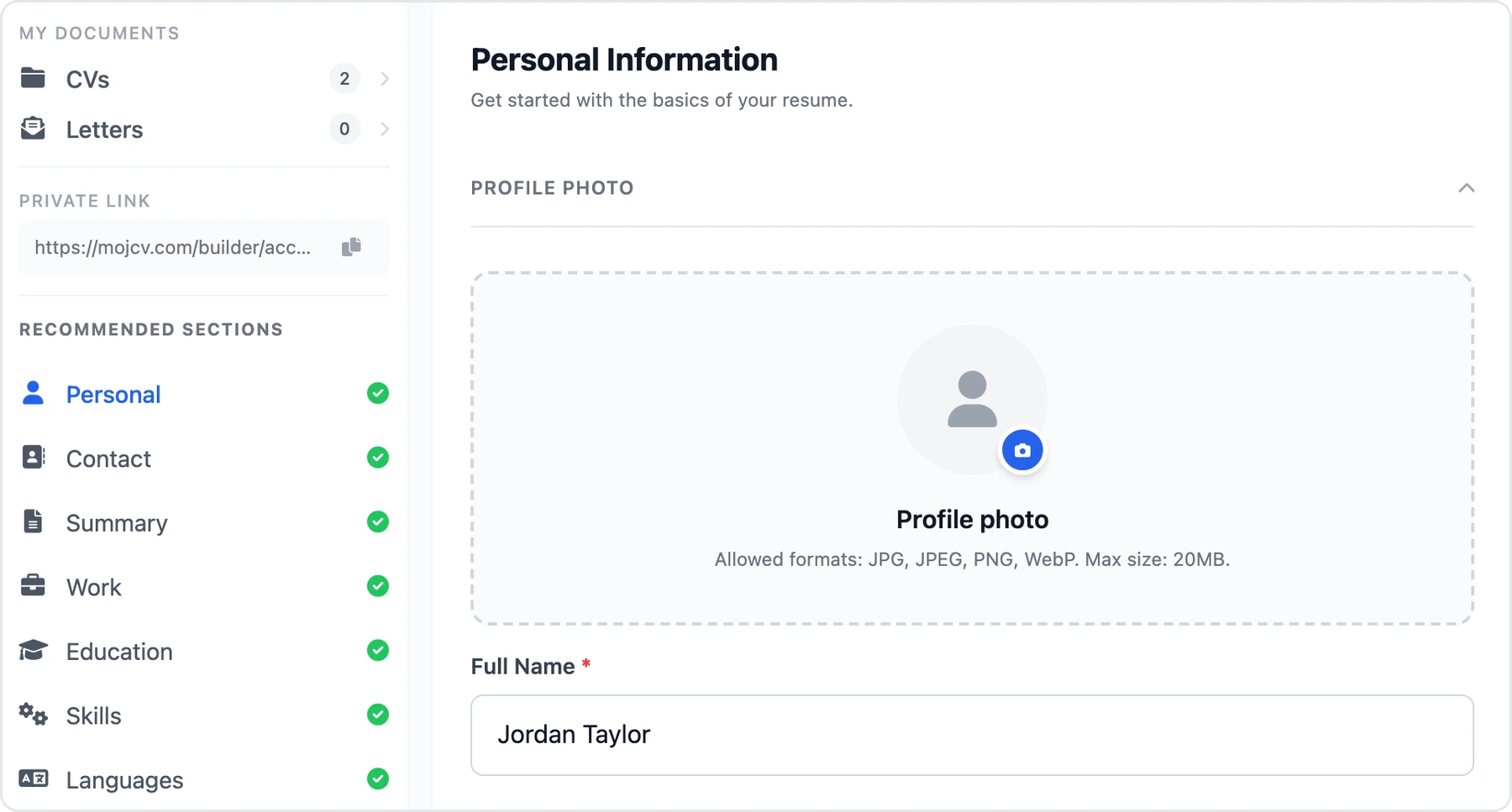
2. Leave the photo empty
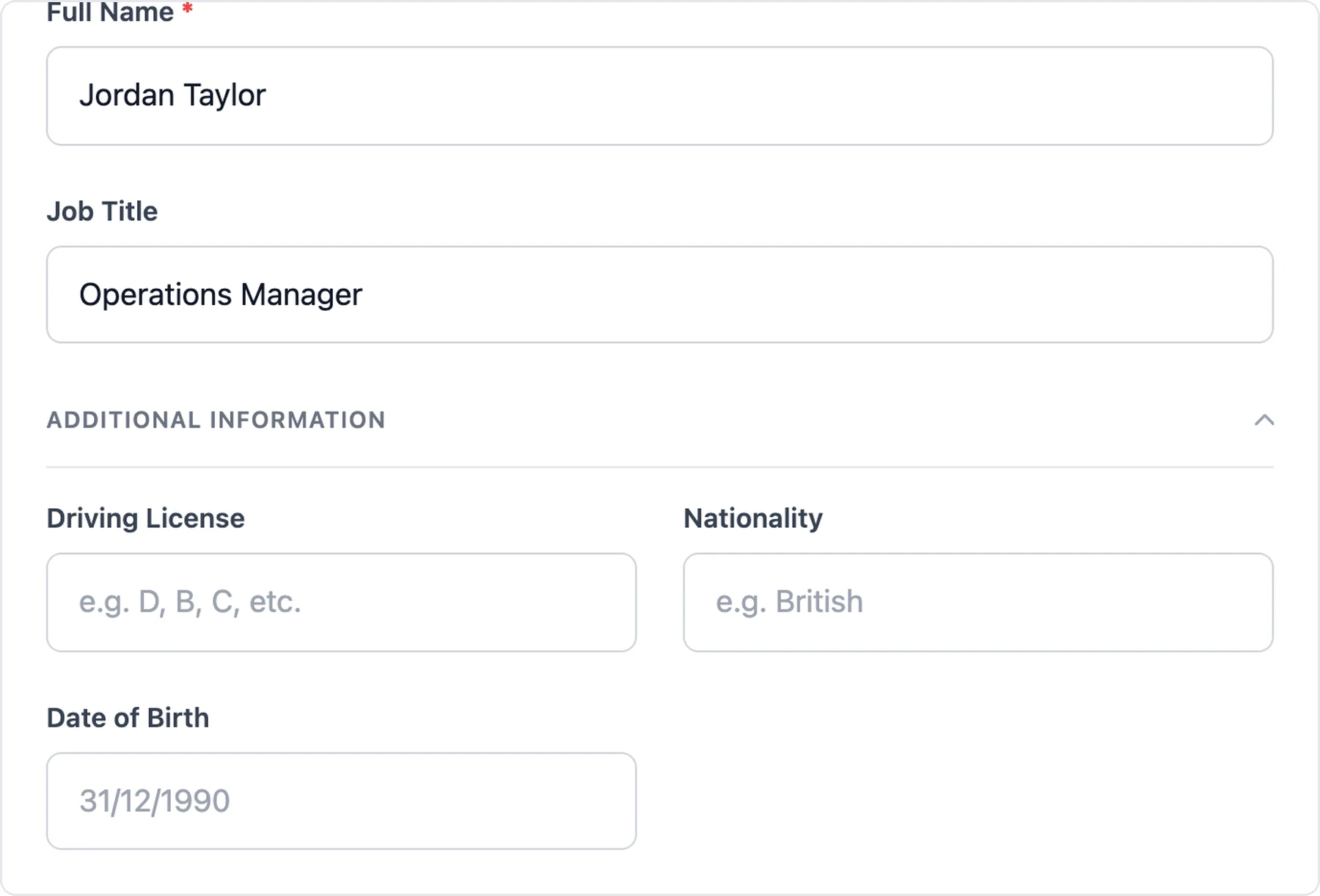
In the Personal section, skip the Profile photo field. Only your name is required, so you can also leave date of birth, nationality, or driver's license blank.
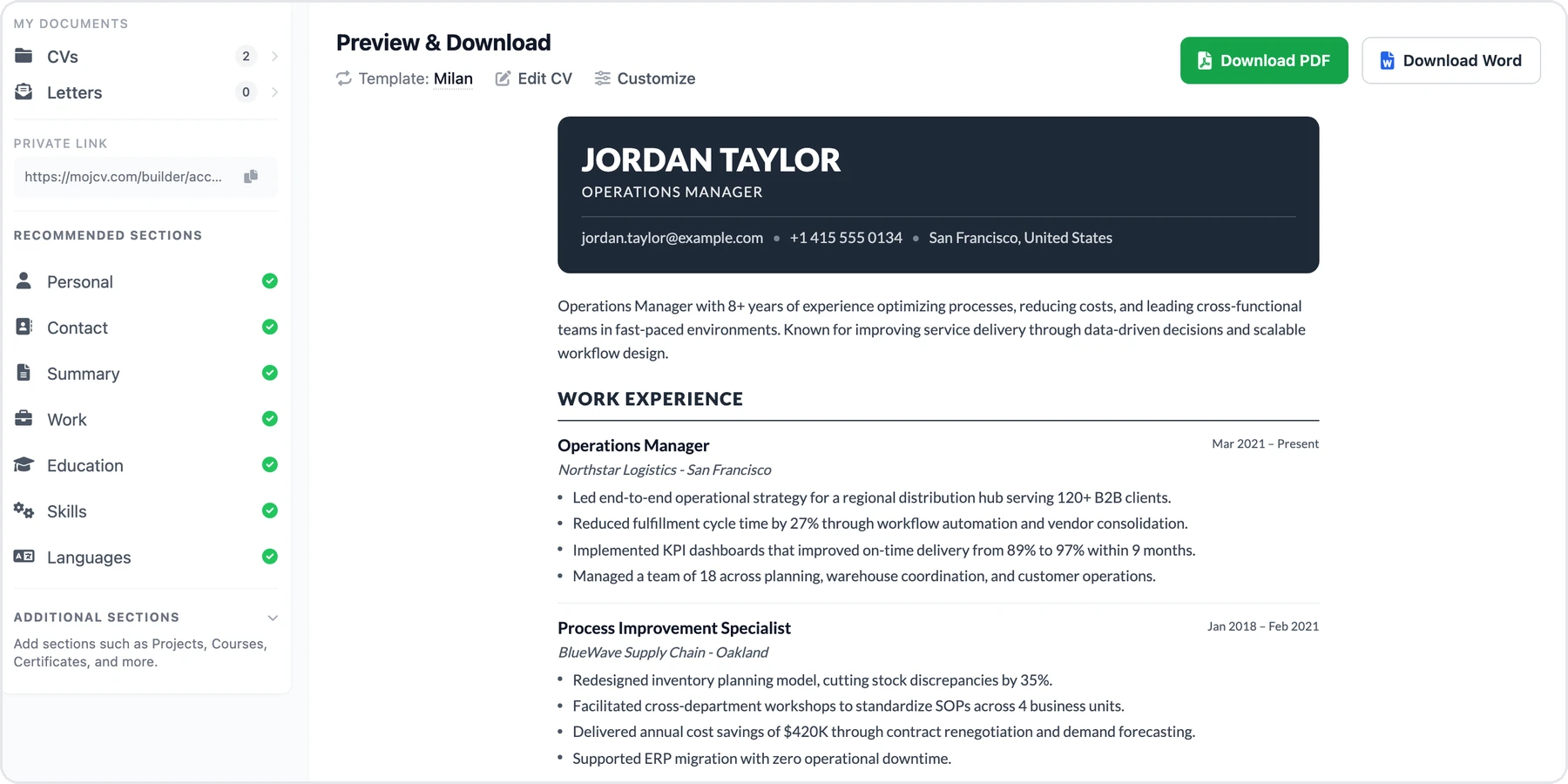
3. Choose a template and download
Check the preview and download your PDF. You can add a photo later in the Personal section.
When Should You Leave Your Photo Off?
In the United States, the United Kingdom, and Canada, CVs usually do not include a photo, so leaving it off is the usual choice. In Germany and Austria, a photo is still common but not required, so you can leave it out there too.
If a job posting asks for a photo or says not to include one, follow the posting.
Read the full guide: Should I include a photo on my CV? Want to add one? Create a CV with a photo. Or see all CV templates.
Frequently Asked Questions
What happens to the photo space if I do not add a photo?
Can I add a photo later?
Is it free to make a CV without a photo?
Create Your CV Without a Photo
Choose a template and download your free PDF.
Free to use. No watermark. No credit card.