Language

CV Builder With No Work Experience - Free, No Account

No work experience yet? Your CV can still be strong. Education, skills, projects, volunteering, and certifications all belong on a CV. MojCV guides you through every section and skips anything you leave blank. Free, no account required.

Free. No account. All templates included.

Free PDF download, no paywall
No account or email required
All sections optional - skip what you do not have
Single-column templates included

What to put on a CV when you have no work experience

Work experience is one section on a CV. It is not the only one. Recruiters hiring for entry-level roles, internships, and first jobs know exactly what they are looking at. What matters is a clear, honest CV that shows what you bring. MojCV includes all the sections you need to build a strong profile without a job history.

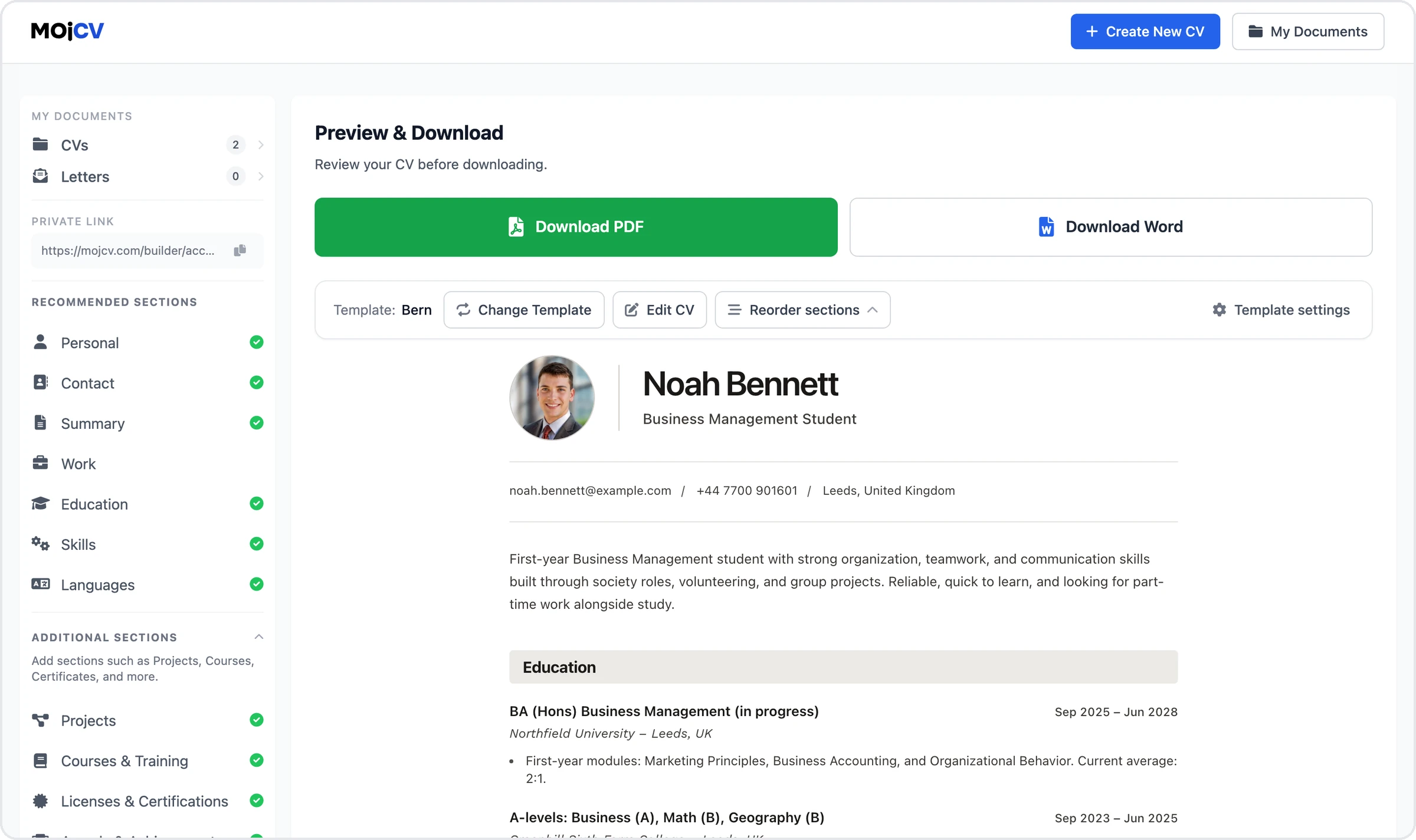
  • Education: institution, degree or qualification, graduation date, relevant modules or projects
  • Skills: technical tools, software, languages, transferable skills like communication and organization
  • Projects: university work, personal projects, freelance or volunteer work, online courses completed
  • Volunteering: community work, society roles, student committees, charity involvement
  • Certifications and courses: any training, online certifications, or professional development
  • A short summary: what you are looking for and what you bring, in two to three sentences
Start building my CV
Filling in CV sections on MojCV with no work experience - education, skills and projects

Put your strongest sections first

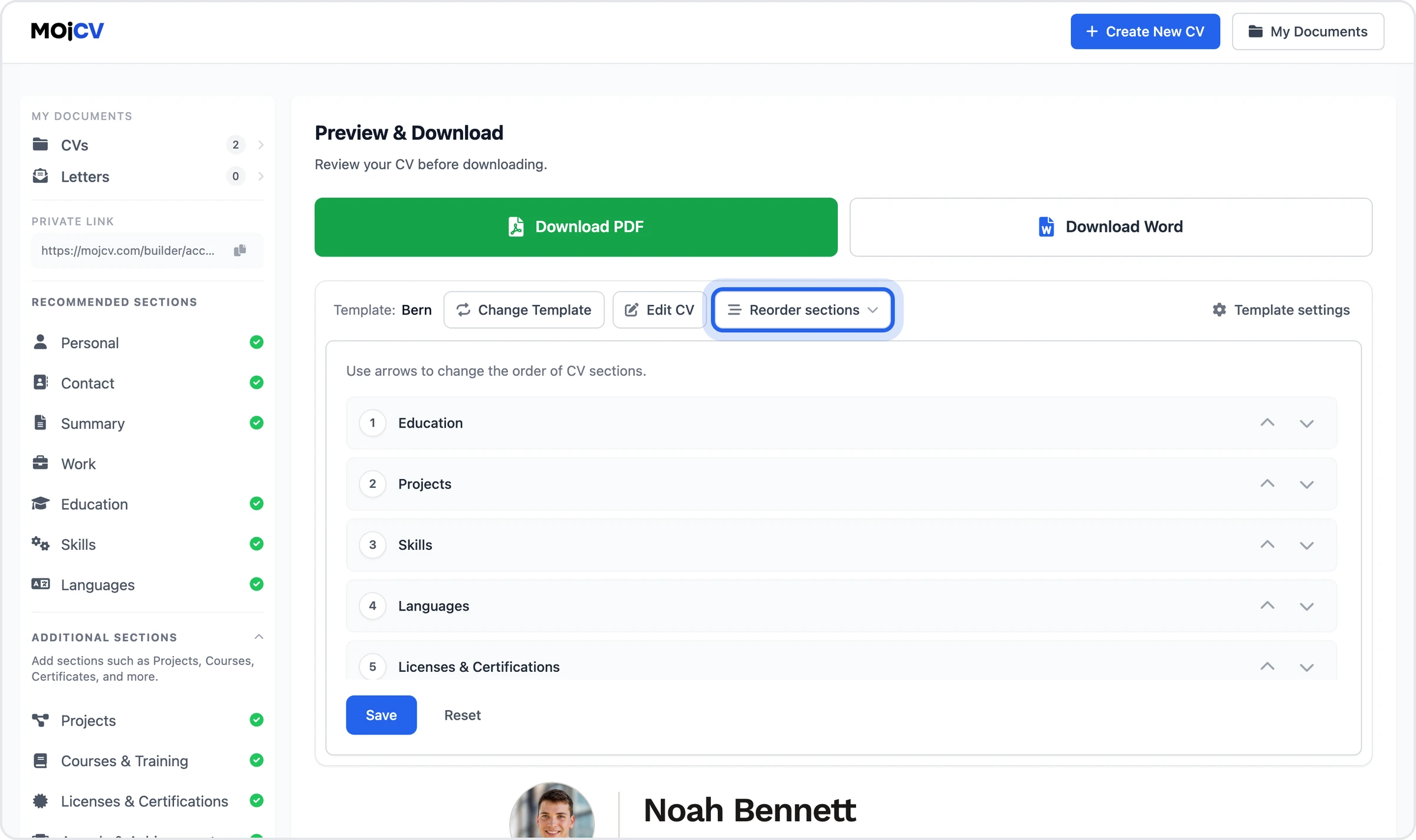
On a standard CV, work experience comes near the top. If you do not have any, that section should not lead your document. MojCV lets you reorder sections with a single click. Move education, skills, projects, or volunteering to the top of your CV. The work experience section can sit lower or be left out entirely. The layout updates automatically each time you move a section. No manual formatting, no alignment issues, no blank gaps.

Click once to move any section up or down in your CV

The template and layout update instantly with every change

Leave the work experience section out if you have nothing to add

Reordering CV sections on MojCV to put education and skills first without work experience

Single-column templates fill the page better with less content

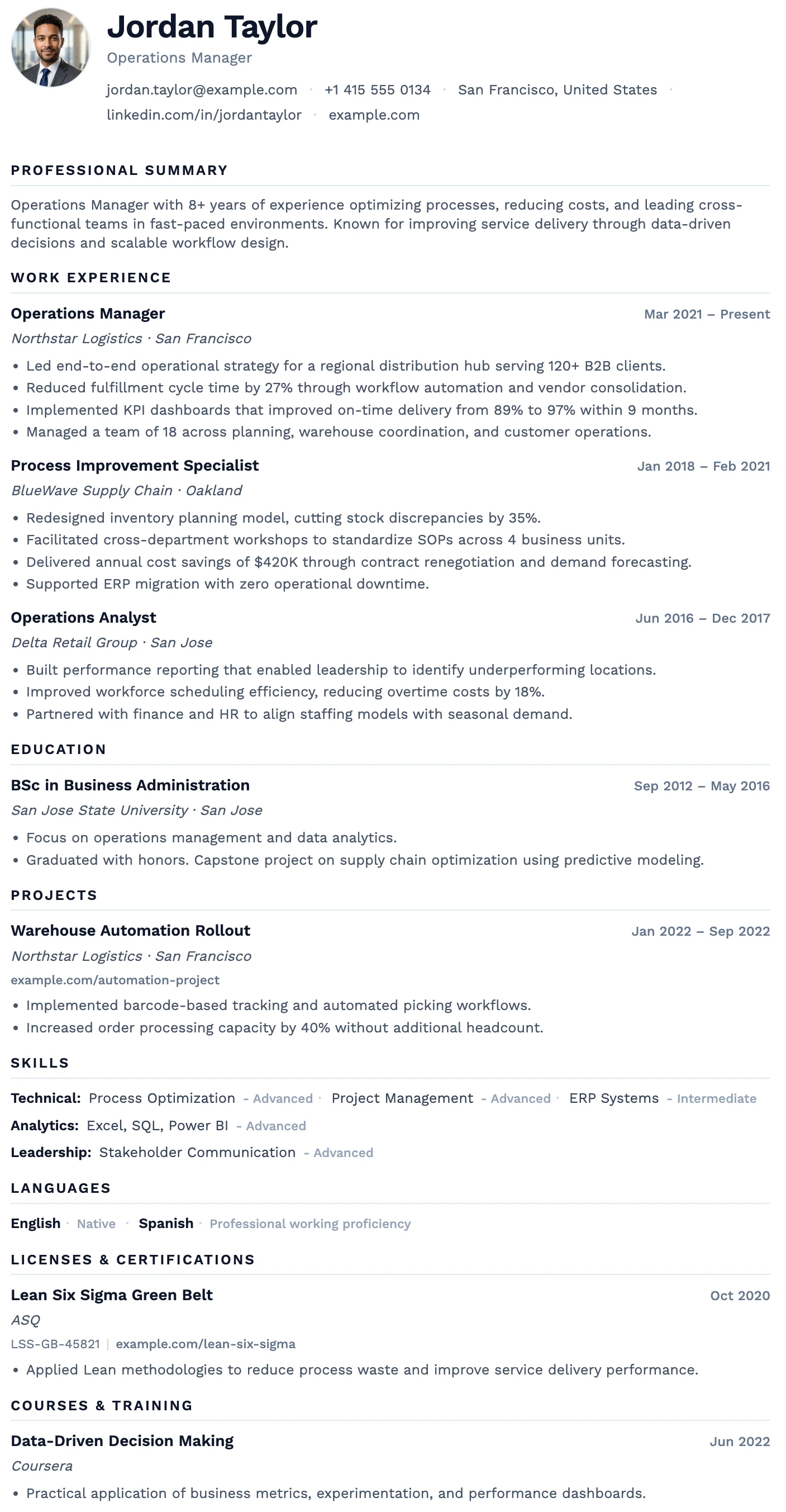
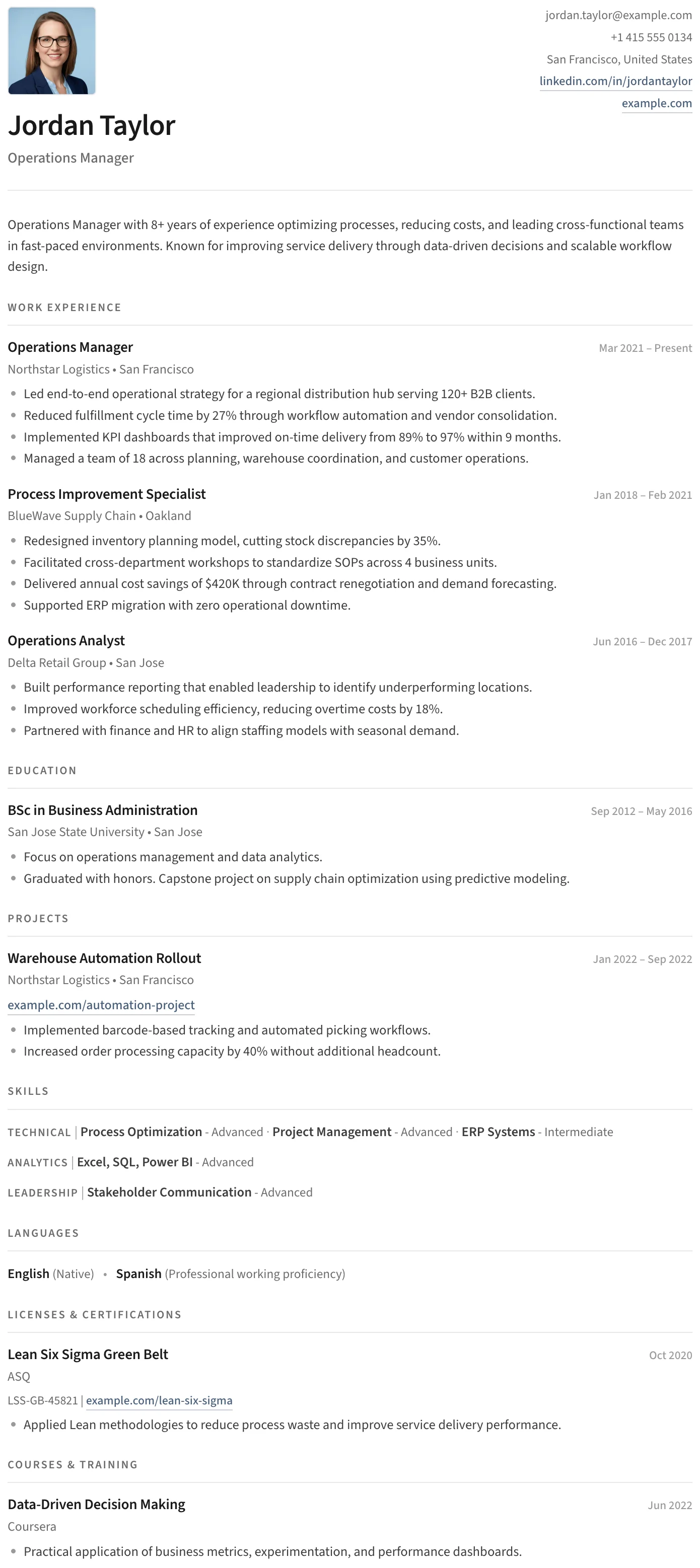
Two-column templates divide your CV into two narrow strips. With a full career history that works well. With a shorter CV, the columns can look uneven or sparse. Single-column templates flow naturally from top to bottom. Your education, skills, and projects fill the page cleanly without visual gaps. For a first CV or an entry-level profile, a single-column layout almost always looks more complete and professional.

  • Content flows top to bottom without dividing into narrow columns
  • Looks complete even with fewer sections
  • Easier for ATS systems to parse correctly
  • Simple, Graduate, Clean, and Minimal templates are all single-column
Browse single-column templates
Single-column CV template on MojCV that works well for short CVs with no work experience

Everything MojCV gives you when you are starting out

Every feature is available from the first CV you create. Nothing is locked behind a subscription or an account.

All sections are optional

Only fill in the sections you have content for. Leave any section blank and it will not appear in your PDF. No empty headings, no blank gaps.

Reorder sections with one click

Move education, skills, or projects to the top. The layout updates automatically. No formatting to fix after every move.

Student and entry-level templates

Templates built for shorter CVs and early-career profiles. Clean single-column layouts that look complete even without a long job history.

Free PDF, no account

Download your CV as a clean, watermark-free PDF at no cost. No registration, no email, no subscription. Just enter your name and start.

Works on your phone

Build and download your CV from any mobile browser. No app needed. Works on iPhone and Android.

Duplicate for each application

Create a base CV and duplicate it for each role. Adjust the summary and section order for each application without starting from scratch.

Templates designed for shorter CVs and entry-level profiles

Single-column layouts that look complete with education, skills, and projects as the lead sections. All free to use and download. <a href="/en/student-cv-templates" class="text-blue-600 hover:underline">See all student and entry-level templates</a>.

Oslo CV template

Oslo

Free

The Oslo template has a quiet, understated layout, soft typography, and just enough structure to keep everything clear and easy to read.
Split CV template

Split

Free

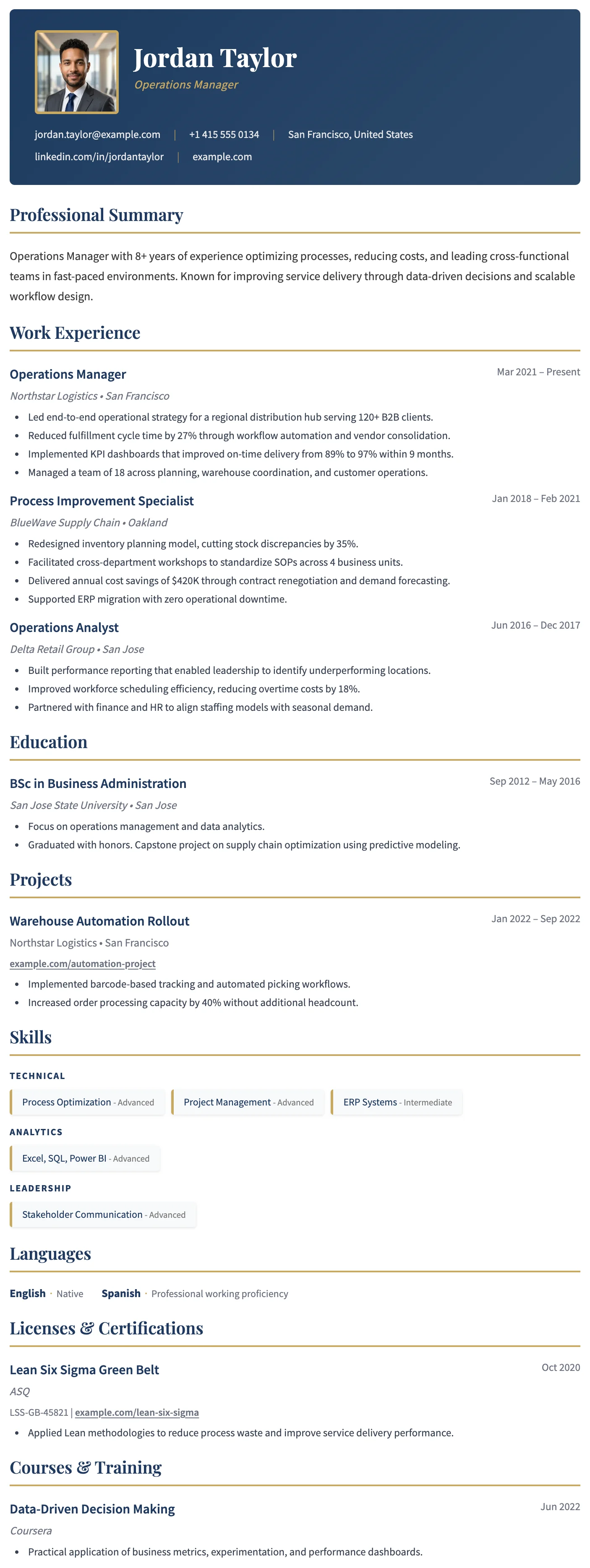
The Split template has a clean split header, minimal section styling, and an uncluttered layout that keeps the focus entirely on your content.

Barcelona CV template

Barcelona

Free

The Barcelona template has a clean centered header, subtle blue accent details, and a clear single-column layout that makes a confident first impression for early-career professionals.

Bern CV template

Bern

Free

The Bern template has a distinctive shaded band on every section heading, creating a well-structured and easy-to-navigate layout with a modern finish.

Sofia CV template

Sofia

Free

The Sofia template has a warm off-white background, refined typography, and subtle accent details that create a sophisticated and understated layout.

Questions

Common questions about creating a CV with no work experience

Can I create a CV with no work experience?

Yes. A CV does not require a job history. Education, skills, projects, volunteering, certifications, and courses are all valid CV content. MojCV includes all of these as separate sections. Fill in what you have and leave the rest blank. Empty sections are skipped automatically in your PDF.

What should I put on my CV instead of work experience?

Lead with your education: institution, qualification, graduation date, and any relevant modules or thesis. Follow with a skills section covering both technical and transferable skills. Add any projects, volunteering, extracurricular activity, or online courses. If you have certifications or completed training programs, include those too. A short two-to-three sentence summary at the top is optional but helps recruiters understand what you are looking for.

Which template is best for a first CV with no experience?

Single-column templates work better for shorter CVs. The Graduate, Simple, Clean, and Minimal templates are the most commonly used for entry-level and first-time applicants. They fill the page naturally without creating sparse-looking columns. You can switch between templates at any time and your content carries over automatically.

Should I include a professional summary if I have no experience?

Yes, a short summary is worth including. Two to three sentences explaining what you are looking for, what field you are entering, and what you bring in terms of skills or attitude. Keep it factual and specific. Avoid generic phrases like "hard-working team player." Focus on what is true and relevant to the role.

Can I reorder CV sections so education or skills comes first?

Yes. MojCV lets you reorder sections with a single click. Move education, skills, projects, or volunteering to the top of your CV. The template updates automatically each time you move a section. You can leave the work experience section out entirely if you have nothing to add.

What if I only have one or two sections to fill in?

That is fine. Fill in what you have. MojCV skips any section you leave blank, so your PDF only shows the content you entered. A CV with education and skills filled in looks clean and complete. Add more sections as you gain experience and re-download an updated PDF at any time.

Is MojCV free for first-time CV writers?

Yes, completely free. No subscription, no paywall at the download step, no account to create. Enter your name, fill in your sections, choose a template, and download your PDF. MojCV is funded by advertising so the platform stays free for everyone.

Can I create my first CV on my phone?

Yes. The full builder works in any mobile browser on iPhone or Android. No app to install. Fill in your sections, pick a template, and download the PDF straight to your device. On iPhone it saves to your Files app. On Android it goes to your Downloads folder.

Your first CV. Free, clean, and ready to send.

No work experience required. No account. No subscription. Fill in what you have, pick a template, and download your PDF.

Build my CV for free

Free. No account. No experience required.