
Create a CV With a Photo for Free
Add your photo to any MojCV template. Choose a layout, preview your CV, and download it as a PDF for free. No account or payment required.
Start your CV with a photo
Enter your name and choose a language. No account or email address required.
CV Templates With Photos
Every MojCV template supports a profile photo. Choose a design you like and customize it in the editor. Or see all CV templates.
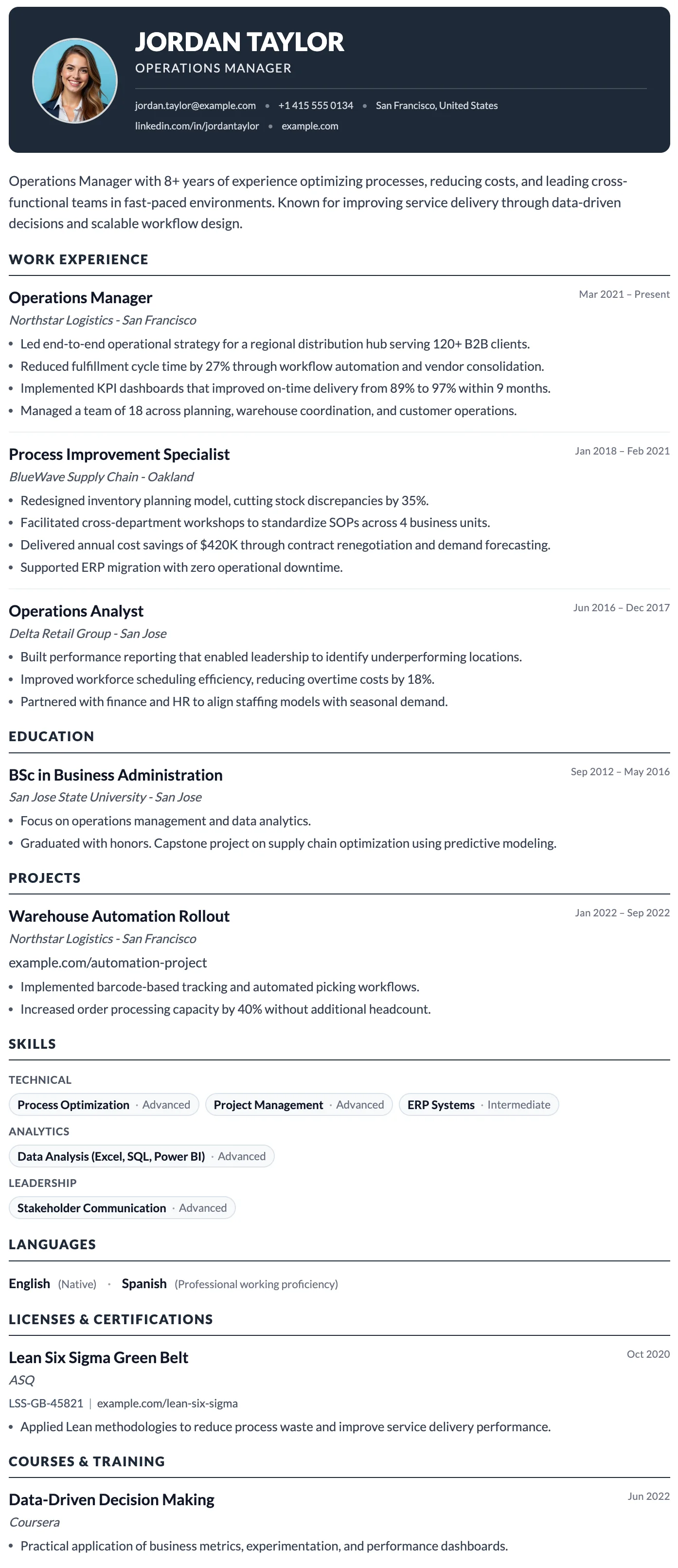
Milan
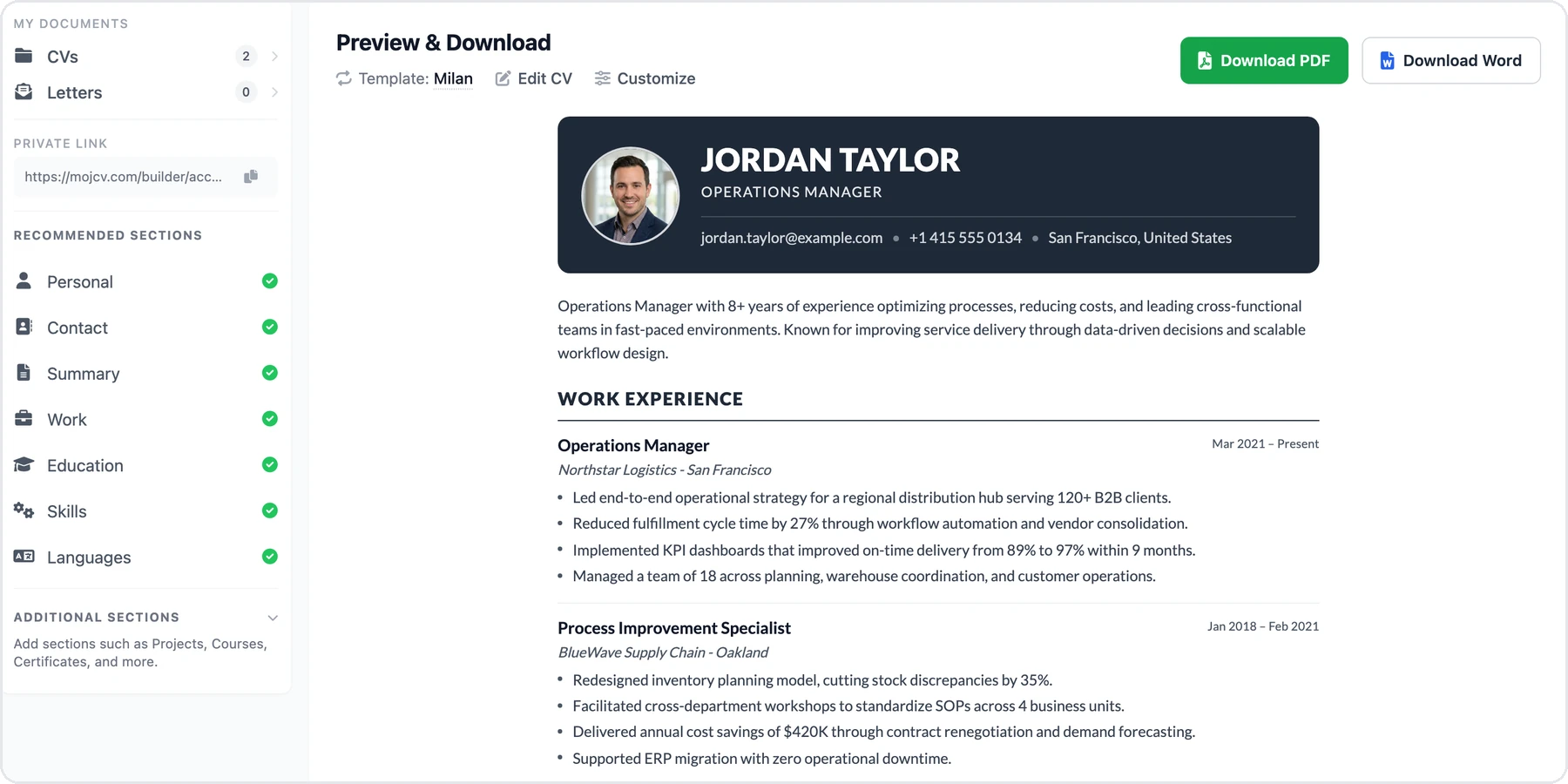
FreeThe Milan template has a bold dark header, photo support, and a clean single-column layout built for strong first impressions.
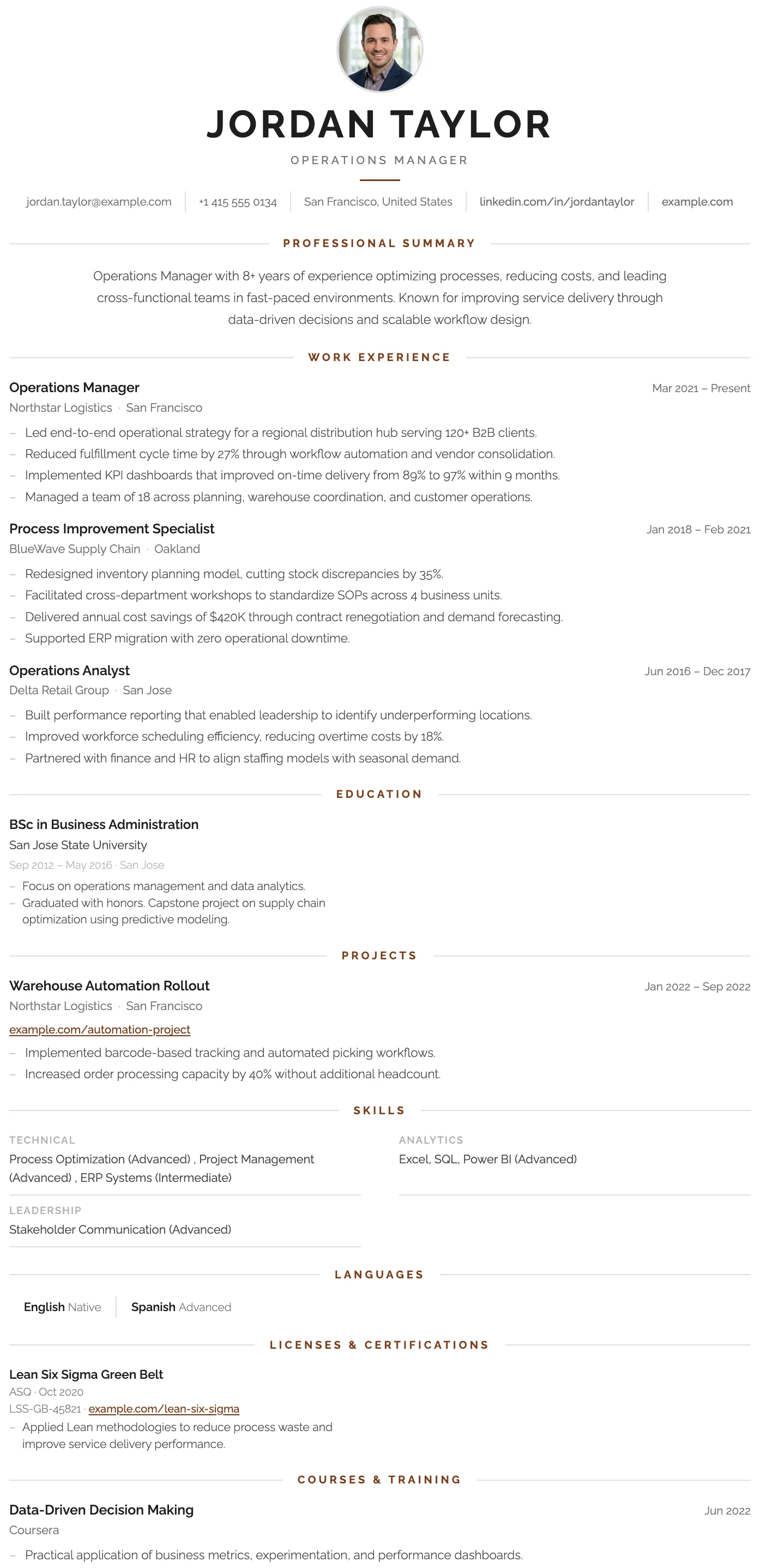
London
FreeThe London template has a centered bold header, warm rust accent rules, and a structured single-column layout that projects confidence and professional authority.
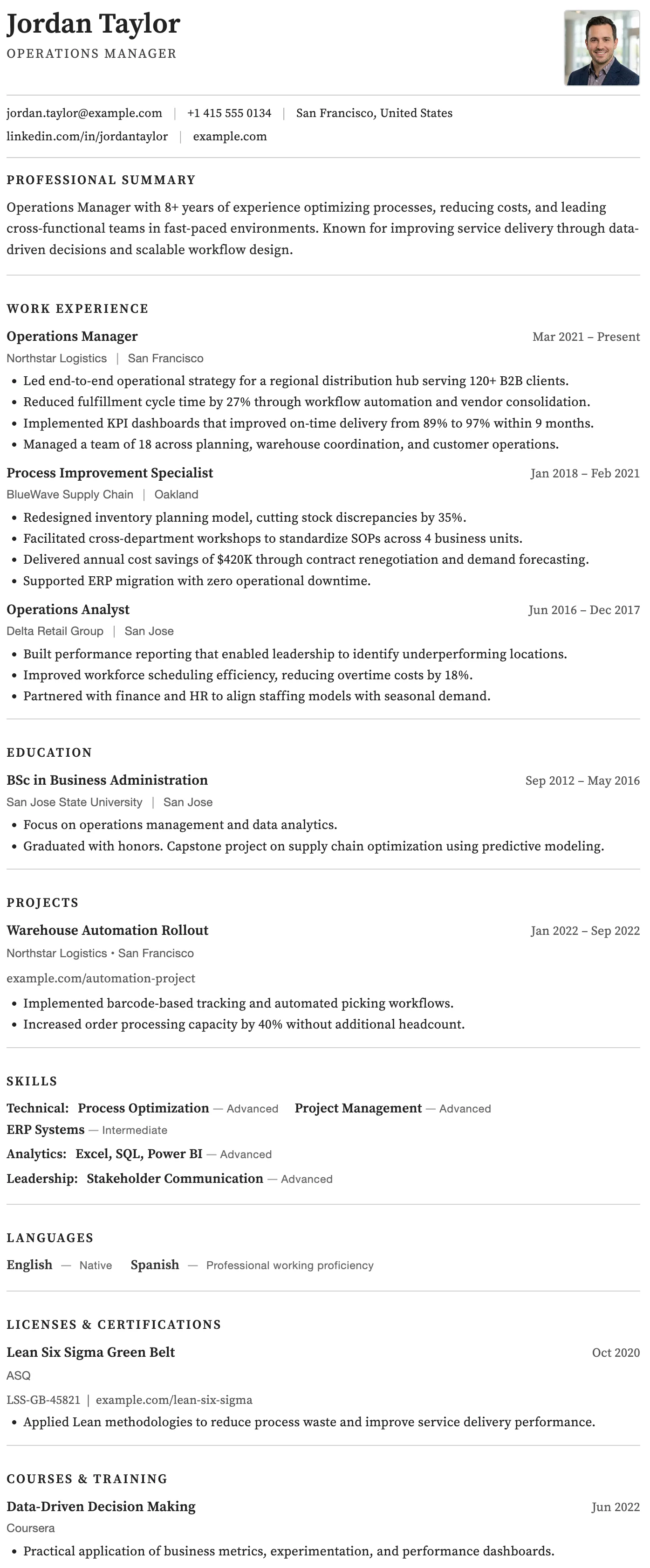
Rome
FreeThe Rome template has a timeless clean black and white layout, generous spacing, and traditional section structure trusted across all industries.
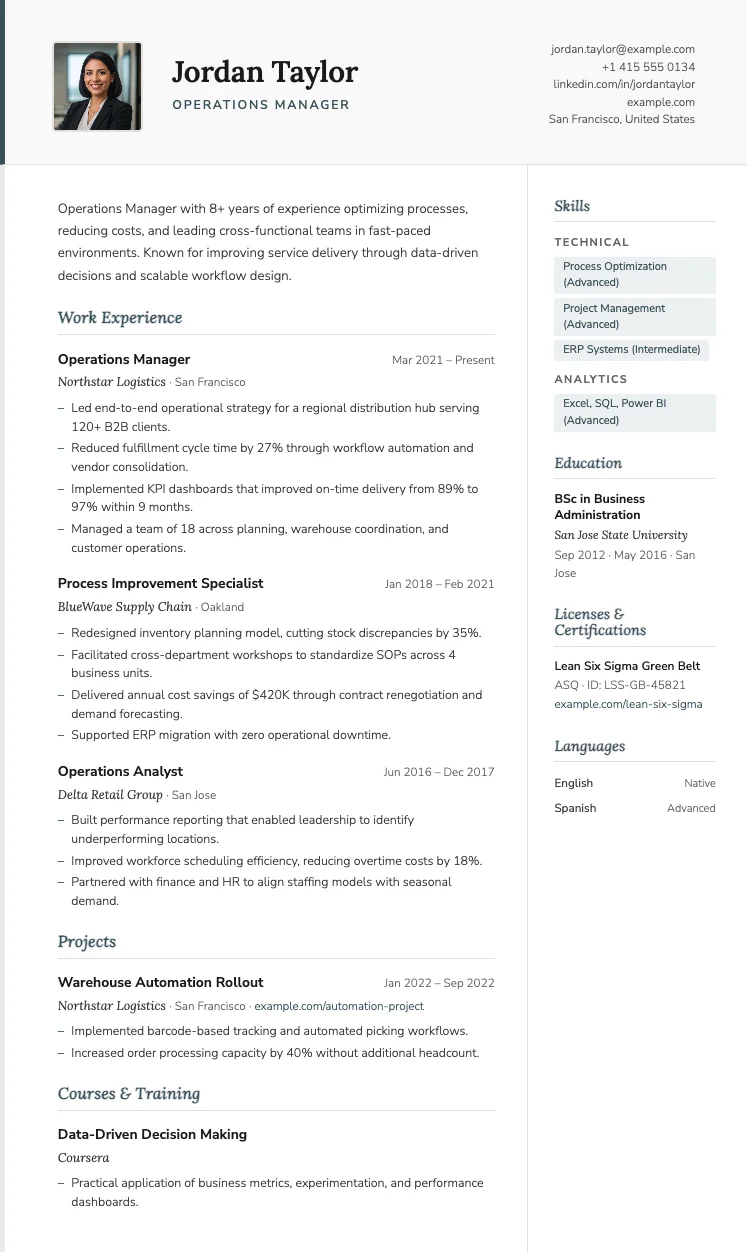
Paris
FreeThe Paris template has italic serif section headings, a soft violet accent color, and a two-column layout that balances personality with professionalism.
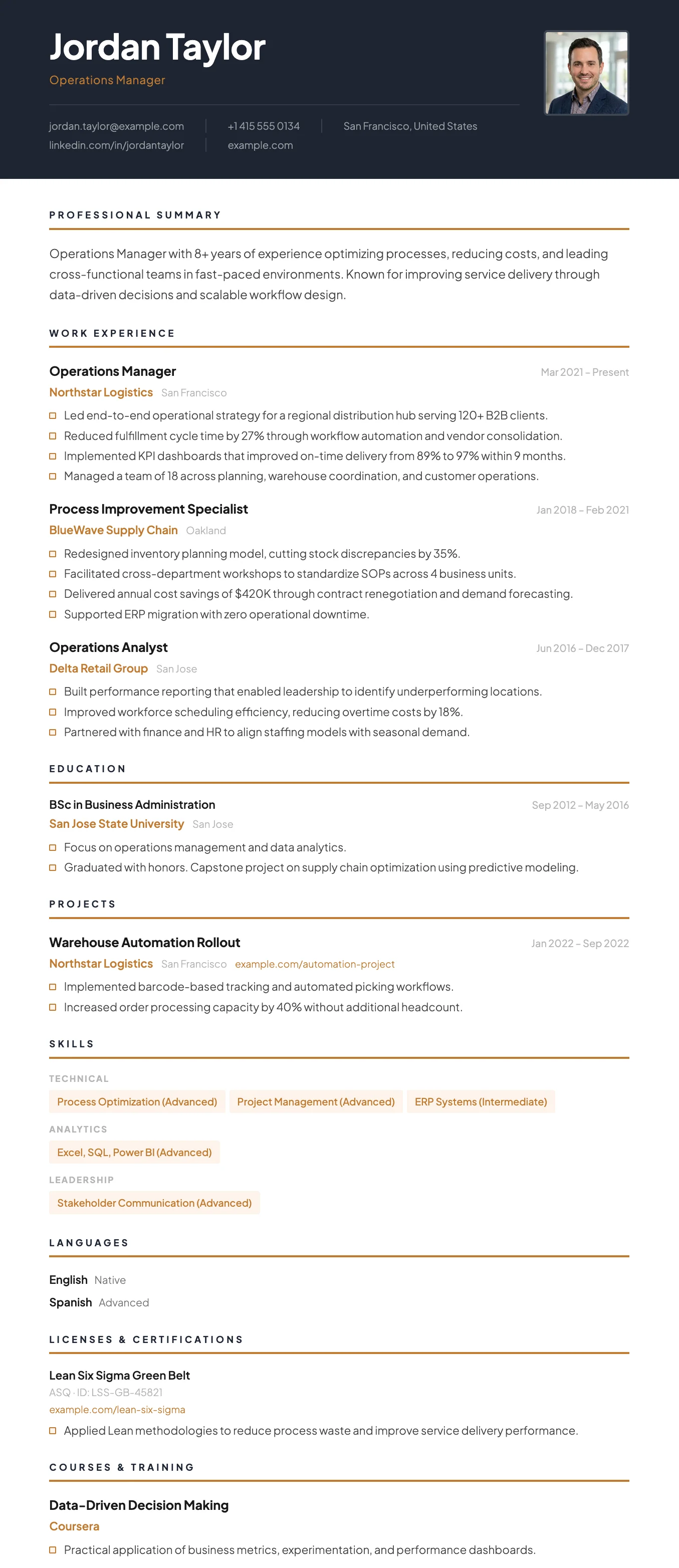
Vienna
FreeThe Vienna template has a dark navy header, warm gold accent details, and a sharp single-column layout designed for leadership and management roles.
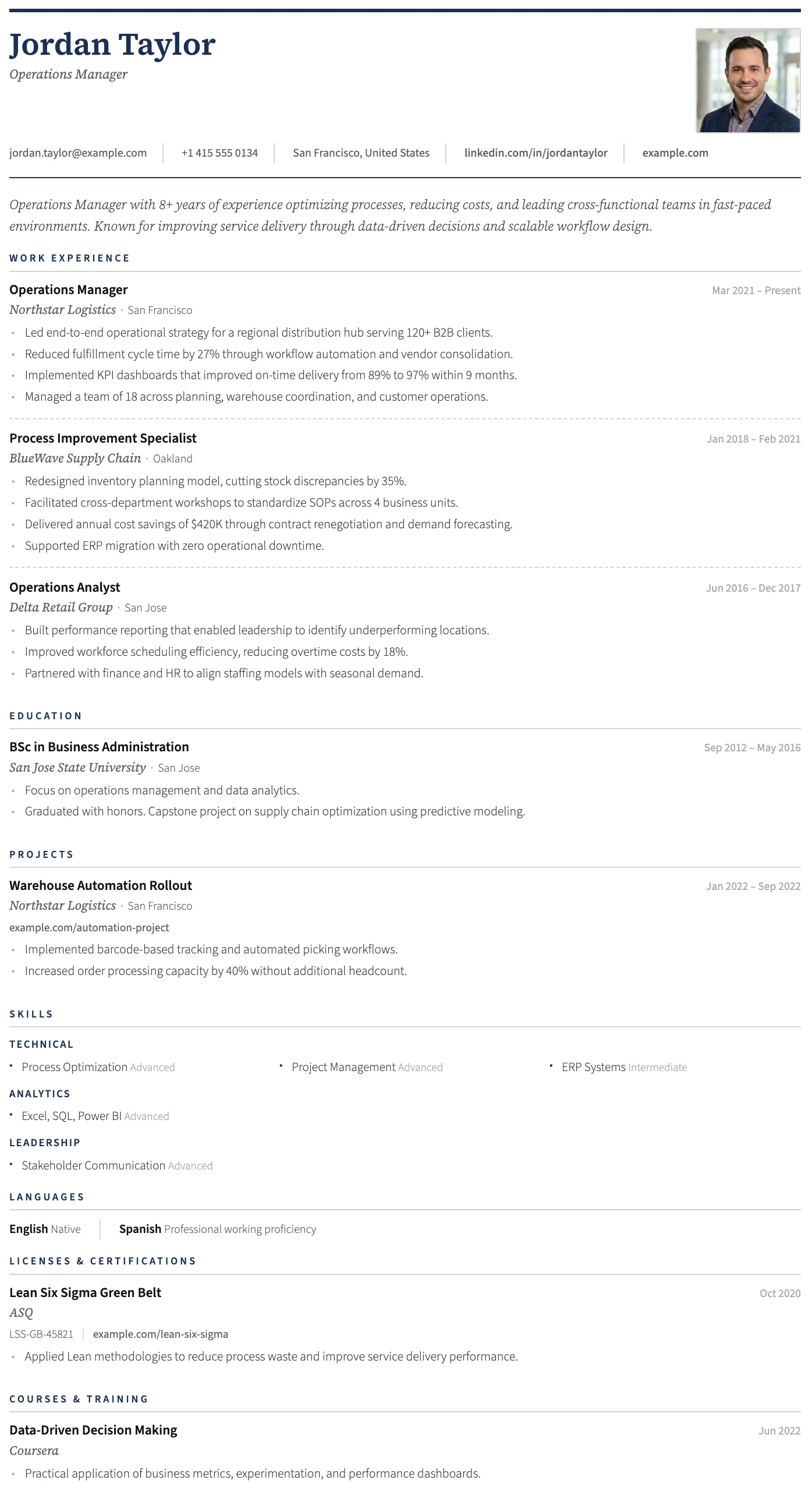
Geneva
FreeThe Geneva template has a structured header, photo placement, and a refined single-column layout suited to traditional and senior professional applications.
Milan
FreeThe Milan template has a bold dark header, photo support, and a clean single-column layout built for strong first impressions.
London
FreeThe London template has a centered bold header, warm rust accent rules, and a structured single-column layout that projects confidence and professional authority.
Rome
FreeThe Rome template has a timeless clean black and white layout, generous spacing, and traditional section structure trusted across all industries.
Paris
FreeThe Paris template has italic serif section headings, a soft violet accent color, and a two-column layout that balances personality with professionalism.
Vienna
FreeThe Vienna template has a dark navy header, warm gold accent details, and a sharp single-column layout designed for leadership and management roles.
Geneva
FreeThe Geneva template has a structured header, photo placement, and a refined single-column layout suited to traditional and senior professional applications.
How to Add a Photo to Your CV
1. Create your CV
Enter your name and choose a language in the form above, then open the Personal section.
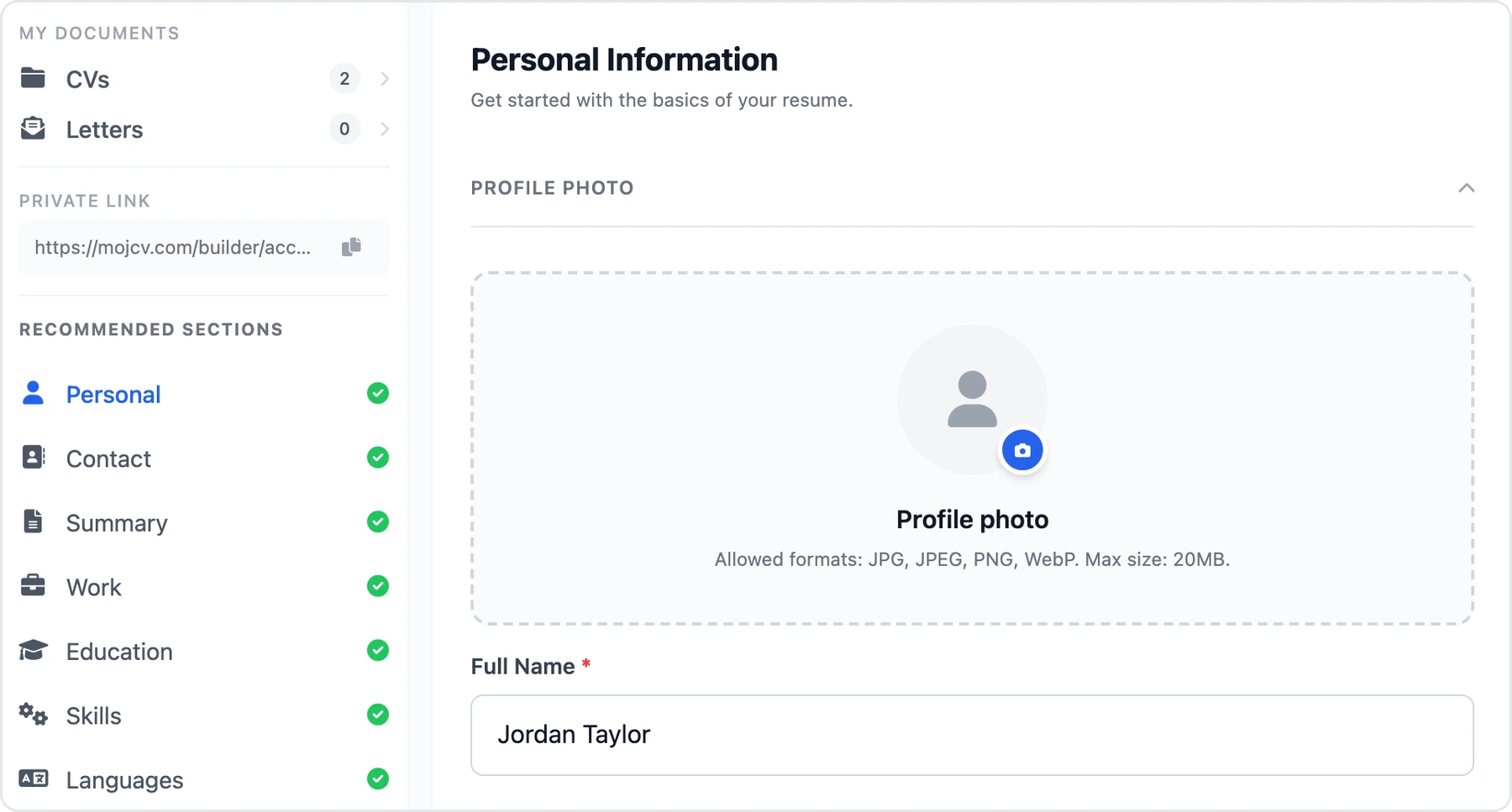
2. Upload a photo
Choose a JPG, PNG, or WebP image up to 20 MB. MojCV resizes it automatically and fits it to the template.
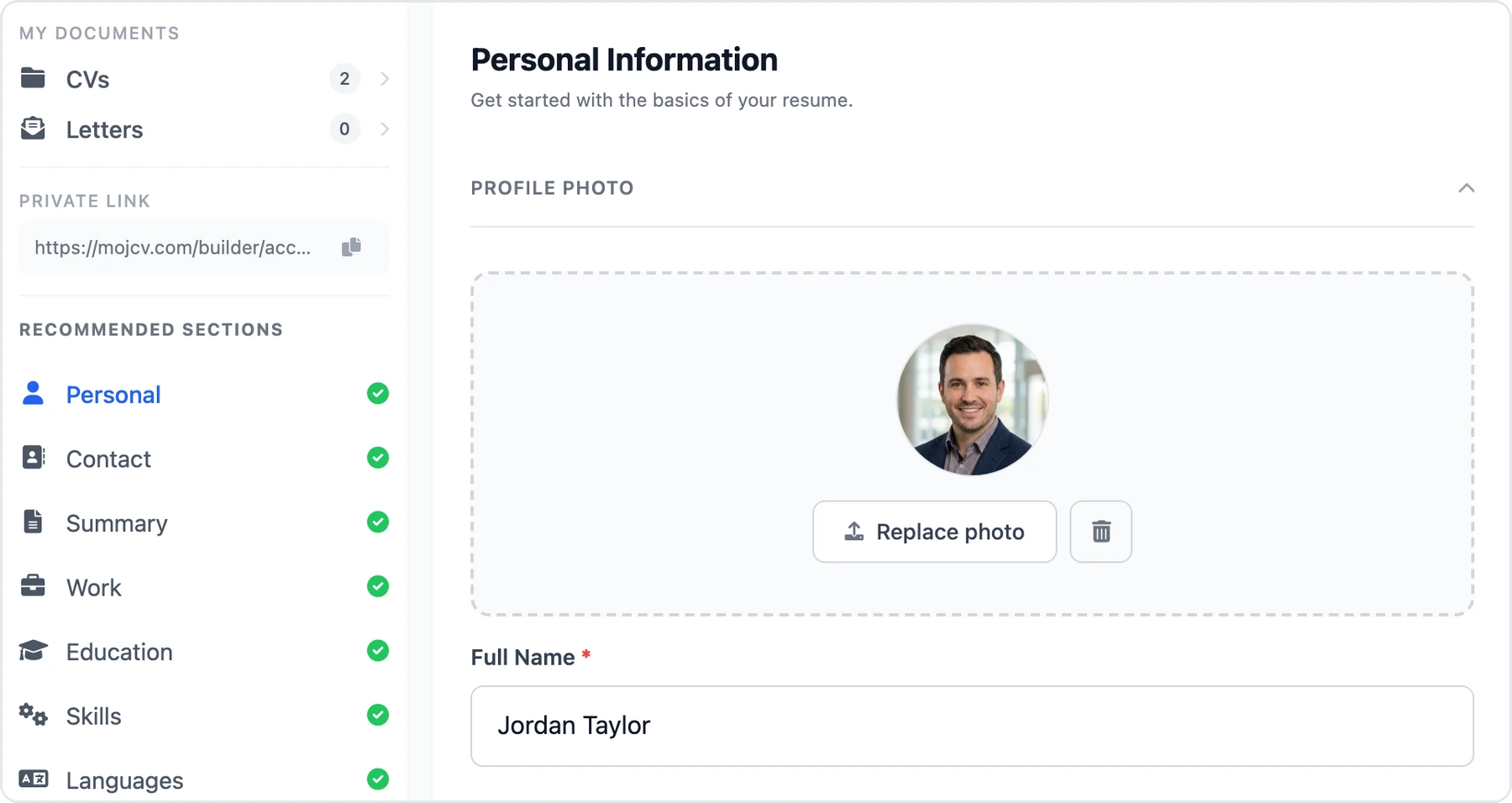
3. Choose a template and download
Check the preview and download your PDF. You can replace or remove your photo at any time.
Should You Include a Photo on Your CV?
It depends on where you are applying.
In Germany and Austria, a CV photo is still common, although it is not required. In the United States, the United Kingdom, and Canada, CVs usually do not include a photo.
If you are unsure, check what is usual in the country where you are applying, and follow any instruction in the job posting.
Read the full guide: Should I include a photo on my CV? Prefer a CV without a picture? Create a CV without a photo.
Frequently Asked Questions
Is adding a photo to my CV free?
Can I remove my photo later?
Create Your CV With a Photo
Choose a template, add your photo, and download your free PDF.
Free to use. No watermark. No credit card.