
Two-Column CV Templates
Two-column CV templates for presenting skills, languages, and experience in a clear layout. A practical option for candidates with more to include. Download as PDF for free. No account required.
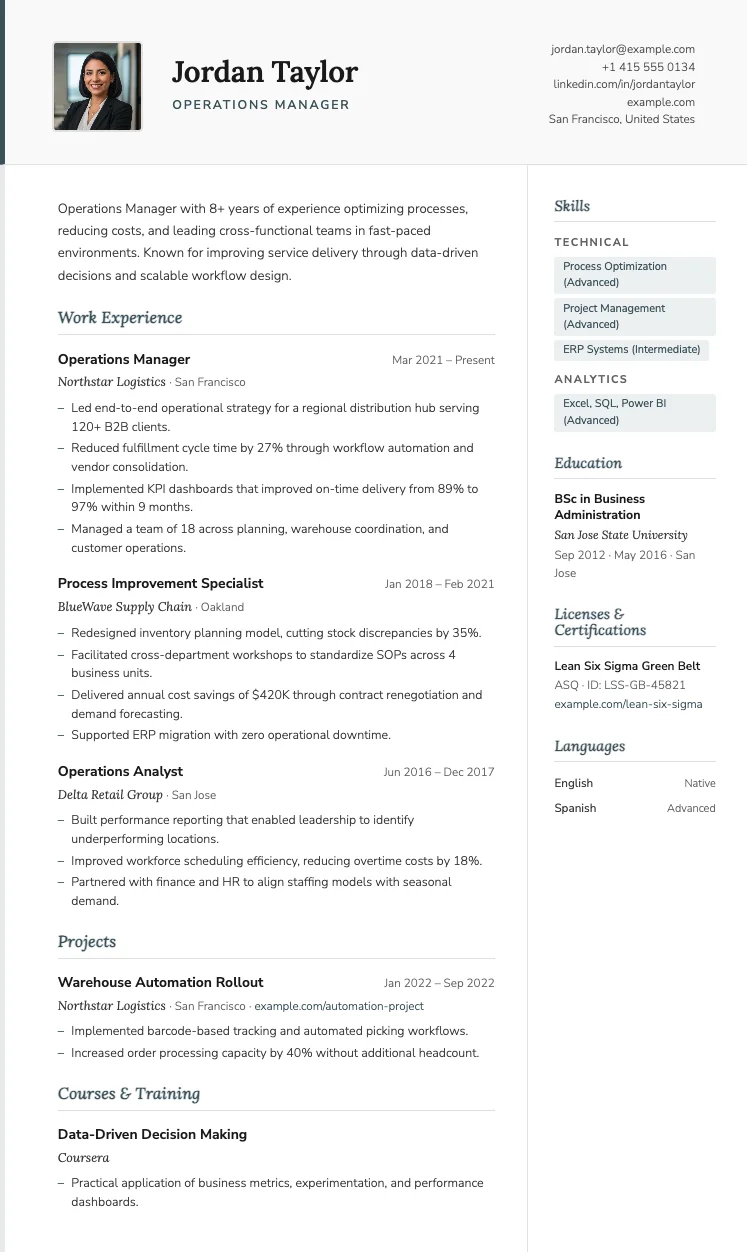
Paris
FreeThe Paris template has italic serif section headings, a soft violet accent color, and a two-column layout that balances personality with professionalism.
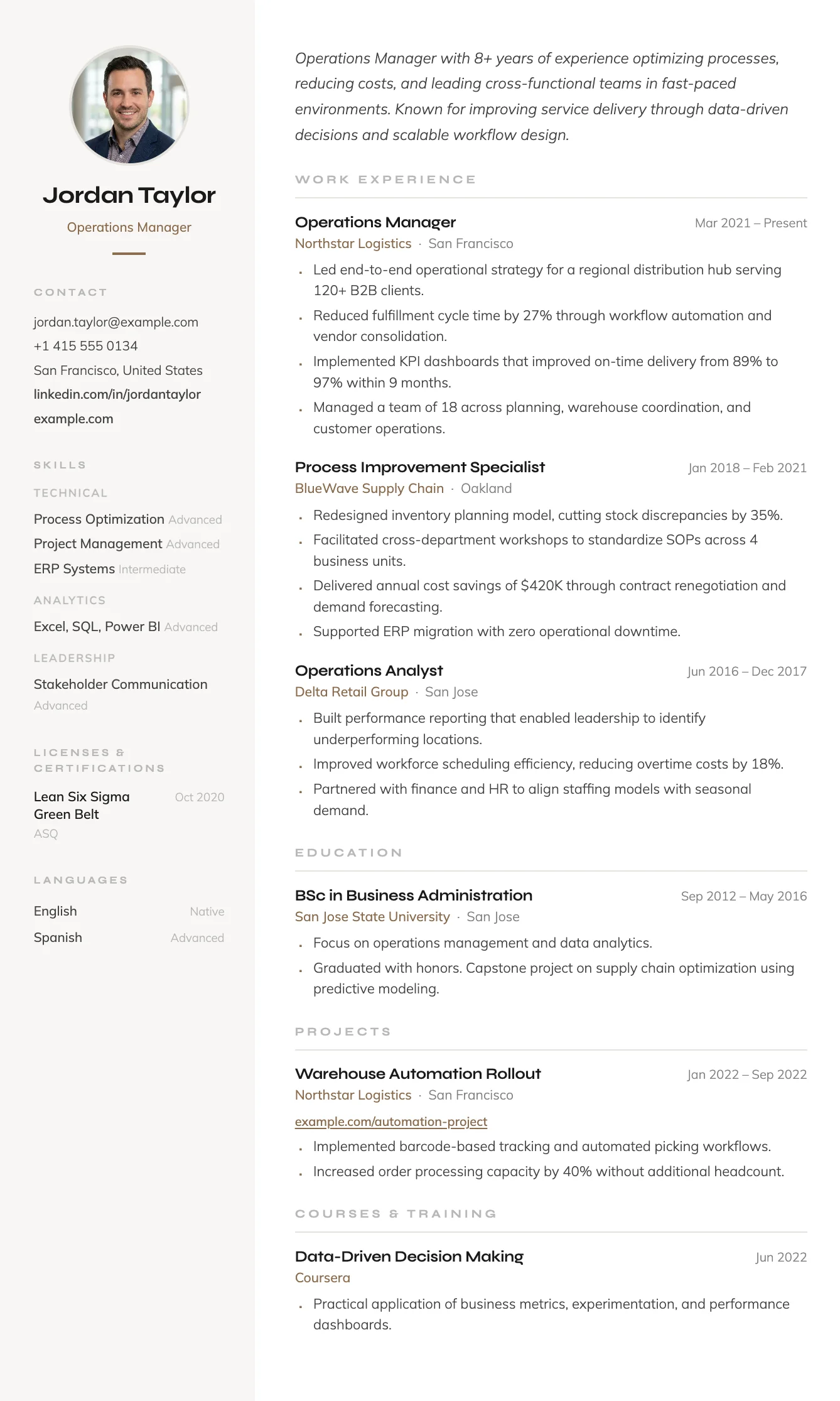
Siena
FreeThe Siena template has a warm sidebar, terracotta accent details, and an efficient two-column layout that fits everything in without feeling cluttered.
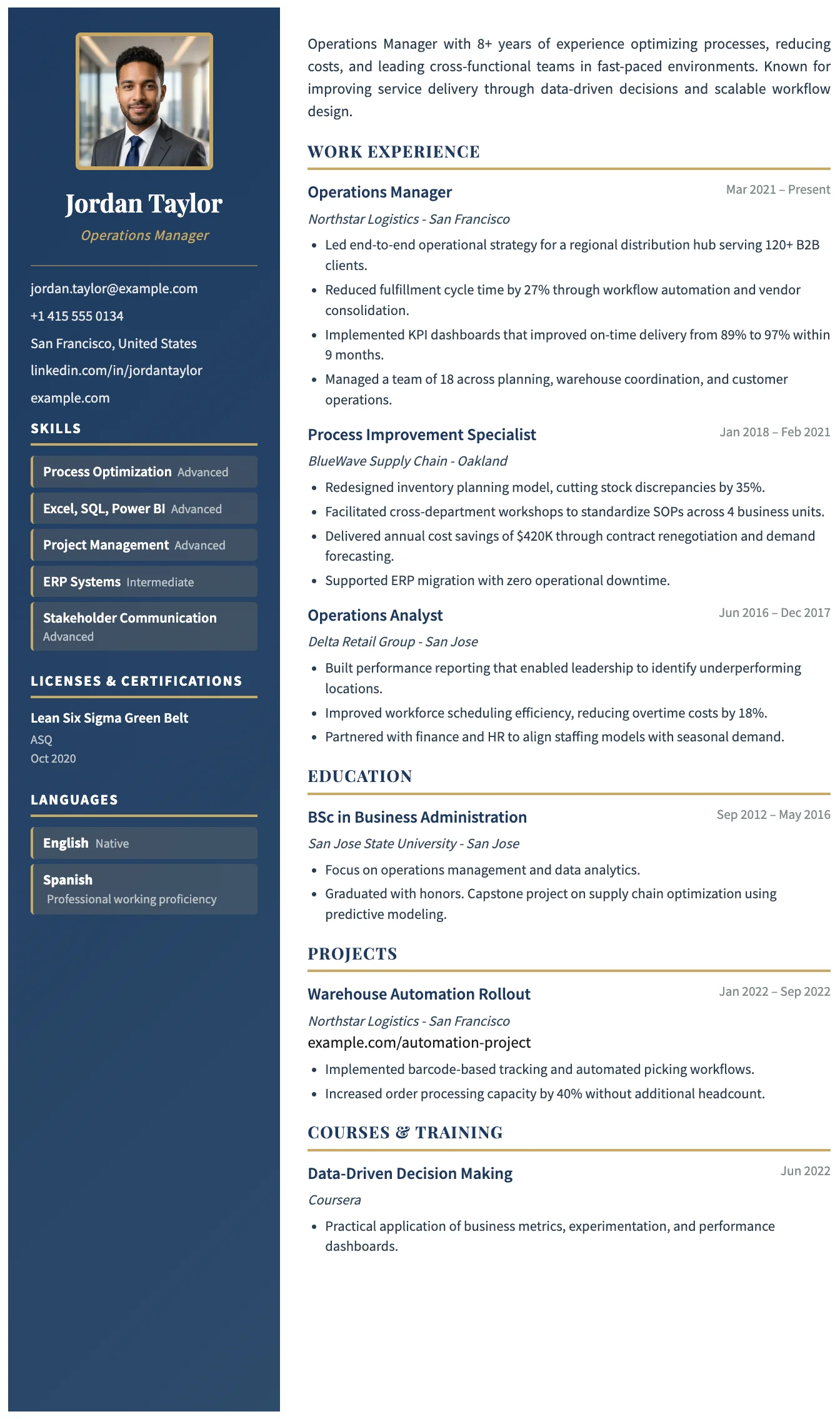
Porto
FreeThe Porto template has a dark navy sidebar, gold accent details, and a clean main column. It is a structured and polished two-column layout for experienced professionals.
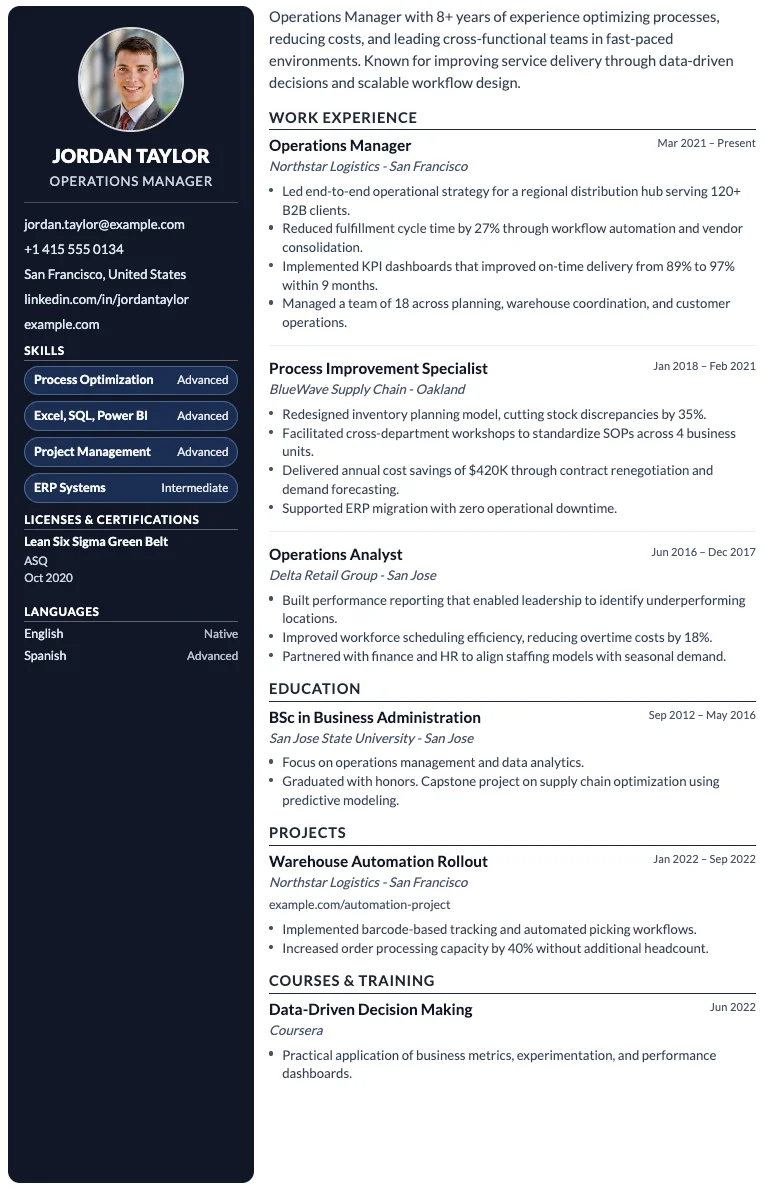
Berlin
FreeThe Berlin template has a dark sidebar for contact and skills, and a clean main column for experience and education, forming a bold and efficient two-column layout.
Venice
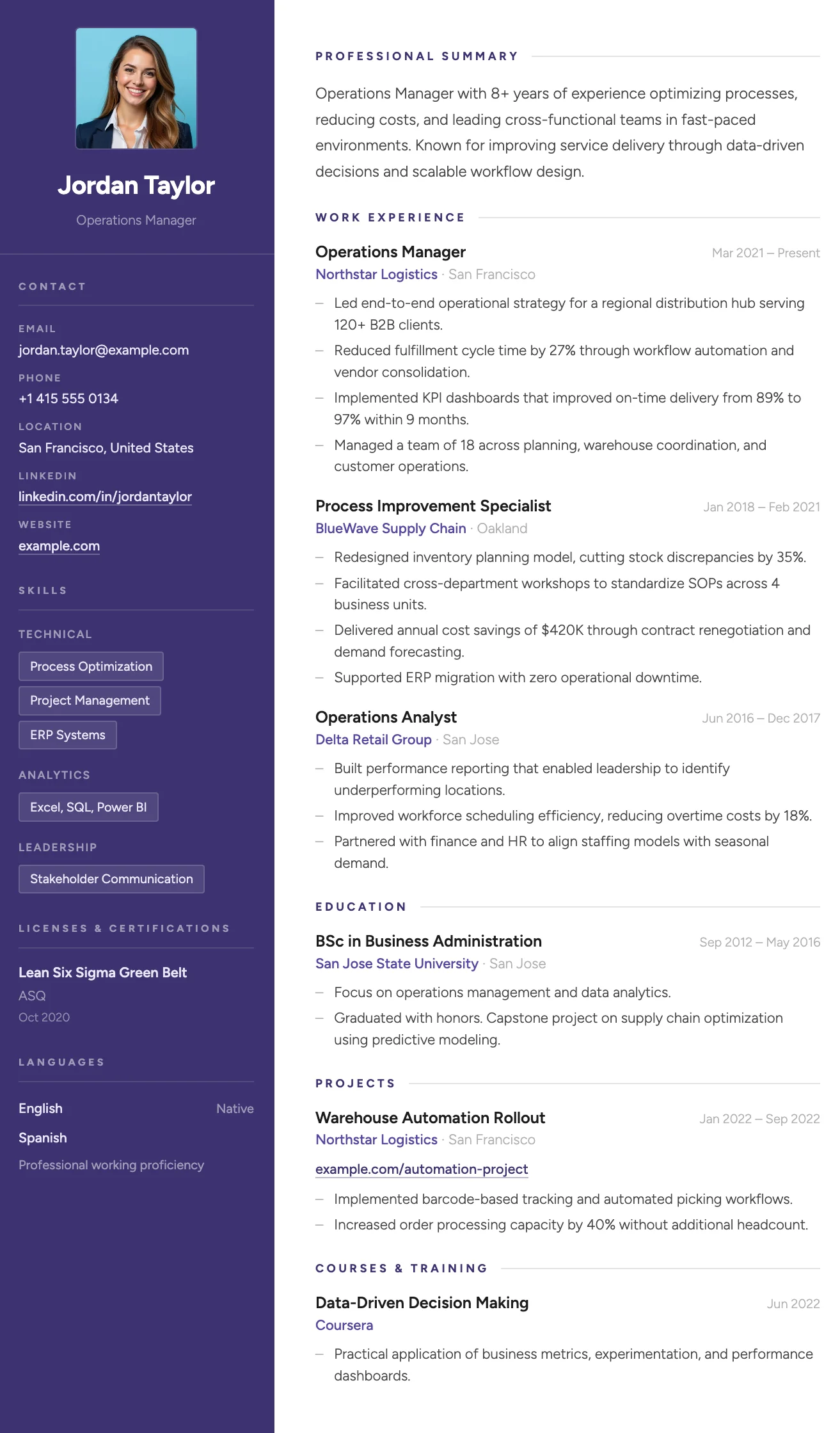
FreeThe Venice template has a deep indigo sidebar, bold color accents on key details, and a structured two-column layout that makes a strong visual statement.
Monaco
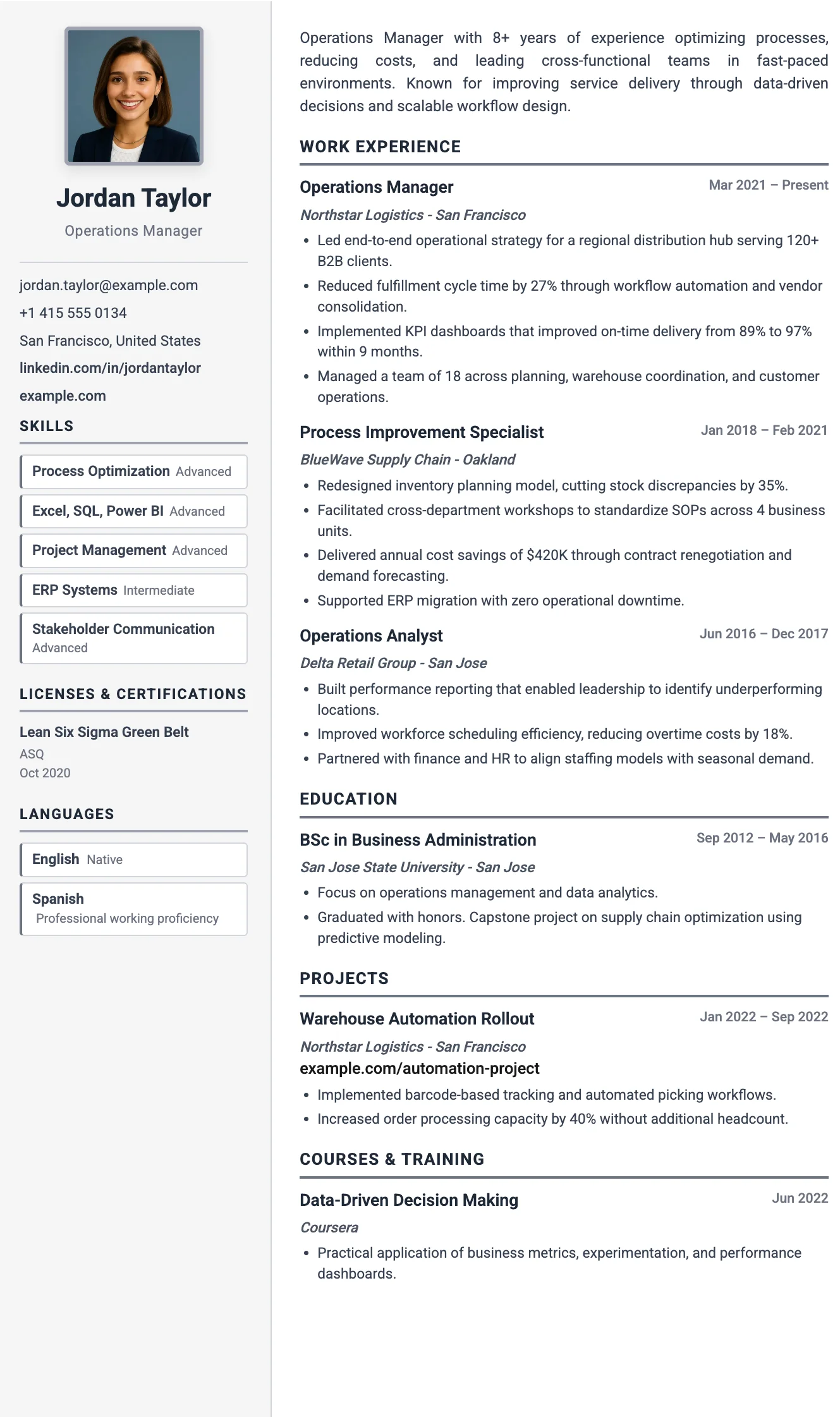
FreeThe Monaco template has a neutral sidebar, structured two-column layout, and a cool, authoritative tone suited to senior and leadership roles.
Parma
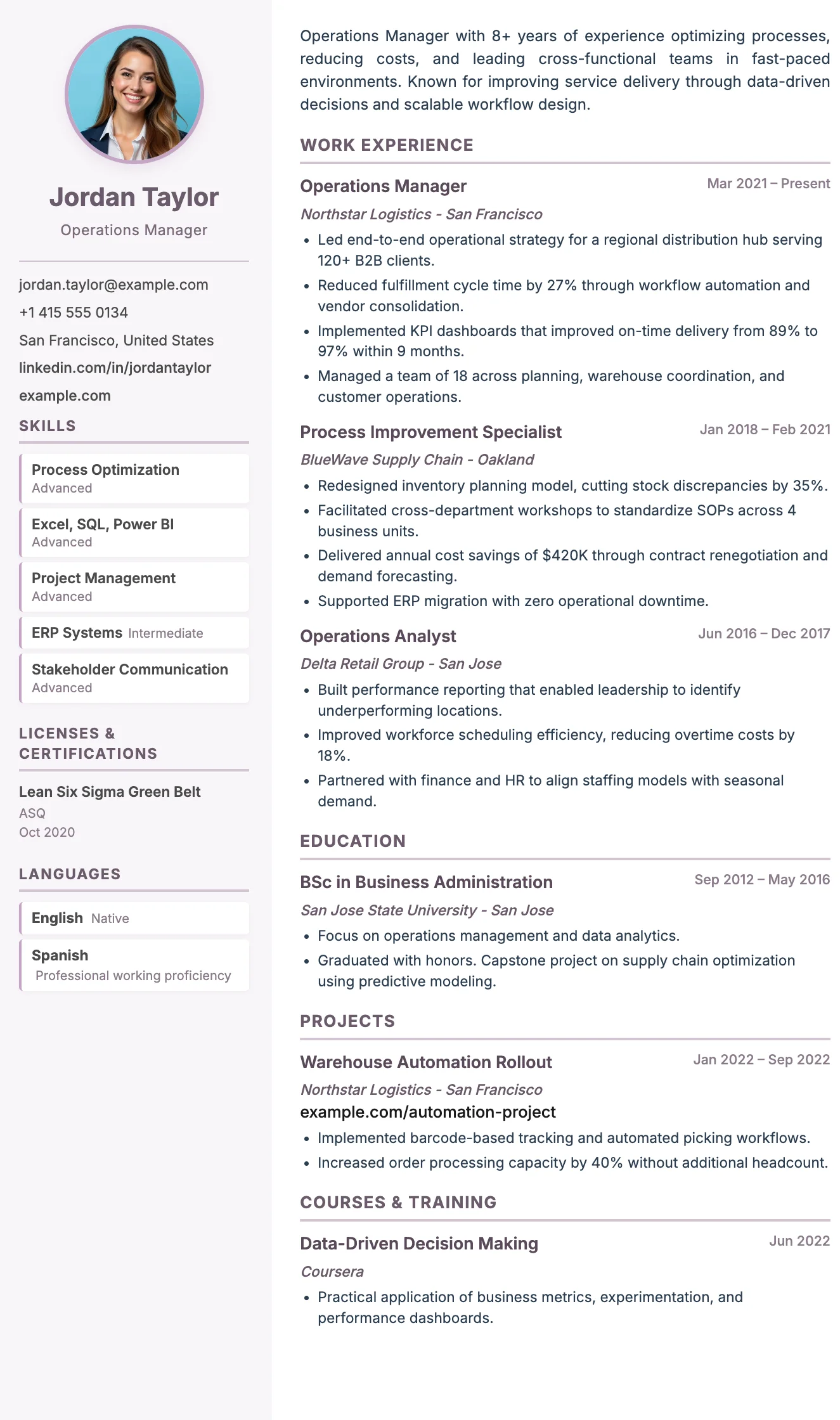
FreeThe Parma template has a soft purple accent, circular photo, and a structured two-column layout that balances warmth with professional clarity.
Zurich
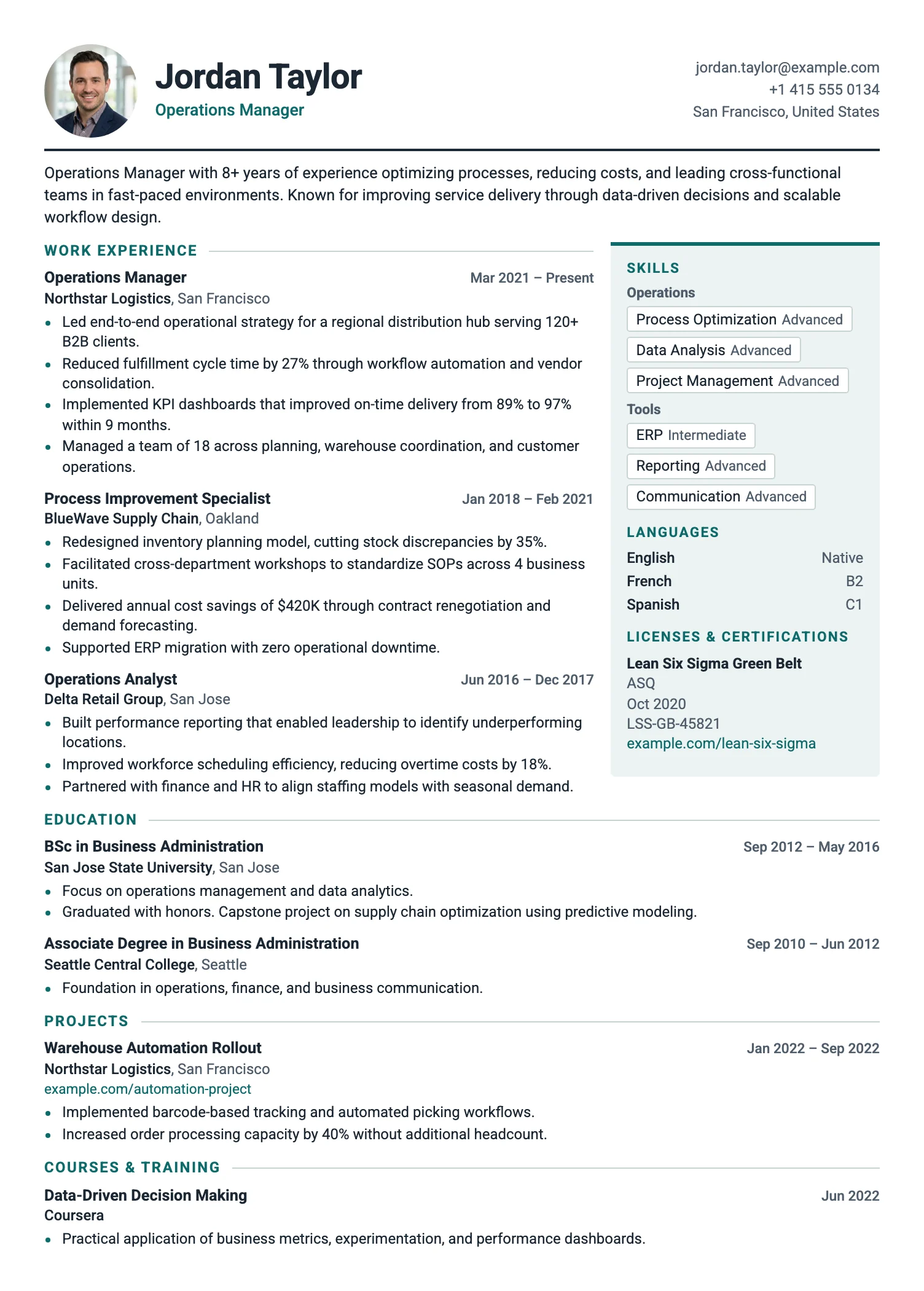
FreeThe Zurich template fits more on the page: a slim header, tight spacing, and compact entries. Ideal for long careers and one-page CVs.
Amsterdam
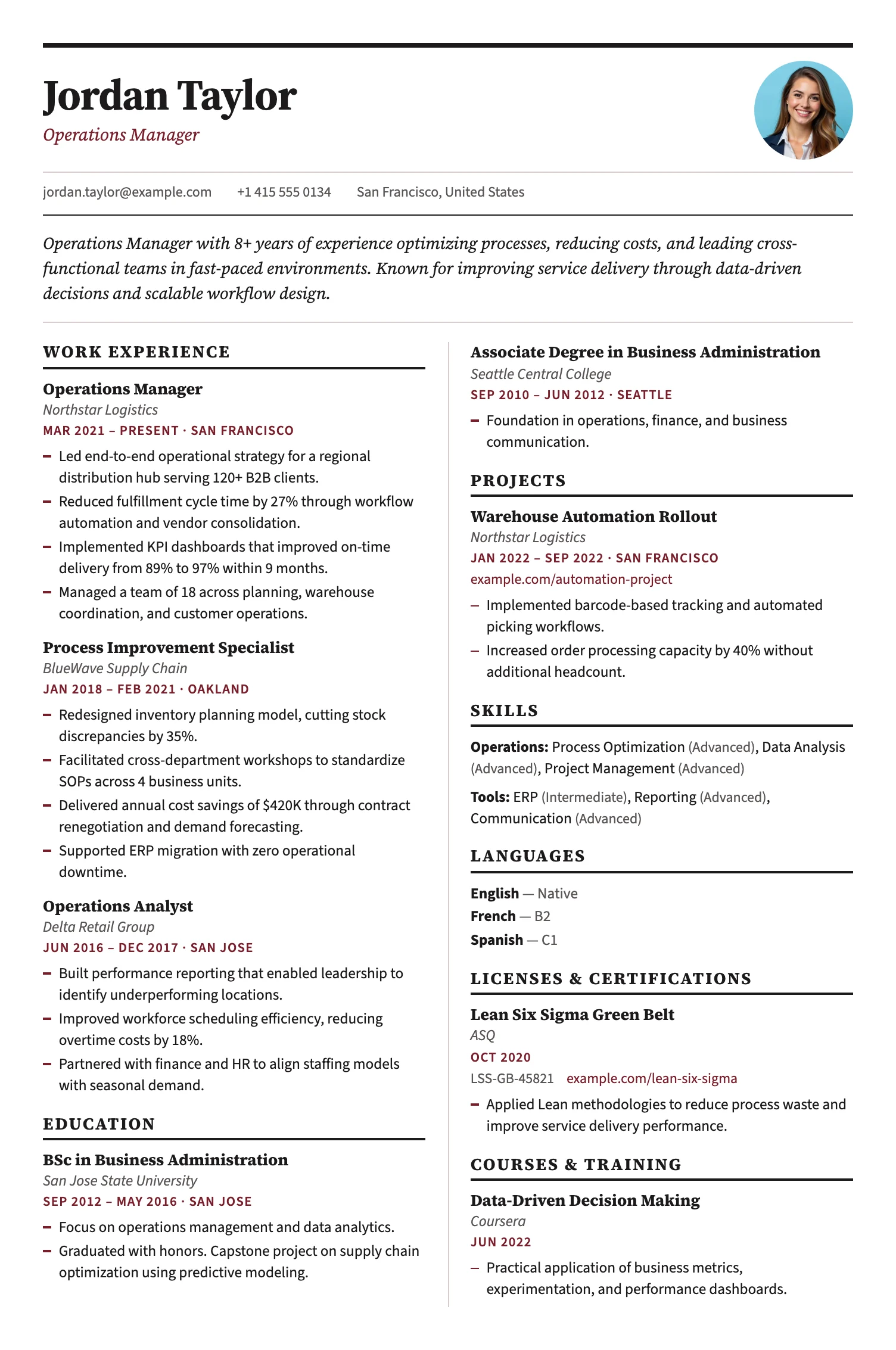
FreeThe Amsterdam template sets your CV like a newspaper: a bold masthead, then two balanced columns that use the page fully. A compact, structured layout for experienced candidates with many short entries.
Stockholm
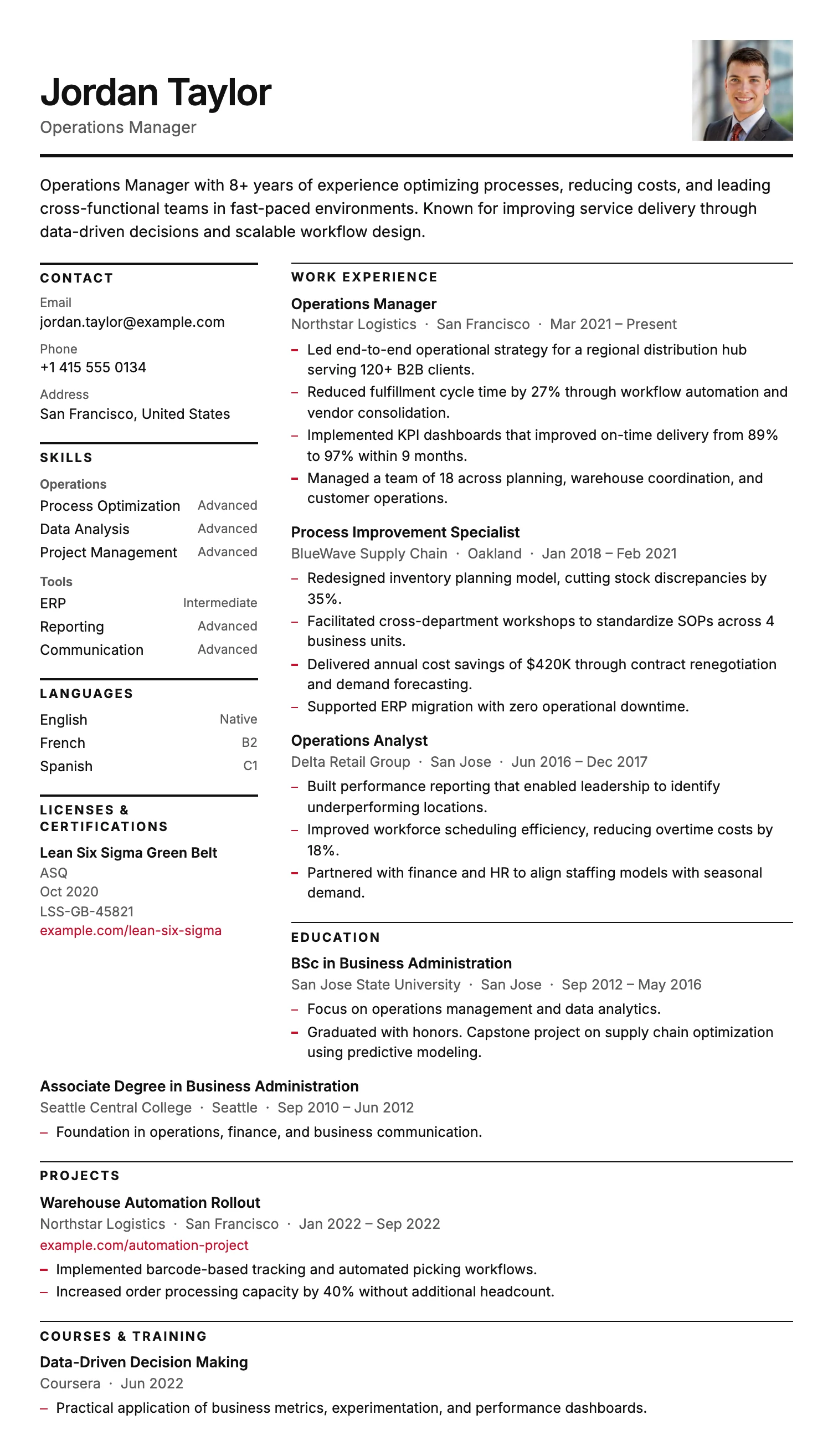
FreeThe Stockholm template is pure typography: a narrow label column, fine rules and generous whitespace, with no color bands or graphics. Clean, ink-friendly and highly ATS-compatible.
Copenhagen
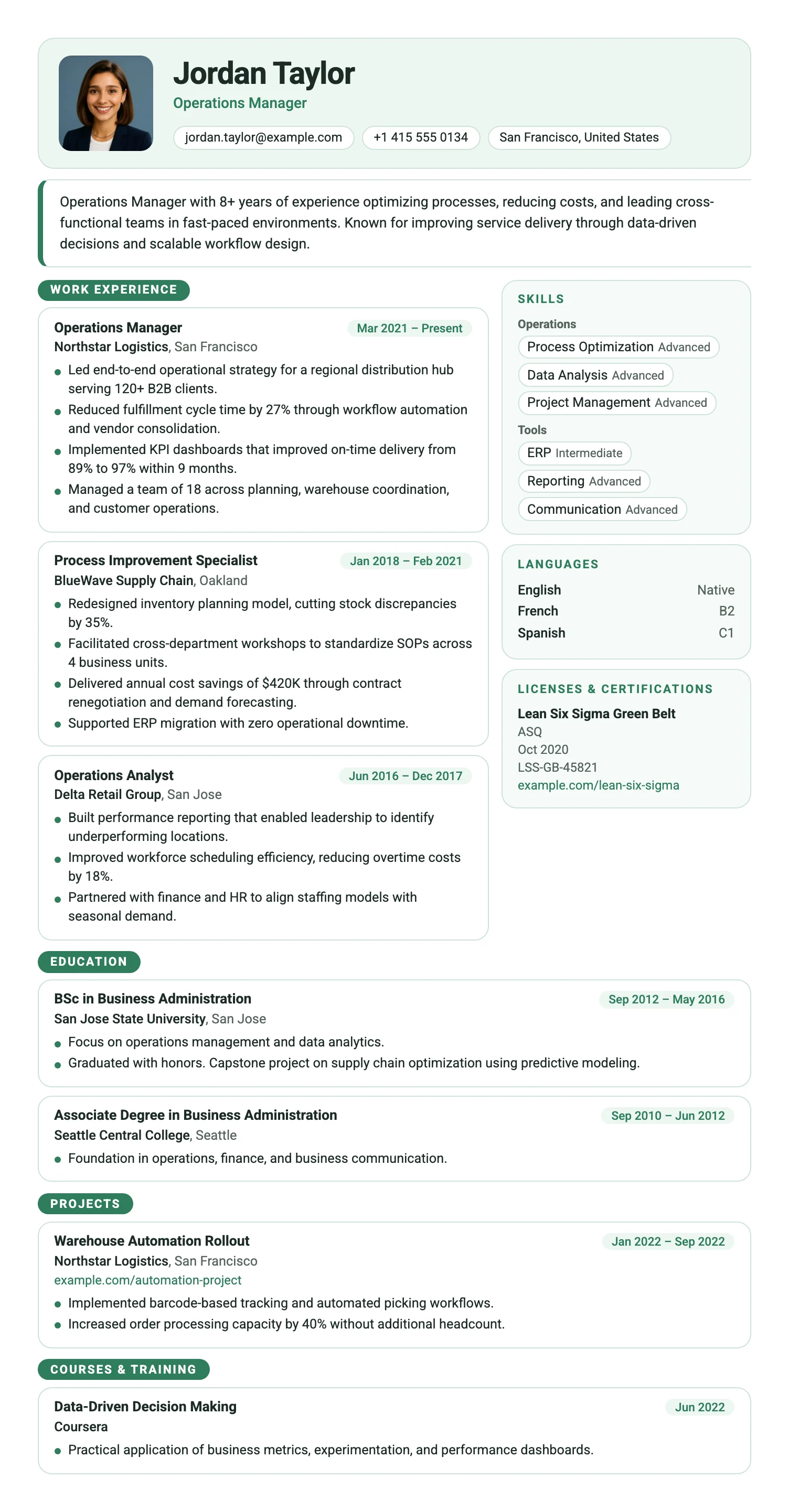
FreeThe Copenhagen template arranges your CV in clean rounded modules: an entry card for every role beside separate boxes for skills, languages and certificates. Modern, scannable and easy to navigate.
Paris
FreeThe Paris template has italic serif section headings, a soft violet accent color, and a two-column layout that balances personality with professionalism.
Siena
FreeThe Siena template has a warm sidebar, terracotta accent details, and an efficient two-column layout that fits everything in without feeling cluttered.
Porto
FreeThe Porto template has a dark navy sidebar, gold accent details, and a clean main column. It is a structured and polished two-column layout for experienced professionals.
Berlin
FreeThe Berlin template has a dark sidebar for contact and skills, and a clean main column for experience and education, forming a bold and efficient two-column layout.
Venice
FreeThe Venice template has a deep indigo sidebar, bold color accents on key details, and a structured two-column layout that makes a strong visual statement.
Monaco
FreeThe Monaco template has a neutral sidebar, structured two-column layout, and a cool, authoritative tone suited to senior and leadership roles.
Parma
FreeThe Parma template has a soft purple accent, circular photo, and a structured two-column layout that balances warmth with professional clarity.
Zurich
FreeThe Zurich template fits more on the page: a slim header, tight spacing, and compact entries. Ideal for long careers and one-page CVs.
Amsterdam
FreeThe Amsterdam template sets your CV like a newspaper: a bold masthead, then two balanced columns that use the page fully. A compact, structured layout for experienced candidates with many short entries.
Stockholm
FreeThe Stockholm template is pure typography: a narrow label column, fine rules and generous whitespace, with no color bands or graphics. Clean, ink-friendly and highly ATS-compatible.
Copenhagen
FreeThe Copenhagen template arranges your CV in clean rounded modules: an entry card for every role beside separate boxes for skills, languages and certificates. Modern, scannable and easy to navigate.
Which two-column CV template should you choose?
Technology and engineering
Layouts that keep skills, tools, and languages visible beside your work history.
Executive and senior management
Structured designs for longer career histories and supporting credentials.
Marketing and creative work
Contemporary two-column layouts for skills, tools, campaigns, and project work.
When is a two-column CV template the right choice?
A two-column CV template gives shorter information such as skills, languages, certifications, and contact details a separate sidebar. The main column can then focus on work experience and education.
This layout works well when you have a strong skills section or substantial supporting information. A single-column template may be the better choice for strict applicant tracking systems or text-heavy applications.
All MojCV two-column templates can be customized and downloaded as a PDF for free. No account or subscription is required.
Create your CV for free
Add your details, customize your CV, and download the finished PDF when you are ready.
Free PDF download. No account. No credit card.