
Free CV for Students: Examples, Templates and Guides
Everything for a student CV in one place: examples, templates, guides, and a free builder. No account, no payment, and a clean PDF at the end.
Free for students. No subscription. No account.
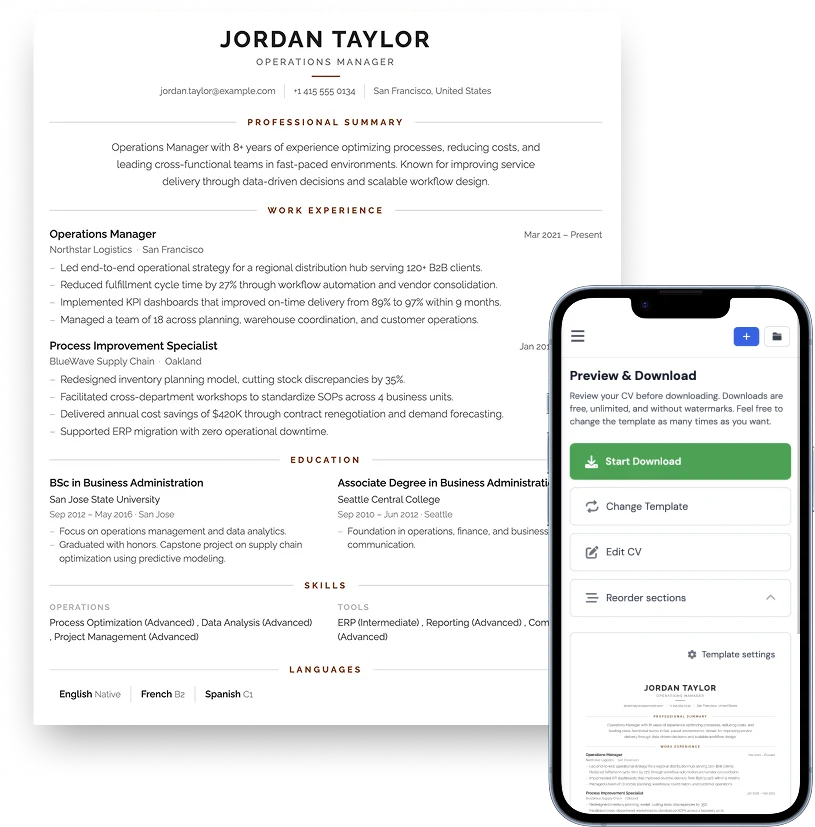
Student CV examples by education level, goal, or major
Choose the example that matches your education, your goal, or your major, then open the example in the free editor with one click and download your own PDF.
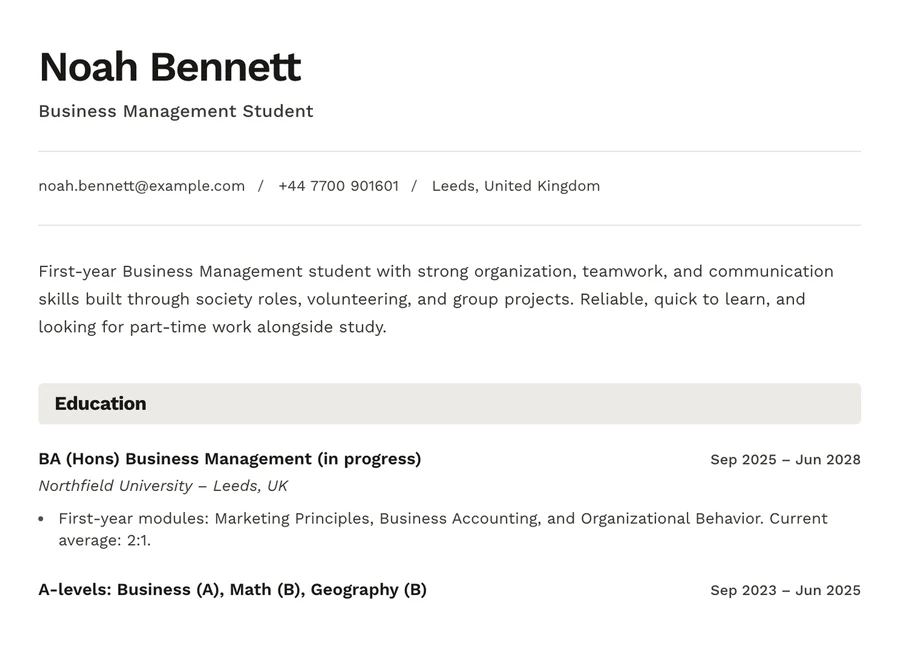
No work experience
Projects, volunteering, and societies instead of a job history.
Student CV example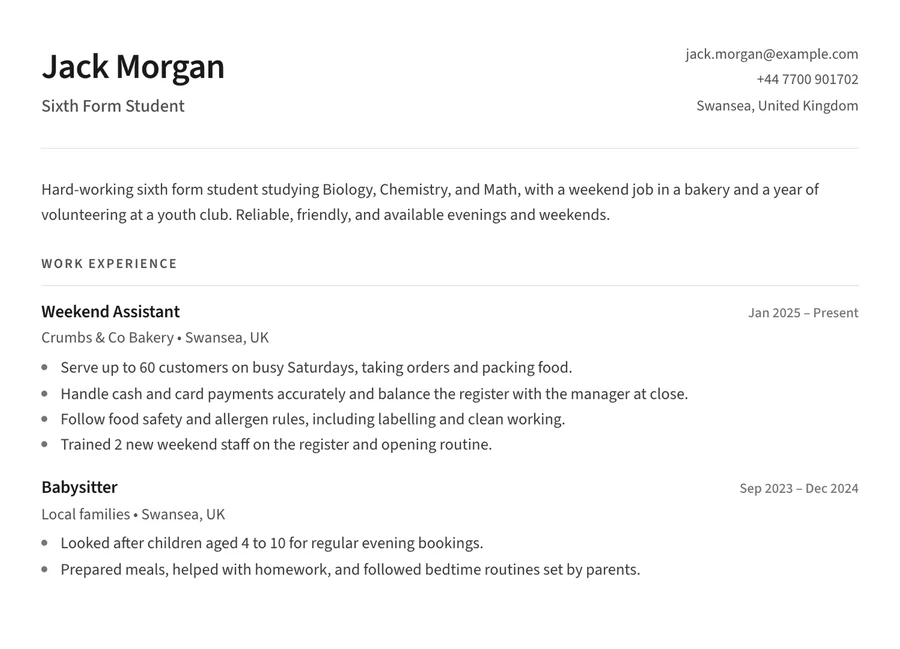
High school student
A first part-time job CV for sixth form or high school.
High school example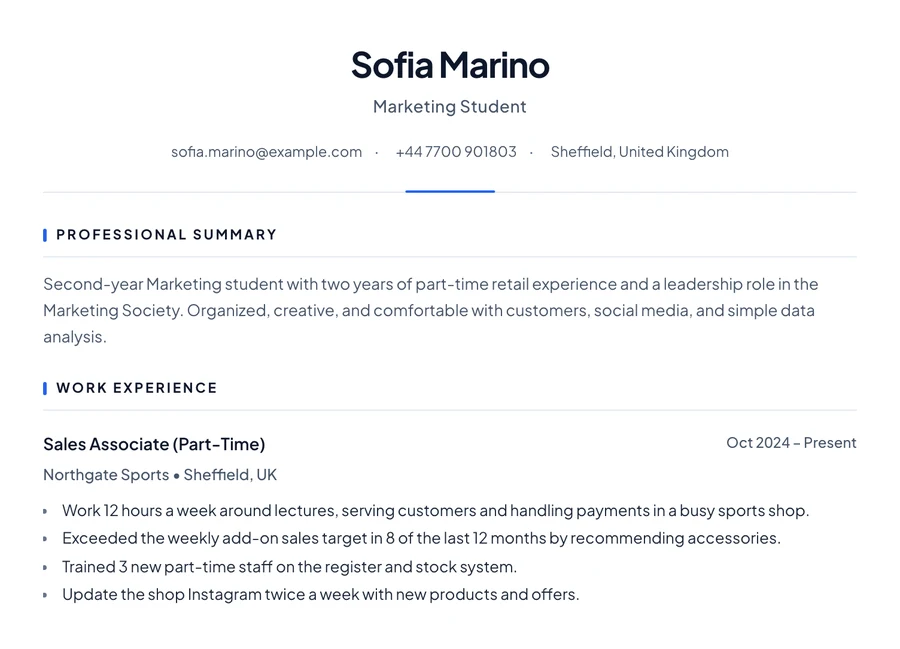
University student
A part-time job, a society role, and projects around your degree.
University example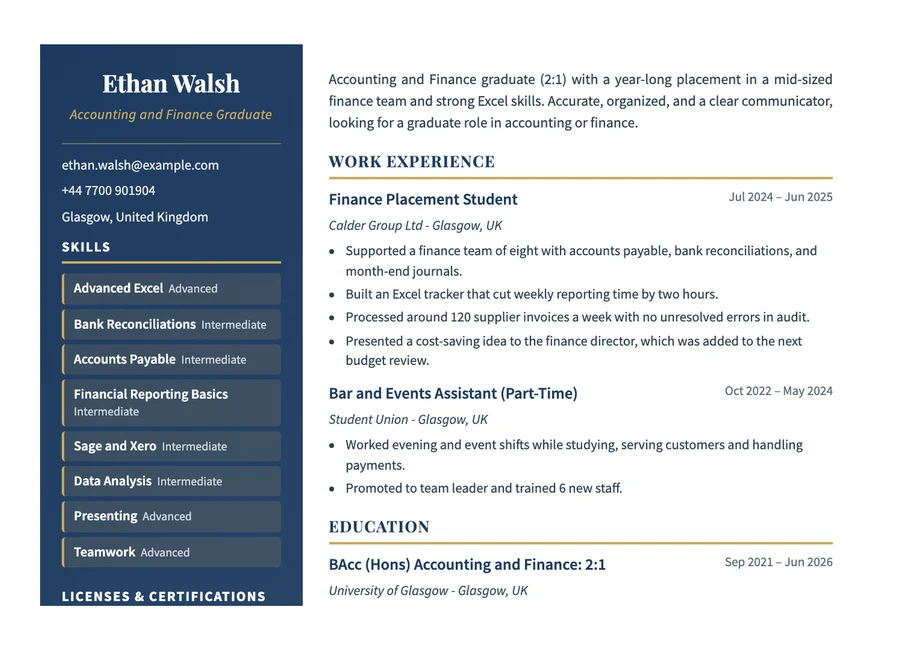
Recent graduate
A degree, a placement year, and your first graduate role.
Graduate example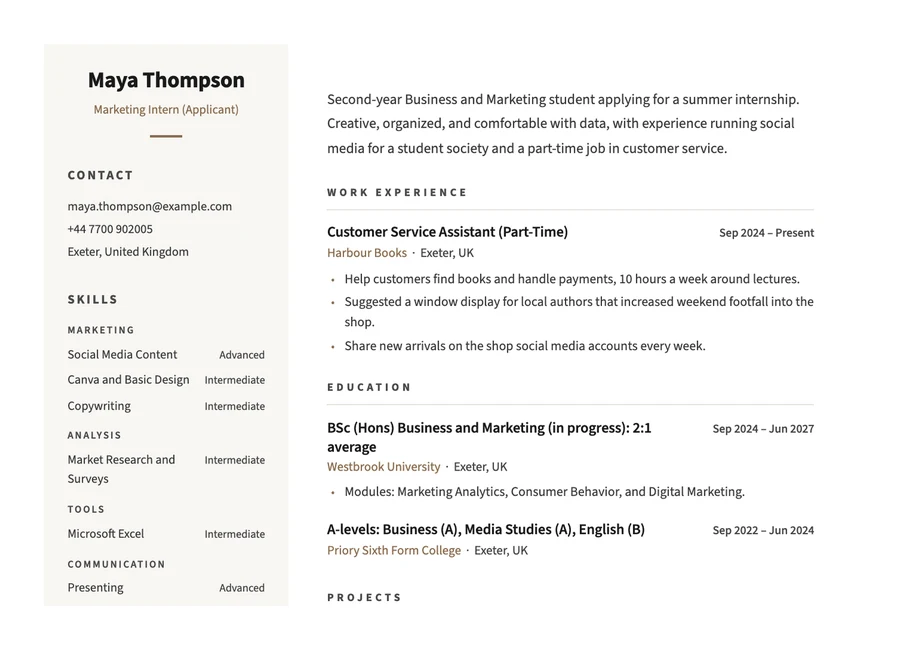
Internship
A summer internship or placement with little experience.
Internship example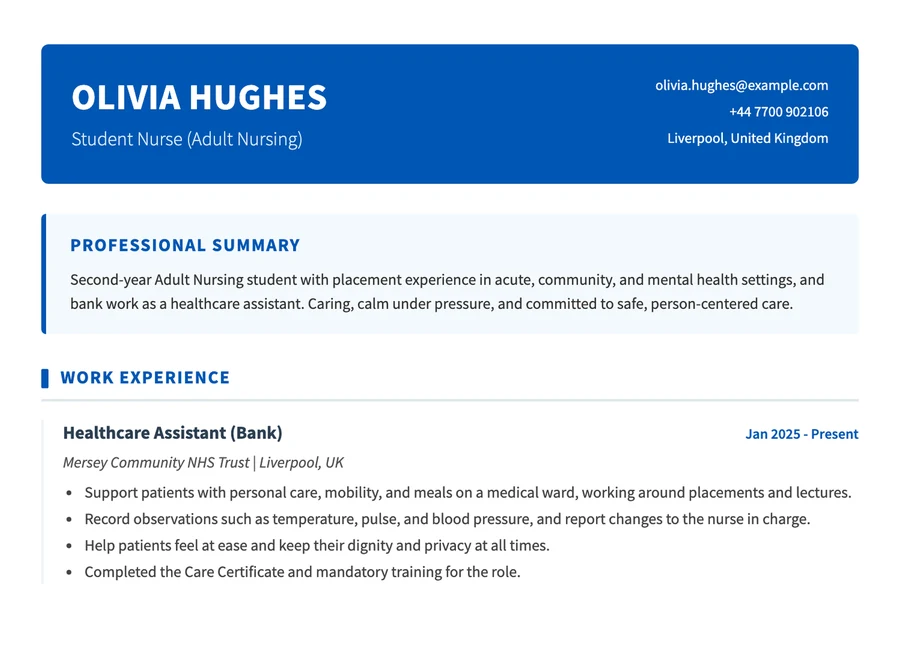
Nursing student
Placements, healthcare work, and mandatory training.
Nursing example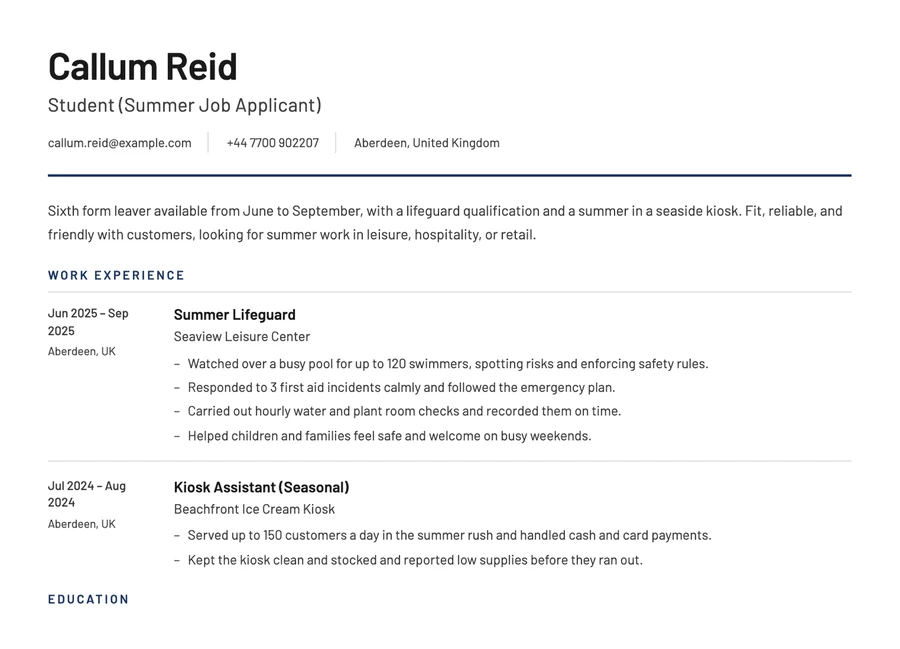
Summer job
Seasonal and vacation work, with availability and short jobs.
Summer job example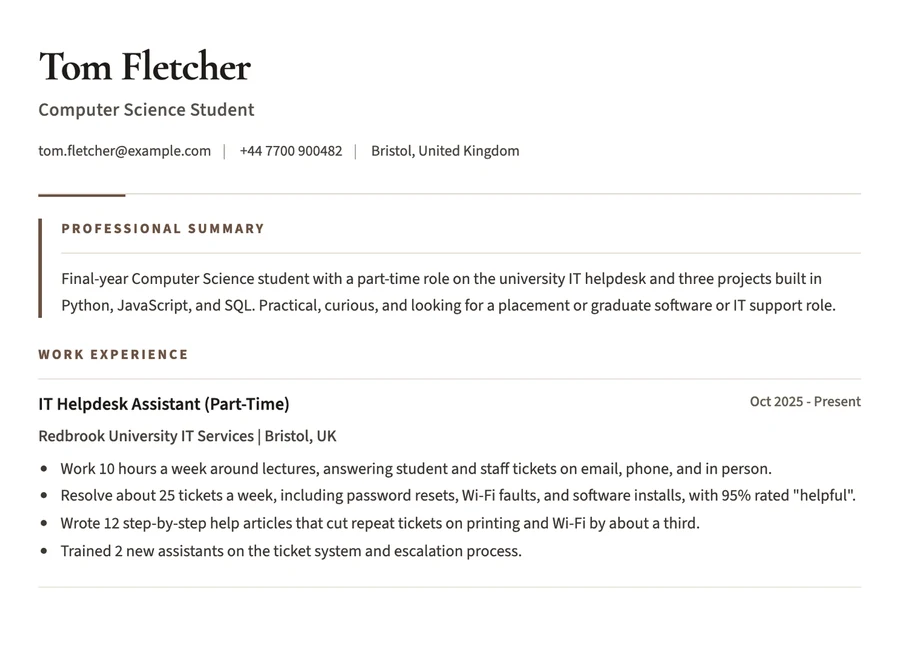
Computer science
Projects, GitHub work, and part-time helpdesk or tech experience.
Computer science exampleNot sure it is really free? Test the download first.
Open a student example, download the PDF, and see exactly what you get before you enter your information. Want the full walkthrough? Read how to write a student CV.
Open the builder
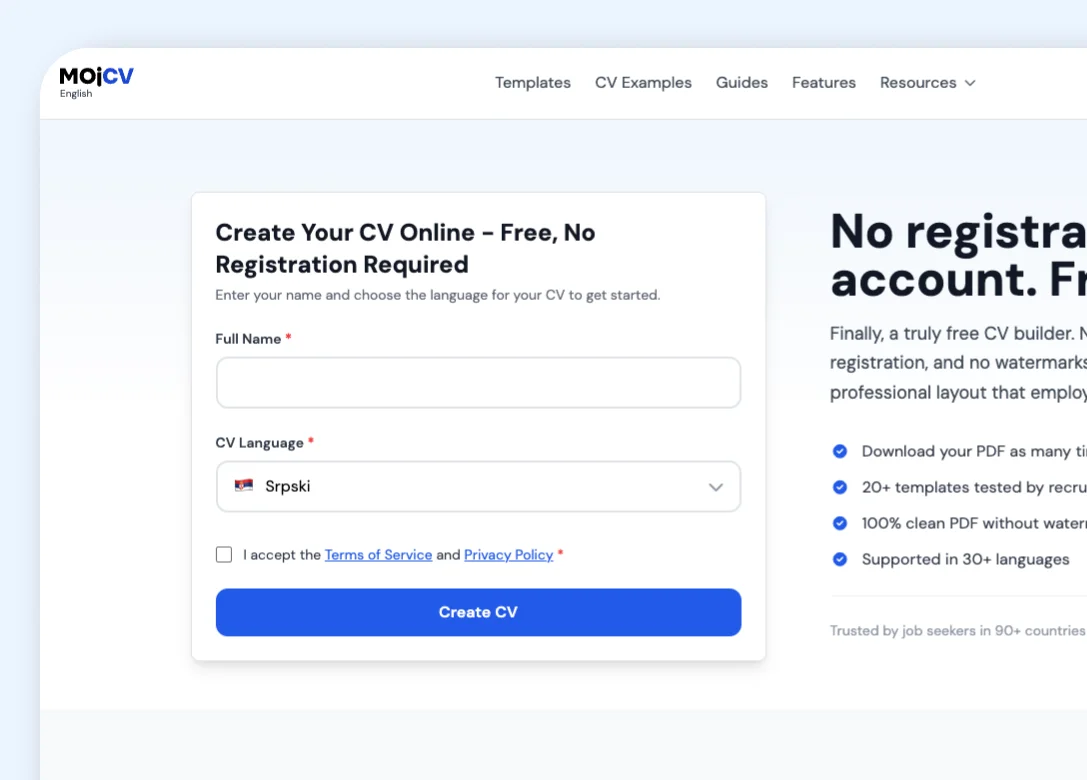
No account, email, or password. Enter a name and start.
Open a student example
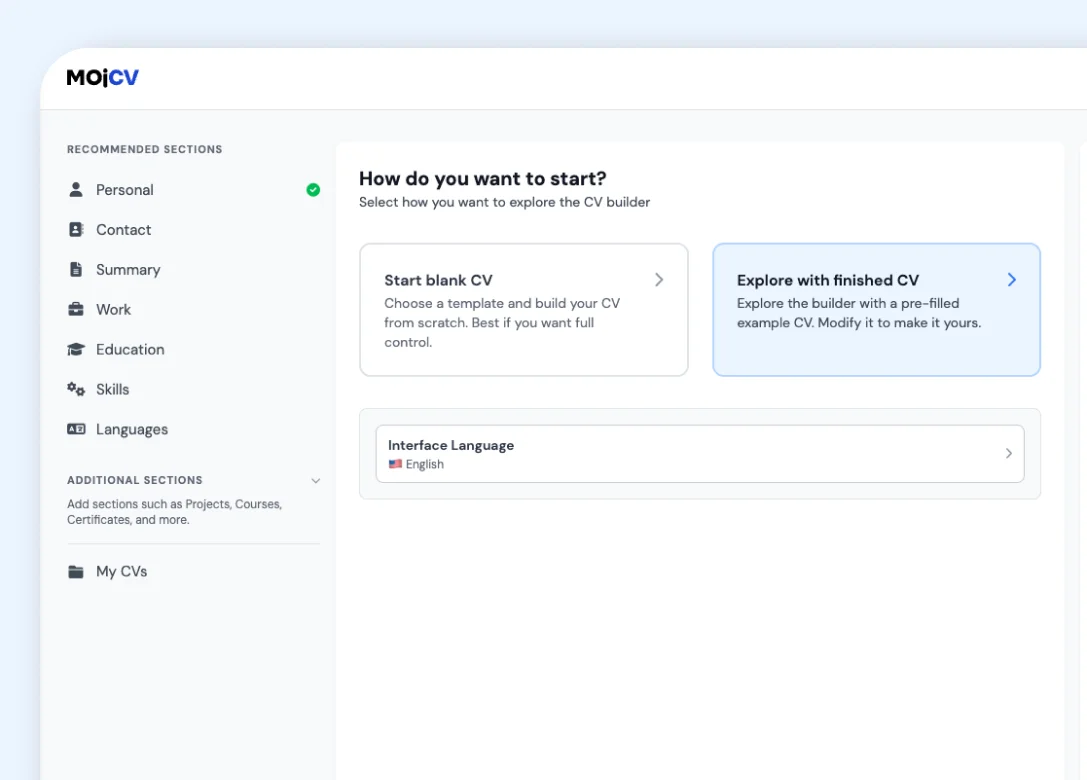
Pick the example closest to you. One click loads it into the editor.
Download the PDF
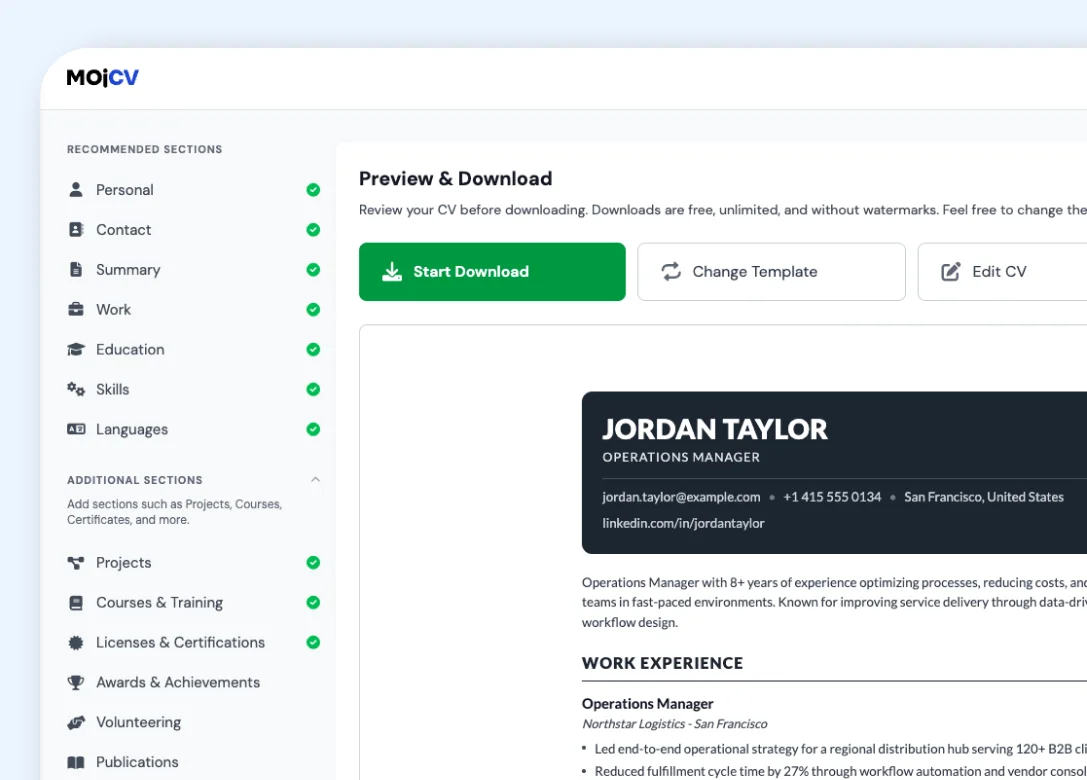
Check the finished file before you enter any of your own details.
Make it your own
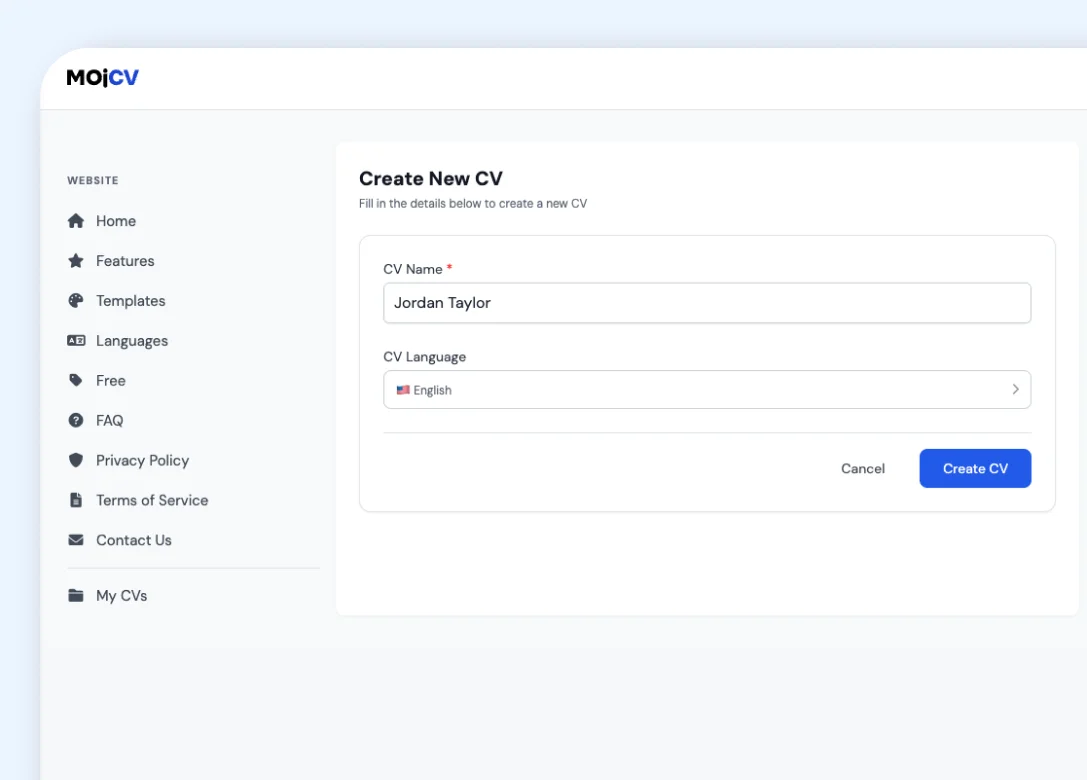
Swap in your education, projects, volunteering, and part-time work.
See a student CV go from example to PDF
The video shows the free builder from the first click to the finished PDF download, with no account and no payment step.
Ways to start your student CV
All six options are free and end with a PDF of your CV to download.
No work experience
Lead your CV with education, projects, and volunteering. Sections you leave empty are hidden from the PDF.
CV builder for no experienceStudent CV templates
Clean student templates that fit on one page and work without a photo.
Student CV templatesBuild on your phone
Build and download your CV in a mobile browser. There is nothing to install.
CV builder on your phoneA CV you need today
Fill in the CV sections one at a time, then download the PDF as soon as the last section is finished.
Fast CV builderA one-page CV
Choose a compact template and keep only the CV sections that matter for the job.
One-page CV builderApplying abroad
Create your CV in 30+ languages, with local section headings and date formats.
See all languagesStudent CV templates
Clean, one-page layouts that work without a photo. Use any template free, and switch whenever you like.
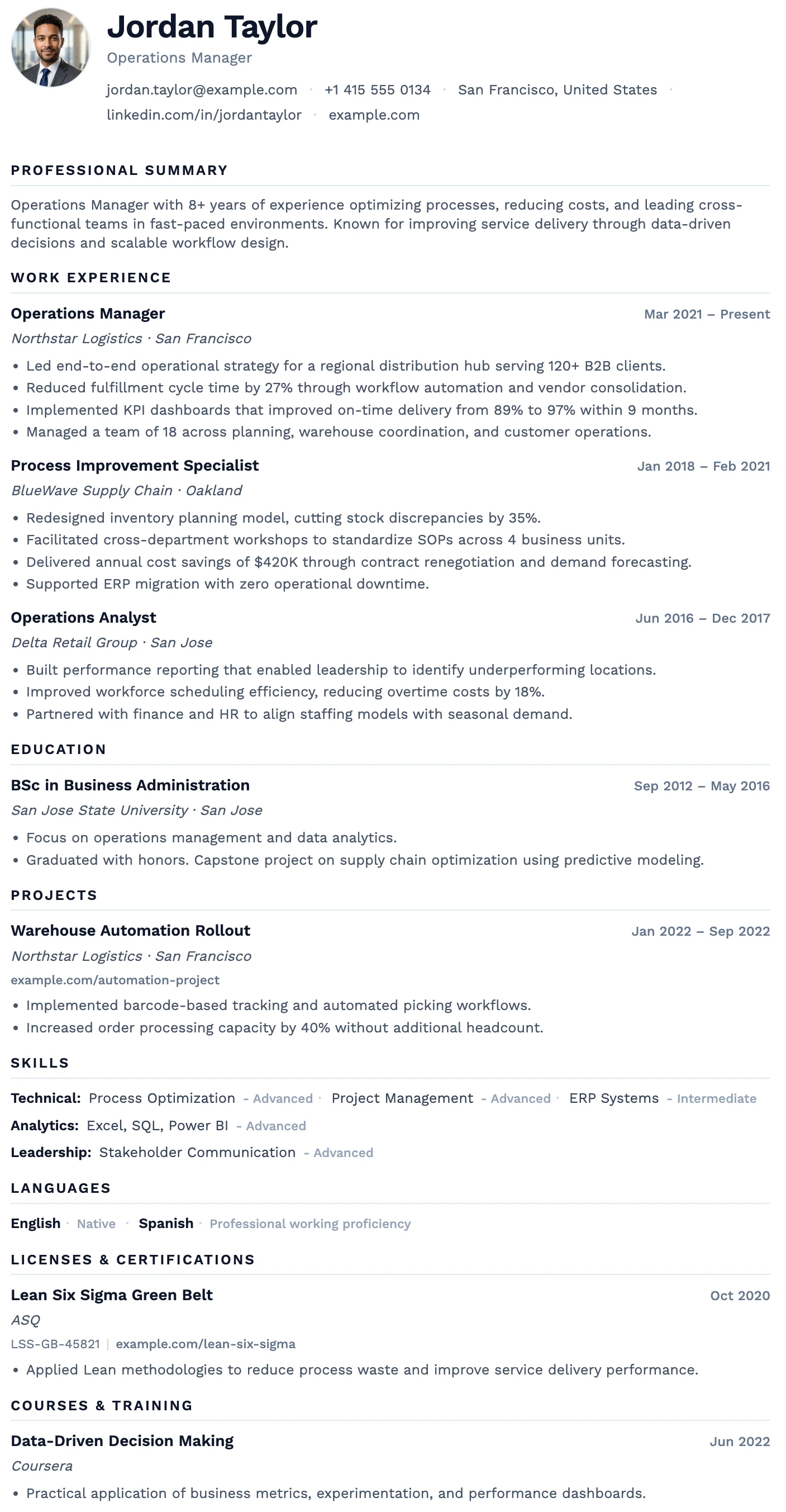
Oslo
FreeThe Oslo template has a quiet, understated layout, soft typography, and just enough structure to keep everything clear and easy to read.
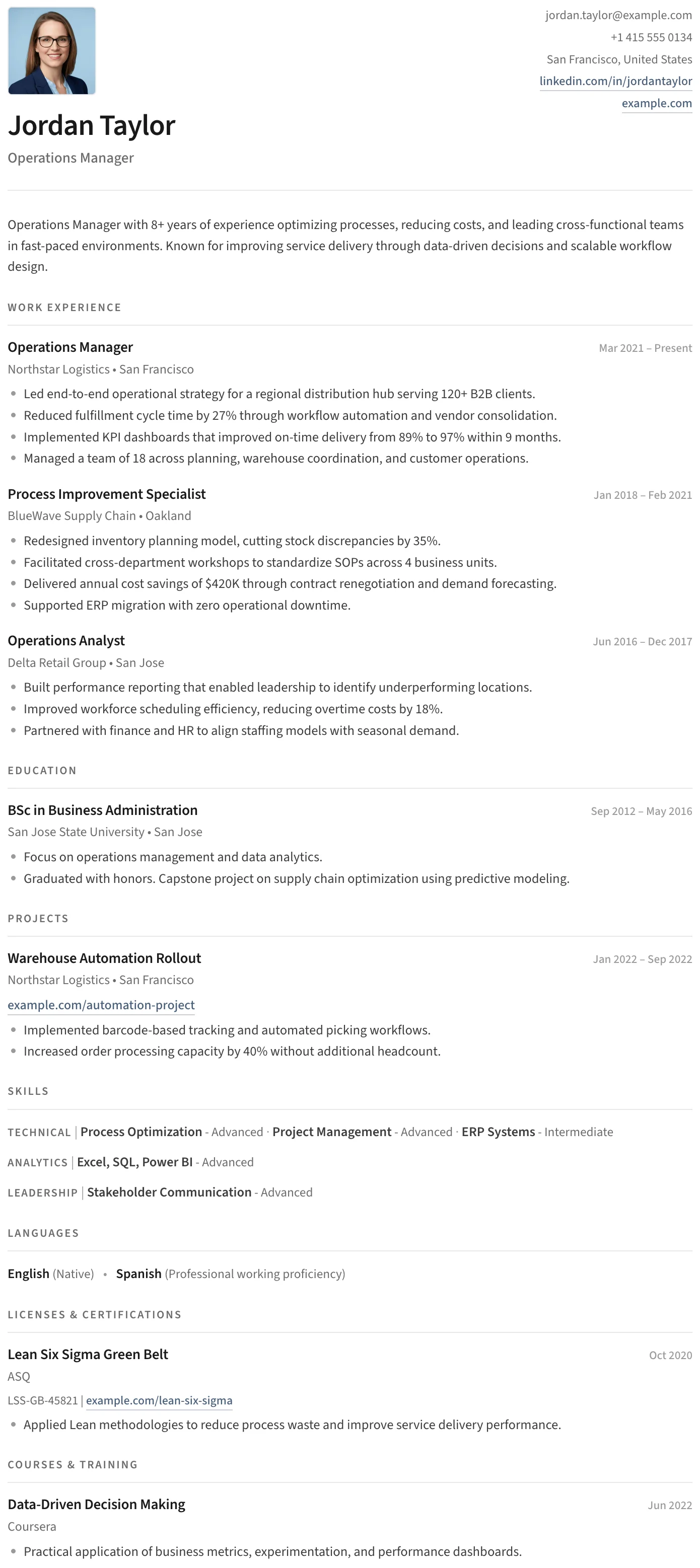
Split
FreeThe Split template has a clean split header, minimal section styling, and an uncluttered layout that keeps the focus entirely on your content.
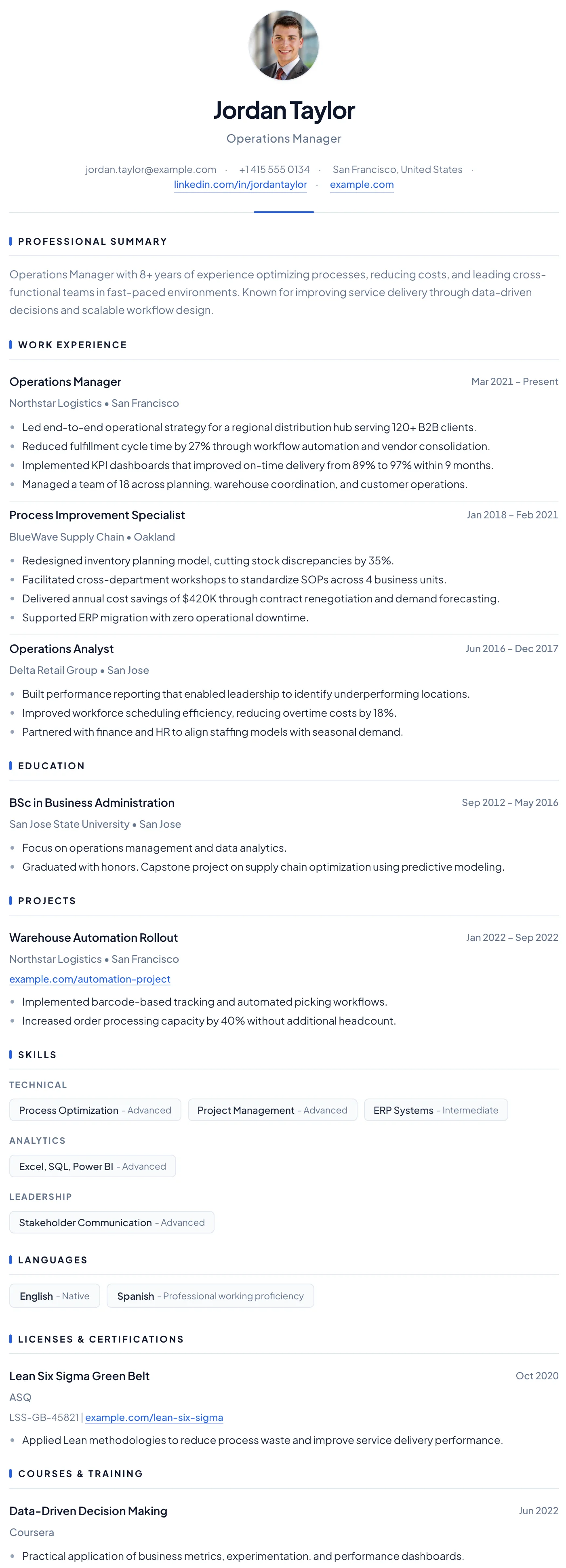
Barcelona
FreeThe Barcelona template has a clean centered header, subtle blue accent details, and a clear single-column layout that makes a confident first impression for early-career professionals.
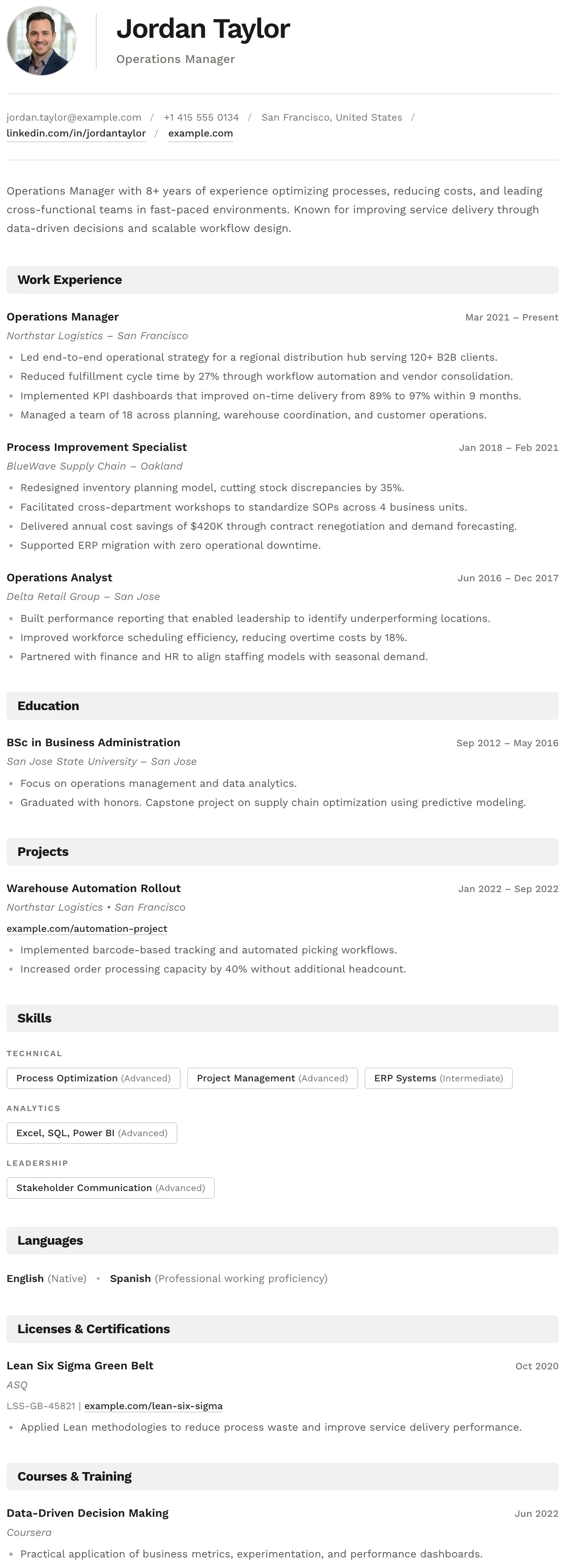
Bern
FreeThe Bern template has a distinctive shaded band on every section heading, creating a well-structured and easy-to-navigate layout with a modern finish.
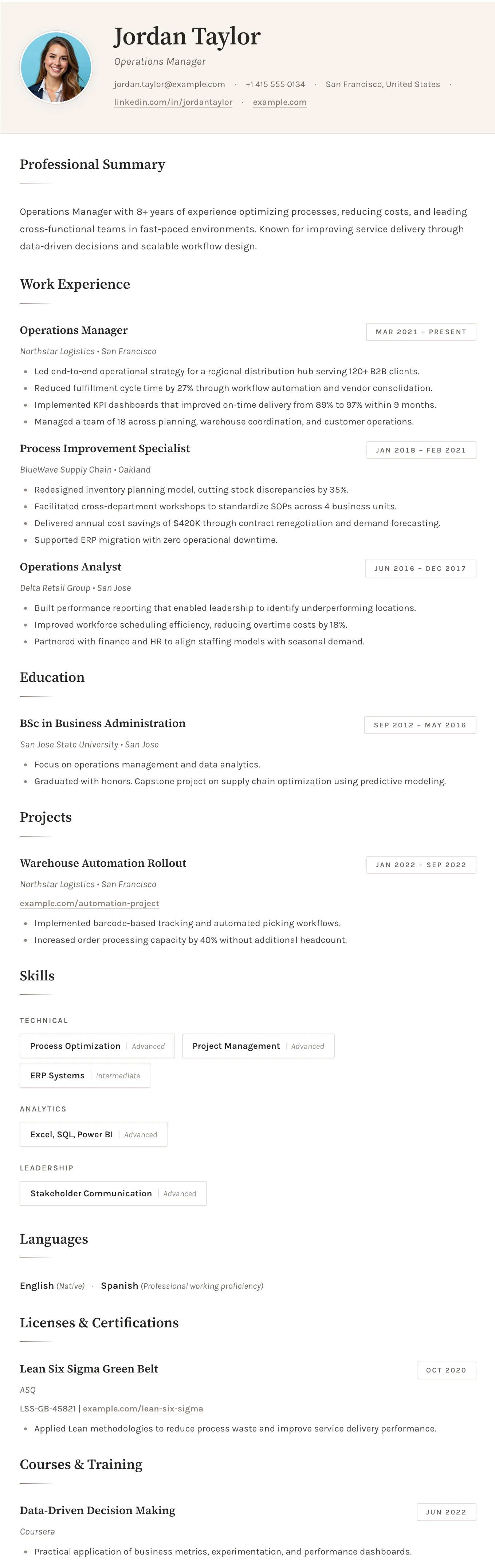
Sofia
FreeThe Sofia template has a warm off-white background, refined typography, and subtle accent details that create a sophisticated and understated layout.
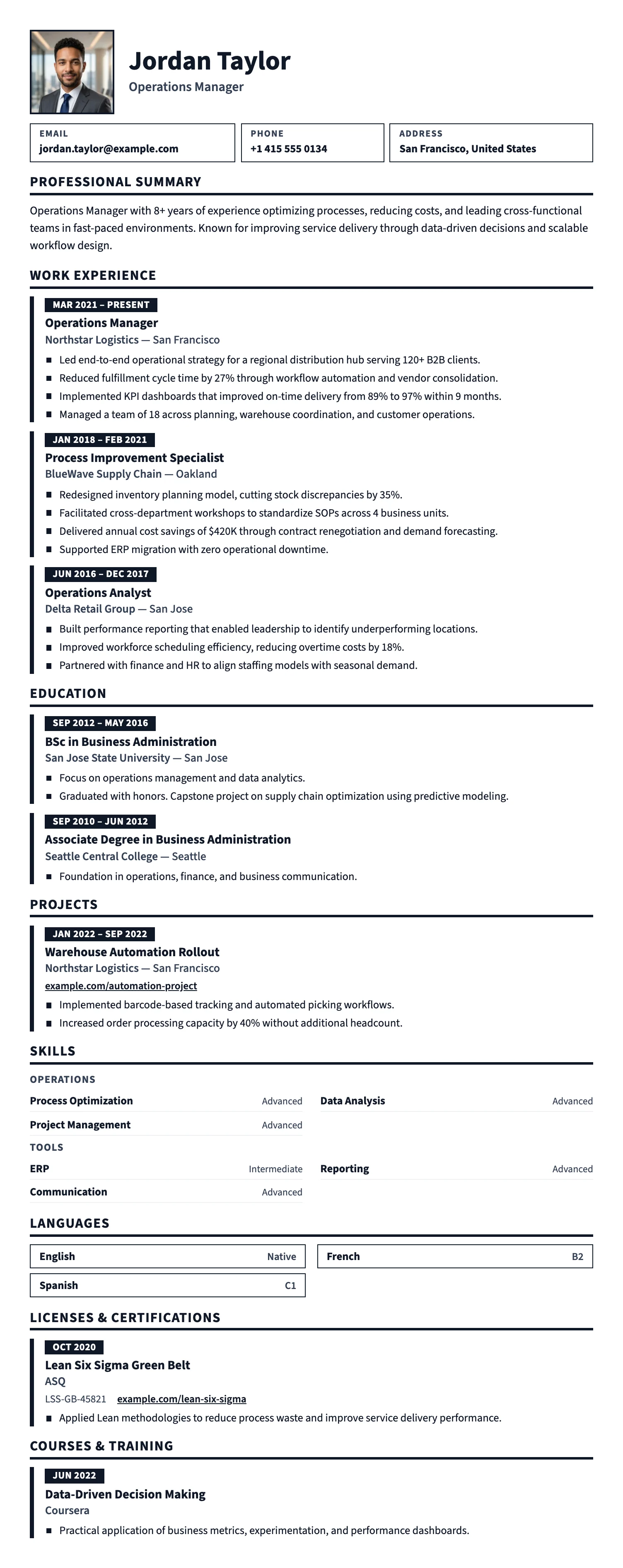
Prague
FreeThe Prague template uses large, high-contrast type, bold section bars, and generous spacing, so your CV is easy to read at a glance. Great for hospitality, retail, trades, logistics, and first jobs.
Oslo
FreeThe Oslo template has a quiet, understated layout, soft typography, and just enough structure to keep everything clear and easy to read.
Split
FreeThe Split template has a clean split header, minimal section styling, and an uncluttered layout that keeps the focus entirely on your content.
Barcelona
FreeThe Barcelona template has a clean centered header, subtle blue accent details, and a clear single-column layout that makes a confident first impression for early-career professionals.
Bern
FreeThe Bern template has a distinctive shaded band on every section heading, creating a well-structured and easy-to-navigate layout with a modern finish.
Sofia
FreeThe Sofia template has a warm off-white background, refined typography, and subtle accent details that create a sophisticated and understated layout.
Prague
FreeThe Prague template uses large, high-contrast type, bold section bars, and generous spacing, so your CV is easy to read at a glance. Great for hospitality, retail, trades, logistics, and first jobs.
CV examples by job title
Each example is written for one job title that students often apply for, mostly in cafes, restaurants, shops, and offices. Open an example in the free editor with one click, then edit the example and download your own PDF.
Barista
Cafe and coffee shop work, with food safety training.
Barista CV exampleWaitress
Restaurant, pub, and event work, with a student angle.
Waitress CV exampleWaiter
Brasserie, hotel, and fine dining service.
Waiter CV exampleCashier
Retail and supermarket checkout work.
Cashier CV exampleCustomer service
Support, call center, and sales floor customer work.
Customer service CV exampleReceptionist
Front desk and office reception roles.
Receptionist CV exampleOffice assistant
Admin support for internships and summer jobs.
Office assistant CV exampleDelivery driver
Courier and delivery work for students who drive.
Delivery driver CV exampleJunior software developer
For tech students and graduates with projects.
Junior developer CV exampleStudent CV guide and answers
The questions students ask most, answered in plain language.
How to write a student CV
The full step-by-step guide: order, profile, and what to use instead of a job history.
Read the guideA student CV with no experience
Education first, then projects, volunteering, societies, and skills.
Read the answerGCSEs and high school grades
What to list in the UK and US, and how to keep it short.
Read the answerSchool and university projects
How to describe a project in two or three lines.
Read the answerA personal statement
A two-line profile with a simple formula and examples.
Read the answerA CV for a part-time job
What part-time employers look for, with job examples.
Read the answerVolunteering and societies
What counts, how to write it, and where it goes.
Read the answerDo students need a cover letter?
When to write one and what to include.
Read the answerWhat age can you get a part-time job?
The rules for under-16s, plus what to put on a first CV.
Read the answerQuestions about the student CV builder
Is the student CV builder really free?
Do I need an account, and how do I get back to my CV?
Can I use the builder on my phone?
Can I start from a student example instead of a blank page?
Does the builder have sections for projects, volunteering, and awards?
Can I change the template after I start?
Can I make different versions of my CV for different jobs?
Can I make my CV in another language?
Make your first CV today.
Pick a template, fill in what you have, and download a clean PDF. Free for students, with no account and no payment.