Private Resume Builder - No Account or Email Required
MojCV is an anonymous resume builder that lets you create a CV without registration, email, or account creation. Start immediately with no sign-up. Your resume is not tied to a personal account profile.
Used by 80,000+ job seekers every month
Create a resume privately if any of these fit
This page is for people who want to create a CV or resume without attaching their identity to a third-party platform.
You are job searching while still employed
The most common case. You are quietly exploring and do not want your employer to know. A tool that holds no email address and creates no account profile reduces the risk of an accidental digital connection.
You limit the personal data you share online
Tech workers, finance professionals, and anyone who guards their data footprint. A no-signup resume tool means you do not hand over your email address to yet another third-party service.
You need a blind CV for a structured hiring process
Some employers run blind screening to reduce bias. They ask for CVs without names, photos, or addresses. Every personal field in MojCV is optional - leave them blank and download a clean, ATS-formatted document.
You want to avoid marketing emails
Most resume builders use your email for trial reminders, subscription upsells, and follow-up campaigns. No email means none of that. There is no email list to add you to.
Document-based, not account-based
Most resume tools are built around the account. You create a profile, log in to access your CV, and the document lives inside your account. MojCV is built around the document instead. Your CV is linked to a private URL, not to a user profile. There is no account to log into, no email address stored, and no persistent identity record on our servers connected to you.
- No email address is ever requested - not at the start, not before downloading
- No user profile is created - your CV is stored under a private link, not an account
- No marketing emails, no retargeting, no subscription funnel
- Works in 30+ languages - the same no-registration experience in every one
How the no-account workflow works
No account to create. No email to confirm. No registration form to fill in. Here is what actually happens when you start.
Open the editor without providing your identity
Enter a first name - it can be your real name, a nickname, or anything at all - and choose the language for your CV. That is the only input required to get started. No email address. No password. No verification link. The editor opens immediately in whichever of the 30+ supported languages you choose.
- No personal data required to start
- No email, no phone number, no date of birth
- 30+ languages - section headings and labels translate automatically
- Works on any device without installing anything
Control exactly what personal information appears
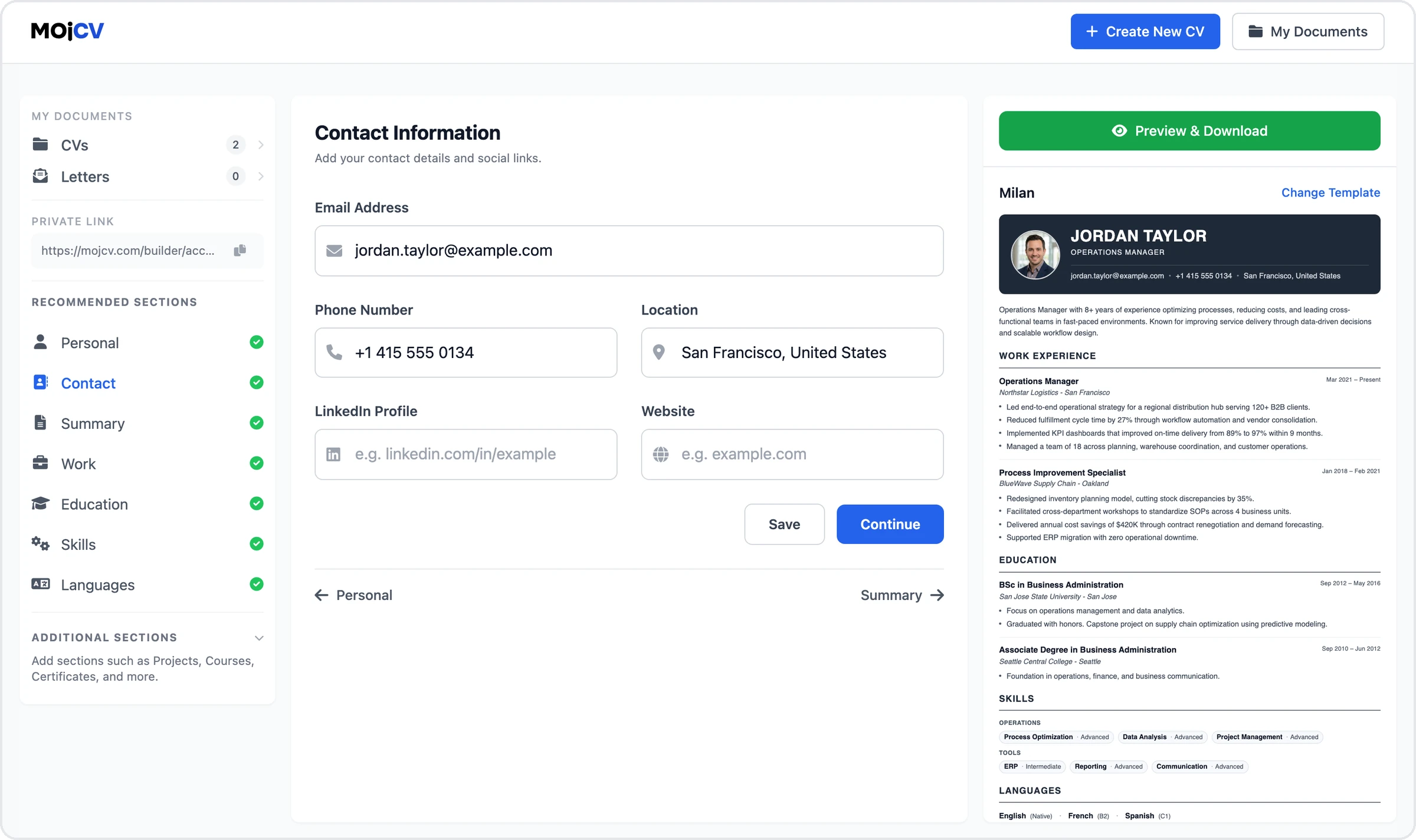
Every field in the builder is optional. You decide what goes on the document and what stays off it. Leave your address blank. Skip your phone number. Remove your photo. If you are creating a blind CV for a DEI-friendly process or simply want a version without identifying details, every personal information section can be left empty.
- Every personal info field is optional - nothing is required to download
- Create a fully private CV by leaving contact details and photo blank
- All 21 templates are designed to work without a photo - no blank gap, no broken layout
Download your PDF with no payment and no account confirmation
One click and the PDF is on your device. No payment step. No account confirmation before downloading. No email receipt. Because MojCV does not require an account or email address, there is no user profile connecting the download to your identity. The file is clean: no watermark, no MojCV branding. MojCV is funded by advertising, not subscriptions - that is why there is no paywall and no paid tier.
- PDF downloaded directly to your device, no email delivery
- No watermark, no branding on the document
- Unlimited downloads - edit and re-download as many times as needed
- Completely free - the platform is funded by ads, not by charging users
Create a blind CV without personal details
A blind CV is a resume submitted without identifying information - no name, no photo, no address. Employers running structured or bias-free hiring processes sometimes request them. Every personal information field in MojCV is optional, so you can produce a fully de-identified document with the same professional formatting and ATS-compatible structure as any other CV.
- Remove your name, address, phone number, and photo - all optional fields
- The layout adapts automatically when fields are left blank - no gaps, no broken sections
- All 21 templates remain ATS-compatible with or without personal details
- Widely used in Europe for bias-free and DEI-compliant hiring processes
- Also useful for submitting to recruiters without revealing your contact details until you choose to
No account. What that means for your data.
A document-based system changes what is collected and what can be linked back to you.
A private link instead of a profile
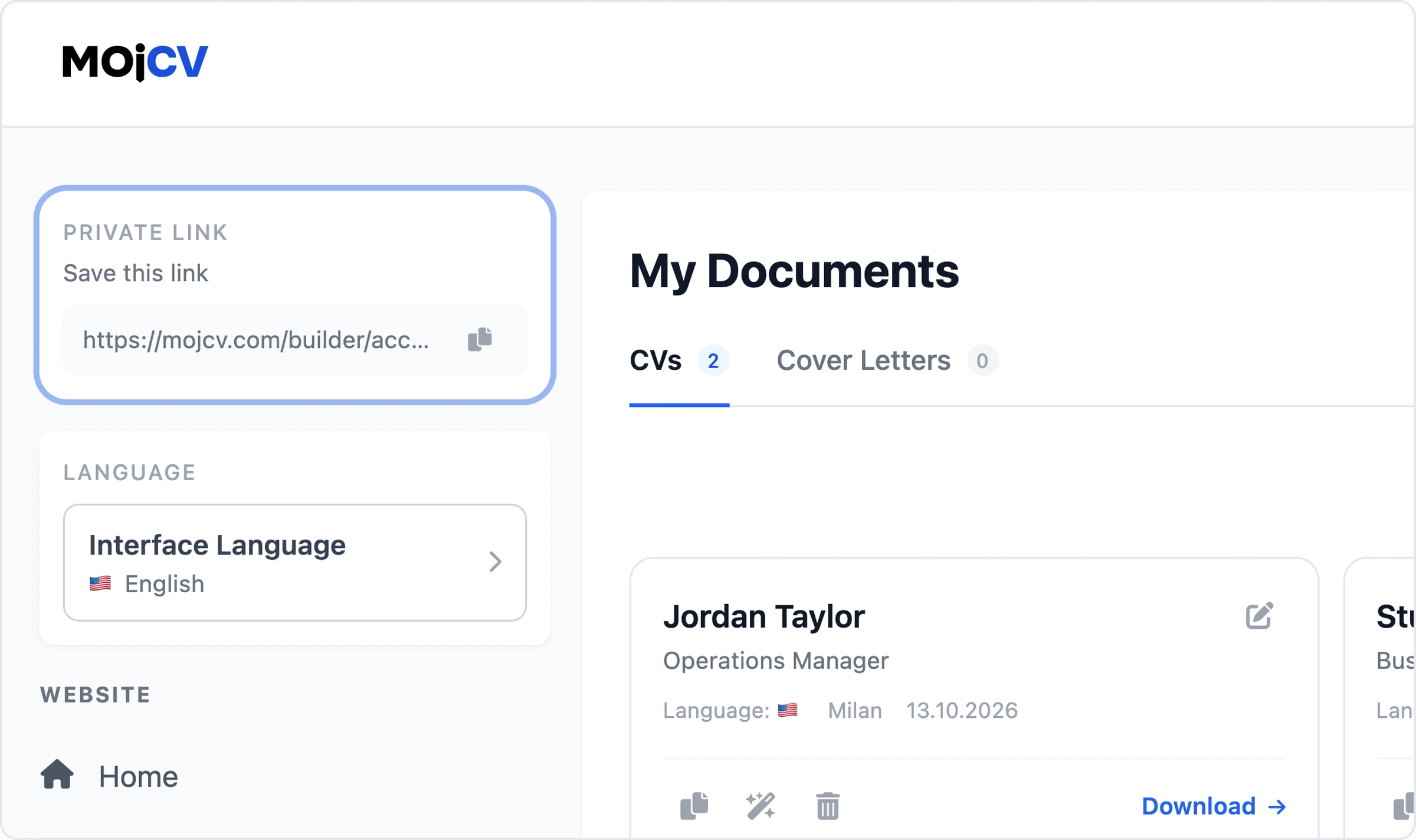
When you start, MojCV generates a unique private URL automatically. That link is your access point. All your CVs are stored under it. There is no user profile behind it - no name, no email, no account record. Save the link as a bookmark or copy it somewhere safe.
One cookie, one purpose: recognising returning visitors
The only cookie MojCV stores is a session marker. It lets you return to your dashboard without having to find your private link - the builder just recognises your browser. That is the entire scope of what the cookie does. No tracking, no advertising profile, no cross-site data.
GDPR compliant, servers in Europe
All servers are based in Europe and operate under GDPR. Because MojCV does not require an email address or create a user account, there is no personal account record attached to you. Your CV content is not sold or used for advertising.
Read the privacy policyDelete your resume and all its data any time
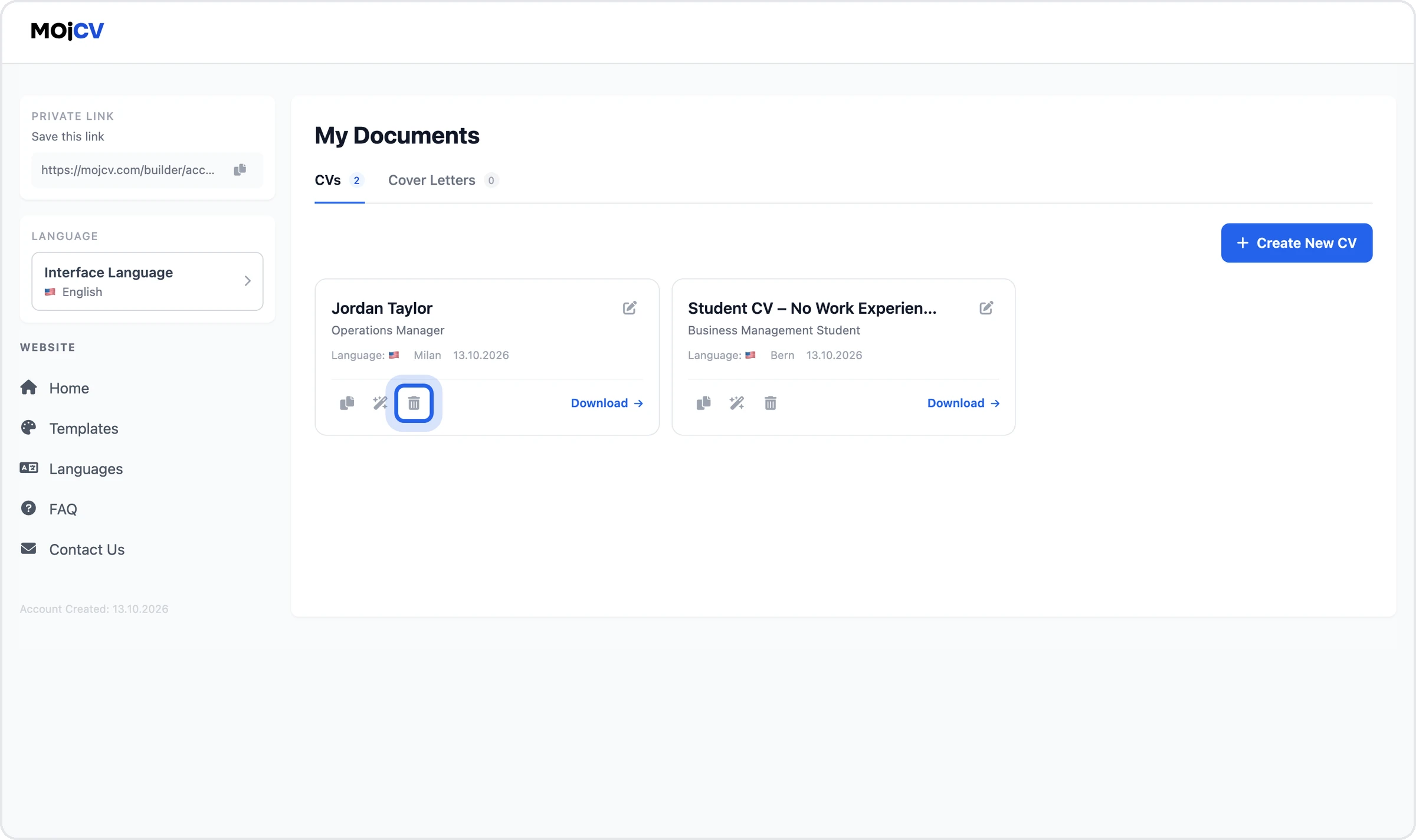
Delete any CV directly from the builder in one click. The CV and all information you entered into it are removed immediately. No account deletion request needed, no dormant profile left behind. Anything not manually deleted is automatically purged after twelve months.
Works in incognito and private browsing mode
MojCV works in private browsing the same way it works in any browser. No account, no sign-up, no obstacles. The one thing that changes in incognito: the session cookie does not survive when you close the window. That cookie is how MojCV recognises you on return visits without your private link. Without it, you will not be automatically redirected to your previous CVs.
- Create and download as many resumes as you want in incognito mode - no limits
- If you want to return to a resume later, save the private link before closing the window
- If you only need a one-time download, close without saving and the session cookie is removed by the browser
Document-based vs account-based resume builders
Most resume builders are built around the account. MojCV is built around the document. Here is what that difference looks like in practice.
- No email address required at any stage
- No account or user profile created
- Private link access instead of login
- No marketing emails - ever
- Funded by advertising - no subscriptions, no paid tier, no paywall
- Clean PDF without watermark or branding
- All templates unlocked, nothing behind a paywall
- GDPR compliant, EU-based servers
Most resume builders - account-based
- Email required before accessing the builder
- Account created and stored with your personal data
- Login required to return to your resume
- Follow-up emails, trial reminders, upsell sequences
- Free trial that converts to a paid subscription
- Watermark on the PDF until you upgrade
- Premium templates locked behind a subscription
- Account profile stays stored after you stop using the service
Questions
Common questions about creating a resume without an account
Can I create a resume without signing up or registering?
What does "anonymous resume builder" mean?
Can I create a blind CV for a hiring process that removes personal information?
Is a resume builder without an account less secure?
Does MojCV store my resume data?
Can I use MojCV in incognito or private browsing mode?
Can I hide my personal information on a resume made with MojCV?
Do all resume templates work without a photo?
Is the PDF watermark-free?
How is MojCV free? Is there a catch?
Does this work in other languages?
Are the templates compatible with ATS systems?
Create your free CV or resume. Privately.
No account. No email. No sign-up. Fill in what you want to share and download a clean PDF.
Create my free resumeFree to use. No registration. No credit card.