
Sections of a CV and Resume: All 13 Explained, in Order
A CV usually has six core sections: personal and contact details, summary, work experience, education, skills, and languages. Optional sections such as projects, certifications, and volunteering come after. This guide explains all 13 sections, what each one contains, and the order to put them in. In the free builder, empty sections are hidden from your PDF automatically.
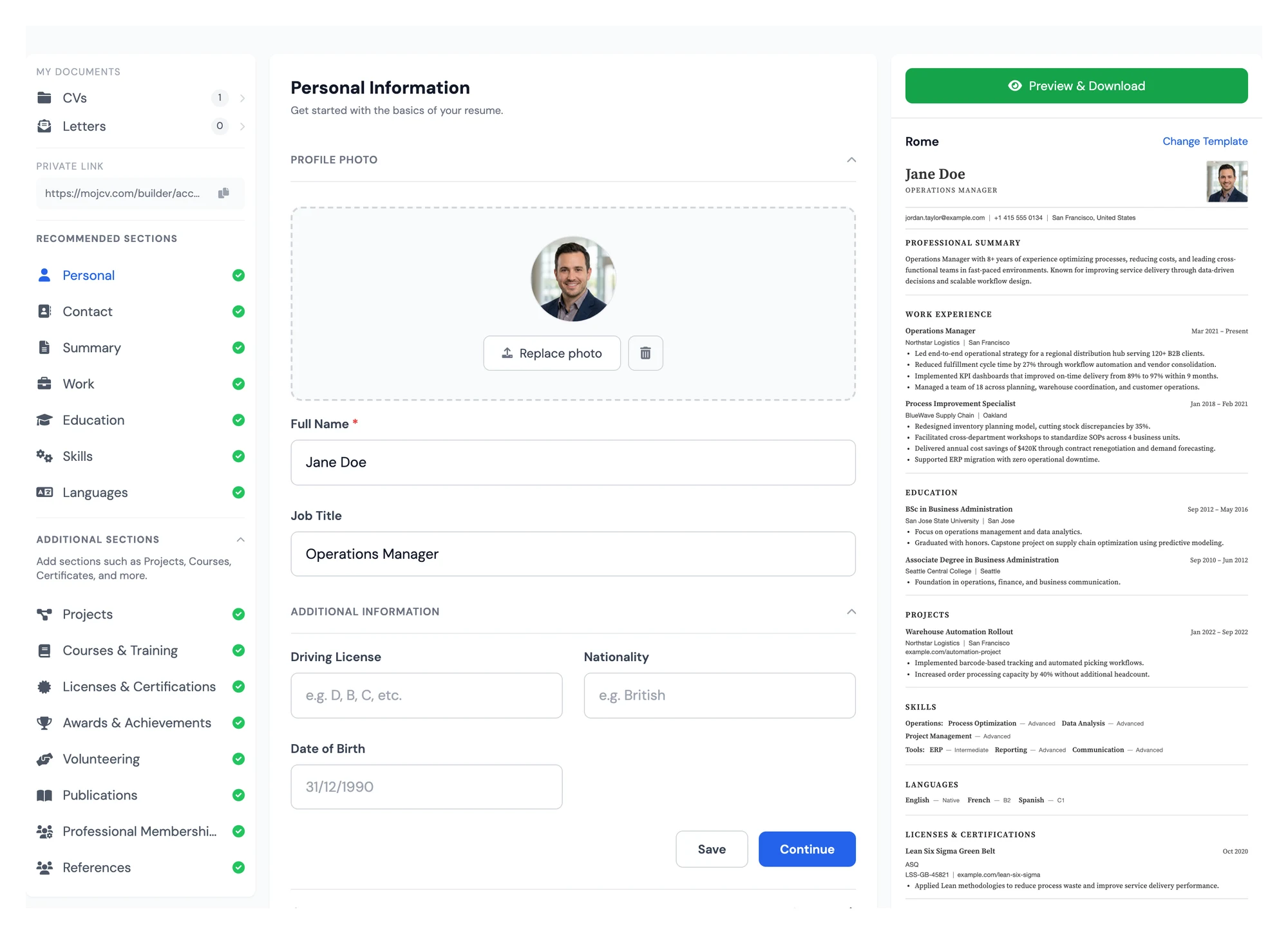
Sections of a CV, in the order recruiters expect
This is the standard order for most CVs and resumes. Each section is explained in detail further down the page.
Personal and contact details
Your name, job title, email, phone number, and city. A photo is optional and depends on the country you are applying in.
Summary
Three to four lines on who you are, your strongest skills, and the role you want.
Work experience
Your jobs from most recent to oldest, with two to four bullet points for each. Internships and volunteer work count if your history is short.
Education
Degrees, schools, and dates. Students and recent graduates usually put this above work experience.
Skills
Tools, software, and strengths that match the job posting, using the same words the employer uses.
Languages
Each language with your level, such as basic, fluent, or native.
Optional sections
Projects, courses, certifications, awards, volunteering, publications, memberships, and references. Add only the ones that strengthen this application.
How to manage CV and resume sections in a free online builder
The CV builder shows you every available section from the start. Fill in the ones that match your profile and leave the others blank. Any empty section disappears automatically from your final PDF, and the layout adjusts in real time. You can reorder sections using the arrows on the preview to lead with what matters most for the role you are targeting. Every section is included free with no upgrade required.
- Add a CV or resume section with one click
- Leave a section empty and it will not appear in your PDF
- Reorder sections on the preview to match your application
- All 13 sections included free
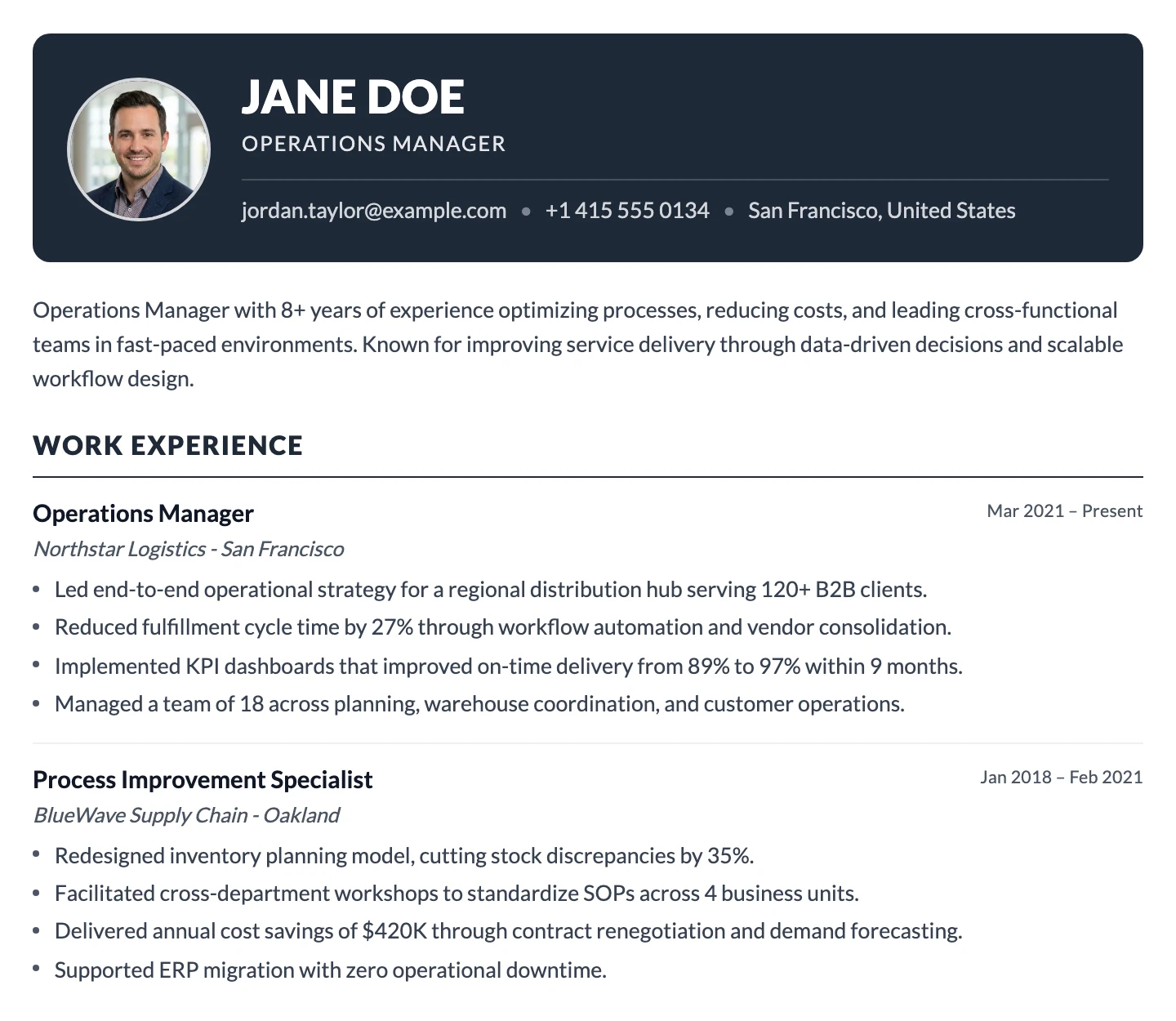
All CV and resume sections in this free online builder
Here is what each of the 13 CV and resume sections contains, who it is most useful for, and how to get the most from it.
Personal, Contact and Summary
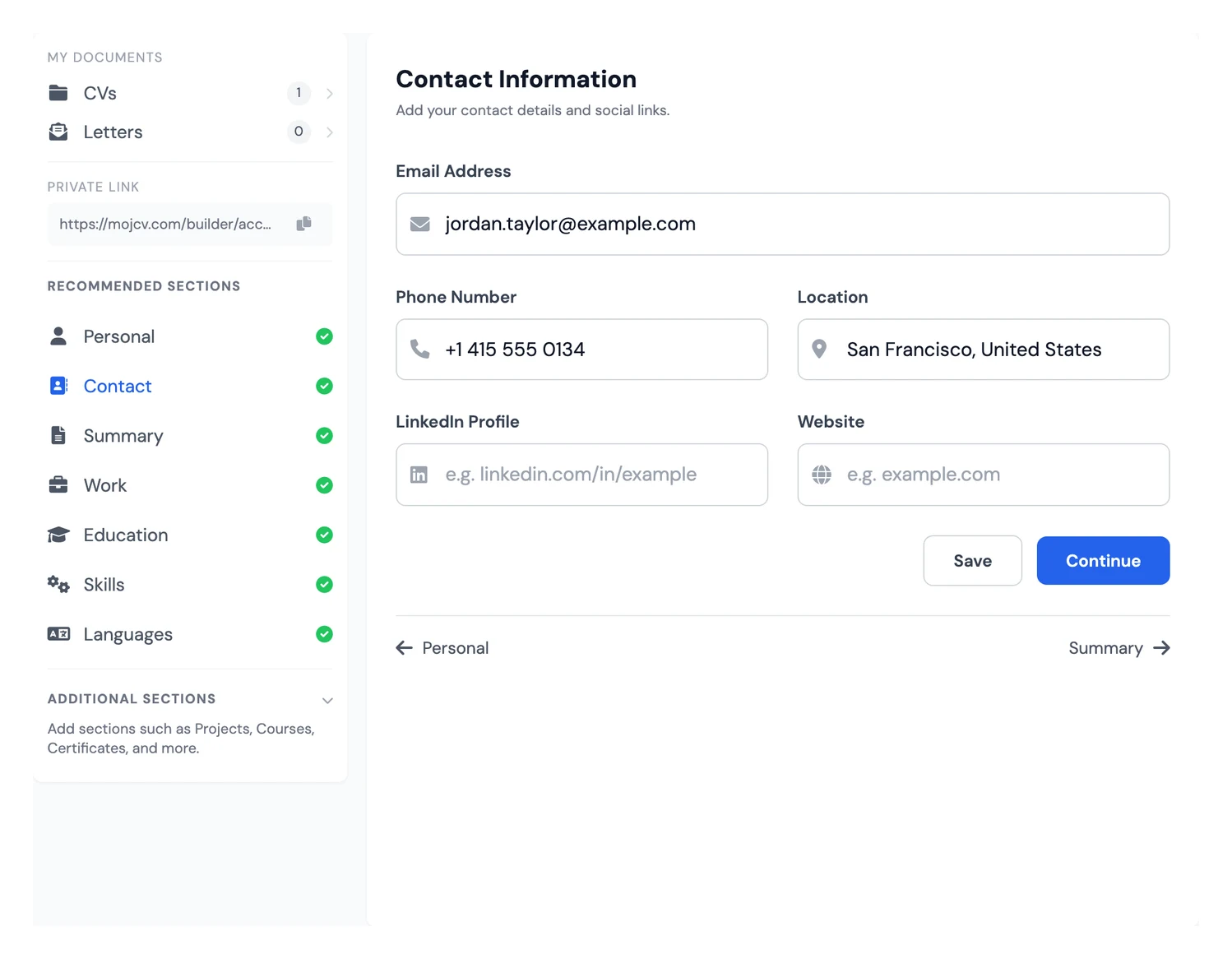
These three sections are the first thing a recruiter reads. Personal holds your name, job title, and optional photo. Contact holds your email, phone, location, LinkedIn, and website. Summary is a three to four line paragraph that captures your profile, key strengths, and what you bring to the role. Target it at the specific position. A generic summary adds nothing. For entry-level candidates, a strong summary compensates for a short work history. For senior candidates, it anchors expertise and seniority immediately. Photo conventions vary by market: it is not recommended for most US and UK applications.
- Personal: name, job title, and photo (optional)
- Contact: email, phone, location, LinkedIn, and website
- Summary: 3 to 4 lines targeted at the specific role
Work Experience
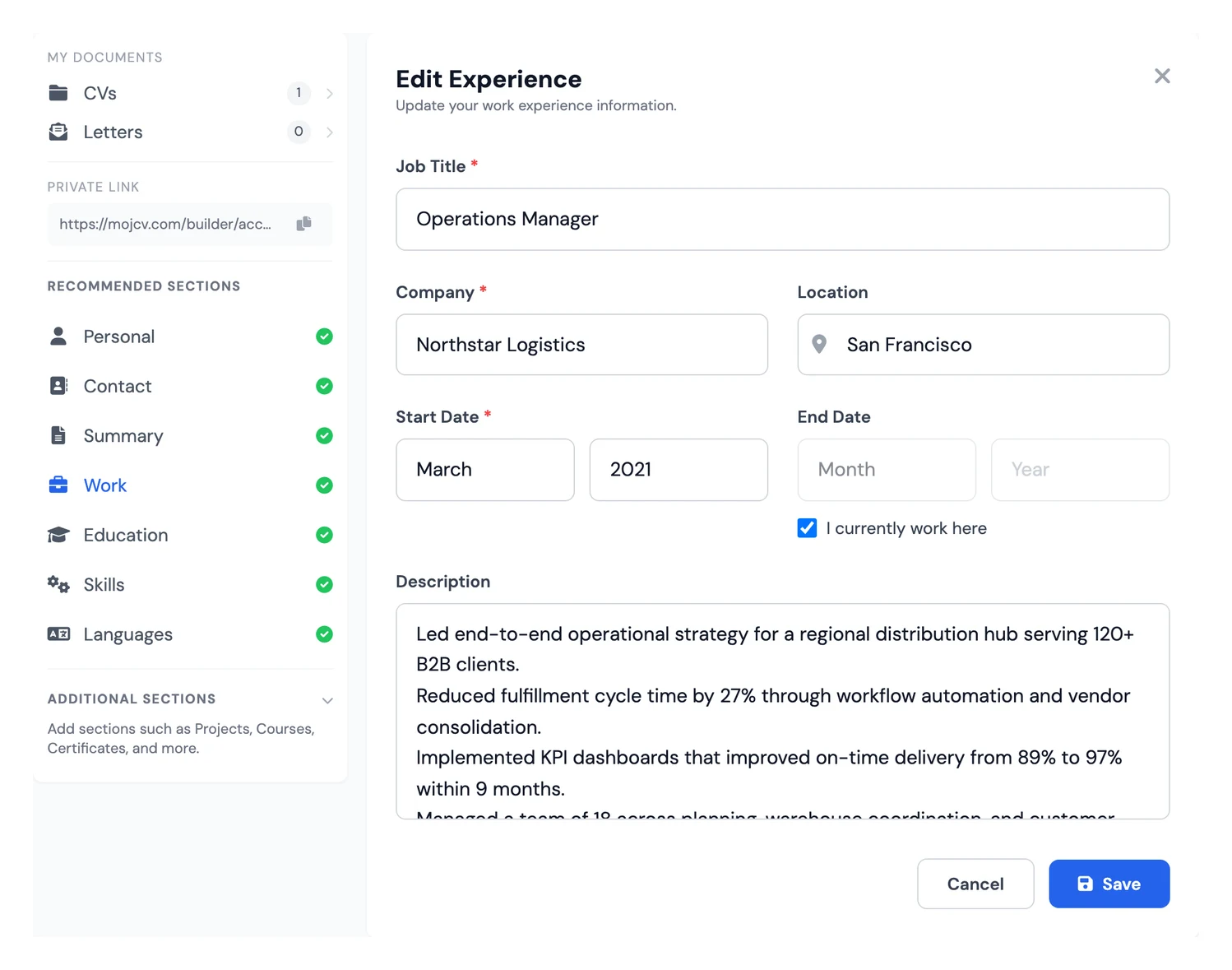
Work experience is the most-read section on any CV or resume. The resume builder automatically sorts your entries from most recent to oldest, so you can add them in any order and the PDF always comes out correctly structured. For each role, include your title, company name, dates, and two to four bullet points covering your responsibilities and results. Quantify your impact wherever you can. Internships, freelance projects, and voluntary work all belong here if your professional history is still short.
- Auto reverse-chronological order in the PDF
- Quantified results wherever possible
- Internships, freelance projects, and voluntary roles all count
Education
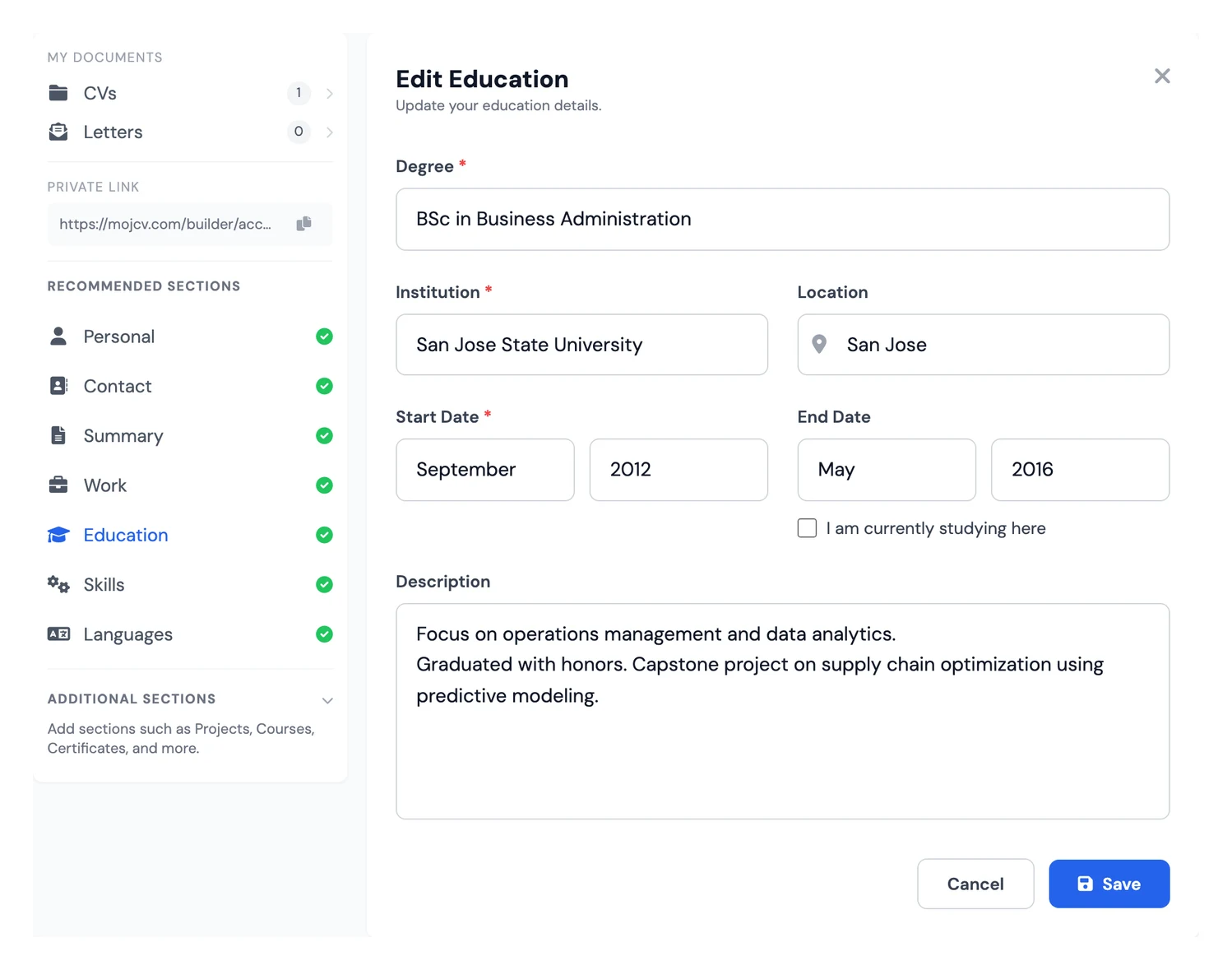
List your degrees, institutions, and graduation years. For students, recent graduates, and career changers, this section takes a central position and can include your grade, relevant modules, and academic projects. For candidates with ten or more years of experience, education stays on the CV but moves below work experience. In this CV creator, you reorder sections with the arrows on the preview, so adjusting the structure for different applications takes seconds.
- Degree, institution, and graduation year
- Grade, relevant modules, and academic projects for student profiles
- Reorder above or below work experience with one click
Skills
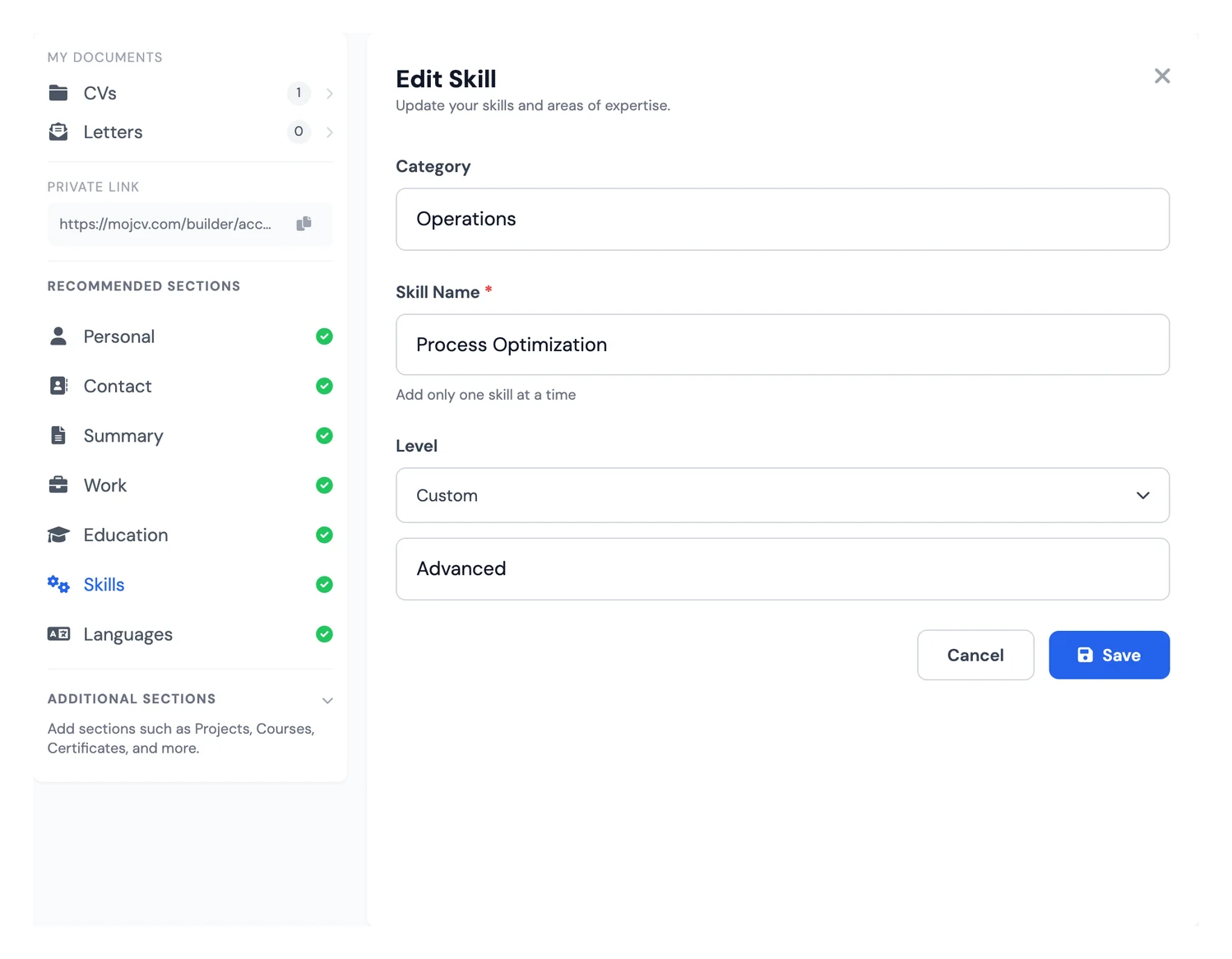
The skills section is critical for passing the ATS filters that most large employers use to screen applications before a human reads them. List your hard skills (tools, software, programming languages, platforms) and soft skills separately. Mirror the exact keywords used in the job posting: if the description says "Excel" and not "spreadsheets", write "Excel". For technical and engineering profiles, organising skills into clear categories makes the section much easier for recruiters to scan.
- Hard skills and soft skills clearly separated
- Use exact keywords from the job posting to pass ATS filters
- Group by category for technical and engineering profiles
Languages
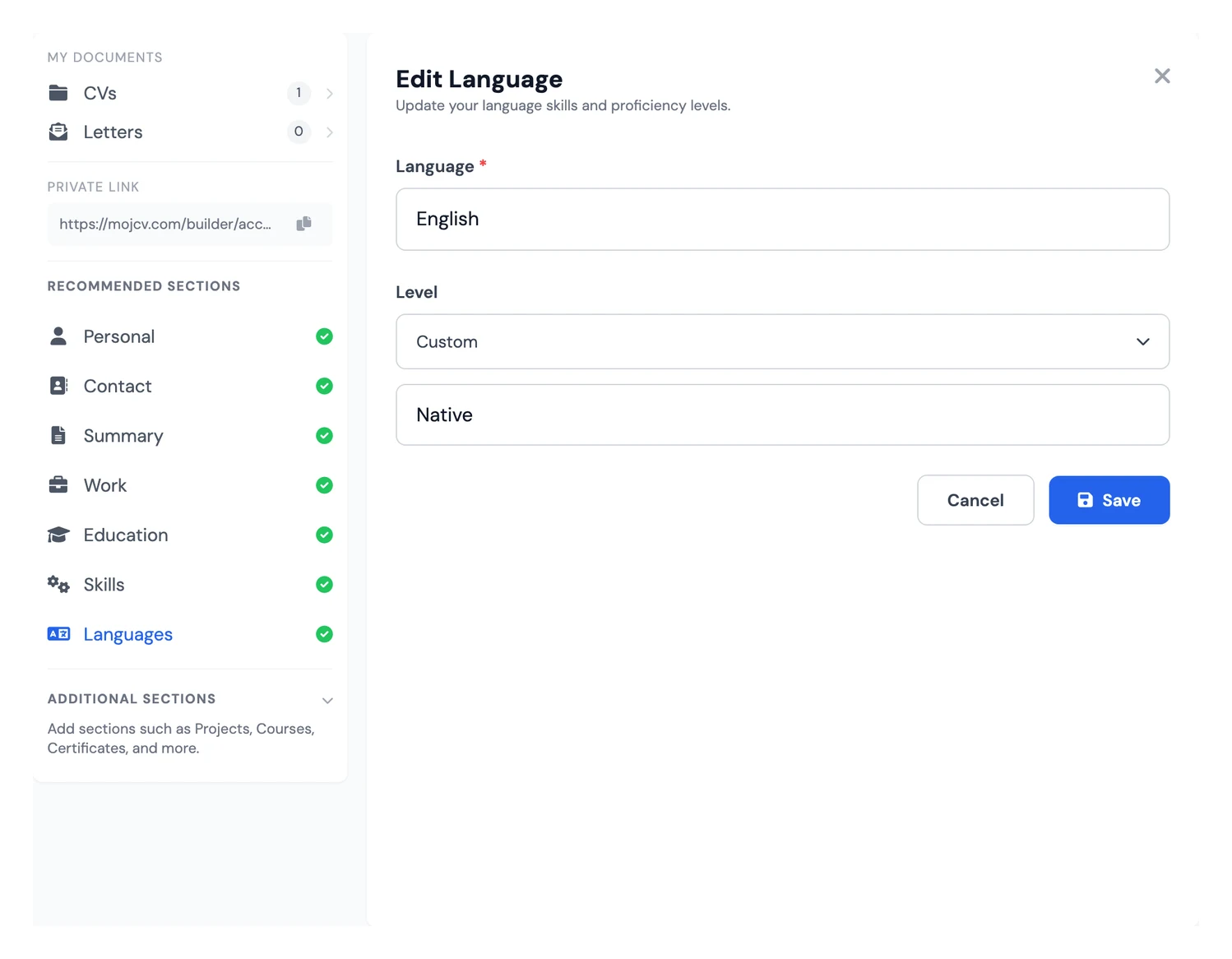
State each language you speak and your level of proficiency. You can use plain descriptors (basic, conversational, fluent, bilingual, native) or the CEFR scale (A1 to C2). This section carries significant weight for international roles, positions at multinational companies, and any job that involves cross-border communication. The CV builder automatically translates section labels into 30+ languages, so if you are applying in another country, your headings adapt without any manual editing.
- Clear proficiency level for every language listed
- Essential for international roles and multinational employers
- Section labels auto-translate into 30+ languages
Projects
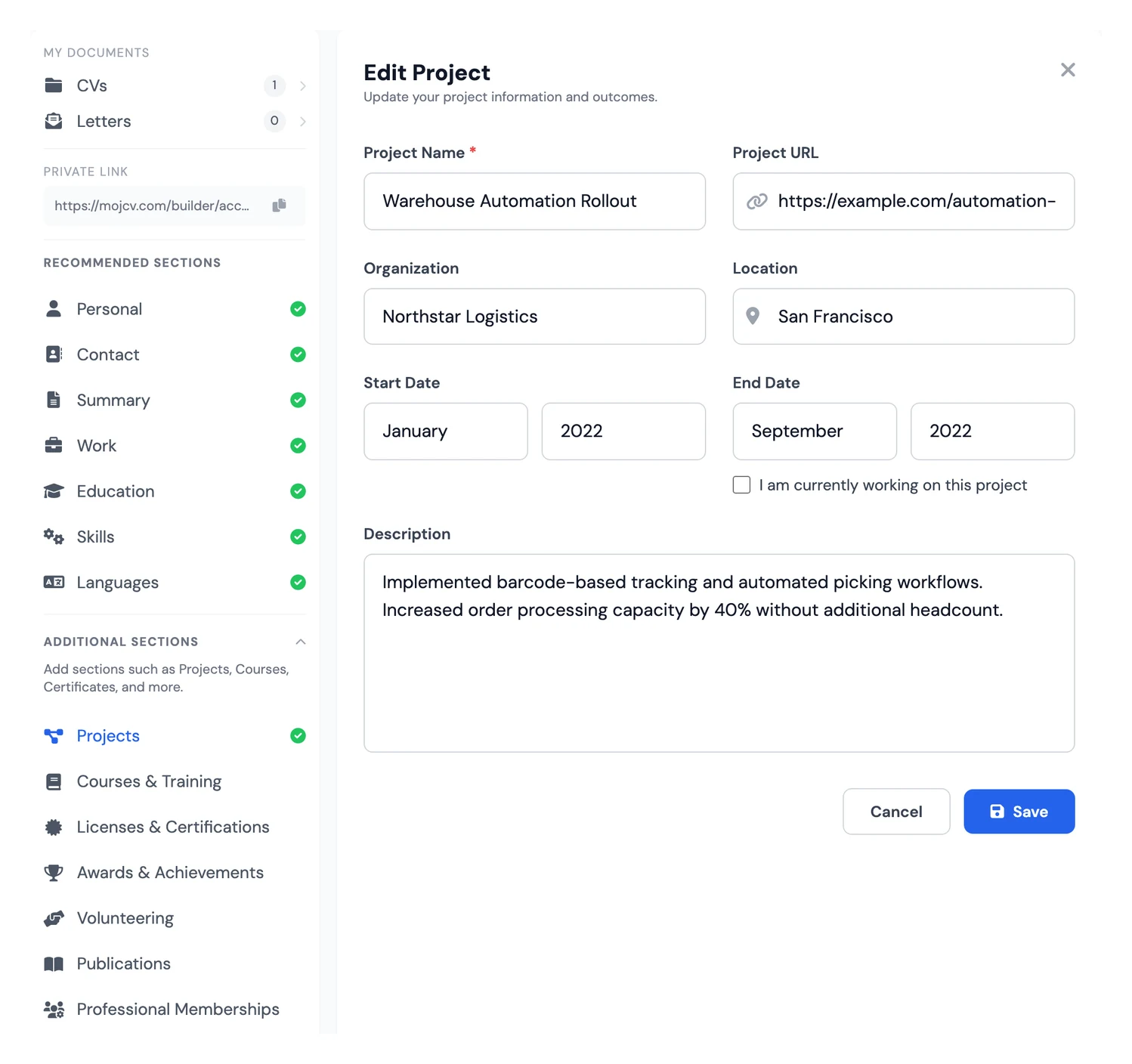
The projects section is the strongest tool available to developers, designers, students, and career changers who want to show what they can actually do. For each project, describe the context, the technologies or methods used, your specific contribution, and the outcome. Add links to GitHub repositories, a portfolio, or a live demo. A well-documented list of projects can more than compensate for a short work history, particularly for junior technical profiles.
- Personal, academic, and professional projects all qualify
- Technologies, tools, and measurable outcomes
- Link to GitHub, portfolio, or live demo where available
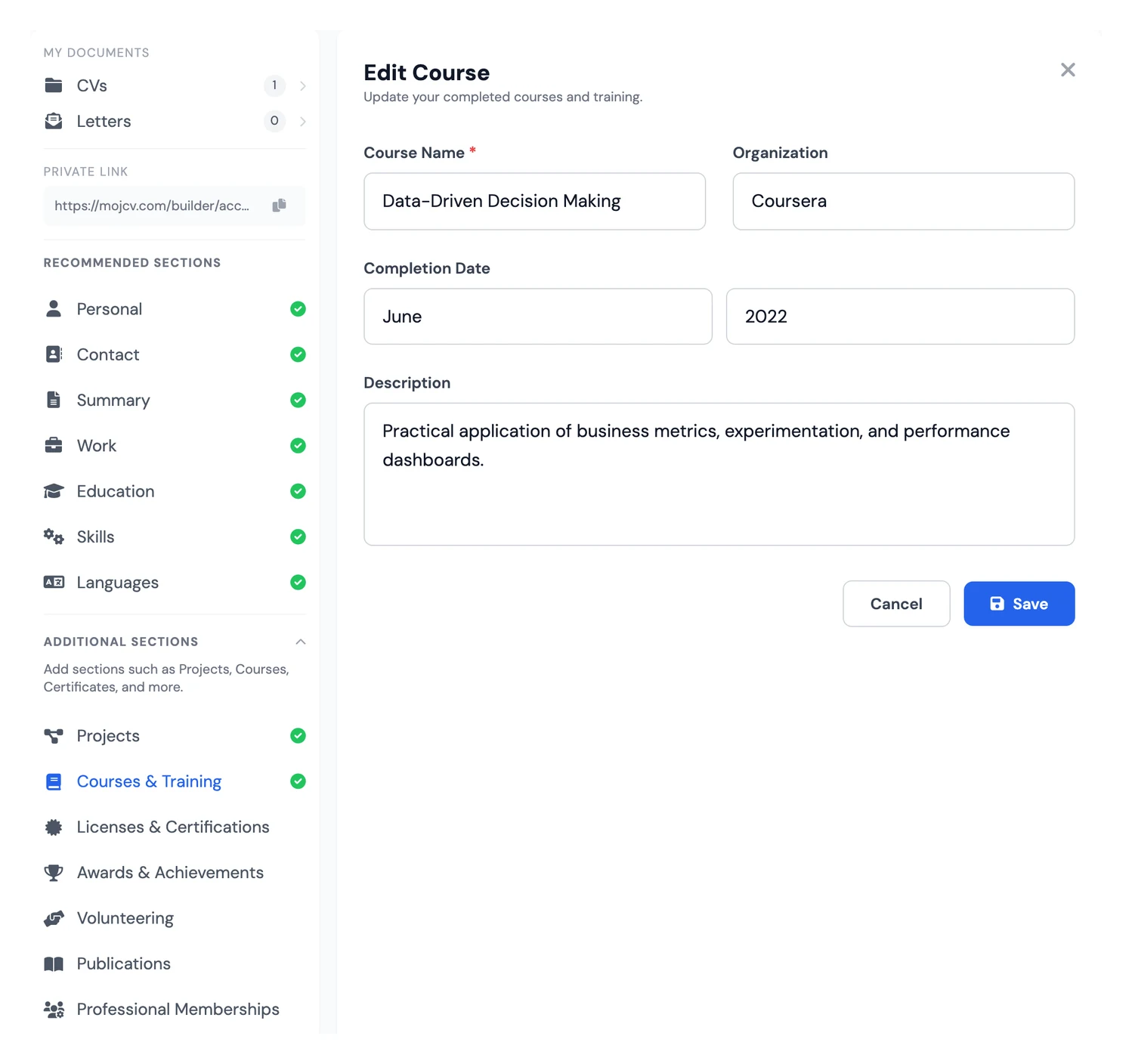
Courses & Training
This section is separate from your formal education. It is for ongoing and recent learning: MOOCs, bootcamps, internal company training, industry workshops, and online certifications. It is especially useful when you want to demonstrate recent upskilling in a new area or signal that a career change is already underway. A course completed in the last one to two years carries more weight here than listing a course from a decade ago.
- Course name, provider, and completion date
- MOOCs, bootcamps, workshops, and internal training
- Shows recent upskilling or an in-progress career pivot
Licenses & Certifications
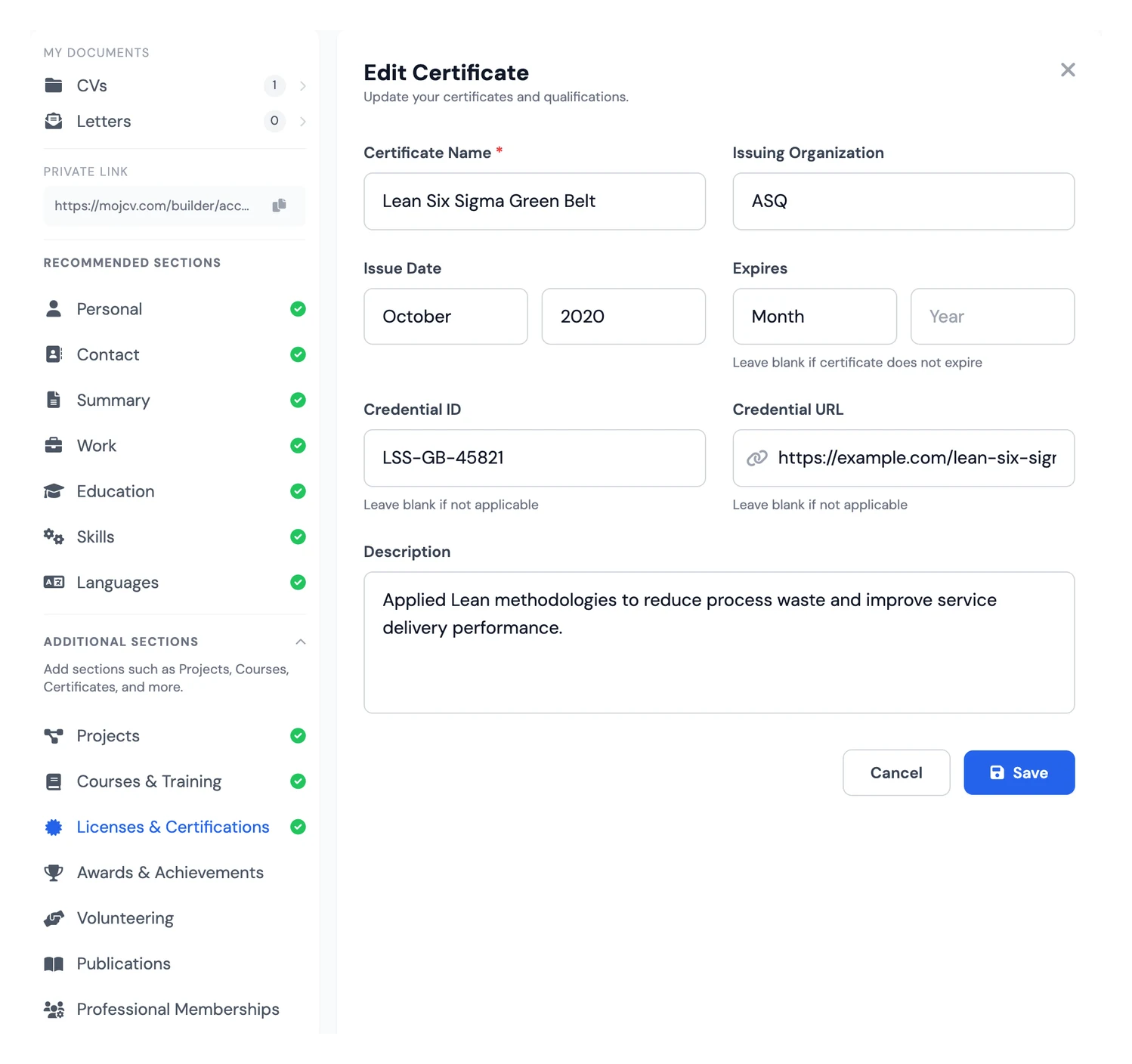
Industry-recognised certifications stand out in technical, financial, and project management roles. AWS, Google Cloud, PMP, CFA, and Salesforce certifications are all examples that attract immediate attention from specialist recruiters. This section also covers professional licences: driving licences, regulated trade qualifications, and compliance certifications required in certain industries. Include the certification name, issuing body, date obtained, and a verification link or number where one exists.
- Certification name, issuing body, and date obtained
- Verification link or licence number where applicable
- Professional licences and regulated credentials
Awards & Achievements
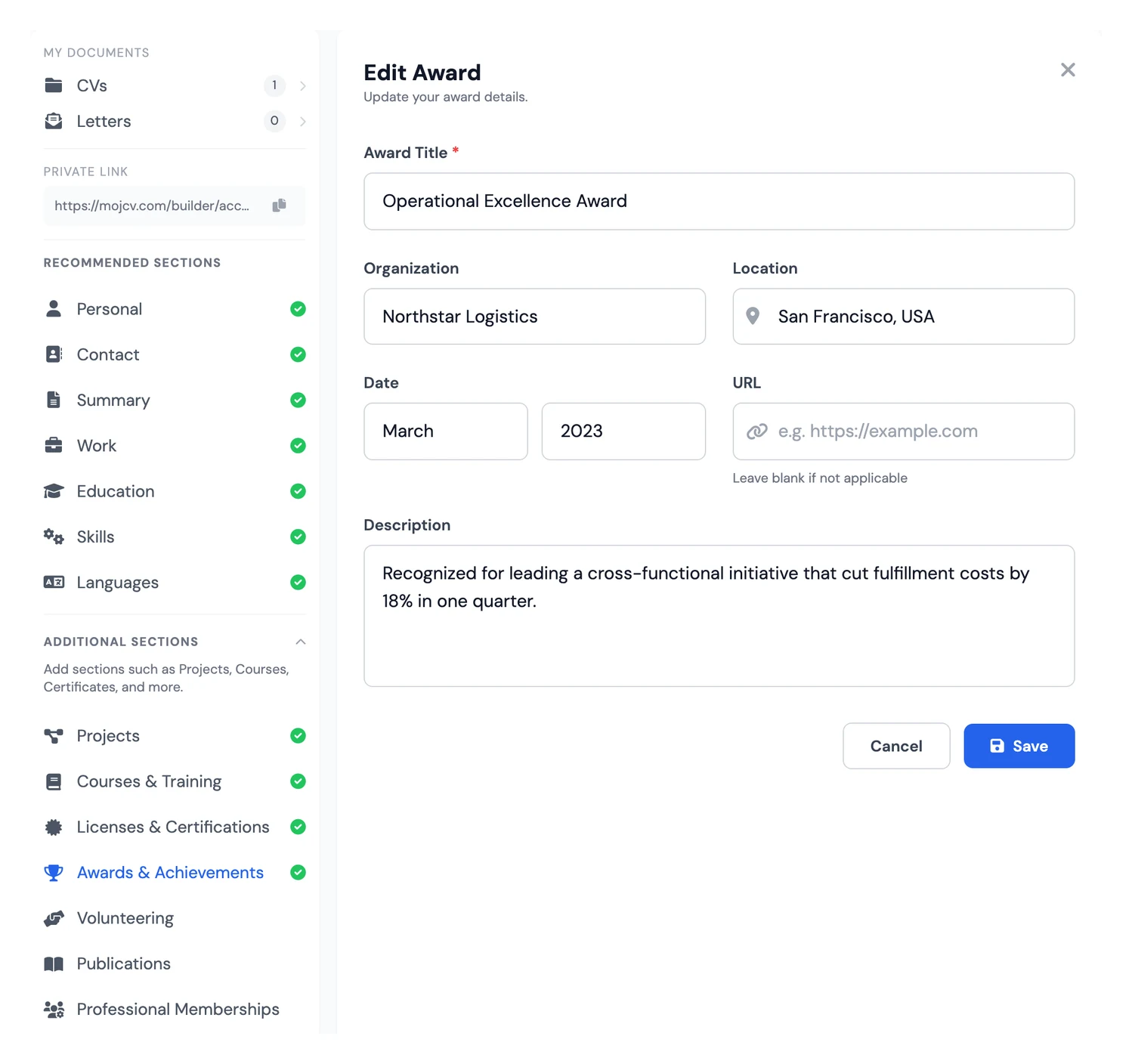
This section is for candidates who have something concrete to prove beyond their job title: a prize, a formal distinction, a sales record, or internal recognition for outstanding performance. One well-written line with clear context and measurable impact often communicates more than a full paragraph of work experience. It is especially effective for senior profiles, commercial roles, and candidates who have been recognised in competitive environments.
- Award or recognition, organisation, and date
- Brief context: what it was for, how many candidates, what it represented
- Particularly strong on senior, sales, and competitive profiles
Volunteering
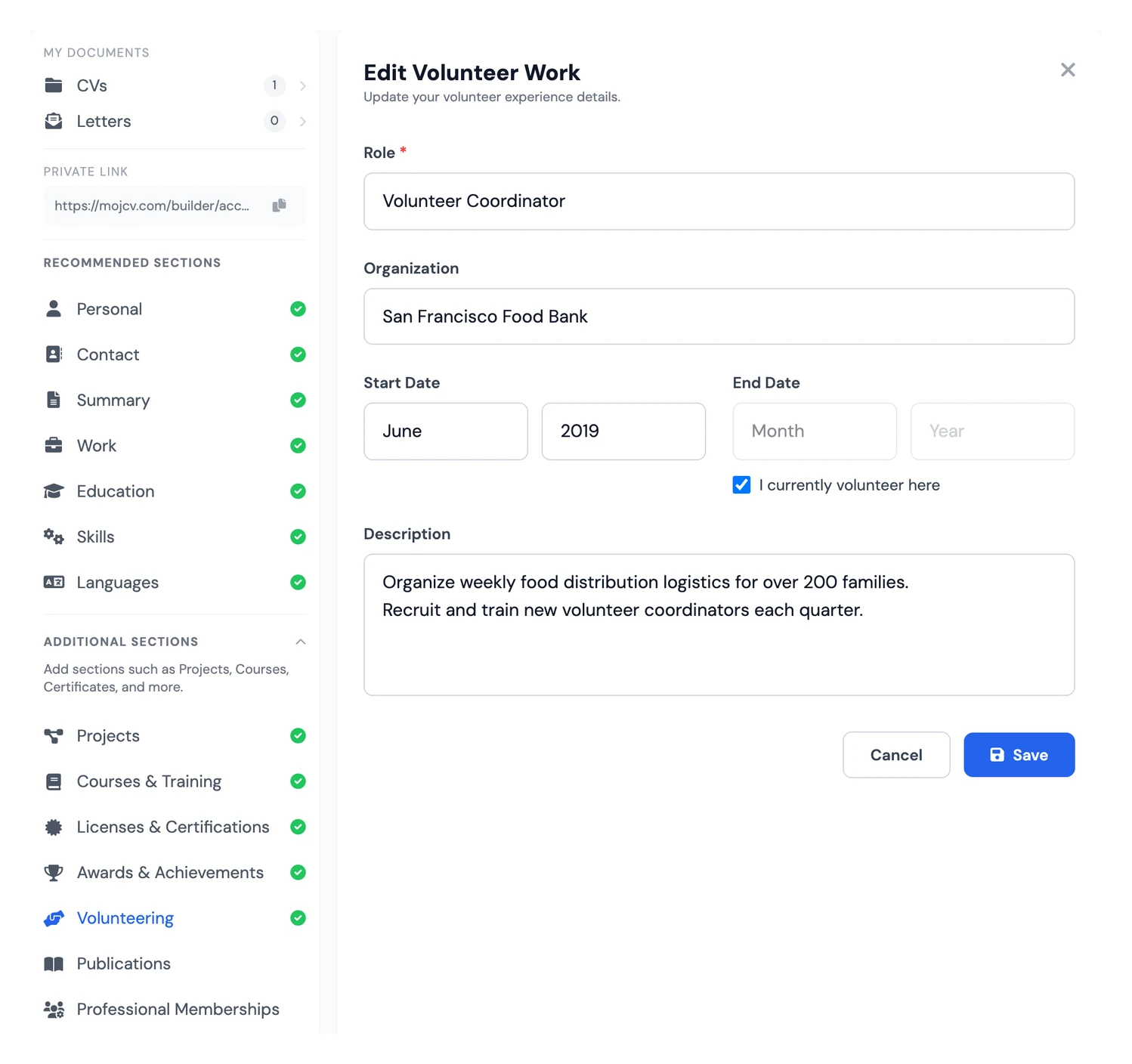
Volunteering is consistently underused on CVs. For students, graduates, and career changers, it demonstrates real, transferable skills developed outside paid employment: team leadership, communication, fundraising, event organisation. For any profile, it gives recruiters a clear signal about your values and how you spend your time beyond work. Some hiring managers weight a meaningful volunteer role as highly as a paid position if the responsibilities are relevant.
- Organisation, role, dates, and main responsibilities
- Skills developed and impact delivered
- Particularly valuable for students and career changers
Publications
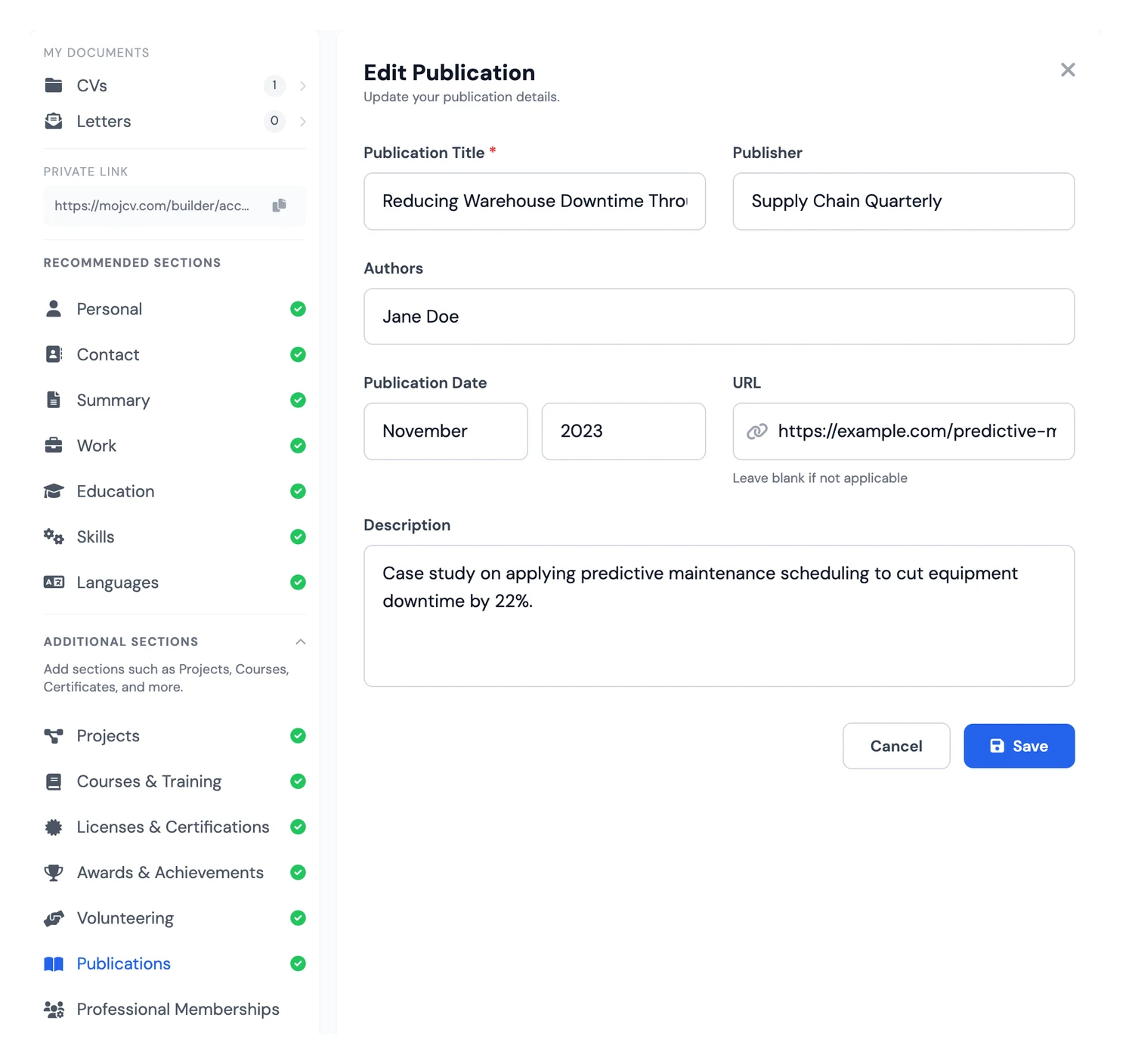
The publications section is essential for researchers, PhD candidates, lecturers, R&D engineers, and journalists. List your journal articles, conference papers, books, book chapters, and theses. For academic and research positions, the publications list is frequently the primary evaluation criterion. Include the title, journal or publisher, date, co-authors where relevant, and a DOI or direct link to make verification straightforward.
- Journal articles, conference papers, books, theses, and book chapters
- Title, publication, date, and co-authors
- DOI or direct link for verification
Professional Memberships
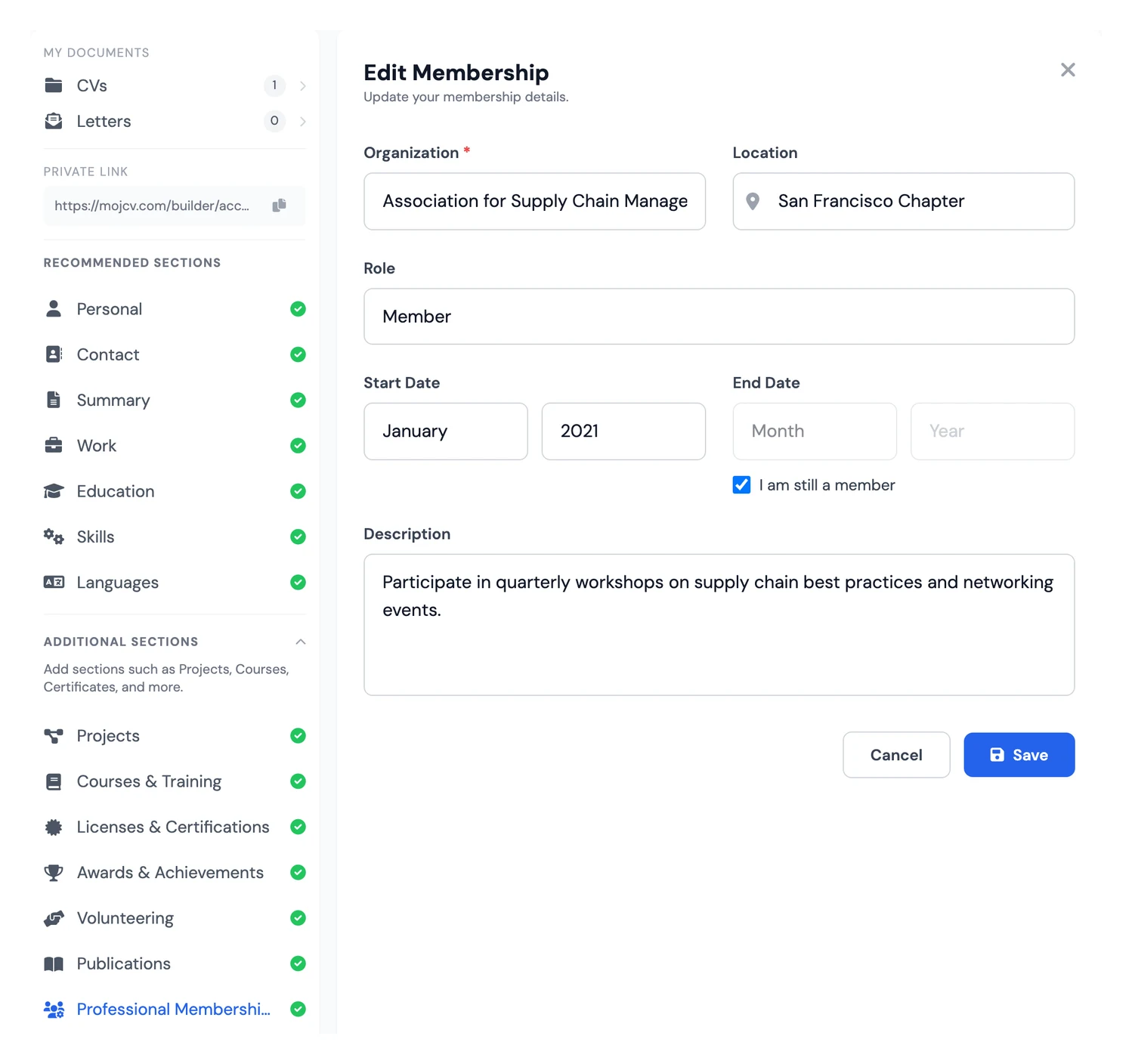
In regulated and licensed professions, membership of a professional body is either mandatory or carries significant weight. This applies to solicitors and barristers (bar associations), doctors (medical councils), architects, chartered accountants, and certain branches of engineering. Include the organisation name, your membership type, and the date you were admitted. Even in professions where membership is not required, active involvement in a professional association can strengthen your credibility.
- Professional body, association, or regulatory council
- Membership type and date of admission
- Required in regulated professions and valuable in many others
References
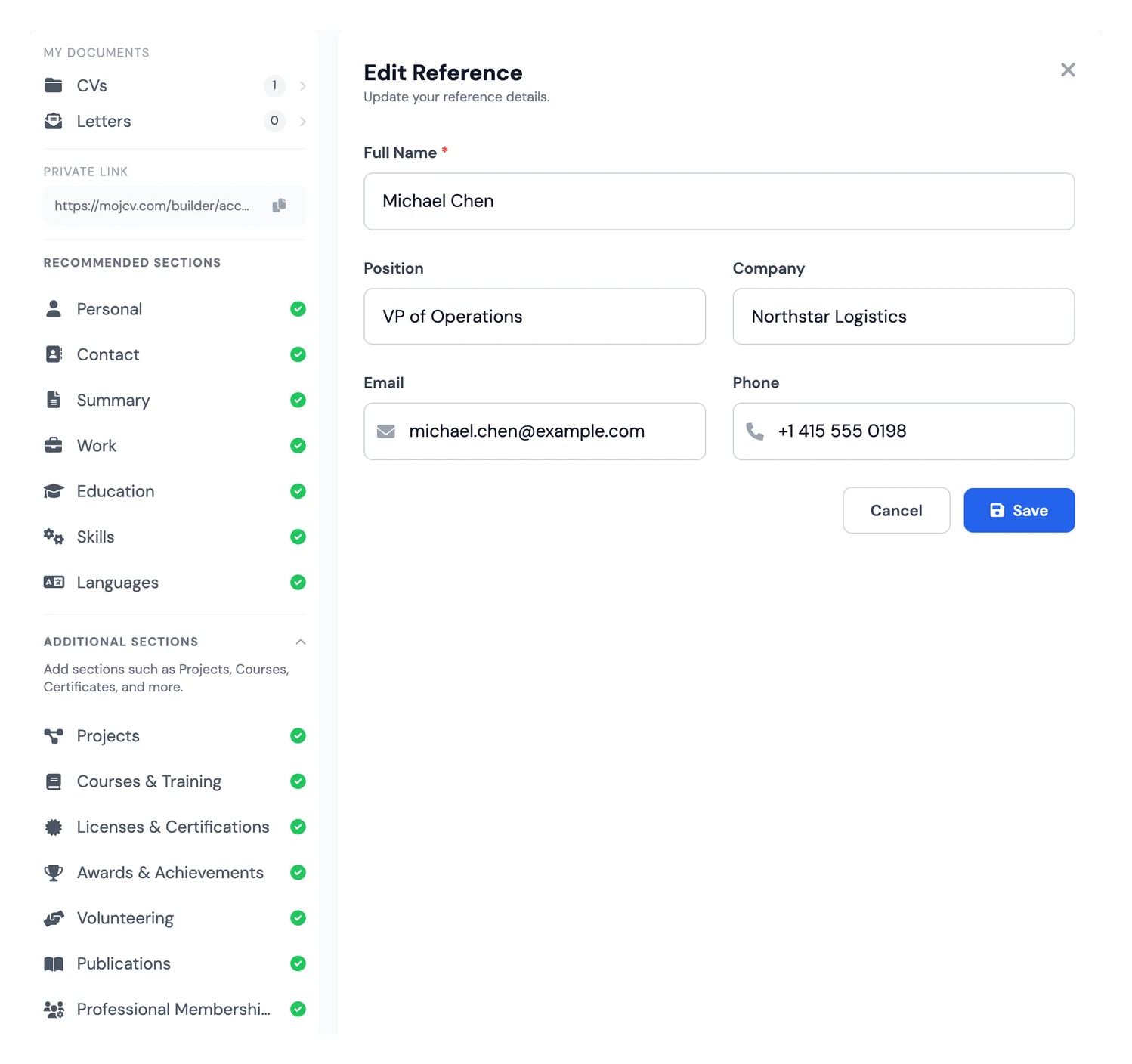
References are standard practice in UK, US, and most international job markets. You list people who can vouch for the quality of your work: former managers, senior colleagues, or clients. For each reference, include their name, job title, organisation, and contact details. If you prefer not to list names directly, writing "References available on request" is widely accepted. This free resume builder lets you customise this section to match the conventions of the market you are applying in.
- Name, job title, organisation, and contact details
- "Available on request" is widely accepted
- Standard practice in UK, US, and international applications
Which CV or resume sections to use for your profile
There is no universal CV or resume structure. The right sections depend on where you are in your career and what the role requires. Here is a practical guide by profile.
First CV/resume or entry-level candidate
Start with personal information, a short professional summary, education, skills, and languages. If you have internships or projects, add those sections too. Any section you leave empty will not appear in your PDF, so there is no need to worry about gaps.
See a junior developer CV exampleStudent and recent graduate
Put education first, then skills, languages, projects, and volunteering. Highlight academic projects, dissertation work, student societies, and any work placements. A focused professional summary is more effective than leaving that space blank.
Developer and technical profile
Make skills your centrepiece with a detailed tech stack, frameworks, and tools. Follow with projects that link to GitHub or a portfolio, then certifications and work experience. Recruiters in tech often read the skills section before the work history.
See a web developer CV exampleEngineer and scientist
Work experience, education, technical skills, and certifications form the core structure. For R&D profiles, add publications. Professional memberships are worth including if you hold a chartered or licensed status in your field.
See a mechanical engineer CV exampleResearcher, academic, and teacher
Give publications a prominent position. Follow with education (PhD, postdoc, HDR), teaching and research experience, professional memberships, and awards or distinctions. This structure is standard for academic job applications and funding bids.
See a teacher CV exampleSenior and executive profile
Lead with a strong professional summary that defines your positioning and seniority. Follow with detailed work experience including quantified results, then key certifications and any formal awards or distinctions. Management and strategic skills deserve their own category in the skills section.
See a marketing manager CV exampleCommon questions about CV and resume sections
What is the correct order of sections on a CV?
How many sections should a CV have?
Which CV and resume sections are essential for every application?
Should I include all 13 sections or only the relevant ones?
Can I change the order of sections in a CV or resume builder?
How do I optimise the skills section to pass ATS filters?
Should I add a photo to my CV or resume?
Which should come first: education or work experience?
Is the publications section useful outside academia?
How do I use the projects section when I have limited work experience?
Should I include volunteering on my CV or resume?
When should I include references on my CV or resume?
Are all 13 CV and resume sections free to use?
How do I adapt my CV or resume sections for different job applications?
Never pay to download your CV again.
Create your CV, download the PDF instantly, and move on with your job application.
Create Free CV NowFree forever · No registration · Unlimited downloads