Free. No watermark. No account.
Create a CV Without a Watermark
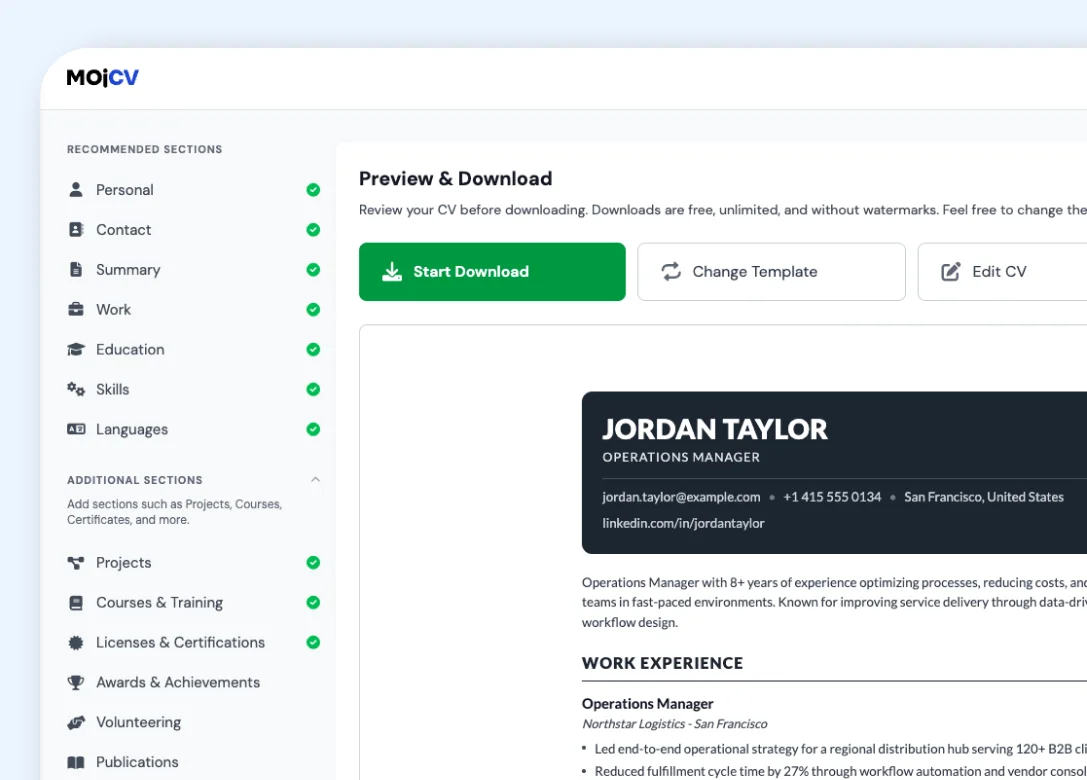
Every CV you download is clean. No watermark. No logo. No "Created with" footer. The document contains only your information, formatted and ready to send to a recruiter. That is how it should work.
Start your CV
Enter your name and choose a language. The editor opens right away.
Create a CV and download it without a watermark
1. Enter your name and pick a language
The editor opens right away. No email, password, or account.
Start your CV2. Fill in your details and choose a template
All 33 templates are included, none are locked, and you can switch templates at any time.
3. Download your CV
The PDF has only your content: no watermark, no logo, no footer text. You can also download a Word (.docx) file on the single-column templates.
Create a Word CVWhy most CV builders add a watermark
A watermark is usually not about design. It is a business decision. Here is how it typically works, and why we do not follow that model.
| MojCV | Typical CV builders |
|---|---|
|
No watermark on any download Every PDF you download is clean. There is no paid tier and no watermark-removal option because there is no watermark to remove. |
Watermark on the free download The free PDF includes visible branding or a watermark. Removing it requires upgrading to a paid plan. |
|
No platform promotion on your document We do not use your CV to advertise the platform. Your document represents you, not us. |
Branding as a conversion tool Watermarks and logos on free downloads promote the platform to recruiters and pressure the user to upgrade to remove them. |
|
Unlimited clean downloads Download your CV as many times as you need. Edit and re-download. Create multiple versions. No cap, no paywall, no watermark. |
Limited free downloads Some builders cap the number of free downloads, requiring an upgrade to download additional versions or updates. |
|
No catch at any step The download button does exactly what it says. A clean PDF saves to your device. No paywall, no watermark, no surprise. |
Catch at the download step The watermark or paywall often only appears when you try to download, after you have already spent time filling in your CV. |
What you get with every download
Clean means clean. Here is exactly what is and is not in your PDF.
Download as many times as you need. All clean.
No download limit, no credits, and no plan to upgrade to. Ads pay for the site, so you never have to.
- Edit and re-download your CV as many times as you need
- Create multiple versions for different roles, all downloads are clean
- Switch templates and download again, no extra charge
- No download cap on any plan because there is only one plan: free
Common questions about watermarks and clean CV downloads
Is there really no watermark on my CV download?
Why do you not add a watermark like other builders?
How many times can I download my CV without a watermark?
Is any branding added to my CV?
Do I need to pay to remove the watermark?
Is the CV download really free with no hidden charges?
Your CV. Clean. No watermark. Free.
Download a professional PDF that contains only your information. No branding, no logo, no catch.
Free. No account. No watermark. Unlimited downloads.