Most CVs done in about 10 minutes. No account needed.
Create a CV in Minutes
You need a CV now. MojCV is built for exactly that. No account to create, no email to verify, no formatting to figure out. Enter your name, fill in your sections, and download a clean PDF. Most people finish in about 10 minutes.
Start your CV now
Enter your name and choose a language. The editor opens right away.
From blank page to downloaded PDF in 3 steps
The builder guides you through every section. There are no formatting decisions to make and nothing to install. If you have your information ready, you can finish faster than 10 minutes.
Enter your name and start immediately
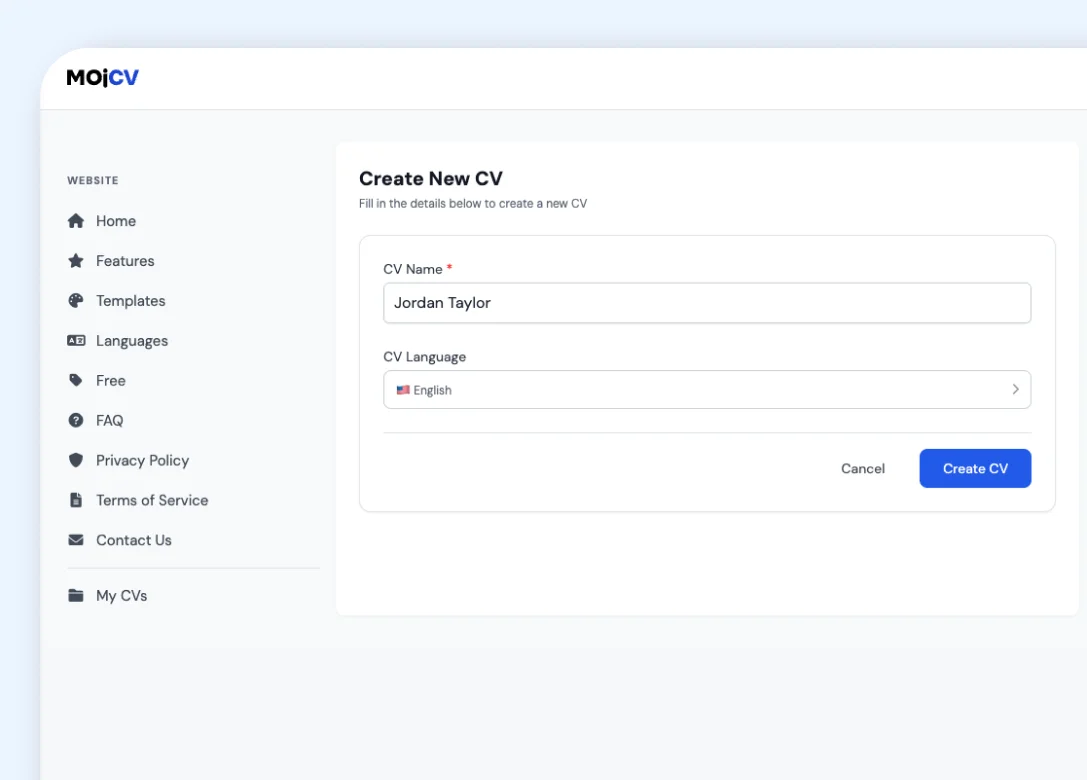
Type your first name, choose the language for your CV, and you are inside the builder. No email address. No password. No verification step. A private link is generated automatically to save your work. You can come back to your CV any time using that link.
Fill in only the sections you need
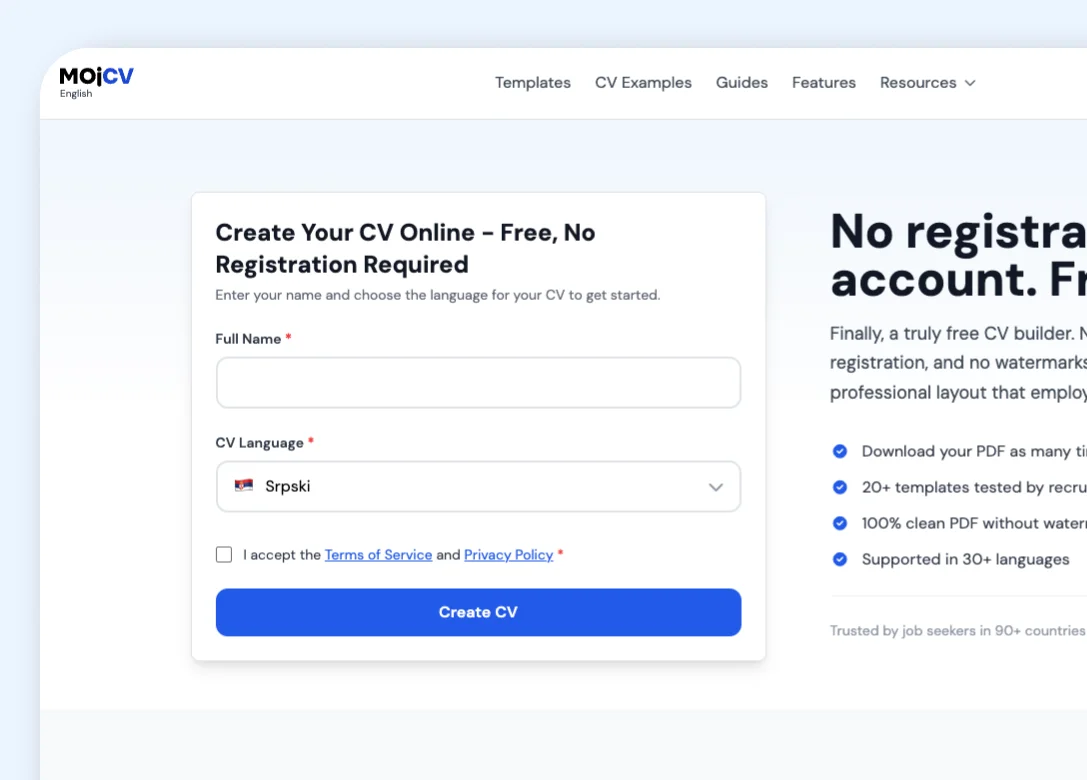
The builder takes you through each section one at a time: work experience, education, skills, languages, projects, and more. Add only what is relevant to your application. Leave any section blank and it will not appear in your PDF. For a quick application, a few essential sections are enough.
Pick a template and download the PDF
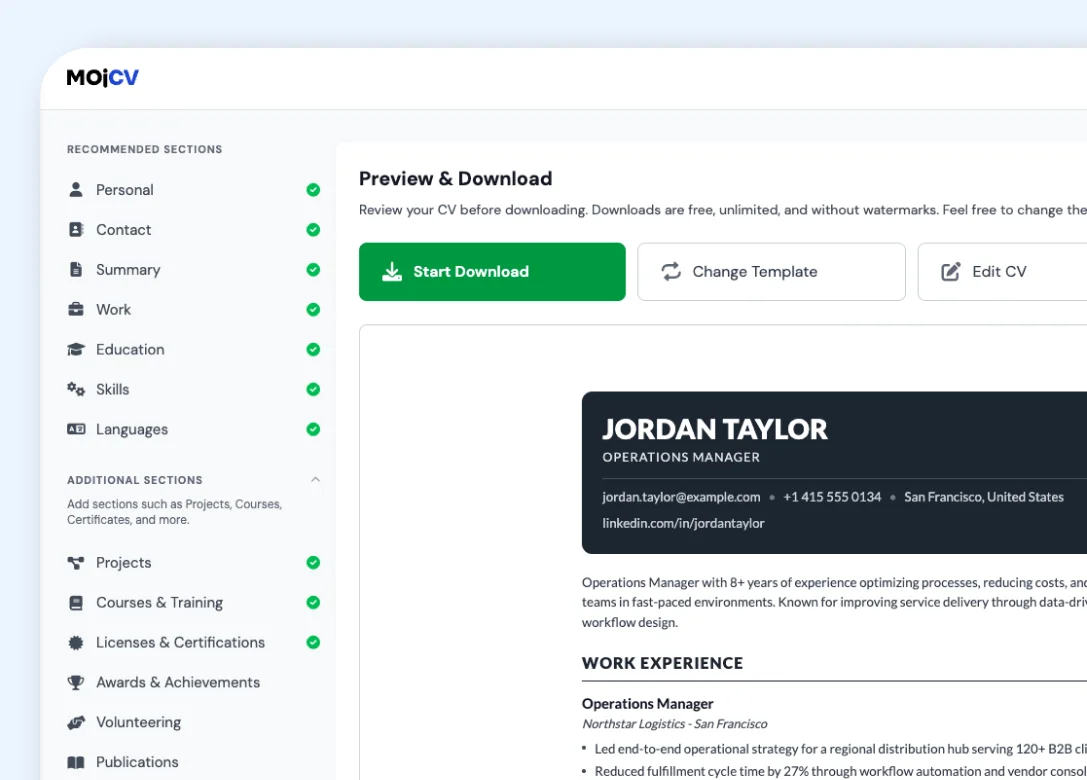
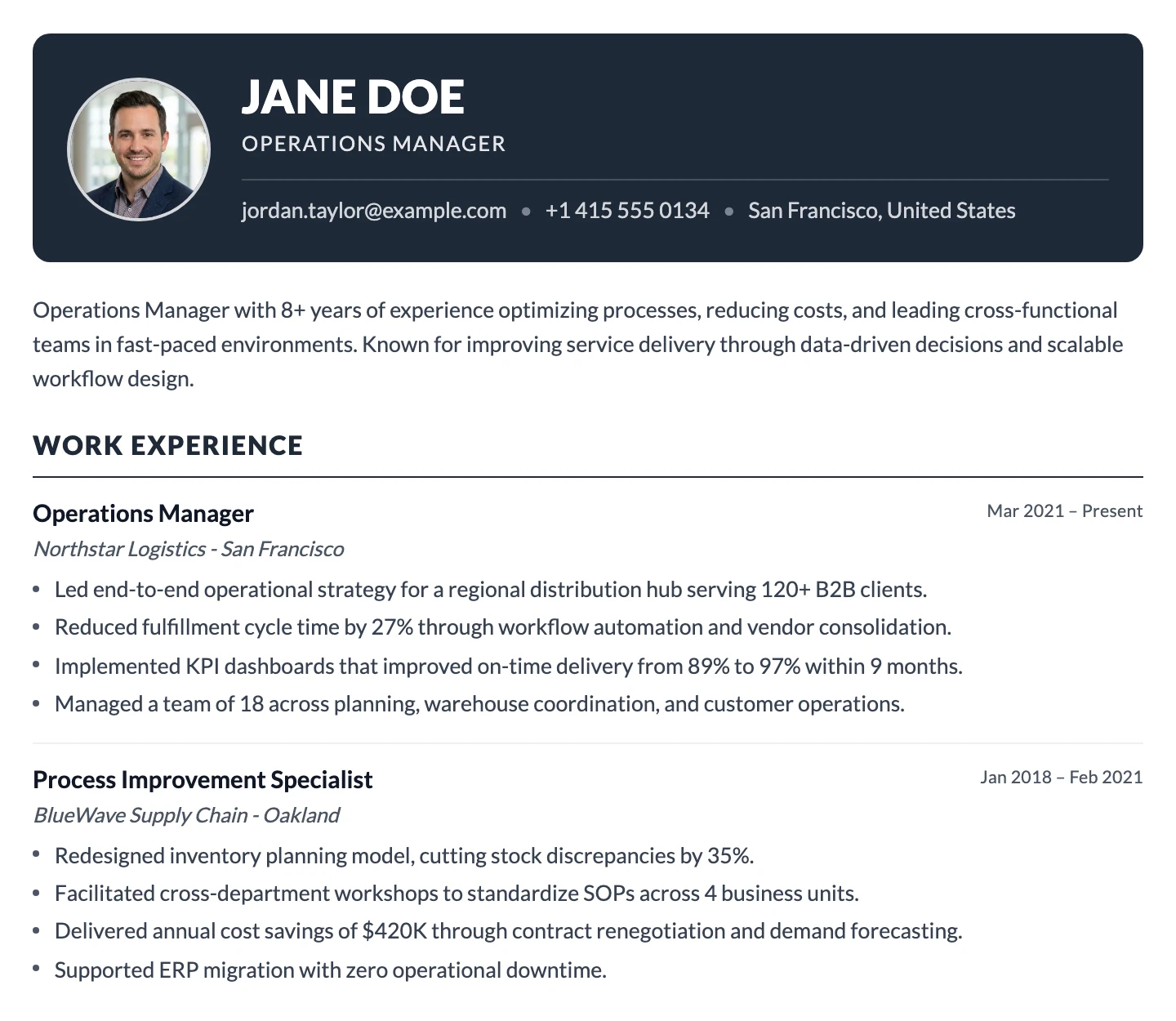
Click any template and the design is applied to your content automatically. Fonts, layout, spacing, and colors are all handled. When you are ready, tap download. The PDF generates instantly and saves directly to your device. No waiting, no watermark, no paywall.
Add only the sections that matter for this application
You do not need a complete CV for every application. For a quick submission, add your work experience, education, skills, and any other section that is relevant. Leave everything else blank. MojCV skips empty sections automatically, so your PDF looks clean and complete even if you only filled in three or four sections.
- Work experience, education, skills, languages, projects - add what you have
- Leave any section blank and it simply will not appear in your PDF
- The layout adjusts automatically - no gaps, no empty headings
- Add more sections later if you want a fuller version
No account. No email. No password. Just start.
Most CV builders ask you to register before you can do anything useful. MojCV does not. Enter a first name and you are inside the editor. That is the only step between you and a finished CV. Your CV is saved under a private link generated automatically when you start. Use that link to come back and edit from any device. If you only need a one-off CV for a single application, download the PDF and delete the CV when you are done. Nothing left behind.
- No email address required at any stage
- No password to create or remember
- Private link saves your CV automatically
- Delete your CV any time - nothing stays stored
Switch templates in one click. No reformatting needed.
Once your content is in, you can try any template without touching your text. Click a design and everything updates automatically: layout, fonts, colors, spacing. Compare different looks with your actual content, pick the one that fits best, and download. No time spent on design. All templates produce an ATS-optimized PDF, so whichever you choose will pass through applicant tracking systems correctly.
- All templates available from the first day - nothing locked
- Your content moves across when you switch - nothing to retype
- Switch as many times as you like before downloading
- Reorder sections with one click to put the most relevant ones first - the layout updates automatically
- Every template is ATS-compatible out of the box
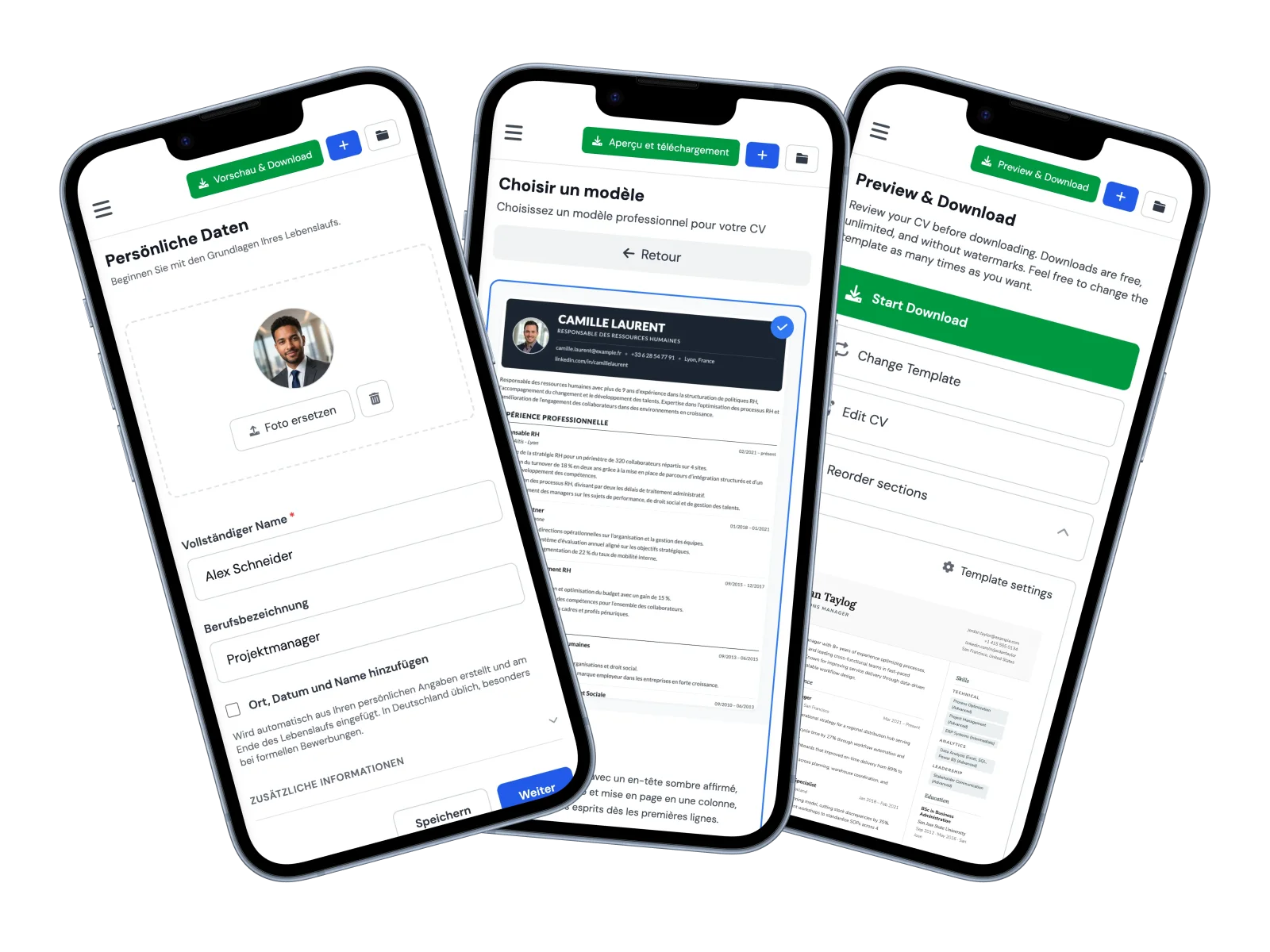
Apply on the go. The full builder works on your phone.
Spotted a job posting on your phone and need a CV right now? MojCV works on any mobile browser. No app to install. Open the site in Chrome or Safari, fill in your sections, pick a template, and download the PDF directly to your device. On iPhone the PDF saves to your Files app. On Android it goes to your Downloads folder. Ready to attach to an application in seconds.
- Works in any mobile browser - no app needed
- Full builder on your phone: all sections, all templates
- PDF downloads straight to your device
- Start on your phone, continue on a laptop later using your private link
Everything that makes MojCV fast
Every part of the builder is designed to remove friction. No steps that waste your time, no decisions that slow you down.
Common questions about creating a CV quickly
Everything you need to know about getting a CV done fast with MojCV.
How long does it take to create a CV on MojCV?
Do I need to create an account before I can start?
Can I create a CV with only a few sections?
How fast is the PDF download?
Can I create a quick CV on my phone?
What if I only need the CV for one application?
Do I need to choose a template before I start filling in my information?
Will my CV pass ATS screening if I create it quickly?
Need a CV or resume right now? Create one in minutes.
No account. No email. No formatting to worry about. Fill in your sections, pick a template, and download a clean PDF in minutes.
Free. No account. Ready in about 10 minutes.