
Free. No account. Instant PDF download.
Create a One-Page CV
Need a one-page CV? MojCV compact templates are designed to fit one page for most profiles. Add only the sections you need, reorder them to put the strongest content first, and download a clean PDF instantly. Free, no account required.
Start your one-page CV
Enter your name and choose a language. The editor opens right away.
When a one-page CV is the right choice
A one-page CV is not just for students. It is the standard format in many contexts and the preferred format for a growing number of recruiters.
Students and entry-level applicants
A short career history fits naturally on one page. Trying to stretch early experience across two pages adds padding that recruiters notice. One page keeps the document focused and easy to scan.
ATS submissions
Applicant tracking systems parse CVs top to bottom. A clean single-column one-page layout gives the system the best chance of reading your content correctly, without layout elements that interfere with parsing.
European job markets
One-page CVs are standard or strongly preferred in many European countries. In Germany, France, the Netherlands, and Scandinavia, a concise one-page document signals professionalism rather than a lack of experience.
Targeted applications from experienced professionals
A one-page CV focused on the most relevant experience can outperform a two-page document that includes everything. For a specific role in a specific company, cutting to what matters most shows clarity and respect for the recruiter's time.
How to build a one-page CV on MojCV
Three decisions control the length of your CV: which template you use, which sections you include, and what order they appear in. MojCV gives you control over all three.
Choose a compact single-column template
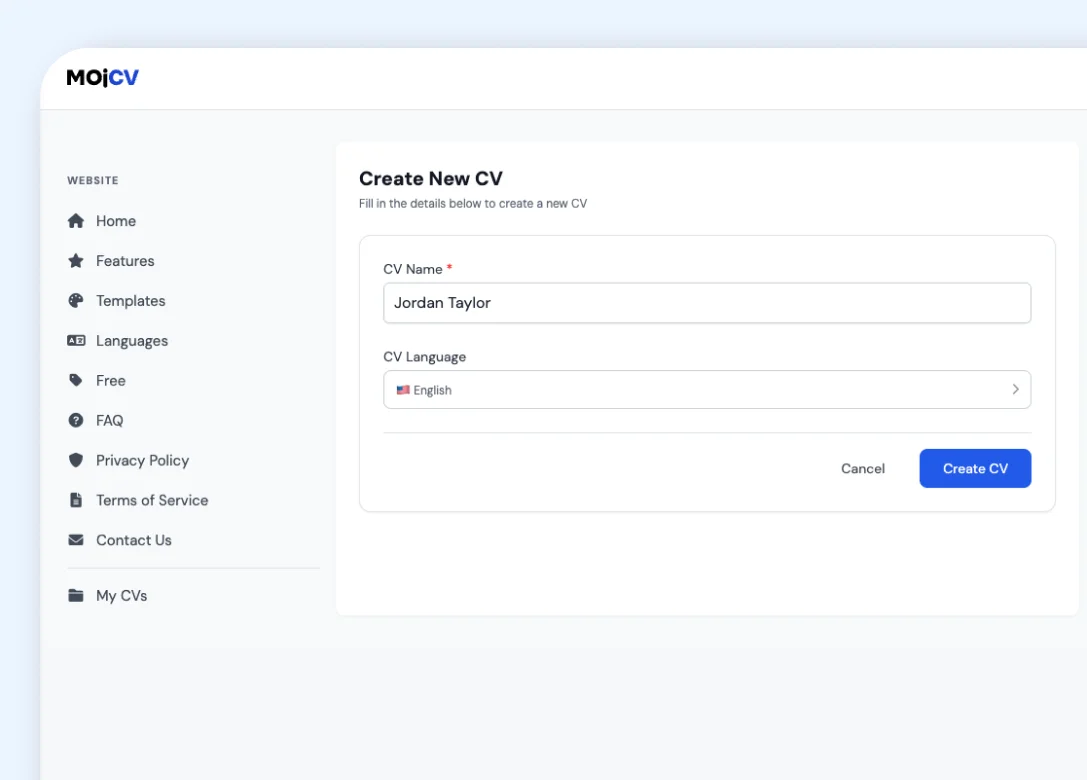
Single-column templates use the full page width for your content. Simple, Clean, Minimal, and Graduate templates are all single-column and designed to fit one page for most profiles. Avoid two-column templates if you want a predictable one-page result.
Add only the sections that matter for this role
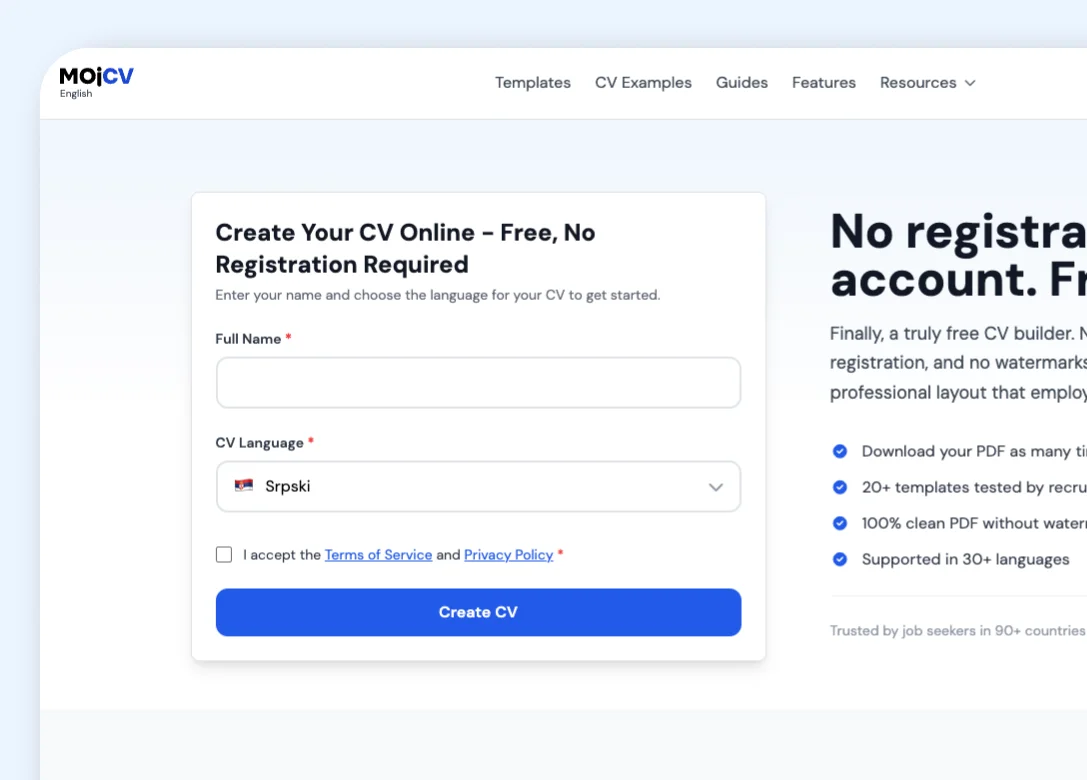
Every section on MojCV is optional. Add work experience, education, skills, and any other section that is relevant. Leave the rest blank and those sections will not appear in your PDF. Fewer sections means a shorter, tighter document.
Reorder to put the strongest content first
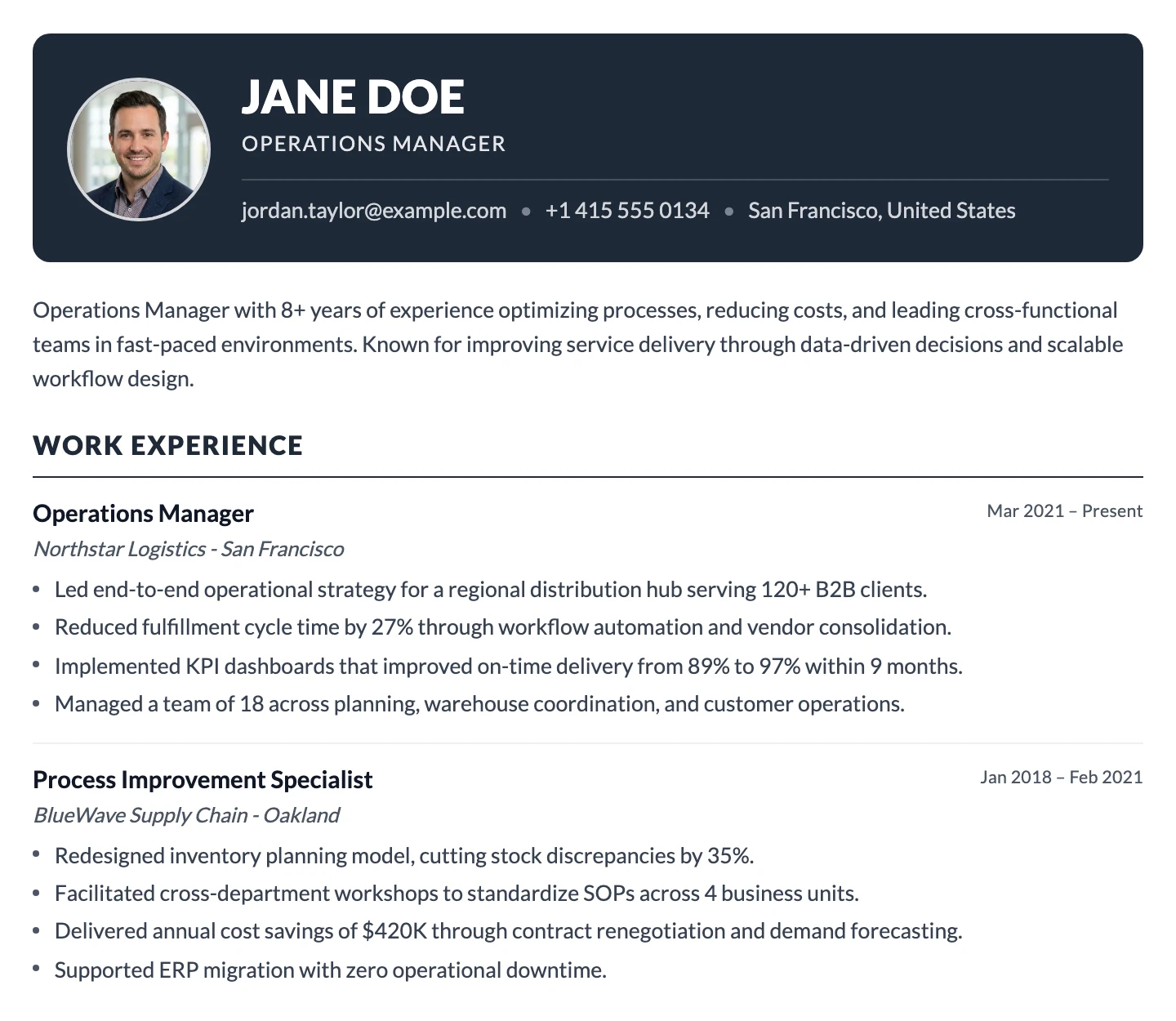
Click once to move any section up or down. Put the sections most relevant to the role at the top. If you are applying for a technical role, lead with skills. If you are a recent graduate, lead with education. The layout updates automatically.
Reorder sections to keep what matters, remove what does not
The fastest way to shorten a CV is to remove sections that are not relevant to this application. MojCV makes that easy. Leave any section blank and it disappears from the PDF automatically. For sections you want to keep, move them up or down with a single click. Lead with the content that makes the strongest case for this role, and push supporting sections to the bottom. The template and layout update immediately with every change.
- Leave any section blank and it will not appear in your PDF
- Move sections up or down with one click, and the layout updates instantly
- Duplicate your CV and create a different section order for each application
Clean, compact templates that naturally fit one page
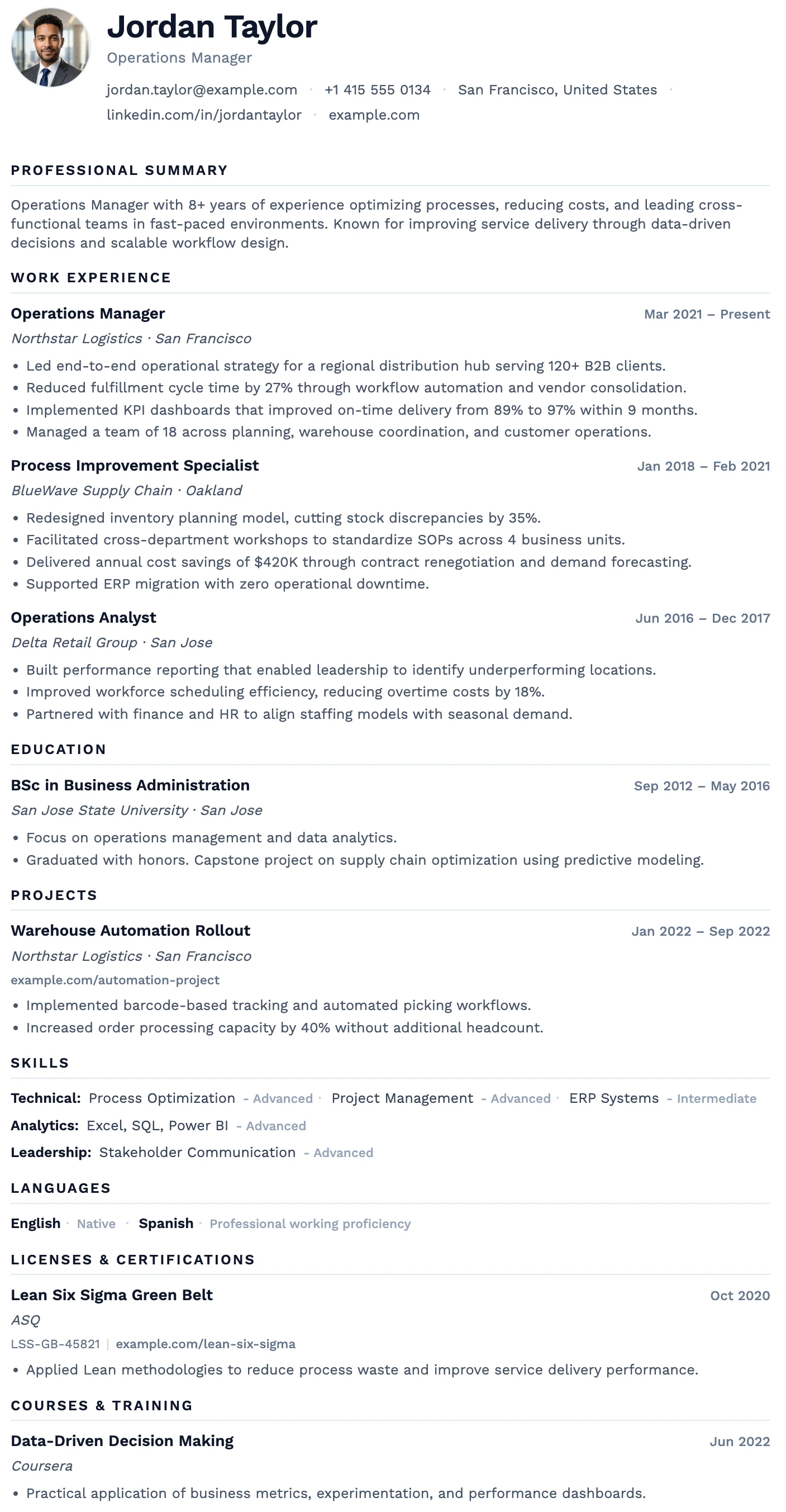
Single-column layouts with clean typography and efficient use of space. These templates are built to present your content in one page without padding or visual tricks. All free to use and download. <a href="/en/simple-cv-templates" class="text-blue-600 hover:underline">See all simple CV templates</a>.
Oslo
FreeThe Oslo template has a quiet, understated layout, soft typography, and just enough structure to keep everything clear and easy to read.
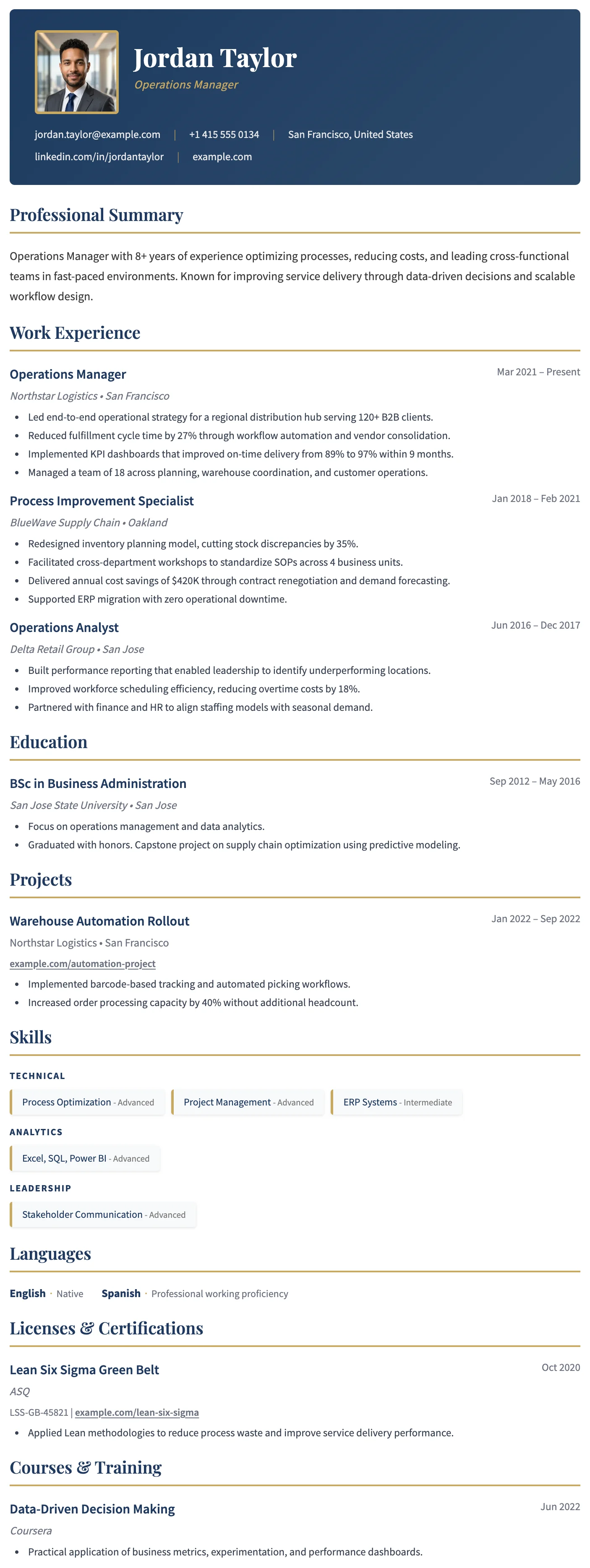
Dublin
FreeThe Dublin template has a dark header, warm gold accent headings, and a refined single-column layout that projects confidence and credibility.
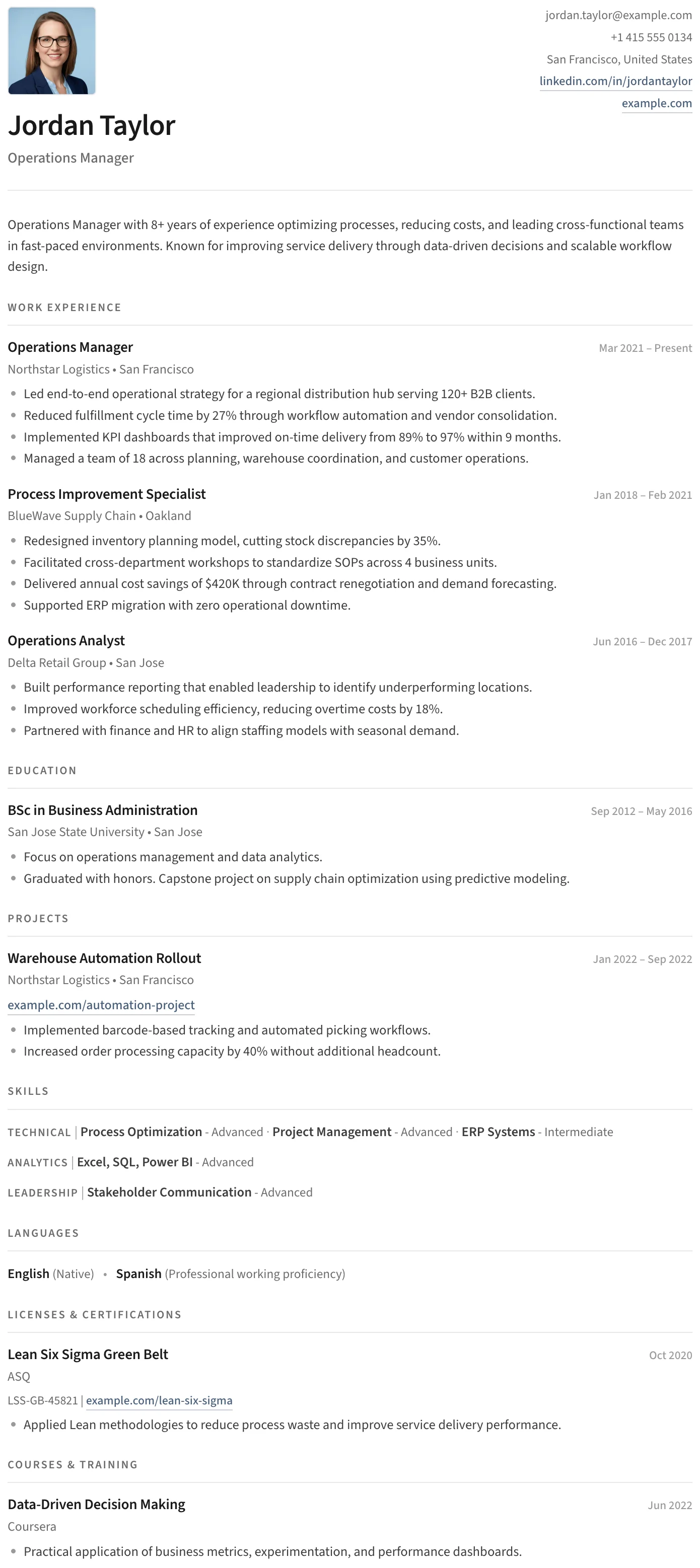
Split
FreeThe Split template has a clean split header, minimal section styling, and an uncluttered layout that keeps the focus entirely on your content.
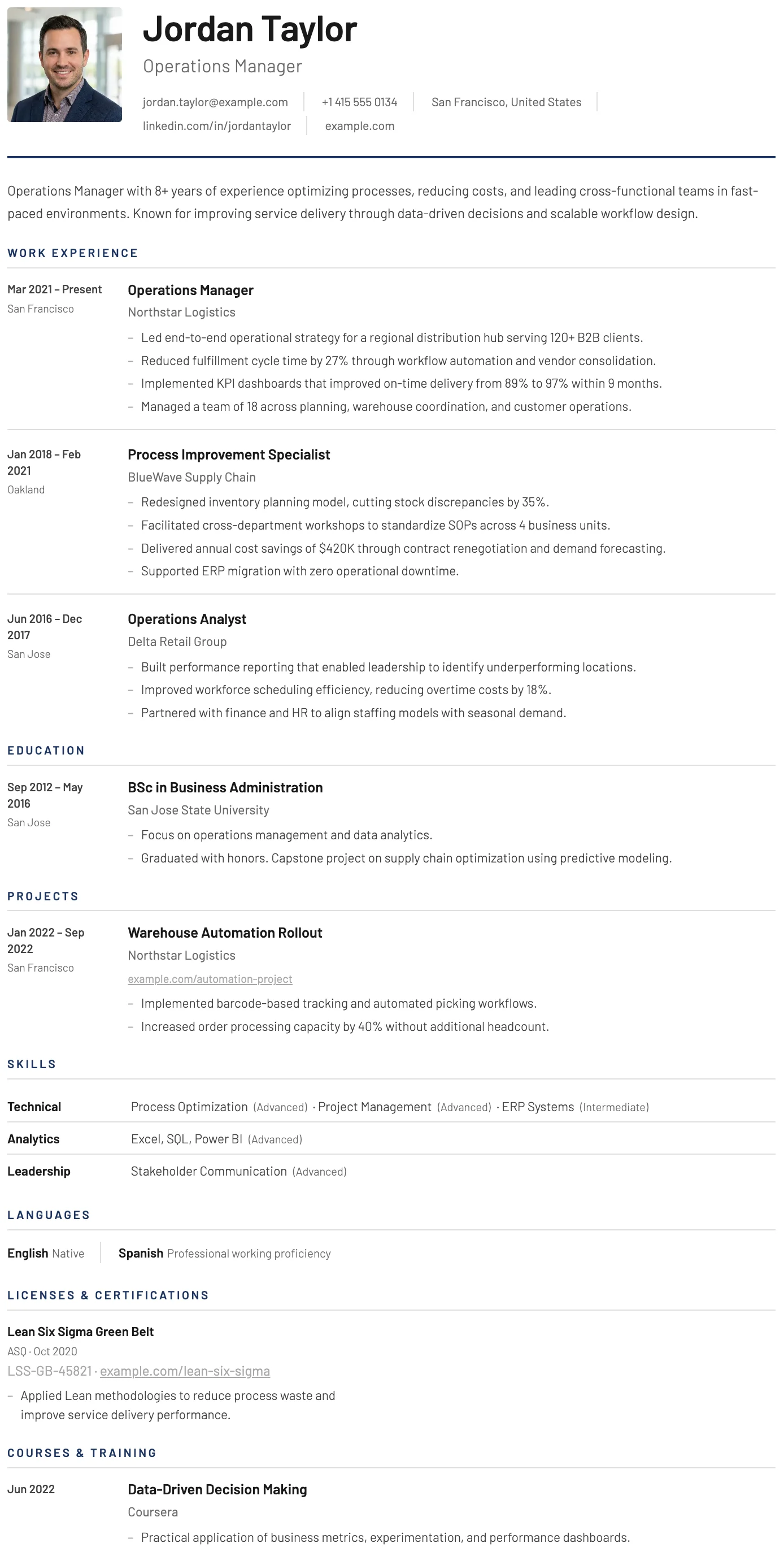
York
FreeThe York template has a dedicated date and location column that creates a clear timeline structure, making career progression easy to follow at a glance.
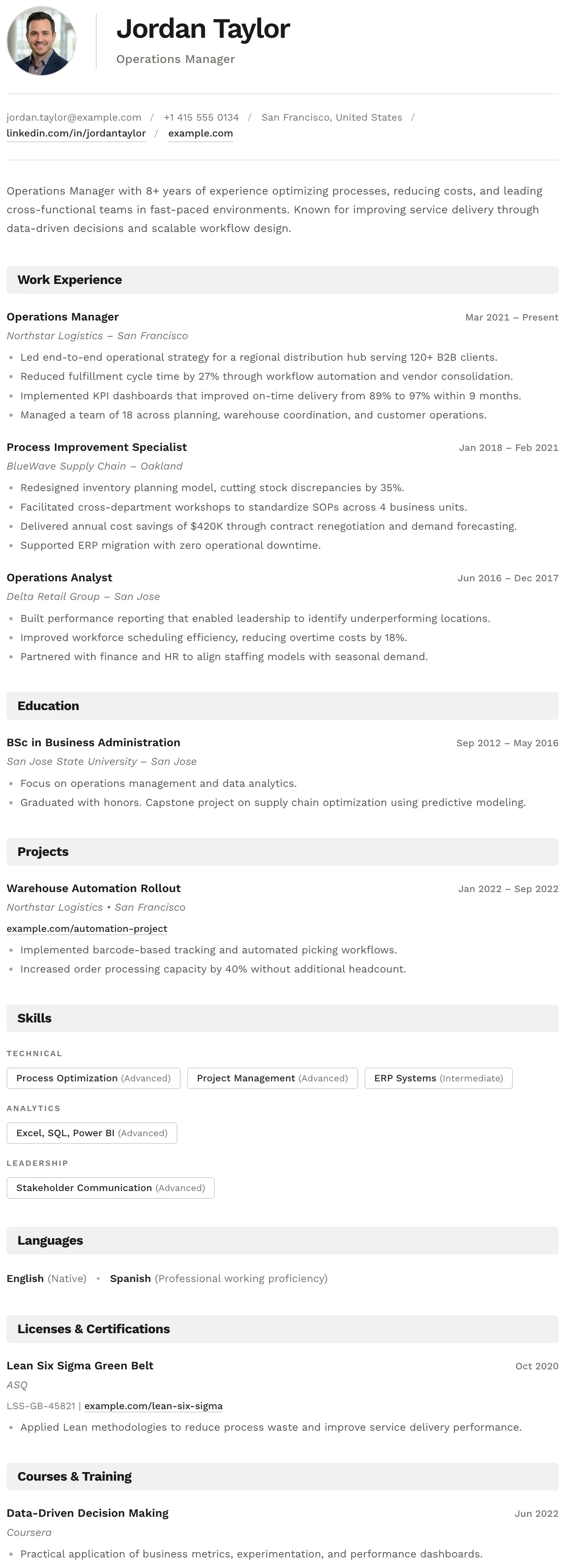
Bern
FreeThe Bern template has a distinctive shaded band on every section heading, creating a well-structured and easy-to-navigate layout with a modern finish.
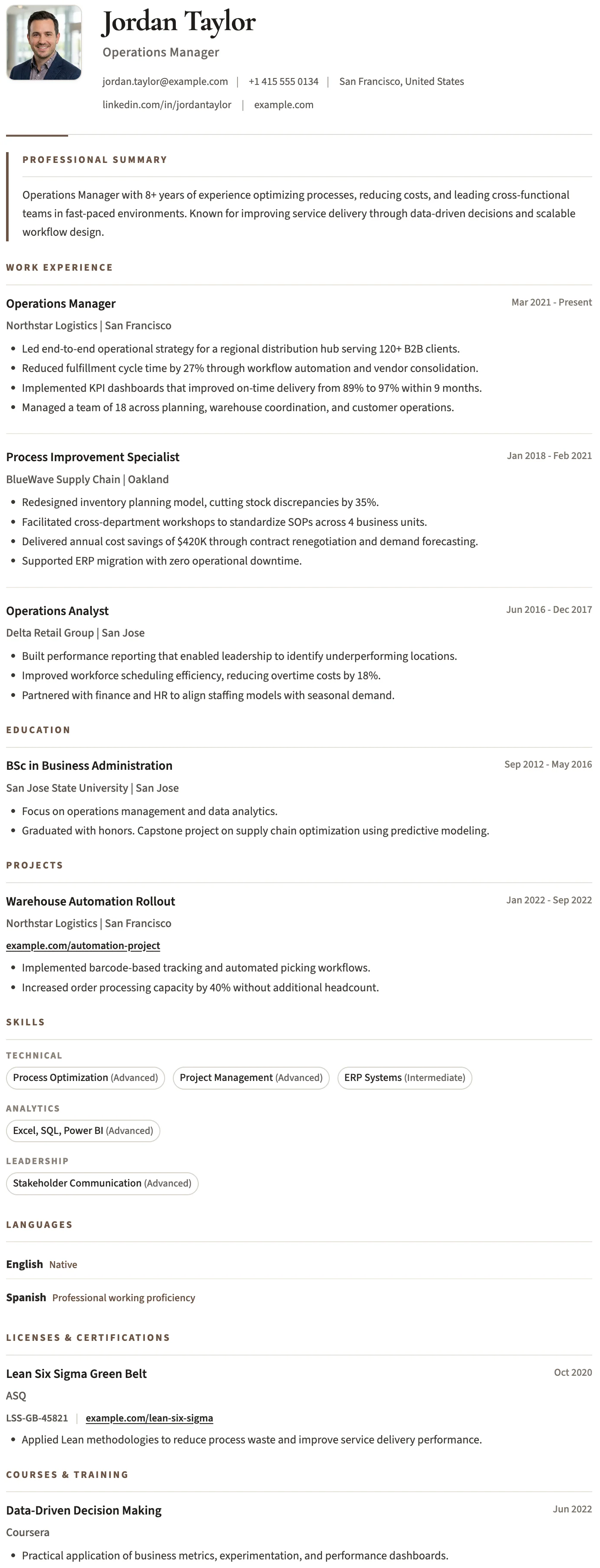
Bristol
FreeThe Bristol template has a clean black and white layout, structured skill tags, and a no-frills design that keeps the focus entirely on your content.
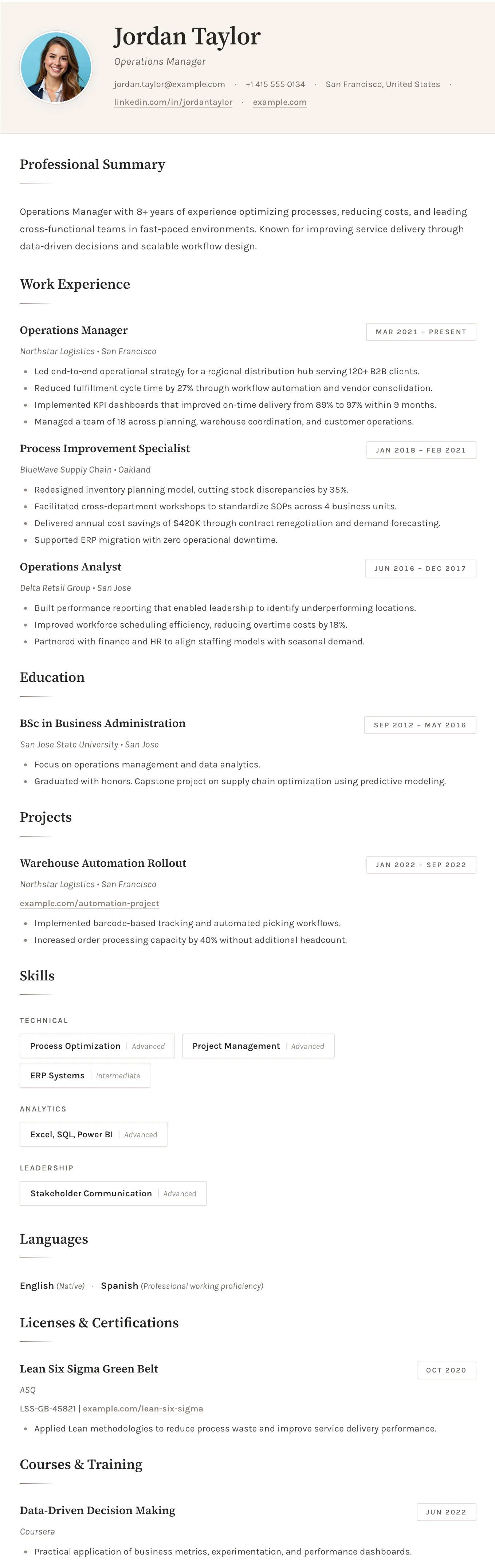
Sofia
FreeThe Sofia template has a warm off-white background, refined typography, and subtle accent details that create a sophisticated and understated layout.
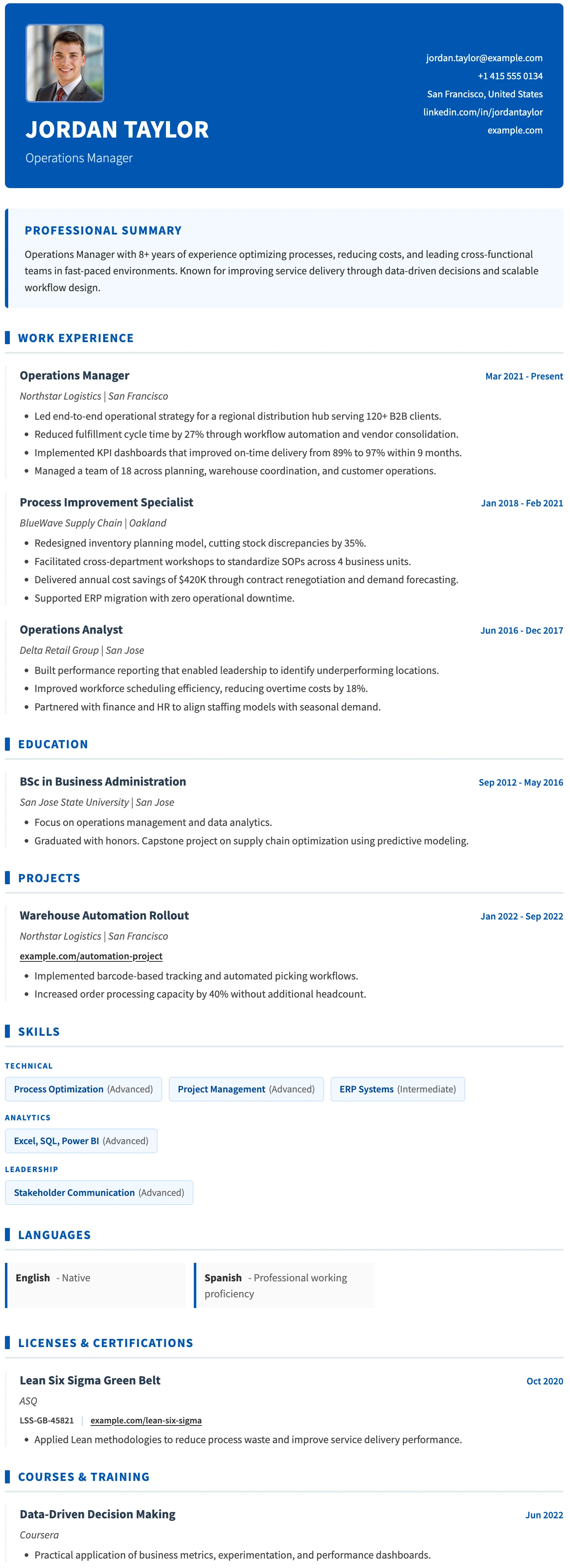
Basel
FreeThe Basel template has a strong blue header, consistent blue accent details throughout, and a clear structured layout built for medical and healthcare professionals.
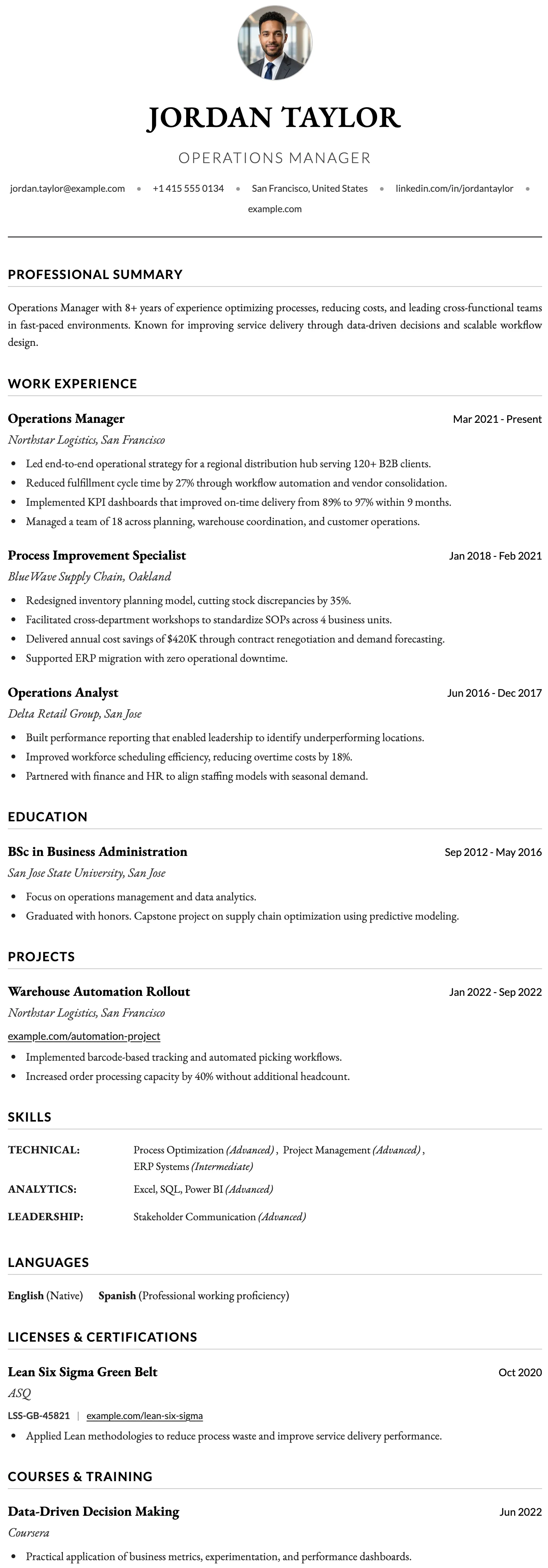
Oxford
FreeThe Oxford template has a clean centered header, generous spacing, and a content-first layout designed to accommodate the length and depth of an academic career.
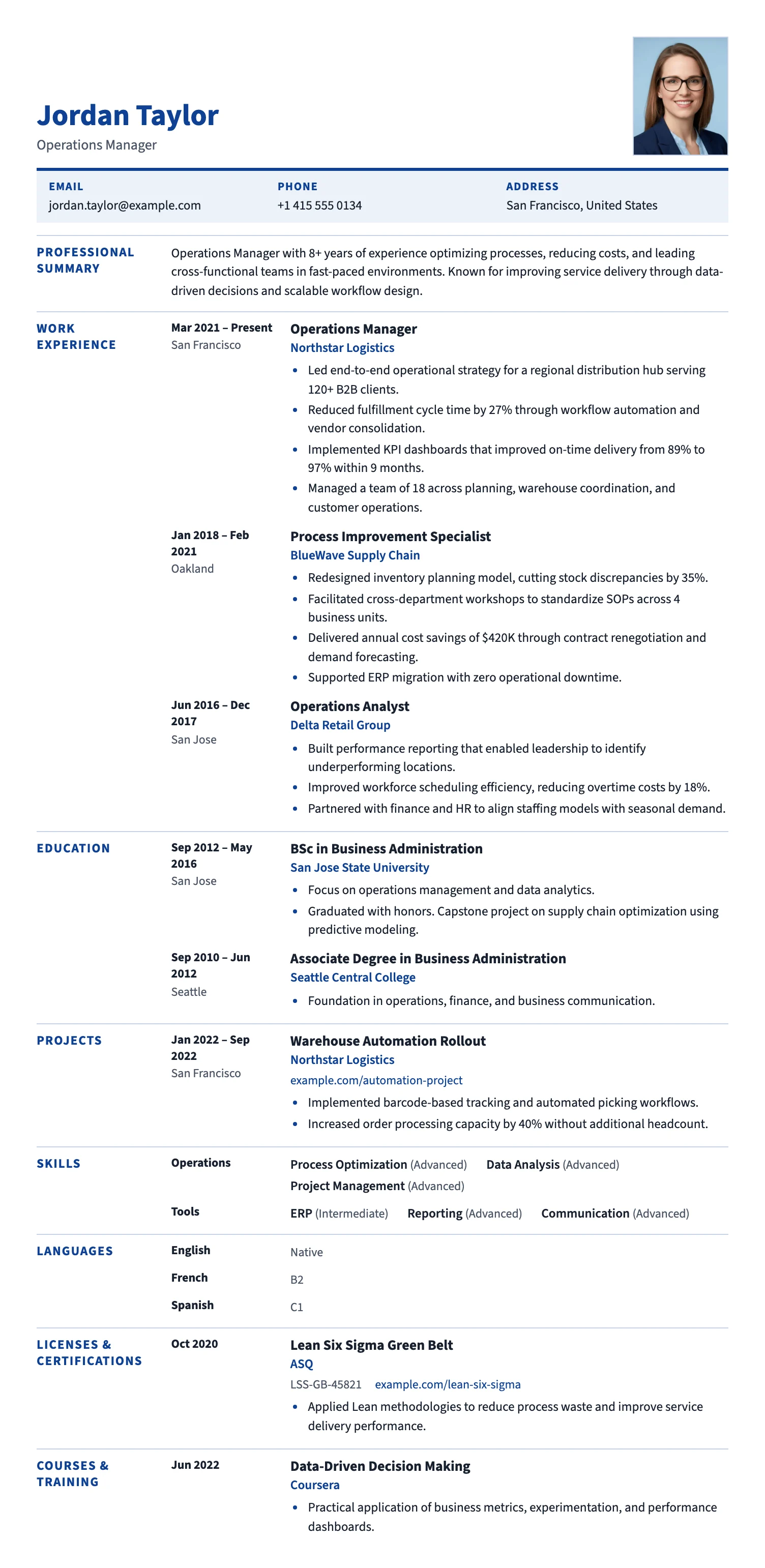
Brussels
FreeThe Brussels template follows the familiar European CV format: section labels on the left, content on the right, and a clean blue accent. A clear, recruiter-friendly layout for EU applications.
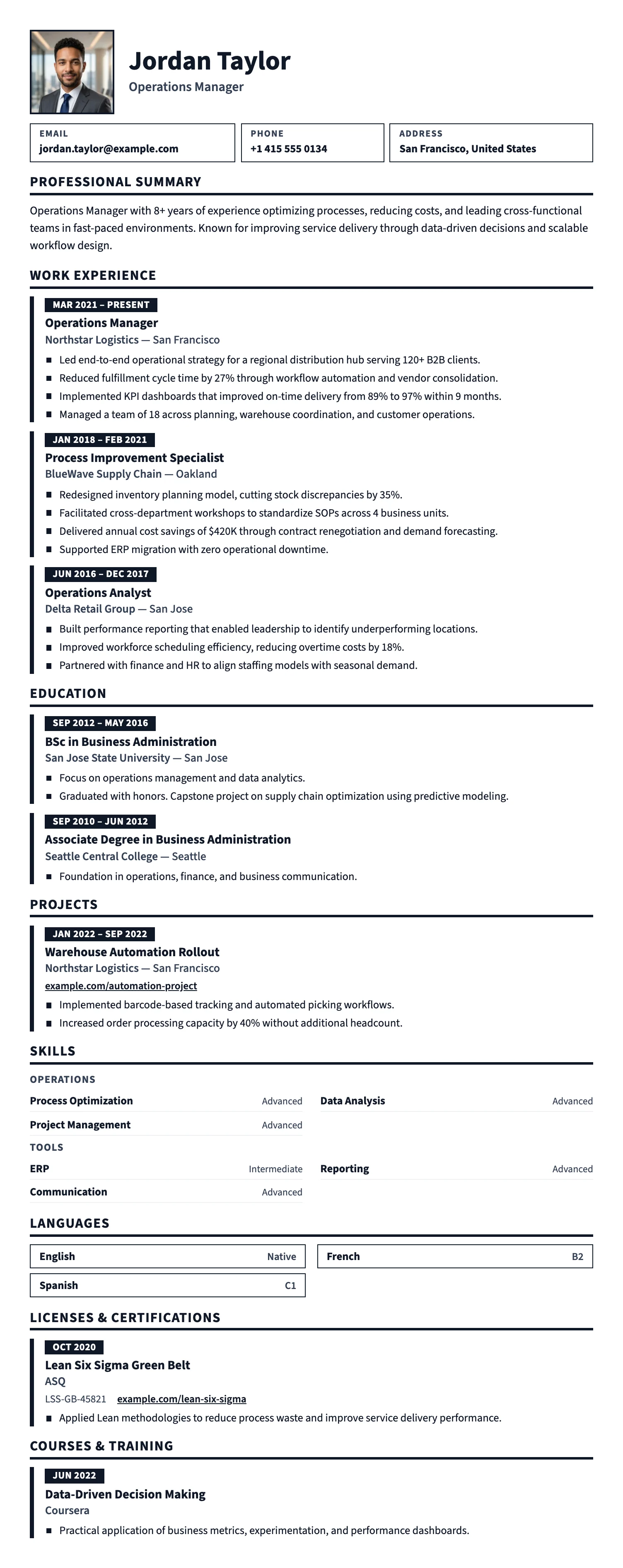
Prague
FreeThe Prague template uses large, high-contrast type, bold section bars, and generous spacing, so your CV is easy to read at a glance. Great for hospitality, retail, trades, logistics, and first jobs.
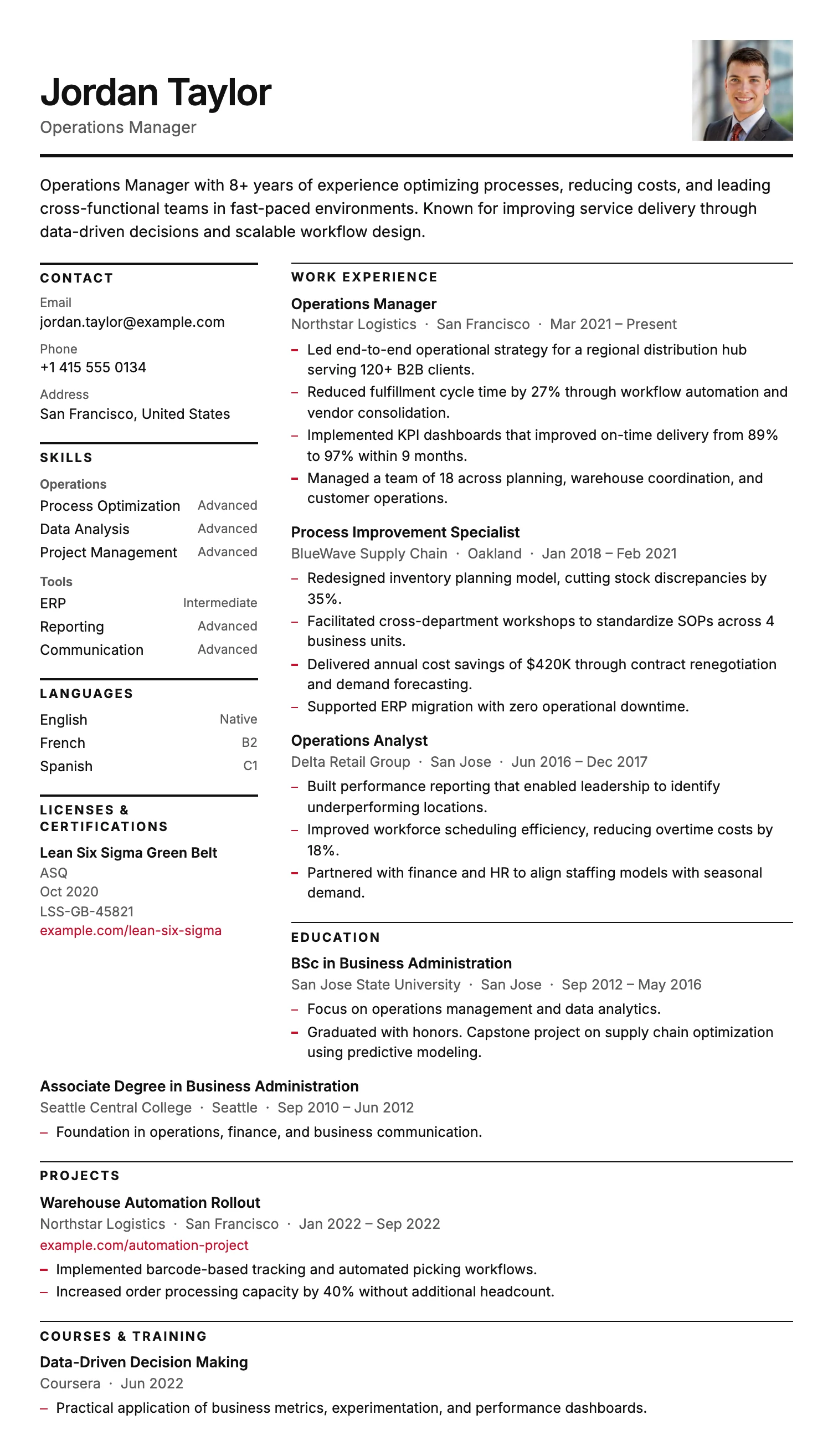
Stockholm
FreeThe Stockholm template is pure typography: a narrow label column, fine rules and generous whitespace, with no color bands or graphics. Clean, ink-friendly and highly ATS-compatible.
Oslo
FreeThe Oslo template has a quiet, understated layout, soft typography, and just enough structure to keep everything clear and easy to read.
Dublin
FreeThe Dublin template has a dark header, warm gold accent headings, and a refined single-column layout that projects confidence and credibility.
Split
FreeThe Split template has a clean split header, minimal section styling, and an uncluttered layout that keeps the focus entirely on your content.
York
FreeThe York template has a dedicated date and location column that creates a clear timeline structure, making career progression easy to follow at a glance.
Bern
FreeThe Bern template has a distinctive shaded band on every section heading, creating a well-structured and easy-to-navigate layout with a modern finish.
Bristol
FreeThe Bristol template has a clean black and white layout, structured skill tags, and a no-frills design that keeps the focus entirely on your content.
Sofia
FreeThe Sofia template has a warm off-white background, refined typography, and subtle accent details that create a sophisticated and understated layout.
Basel
FreeThe Basel template has a strong blue header, consistent blue accent details throughout, and a clear structured layout built for medical and healthcare professionals.
Oxford
FreeThe Oxford template has a clean centered header, generous spacing, and a content-first layout designed to accommodate the length and depth of an academic career.
Brussels
FreeThe Brussels template follows the familiar European CV format: section labels on the left, content on the right, and a clean blue accent. A clear, recruiter-friendly layout for EU applications.
Prague
FreeThe Prague template uses large, high-contrast type, bold section bars, and generous spacing, so your CV is easy to read at a glance. Great for hospitality, retail, trades, logistics, and first jobs.
Stockholm
FreeThe Stockholm template is pure typography: a narrow label column, fine rules and generous whitespace, with no color bands or graphics. Clean, ink-friendly and highly ATS-compatible.
One-page CV vs two-page CV: which is right for you?
The right length depends on how much relevant experience you have and what the role expects. Here is how to think about it.
| One-page CV | Two-page CV |
|---|---|
|
Under 10 years of experience One page is typically enough. Stretching a short career history across two pages adds padding that weakens the document. |
More than 10 years of experience Two pages give enough space to show depth across a long career without cutting relevant detail. |
|
Student, entry-level, and most professional applications One page is the standard for students and strongly preferred in most professional job markets in Europe and beyond. |
Senior, management, or academic roles Roles that require demonstrated depth of experience often benefit from a longer document with more detail. |
|
Clean and reliable for ATS scanning A single-page single-column document gives applicant tracking systems the most reliable parsing result. |
May require careful formatting for ATS Longer documents with complex layouts can create parsing issues for some applicant tracking systems. |
|
Recruiter reads the whole document A one-page CV is read in full. Every line gets attention. This puts pressure on quality but ensures nothing is missed. |
Recruiter reads both pages if relevant A recruiter will read a second page if the first page makes a strong enough case. If not, the second page rarely gets read. |
Features that make building a one-page CV fast
Every part of MojCV is built to help you finish quickly and get a clean result.
Common questions about one-page CVs
Is a one-page CV better than a two-page CV?
Which MojCV templates fit one page?
How do I keep my CV to one page on MojCV?
Can I remove sections I do not need?
Is a one-page resume better for ATS systems?
Is a one-page CV suitable for experienced professionals?
Is MojCV free to use for a one-page CV?
One page. Clean. Free to download.
Pick a compact template, add your sections, and download a professional one-page CV in minutes.
Free. No account. No watermark.