
Free CV & Resume Templates
Professional CV templates for students, people between jobs, career changers, and anyone who needs a CV without paying. Choose a design, add your information, and download your finished CV as a PDF for free. No account needed.
Professional CV Templates
Clear, conventional layouts for corporate, finance, management, and office roles.
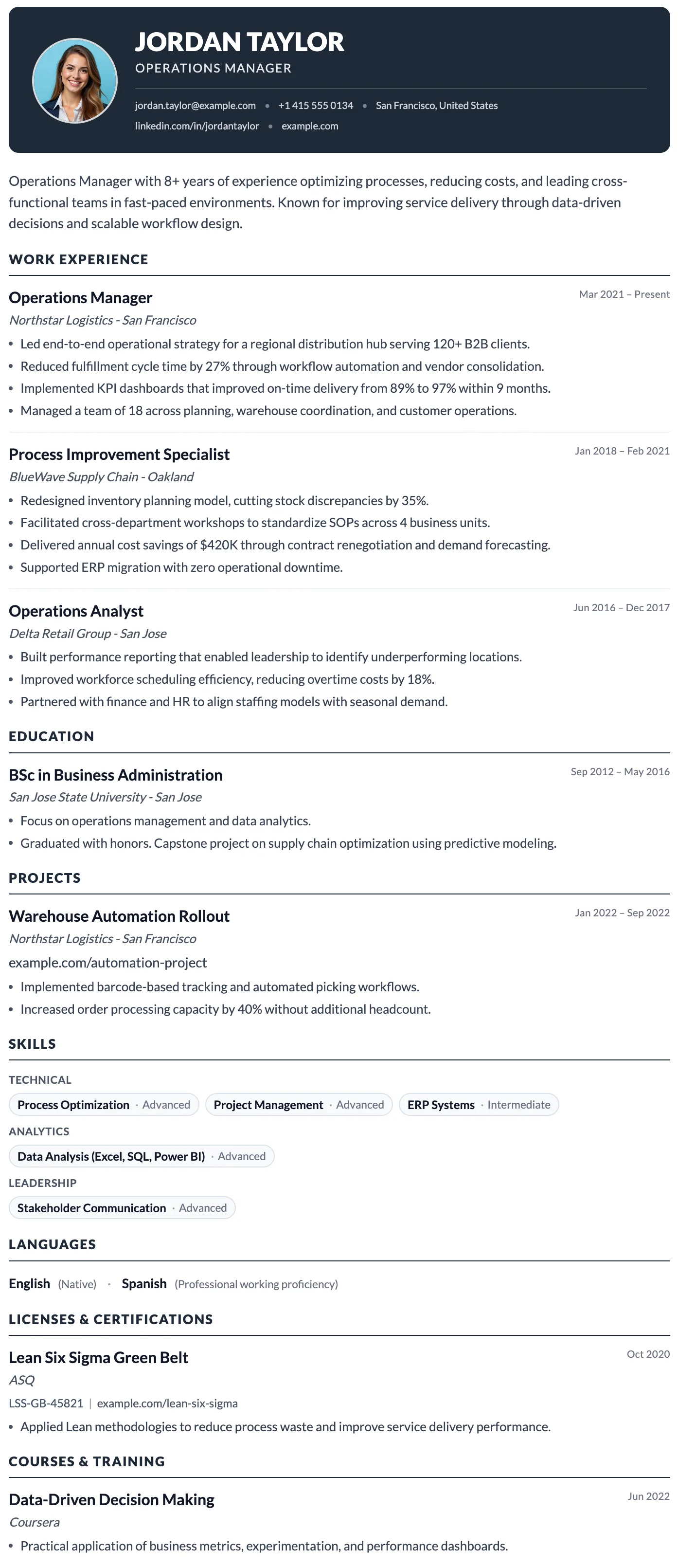
The Milan template has a bold dark header, photo support, and a clean single-column layout built for strong first impressions.
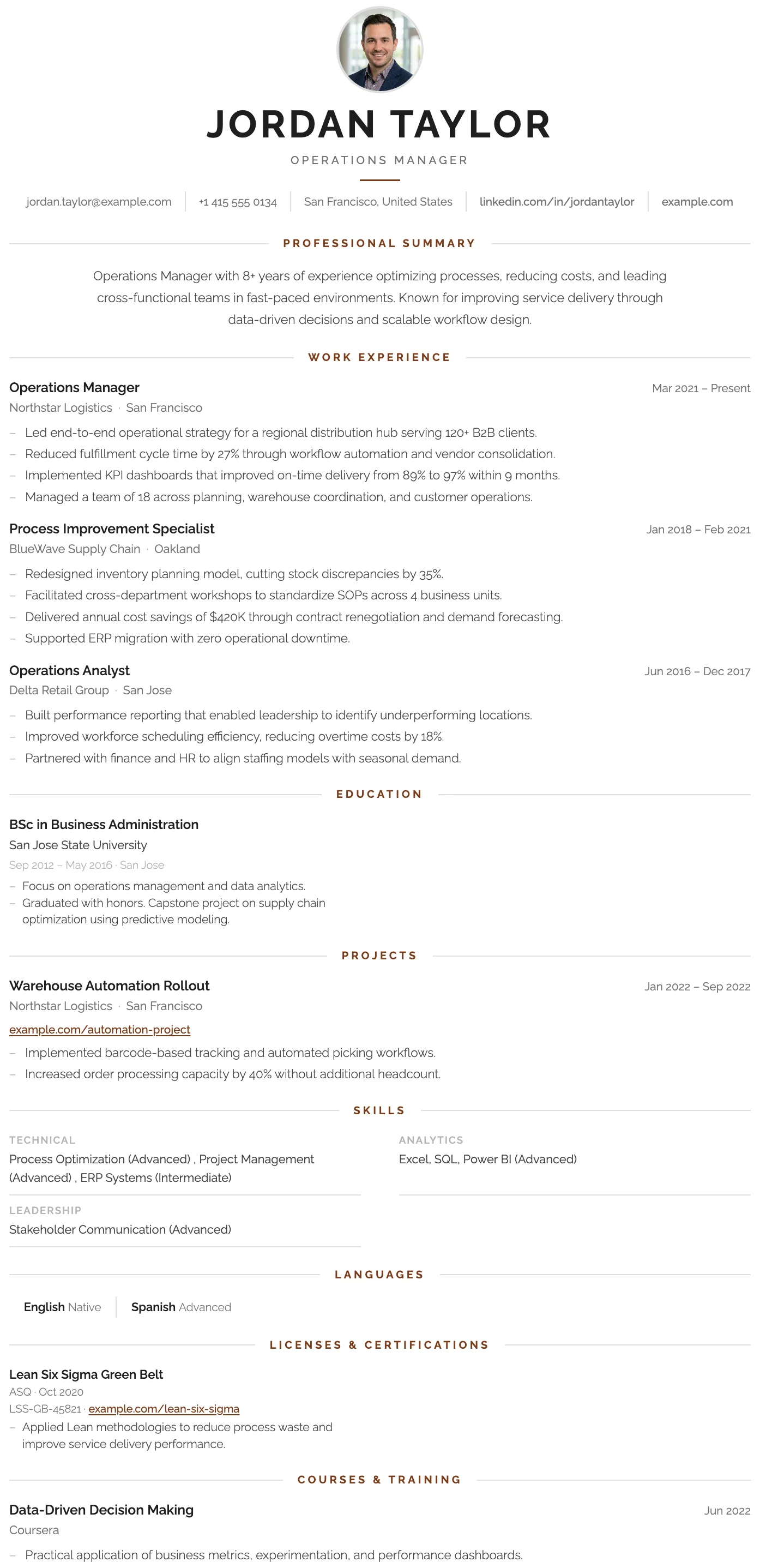
The London template has a centered bold header, warm rust accent rules, and a structured single-column layout that projects confidence and professional authority.
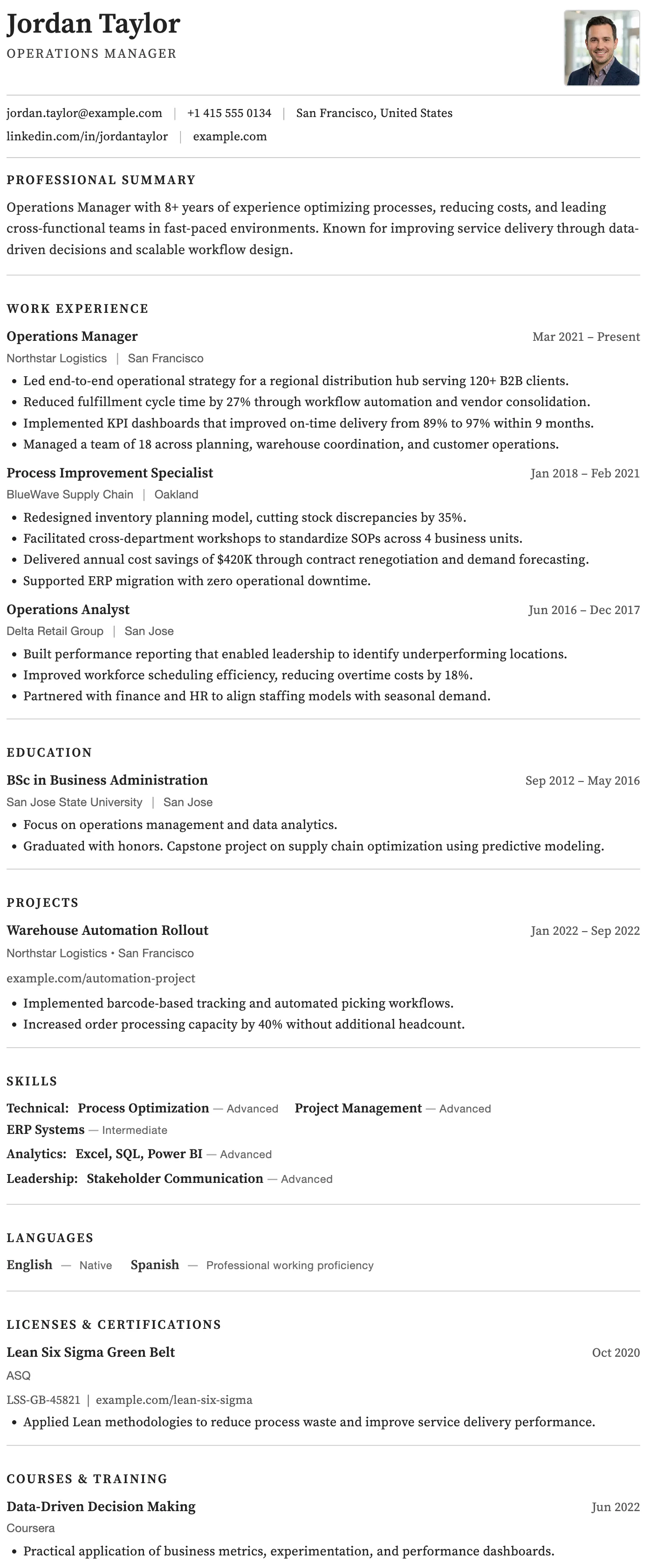
The Rome template has a timeless clean black and white layout, generous spacing, and traditional section structure trusted across all industries.
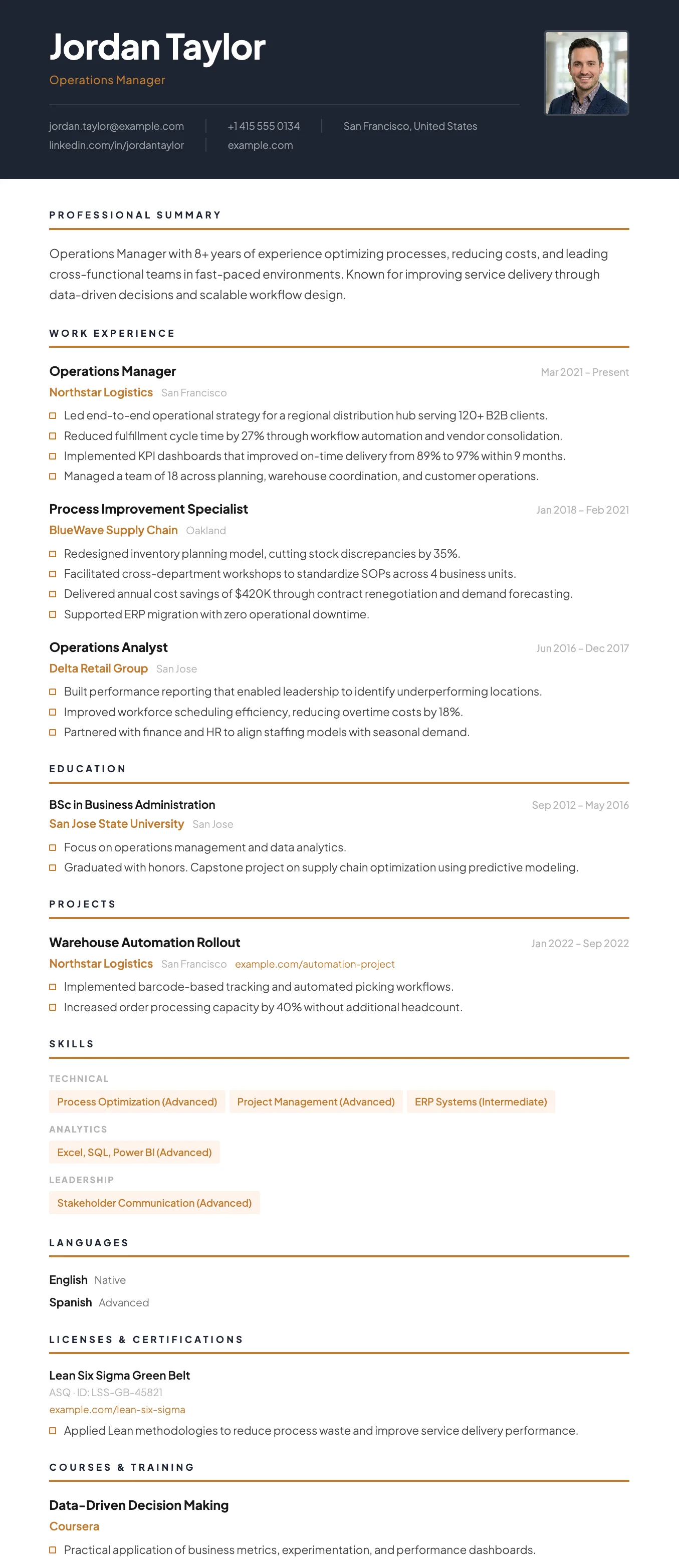
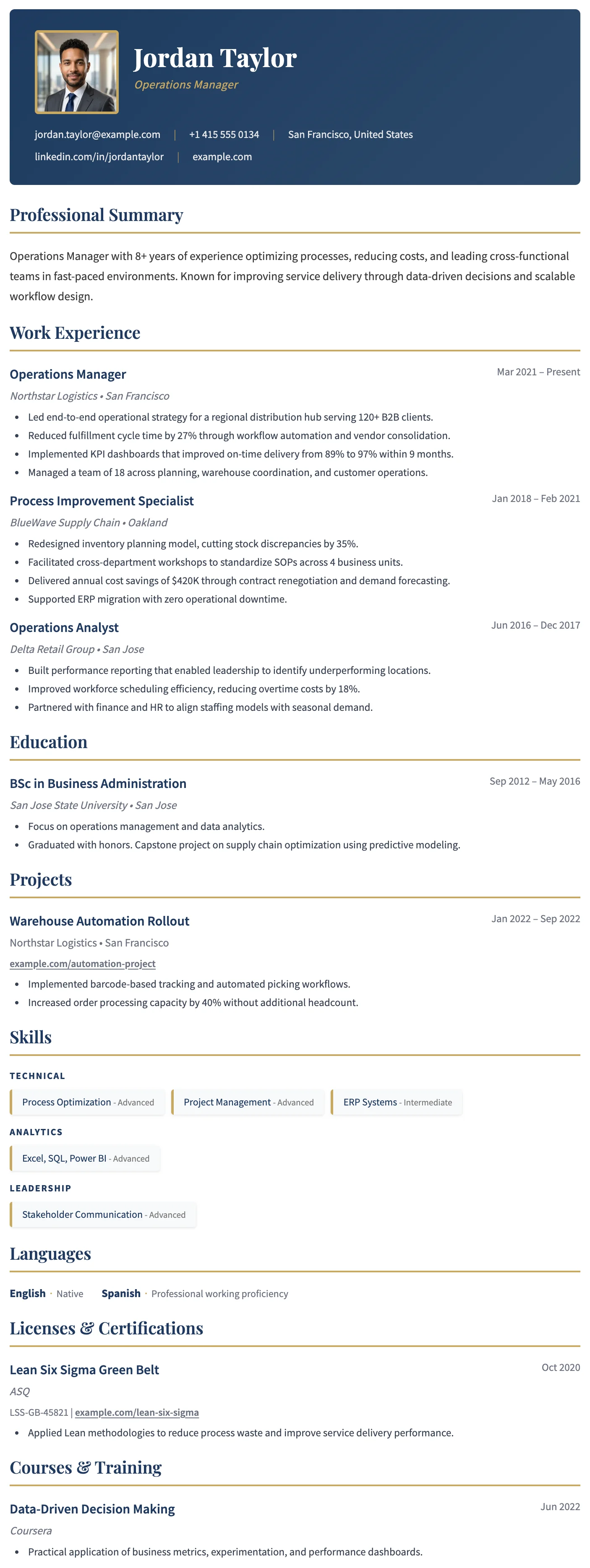
The Vienna template has a dark navy header, warm gold accent details, and a sharp single-column layout designed for leadership and management roles.
Modern CV Templates
Current designs with clean typography and a professional structure.
The Milan template has a bold dark header, photo support, and a clean single-column layout built for strong first impressions.
The London template has a centered bold header, warm rust accent rules, and a structured single-column layout that projects confidence and professional authority.
The Vienna template has a dark navy header, warm gold accent details, and a sharp single-column layout designed for leadership and management roles.
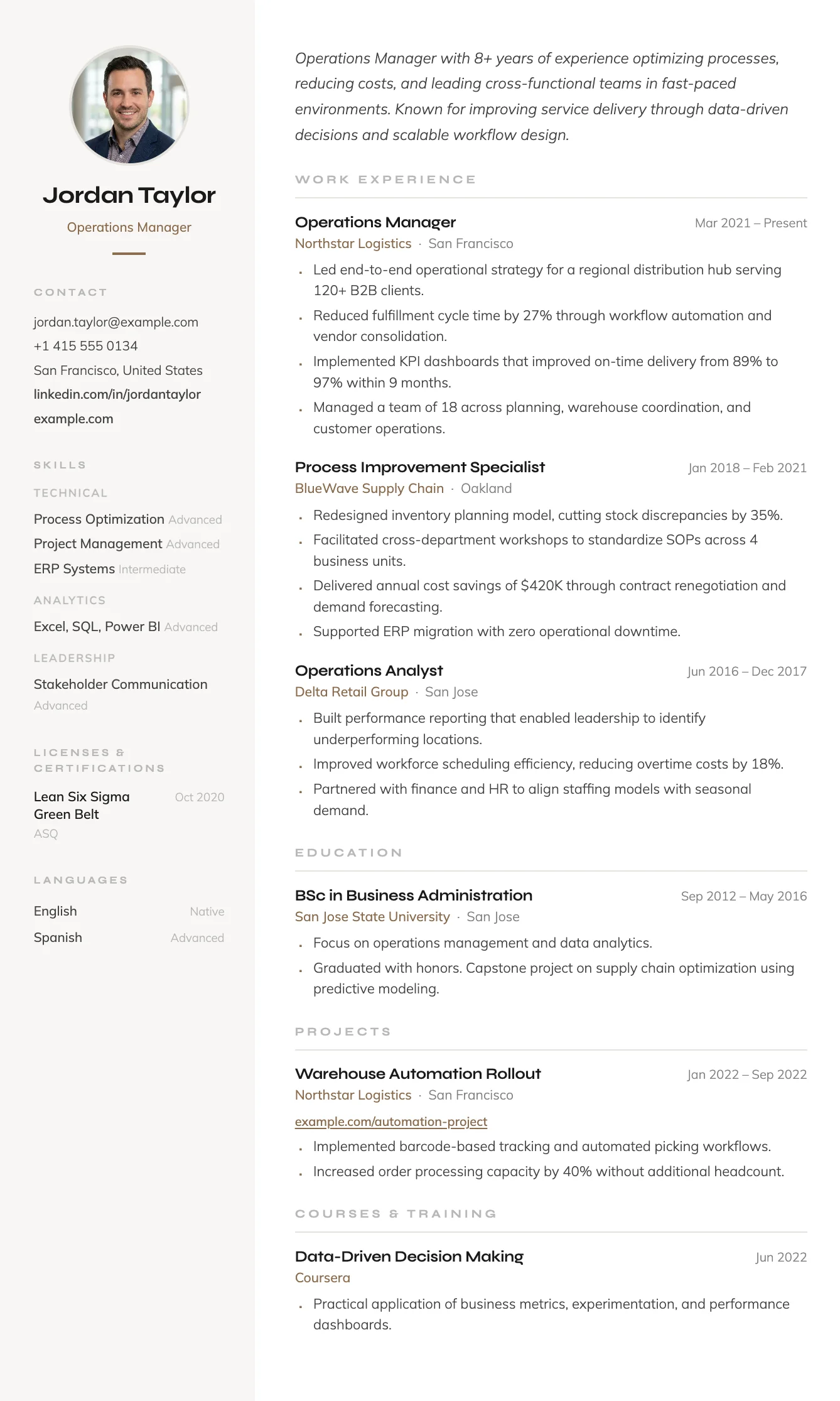
The Siena template has a warm sidebar, terracotta accent details, and an efficient two-column layout that fits everything in without feeling cluttered.
Simple CV Templates
Straightforward layouts that keep attention on your experience.
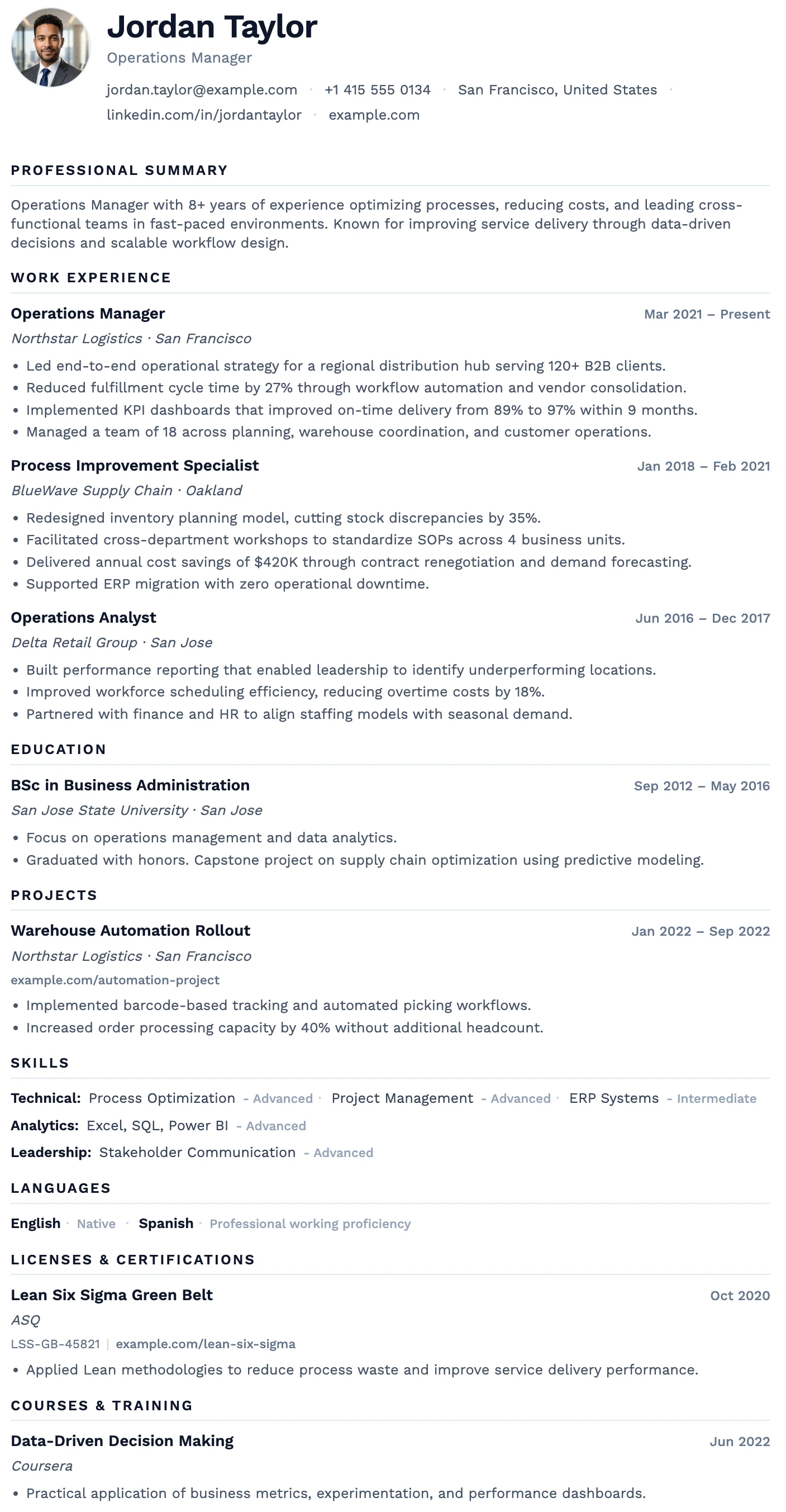
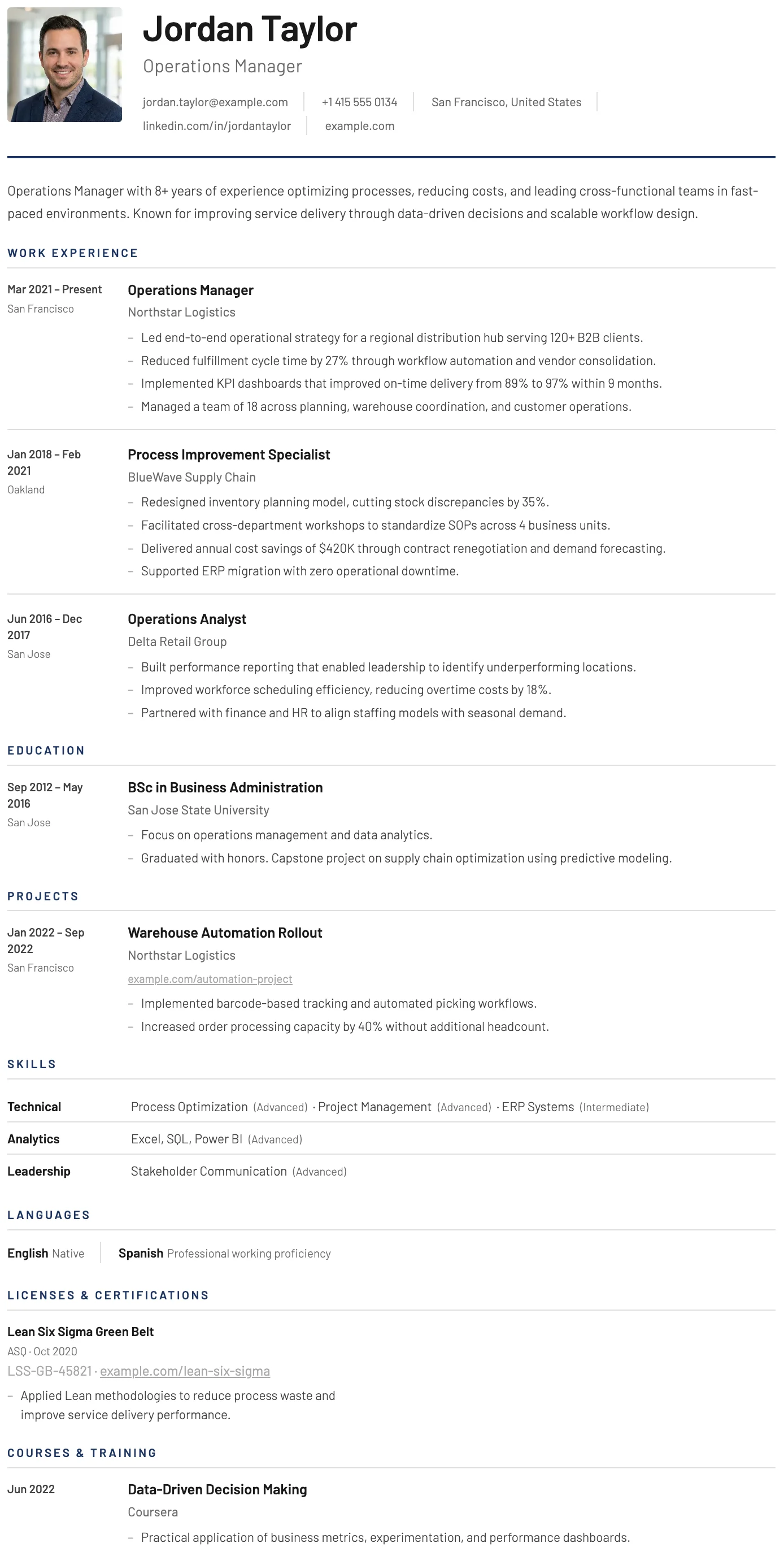
The Oslo template has a quiet, understated layout, soft typography, and just enough structure to keep everything clear and easy to read.
The Dublin template has a dark header, warm gold accent headings, and a refined single-column layout that projects confidence and credibility.
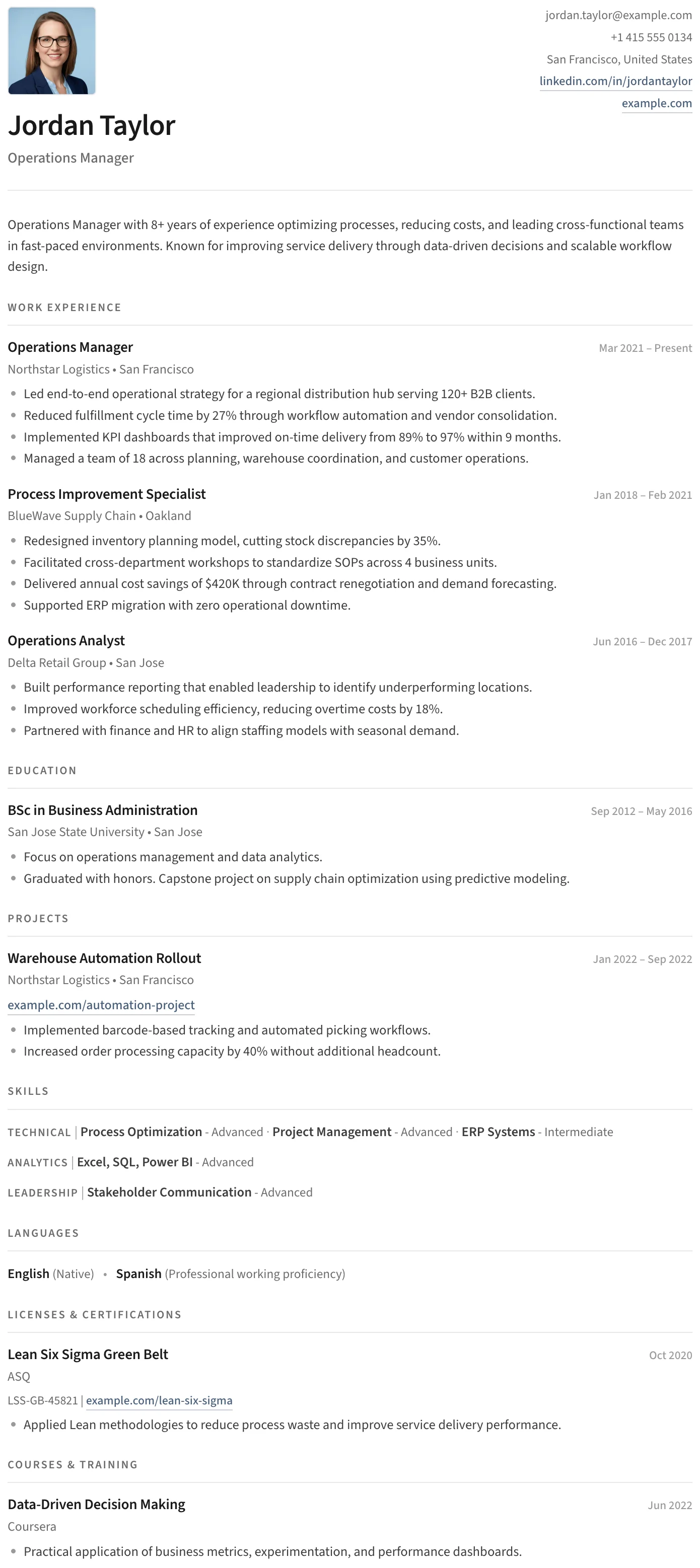
The Split template has a clean split header, minimal section styling, and an uncluttered layout that keeps the focus entirely on your content.
The York template has a dedicated date and location column that creates a clear timeline structure, making career progression easy to follow at a glance.
Creative CV Templates
Distinctive layouts for design, marketing, media, and creative work.
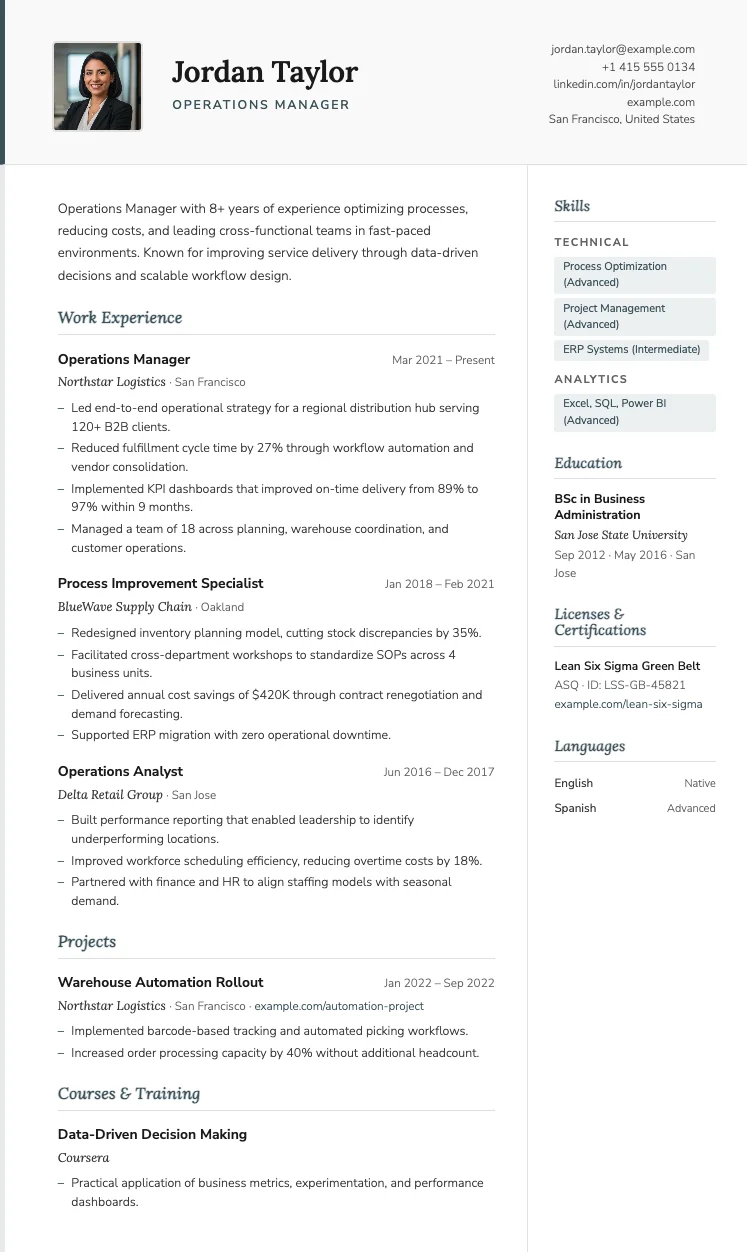
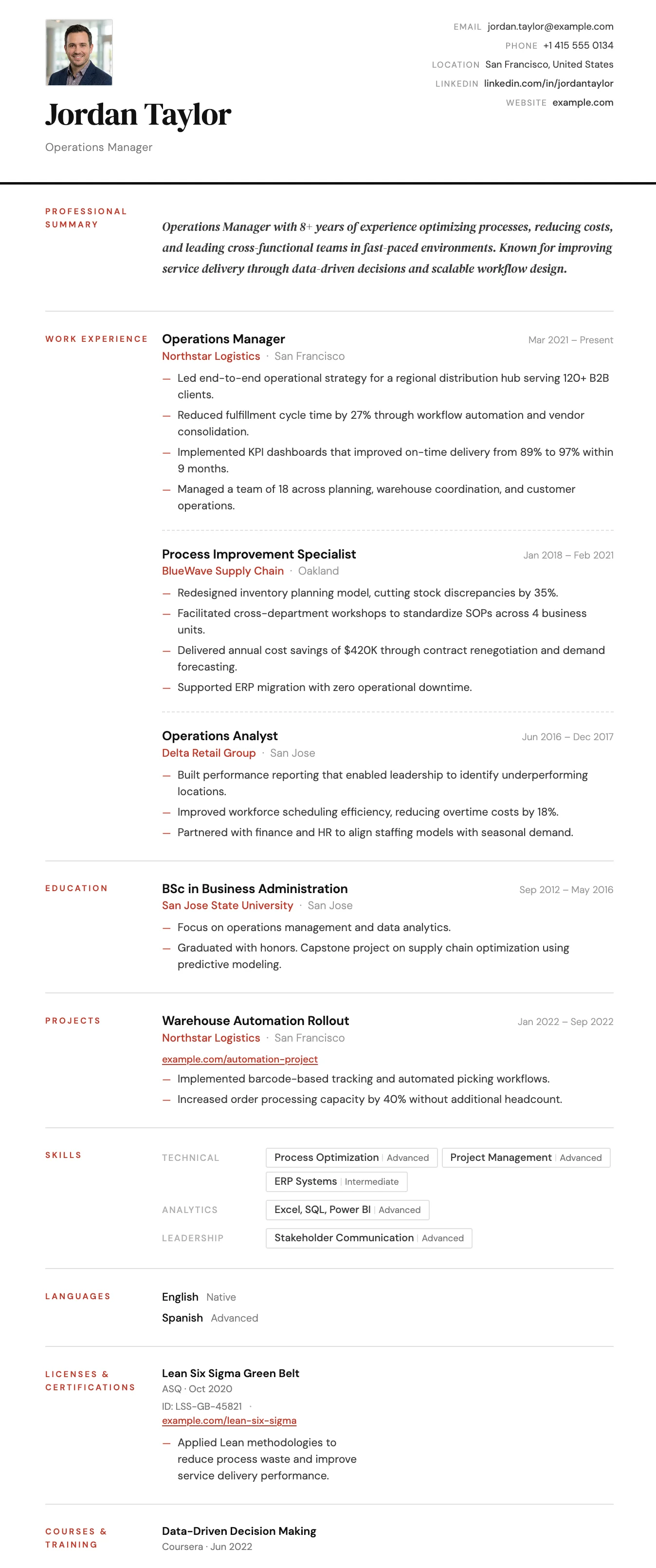
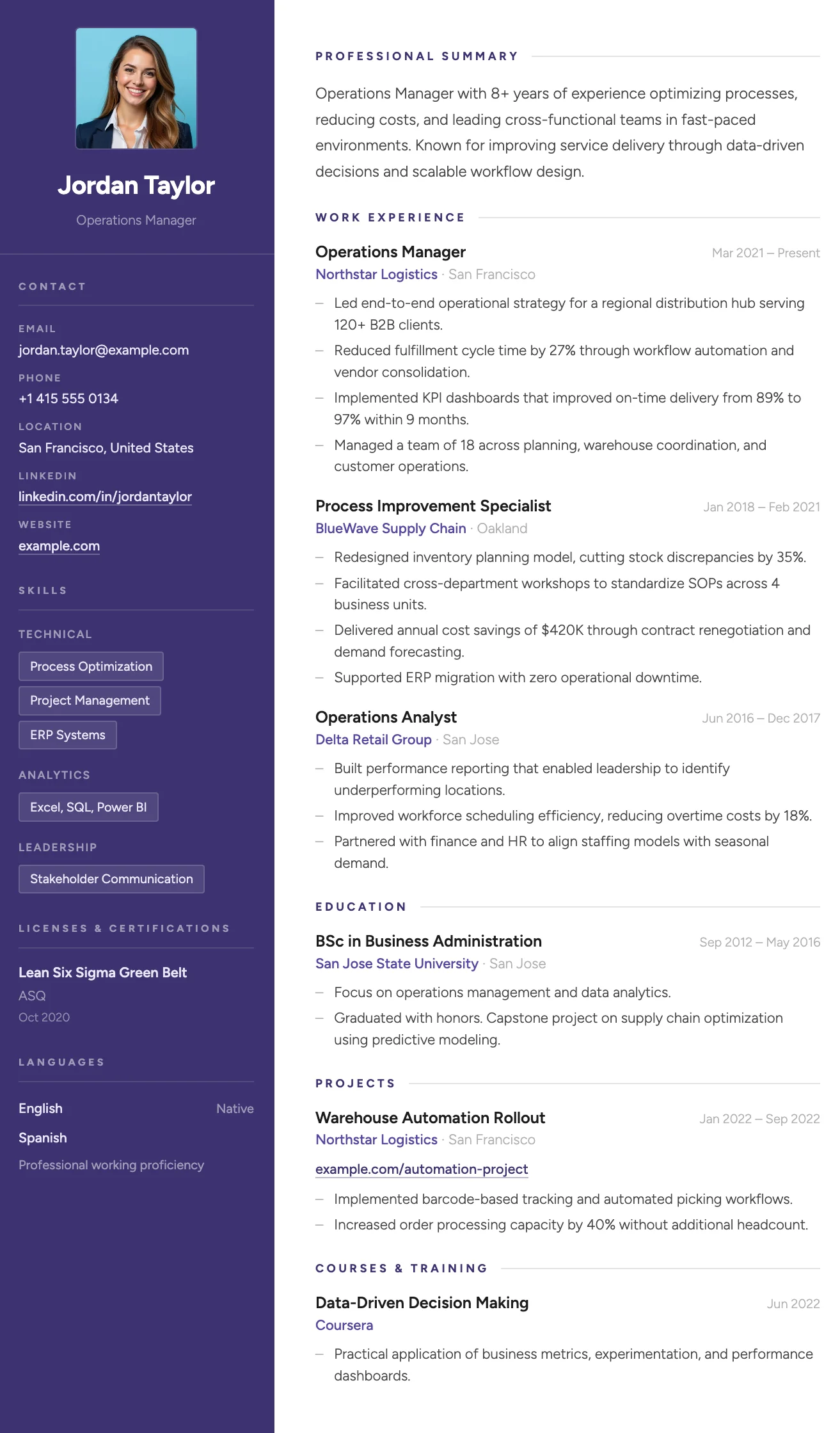
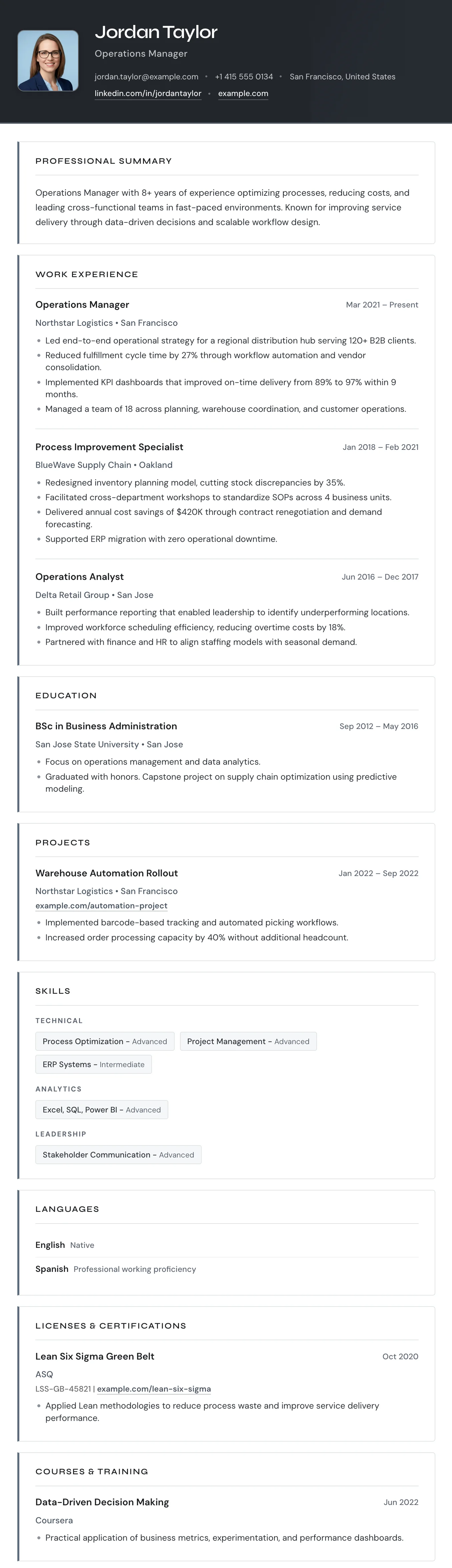
The Paris template has italic serif section headings, a soft violet accent color, and a two-column layout that balances personality with professionalism.
The Madrid template has striking red section labels, a structured label-column layout, and confident typography that makes a strong and lasting impression.
The Venice template has a deep indigo sidebar, bold color accents on key details, and a structured two-column layout that makes a strong visual statement.
The Turin template has a dark header, bordered section boxes, and a single-column layout that organizes your experience with clear visual separation.
Student CV Templates
Practical starting points for first CVs, internships, and graduate applications.
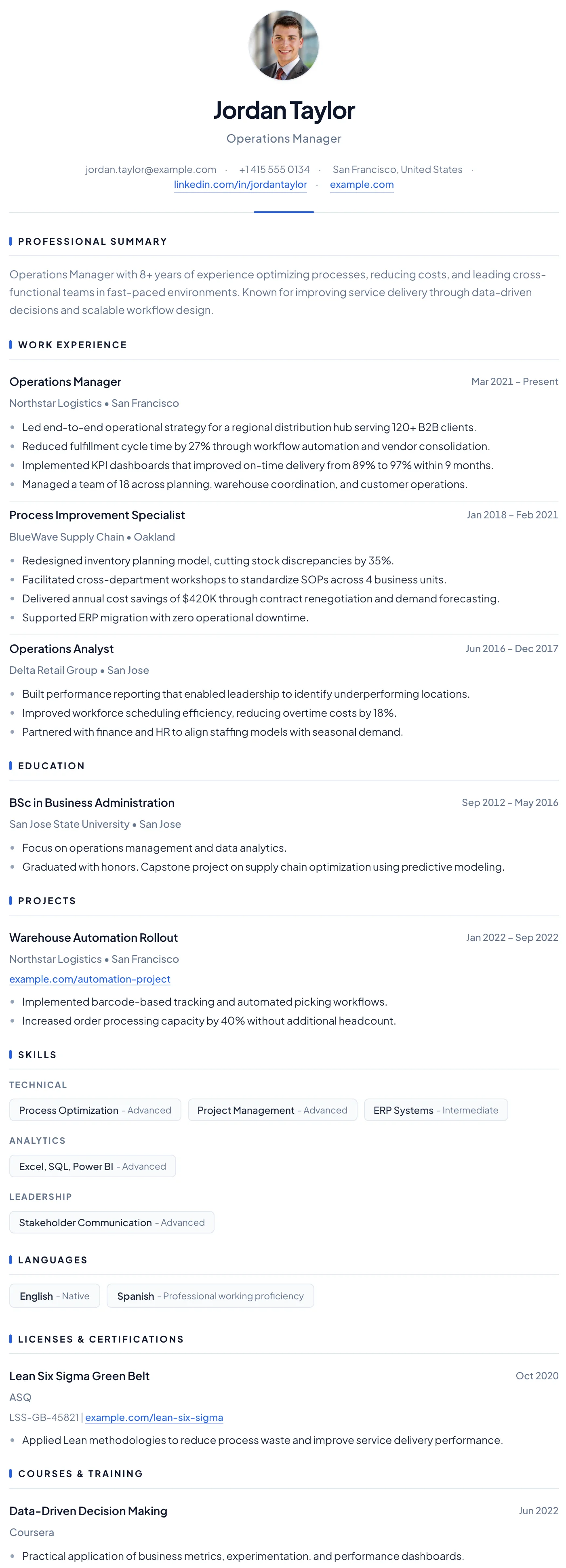
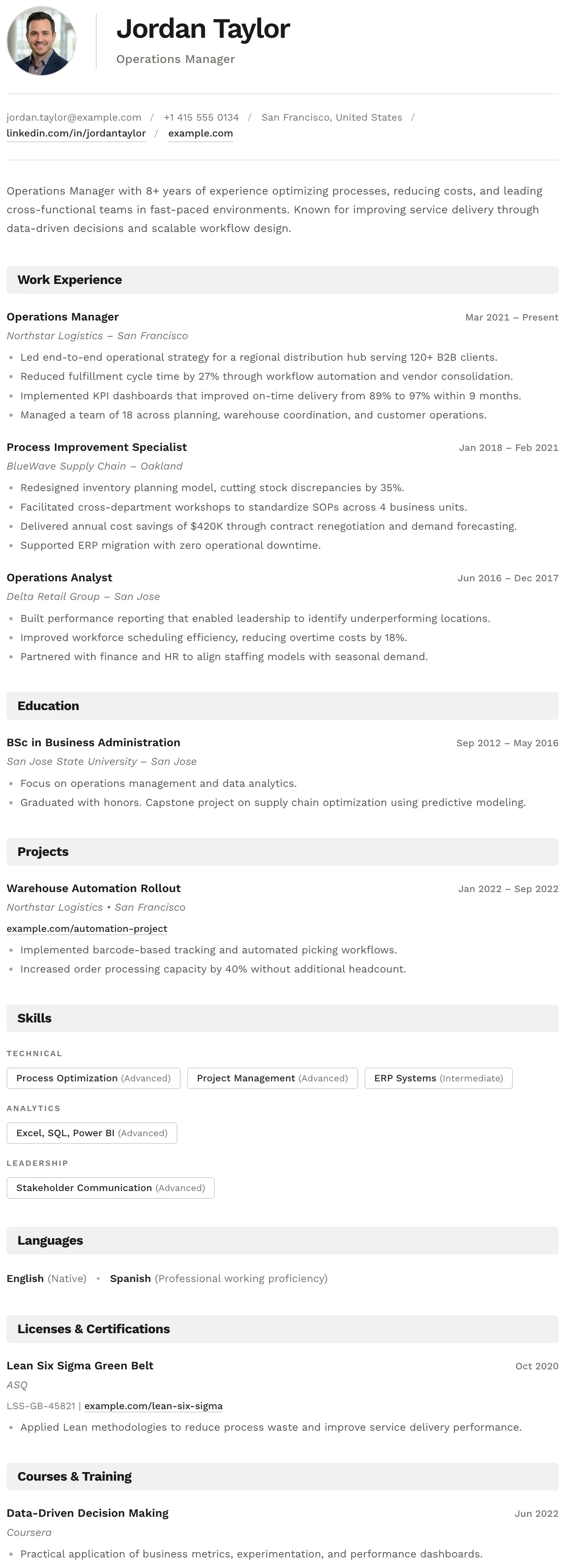
The Oslo template has a quiet, understated layout, soft typography, and just enough structure to keep everything clear and easy to read.
The Split template has a clean split header, minimal section styling, and an uncluttered layout that keeps the focus entirely on your content.
The Barcelona template has a clean centered header, subtle blue accent details, and a clear single-column layout that makes a confident first impression for early-career professionals.
The Bern template has a distinctive shaded band on every section heading, creating a well-structured and easy-to-navigate layout with a modern finish.
Two-Column CV Templates
Sidebar layouts for fitting skills, languages, and experience on the page clearly.
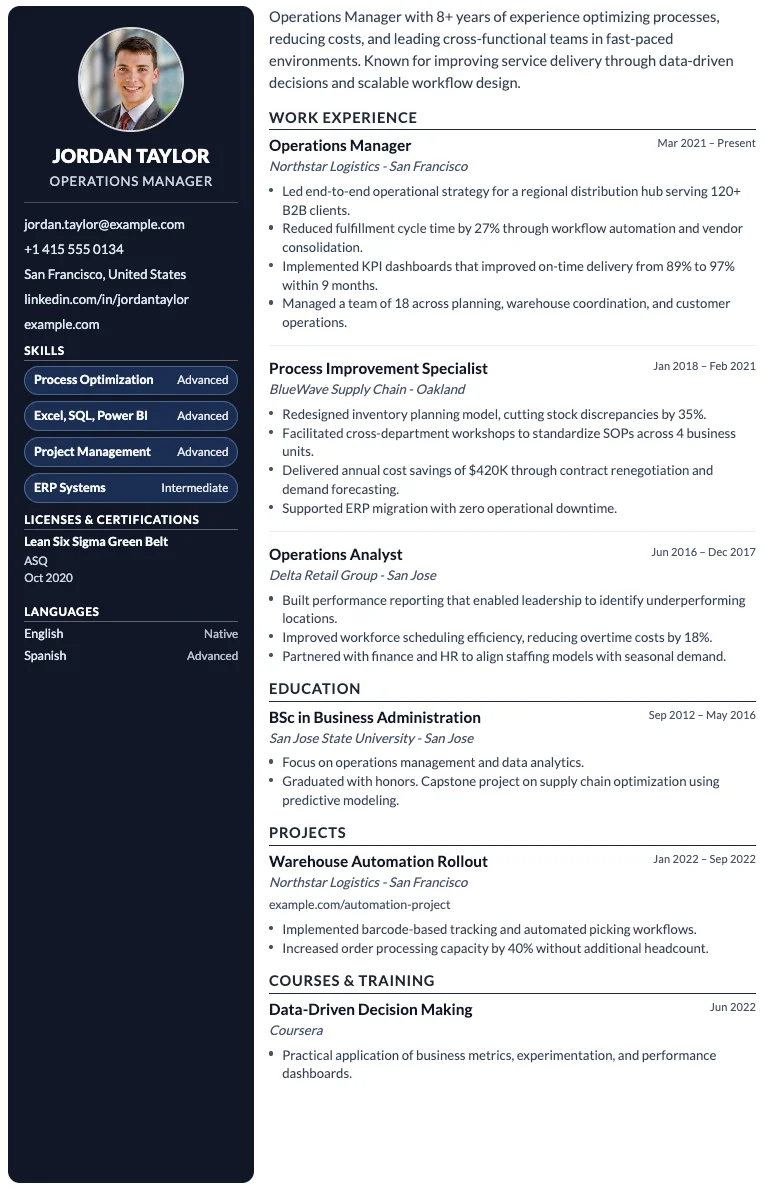
The Paris template has italic serif section headings, a soft violet accent color, and a two-column layout that balances personality with professionalism.
The Siena template has a warm sidebar, terracotta accent details, and an efficient two-column layout that fits everything in without feeling cluttered.
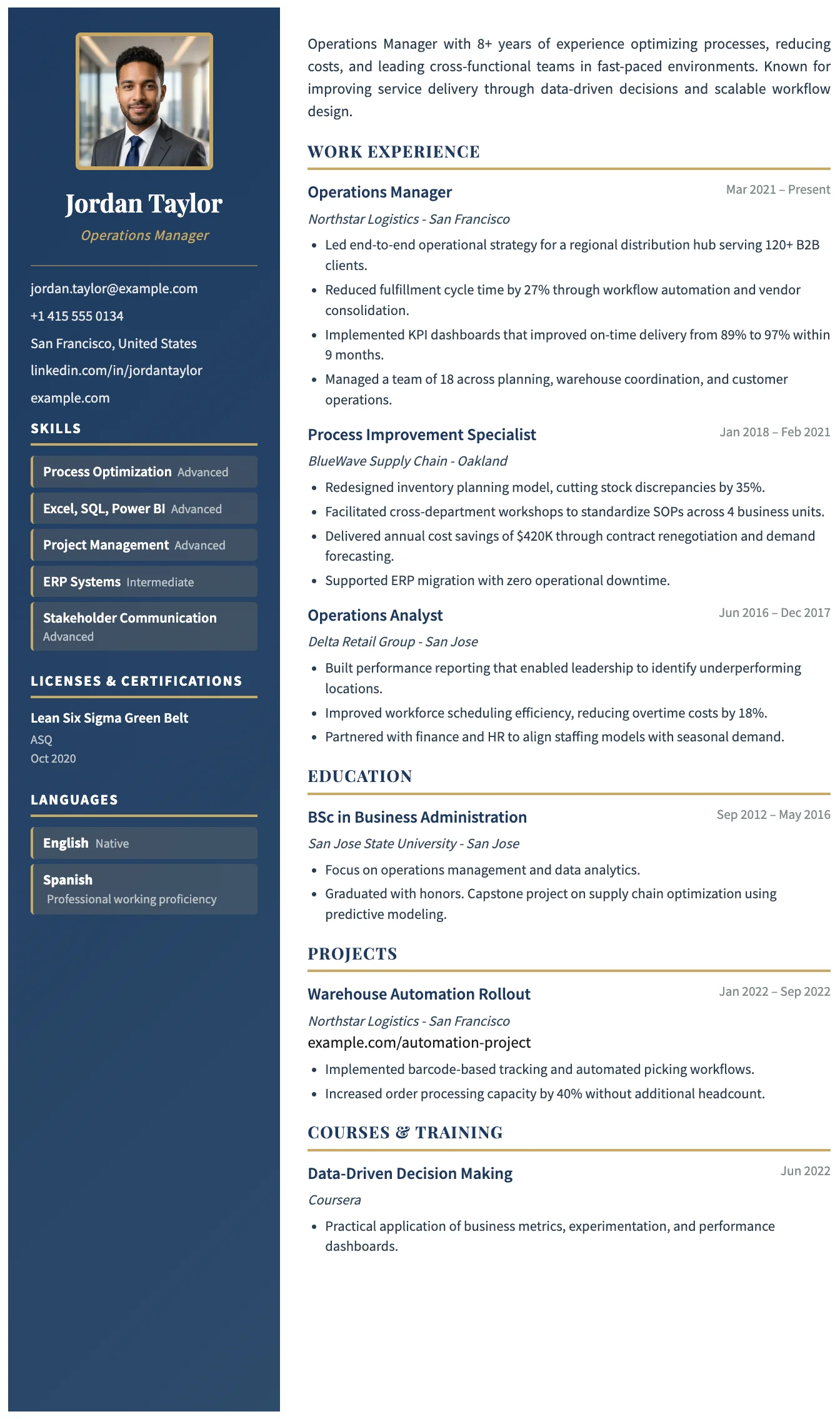
The Porto template has a dark navy sidebar, gold accent details, and a clean main column. It is a structured and polished two-column layout for experienced professionals.
The Berlin template has a dark sidebar for contact and skills, and a clean main column for experience and education, forming a bold and efficient two-column layout.
Single-Column CV Templates
One clear reading order, from top to bottom, for text-heavy CVs and applicant tracking systems.
The Milan template has a bold dark header, photo support, and a clean single-column layout built for strong first impressions.
The London template has a centered bold header, warm rust accent rules, and a structured single-column layout that projects confidence and professional authority.
The Rome template has a timeless clean black and white layout, generous spacing, and traditional section structure trusted across all industries.
The Vienna template has a dark navy header, warm gold accent details, and a sharp single-column layout designed for leadership and management roles.
Word CV Templates
Download as an editable Word file (.docx) or as a PDF. 19 single-column templates for Word and Google Docs.
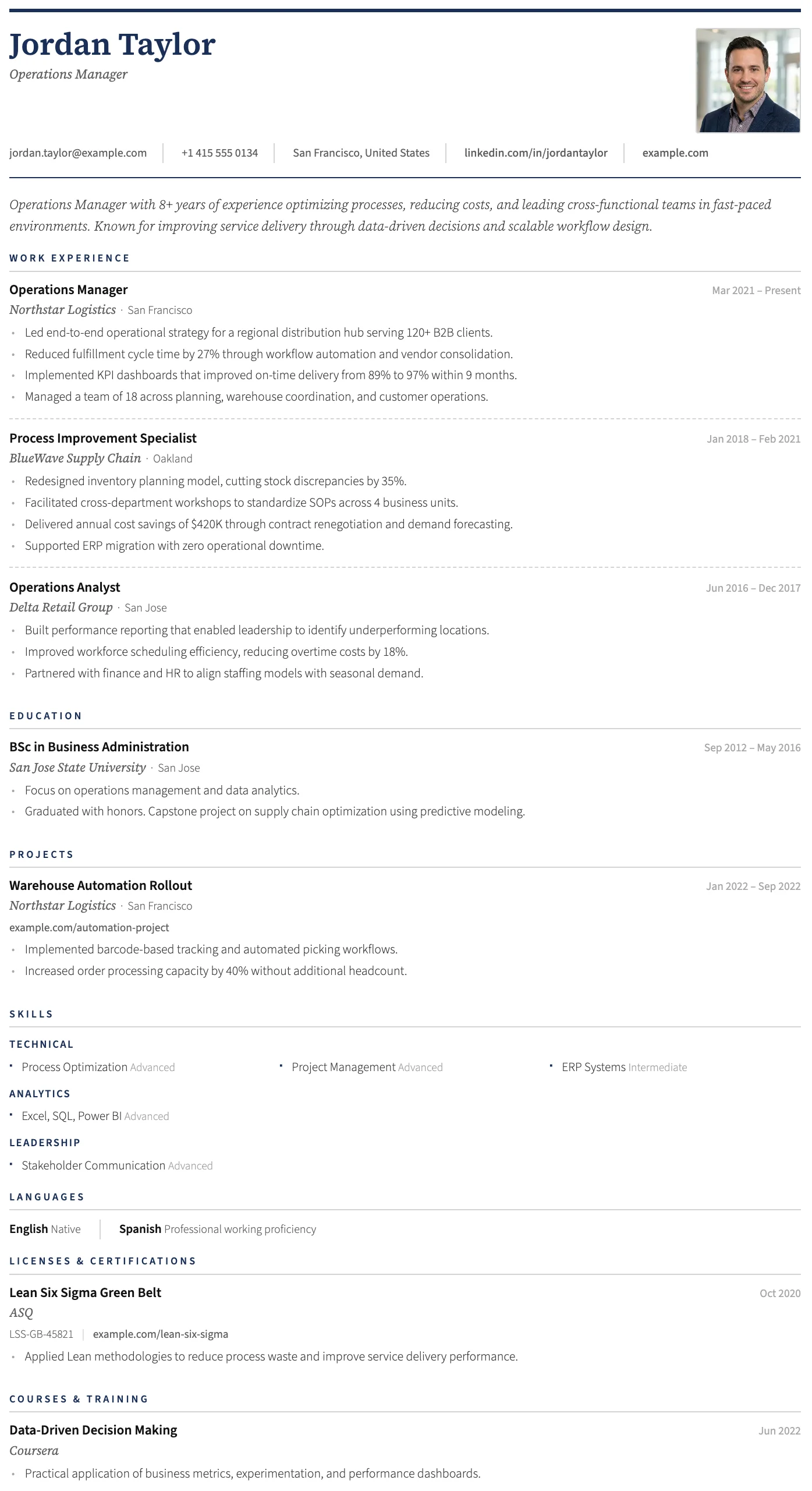
The Milan template has a bold dark header, photo support, and a clean single-column layout built for strong first impressions.
The London template has a centered bold header, warm rust accent rules, and a structured single-column layout that projects confidence and professional authority.
The Rome template has a timeless clean black and white layout, generous spacing, and traditional section structure trusted across all industries.
The Vienna template has a dark navy header, warm gold accent details, and a sharp single-column layout designed for leadership and management roles.
The Geneva template has a structured header, photo placement, and a refined single-column layout suited to traditional and senior professional applications.
The Oslo template has a quiet, understated layout, soft typography, and just enough structure to keep everything clear and easy to read.
About our free CV and resume templates
Every MojCV template is free to use, customize, and download as a PDF. Templates work with the same CV builder, so you can switch designs without rewriting your CV.
Free PDF downloads
Download your finished CV as a clean PDF without a fee or watermark.
No account needed
Create, edit, and download a CV without registering or entering an email address.
ATS-friendly layouts
Templates use clear structure and readable text to support applicant tracking systems.
Fully customizable
Edit your content, section names, and section order to match the job you want.
Switch templates anytime
Keep the same CV content and try another design whenever you need to.
Edit as often as you need
Make changes and download revised versions of your CV whenever you need to.
How to create a CV with a template
Choose a template, add your information, customize your CV, and download it as a PDF.
Choose a CV template
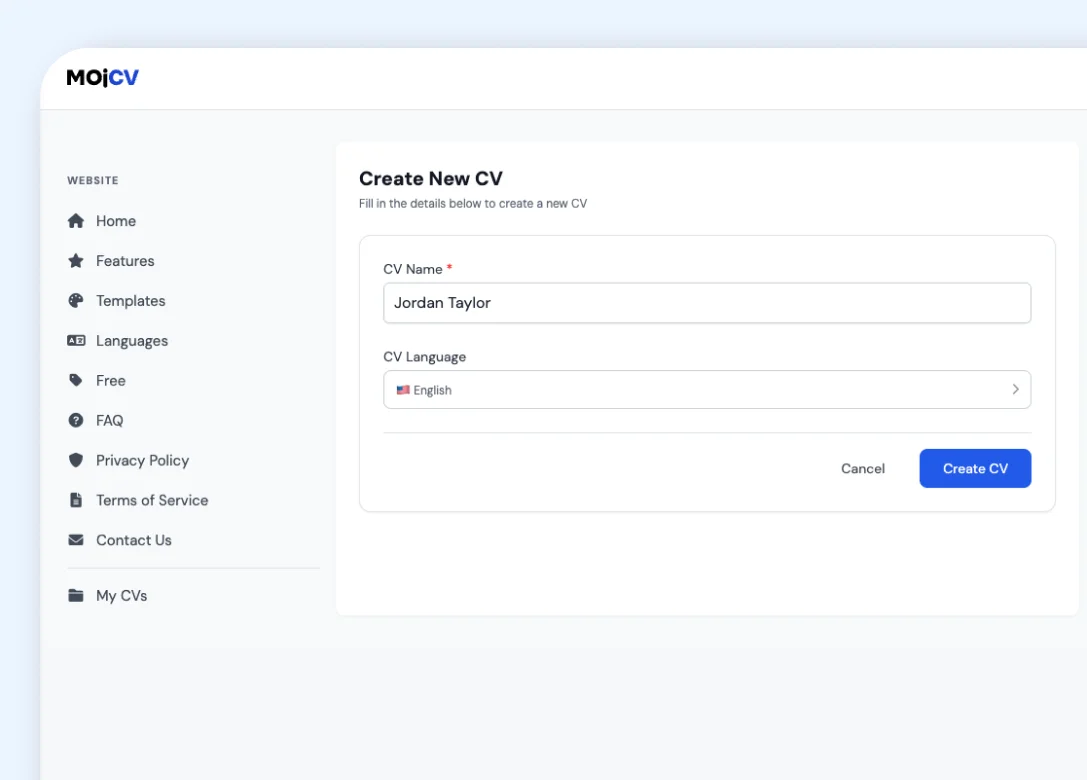
Browse the templates and pick a design that suits your experience and the job.
Add your information
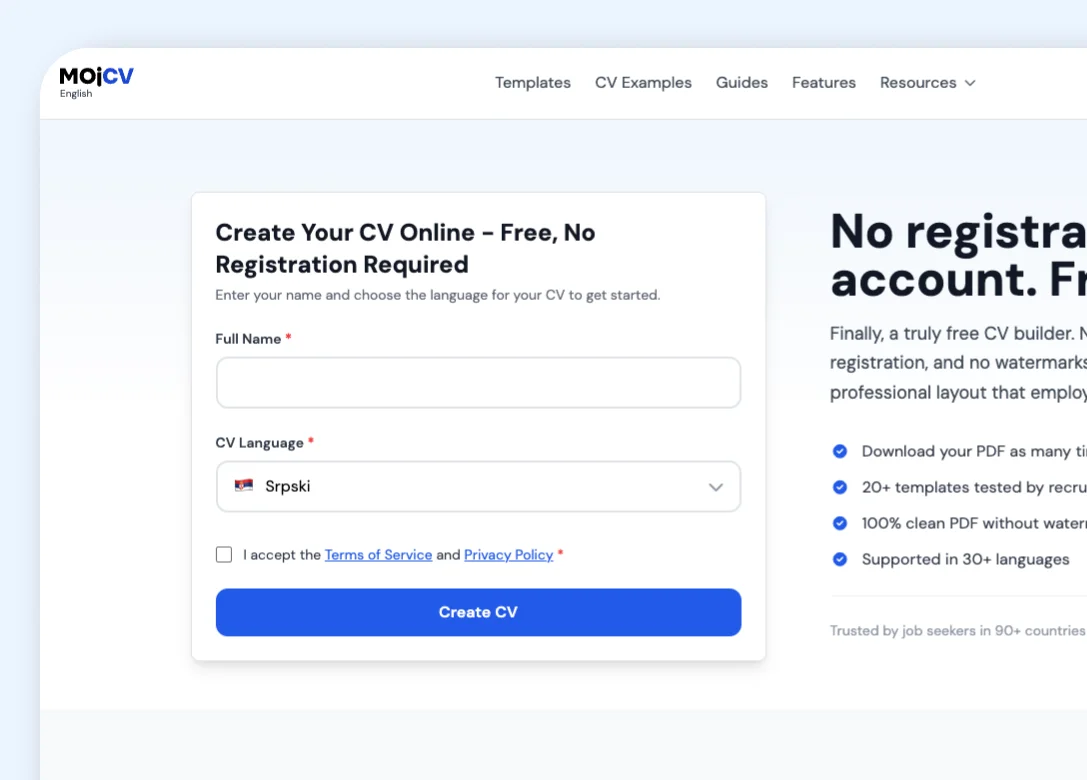
Enter your experience, education, skills, and any other CV sections you need.
Customize your CV
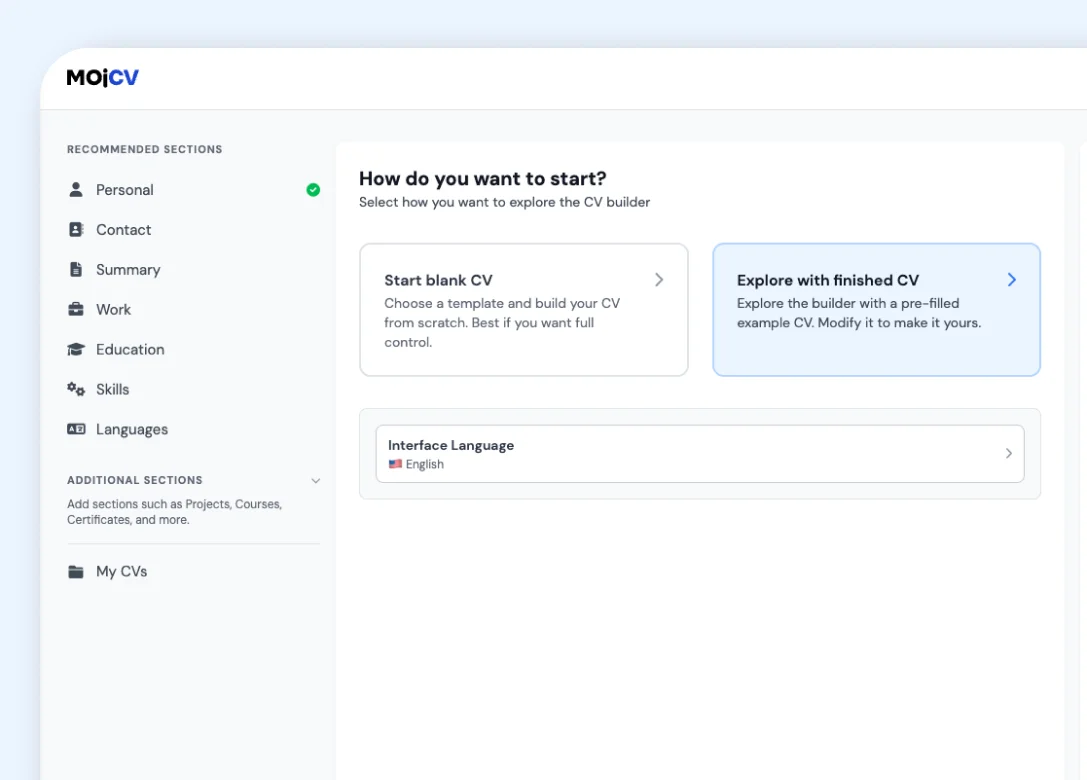
Change the template, sections, formatting, and content whenever you want.
Download your CV
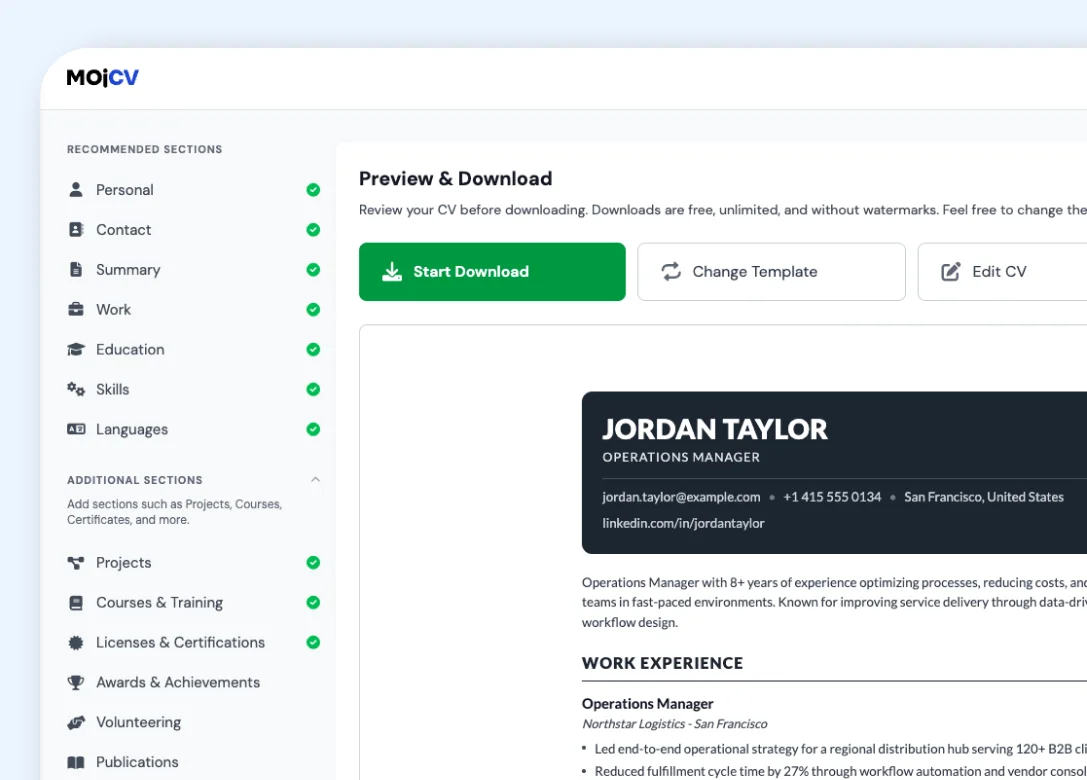
Download the finished CV as a PDF and use it for your applications.
CV templates for different countries and languages
The CV builder adapts labels, formats, and available fields to the language and country you choose.
Localized CV terminology
Section labels and common CV terms are shown in the language you select.
Formats and fields that fit
Dates, addresses, and available CV fields follow the selected language and country conventions where applicable.
Available in 30+ languages
Create and download your CV in the language you need for the application.
MojCV templates compared with many CV builders
A factual overview of what is included when you create and download a CV with MojCV.
| MojCV | Many CV builders |
|---|---|
|
Free PDF downloads Download your finished CV as a PDF without paying. |
PDF download may cost extra Many builders let you start for free, then ask for payment when you download the PDF. |
|
No account required Create, edit, and download your CV without registering. |
Account often required You may need to register with an email address before you can use the builder. |
|
No credit card required There is no trial, subscription, or payment step. |
Card details may be requested Some free trials require payment details before you can continue. |
|
All templates included Choose, customize, and switch templates without paying. |
Template access may be limited Some templates are reserved for paid plans or separate upgrades. |
|
Clean PDF, no watermark Your downloaded CV contains your information and chosen design only. |
Free exports may include a watermark Some tools add their branding to the free PDF. |
CV template questions
Answers about choosing, customizing, and downloading a free CV template.
What is the best CV template to use?
Can I change the template after I add my information?
Are MojCV templates ATS-friendly?
Are CV templates free to download?
Do I need an account or credit card?
Can I use a template for a CV in another language?
Create your CV for free
Add your details, customize your CV, and download the finished PDF when you are ready.
Free PDF download. No account. No credit card.