
Edit Your CV & Resume Online for Free
Open your CV in the editor, change any section, add a job or a degree, or adjust it for a specific job. Then download the updated PDF for free.
Free. No watermark. No account.
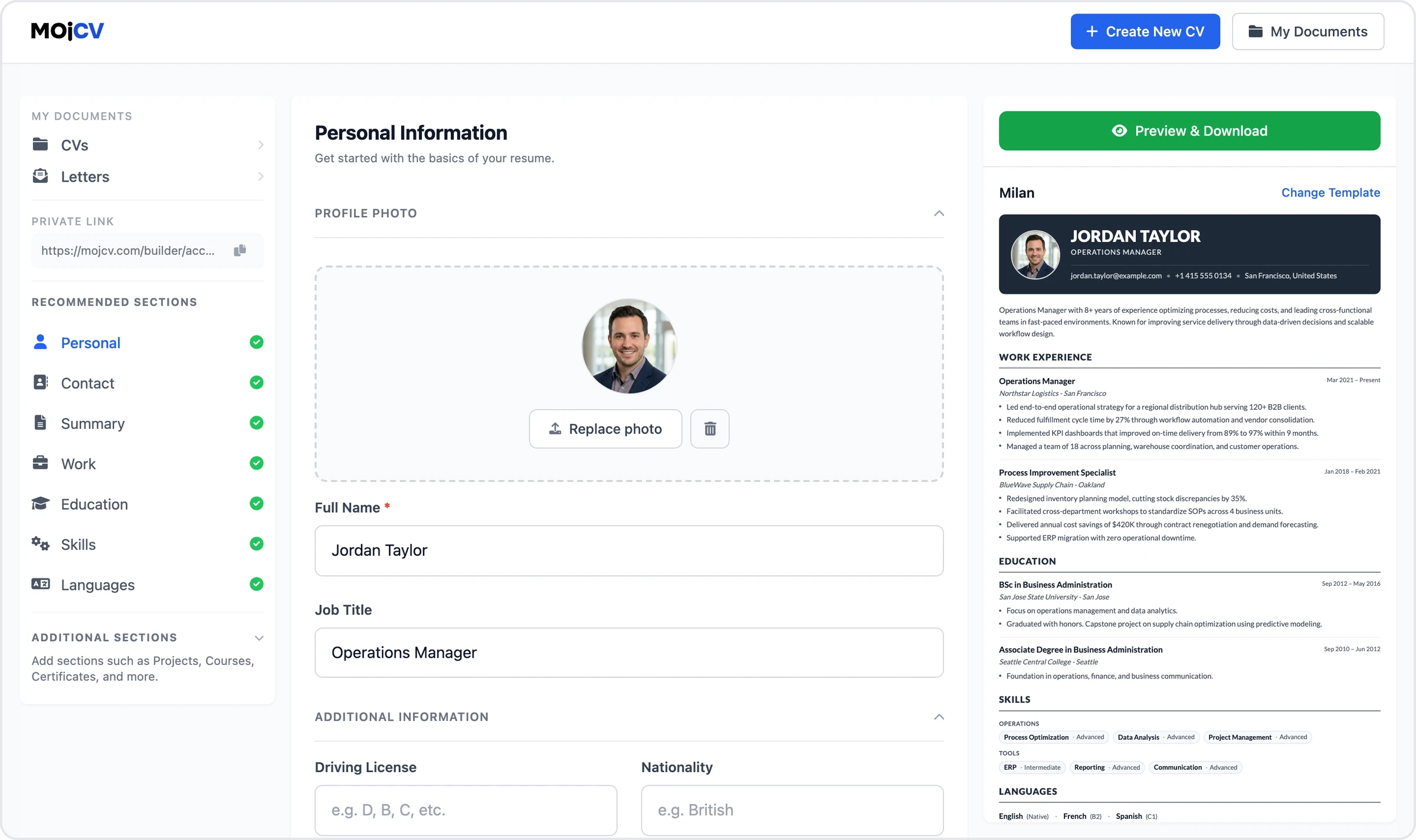
Edit your CV online in a simple editor
Every section of your CV can be edited in the editor. Select a section, change the content and select Save, and the preview shows the change. There is nothing to install and no account to create.
- A preview of your CV next to the editor
- Works in the browser on a computer, phone or tablet
- A private link brings you back to your CVs from any device
How to edit your CV for free
Four steps, from the editor to the updated PDF. Every step is free.
1. Open your CV
Select Edit My CV for Free. If you already made a CV here, the same browser takes you straight to your CVs, and on another device you open your private link. If you have no CV yet, enter your name and the language of your CV, choose a template, and type or paste your details. The CV is saved, so you can edit it again any time.
Edit My CV for Free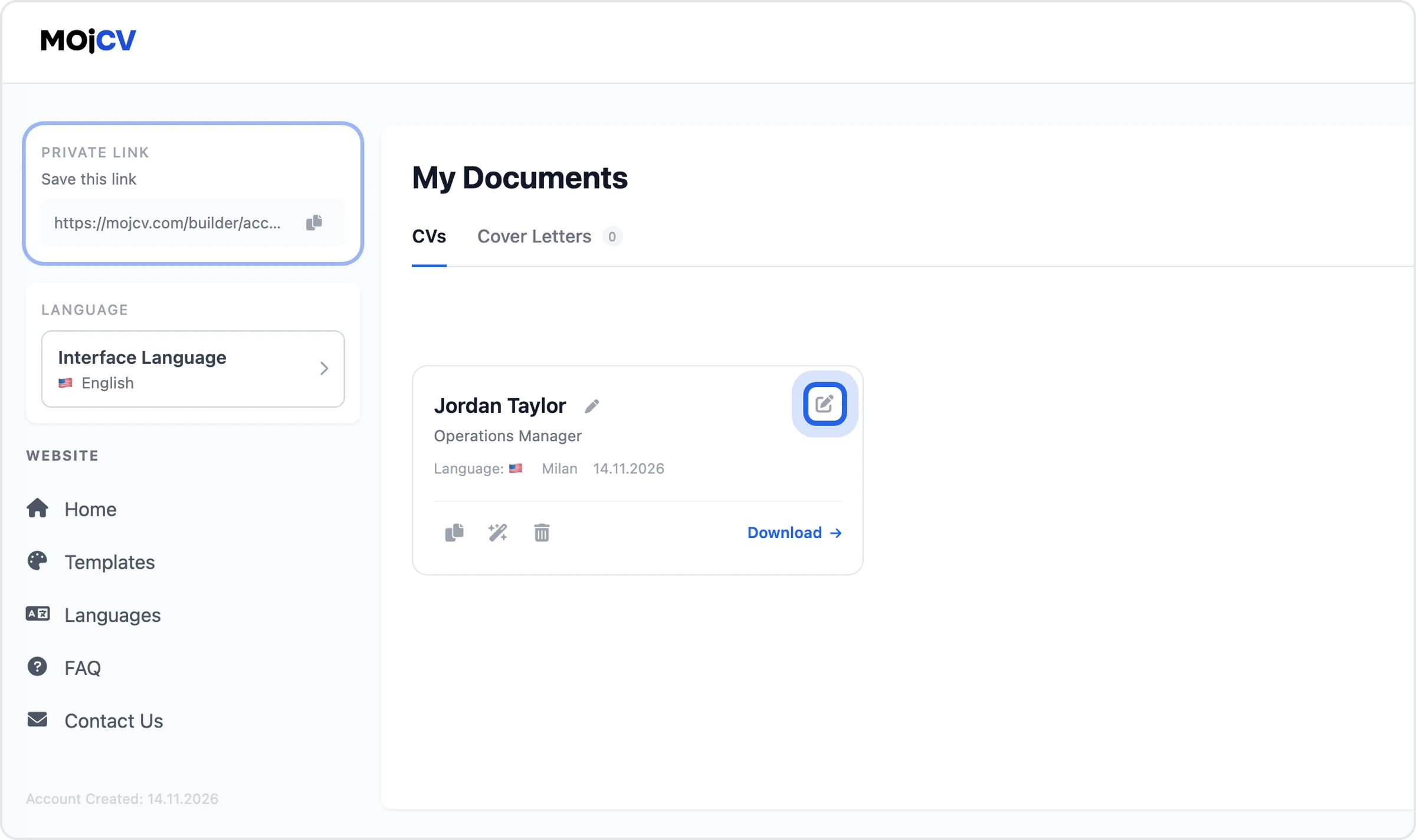
2. Change your content
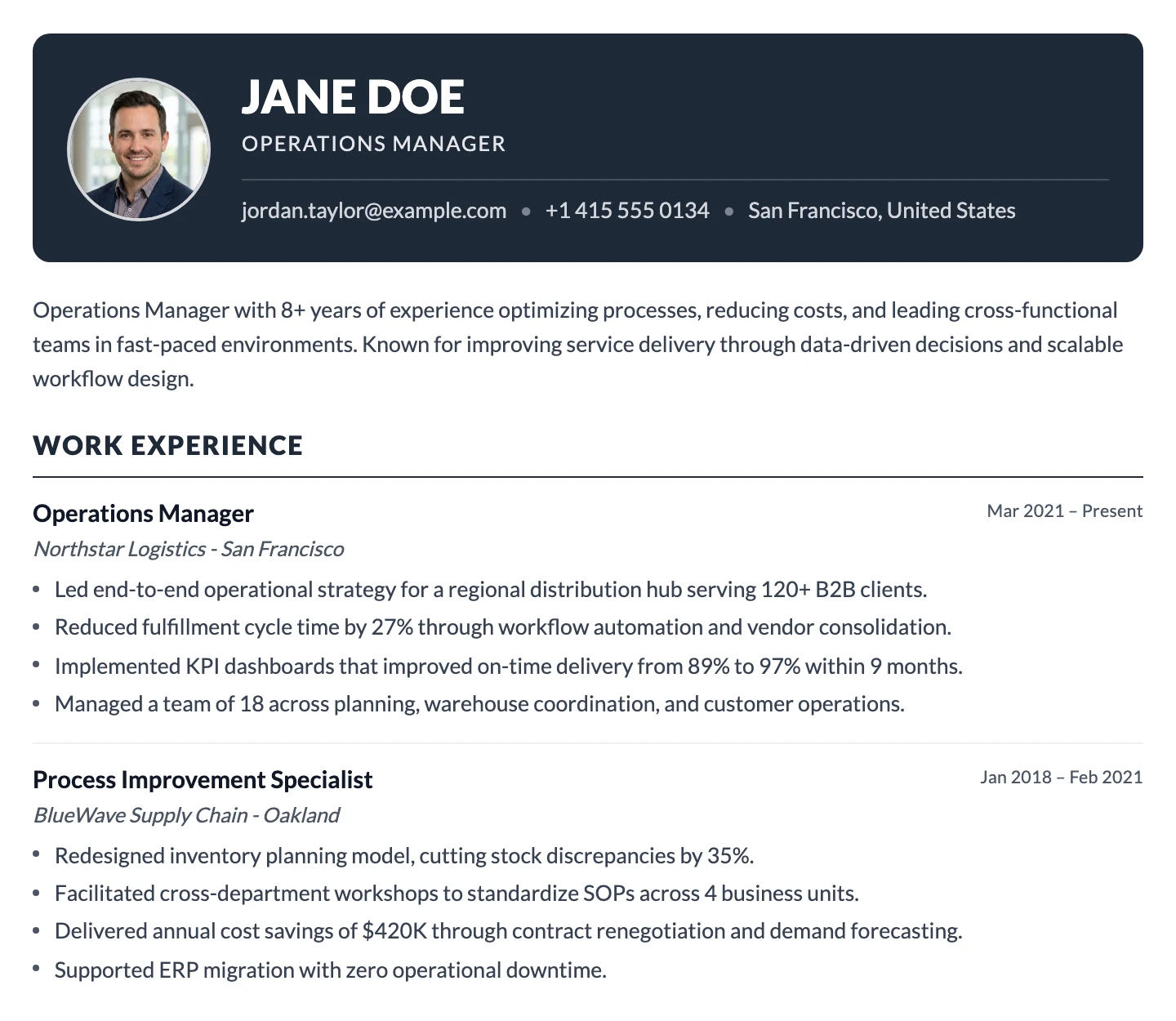
Select a section in the list on the left, such as Work, Education or Skills, change the text, dates or details, and select Save. Select Add Another Item to add an entry. If a section is missing, add it under Additional Sections. Sections you leave empty do not appear in the PDF.
See all CV sections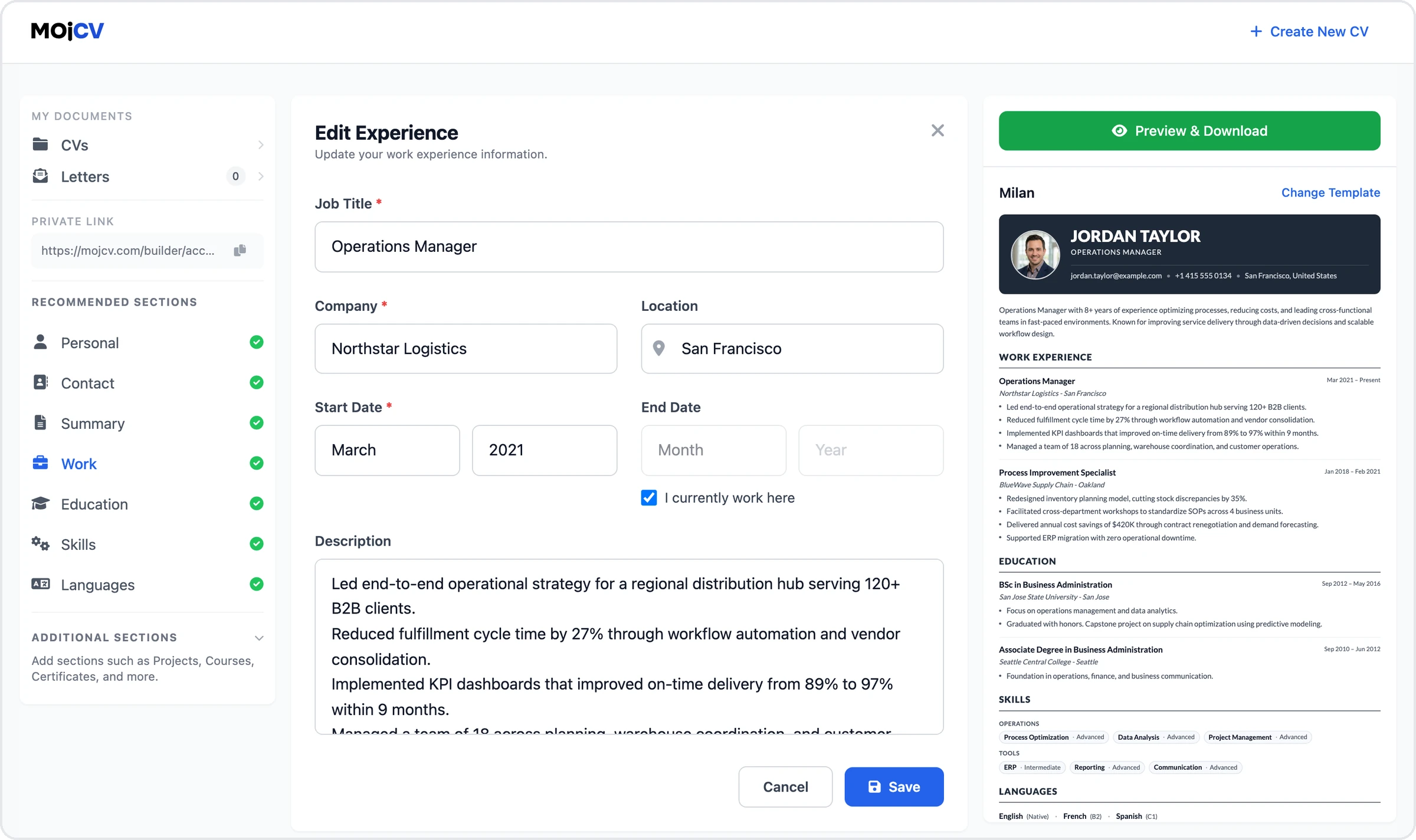
3. Customize the CV
Open the preview and select Customize. Here you can change the template, the CV language and the date format, or move sections up and down with the arrows. Select Save to apply the changes. Your details stay the same.
Edit My CV for Free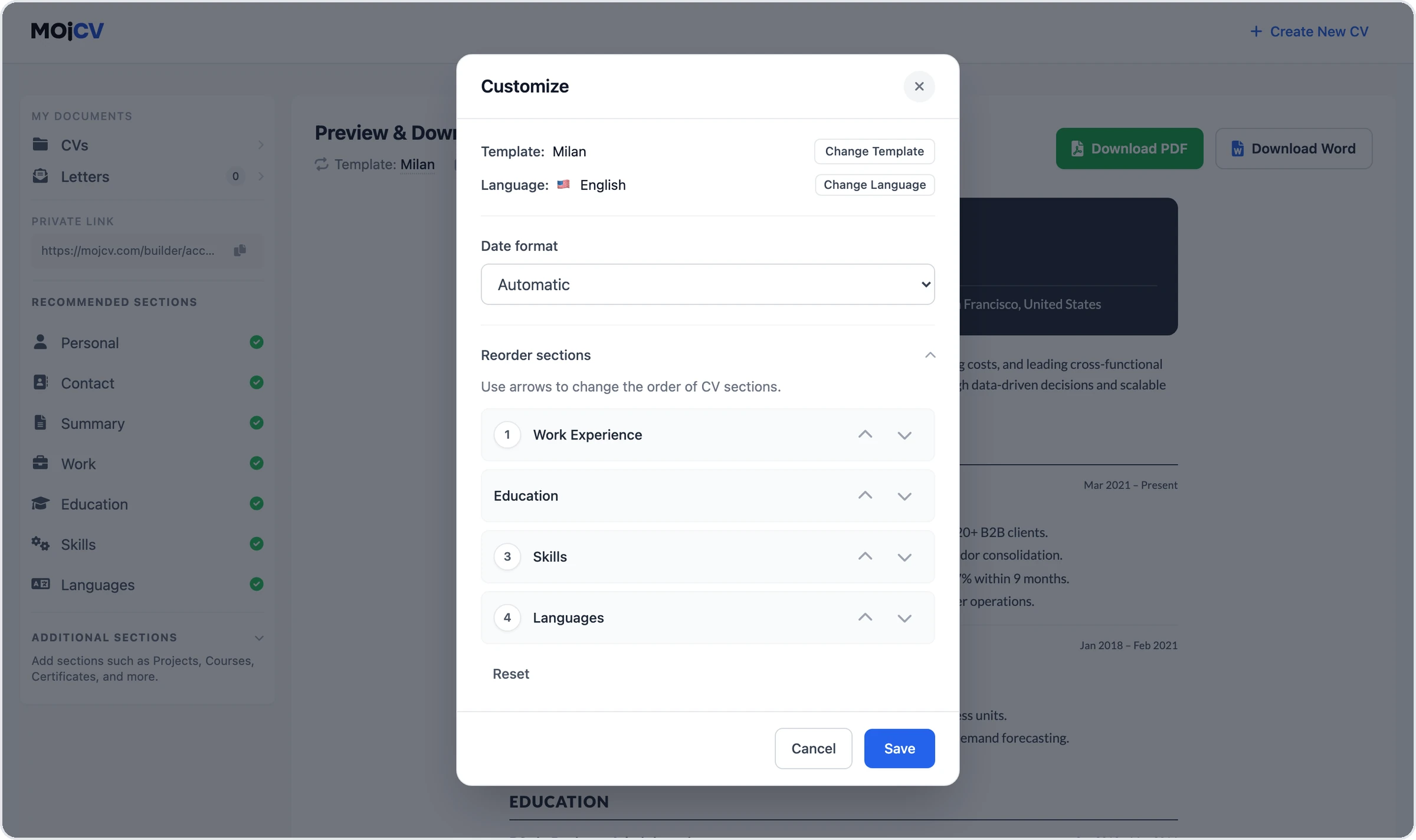
4. Download the new PDF
Select Download PDF. Every download is a new file without a watermark, and you can download as often as you like. To keep the old version, duplicate the CV first and edit the copy. On single-column templates you can also download a Word file.
Edit My CV for Free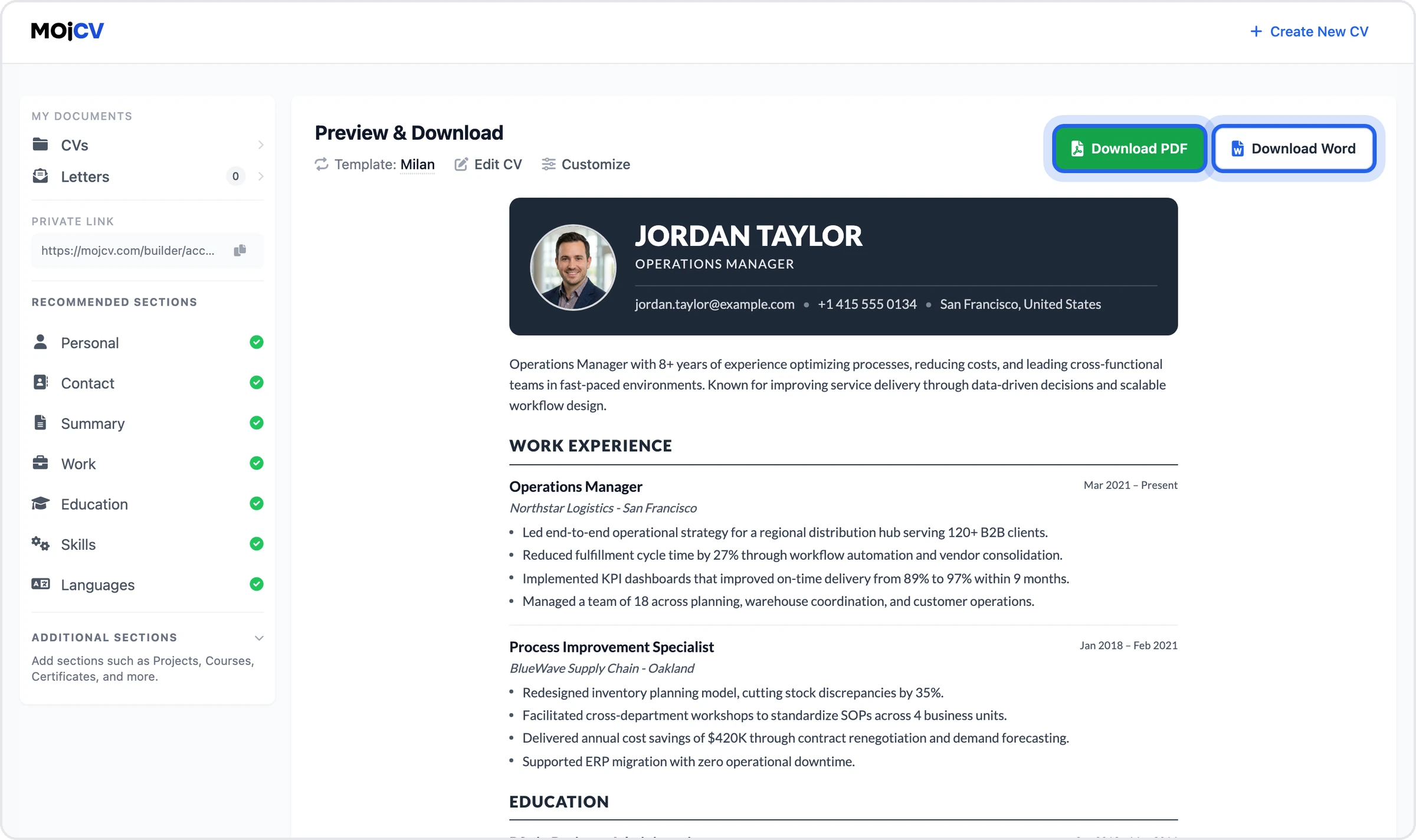
Every section you can edit
Add only the sections that help your application. Empty sections do not appear in the PDF.
Personal, Contact and Summary
Name, photo, contact details and a short summary.
Work Experience
Jobs, employers, dates and what you did.
Education
Degrees, schools and dates.
Skills
Skills and tools, with a level if you want.
Languages
The languages you speak and your level.
Projects
Projects that show your work.
Courses & Training
Courses that support the job you apply for.
Licenses & Certifications
Certifications and licenses with the date.
Awards & Achievements
Awards and achievements you want to list.
Volunteering
Volunteer work and your role.
Publications
Articles, papers and other publications.
References
People who can recommend your work.
CV customization options
Change the content, the layout and the look of your CV at any time. Your changes show in the preview and in the next PDF you download.
Text and dates
Correct a typo, update a job, fix a date or rewrite your summary.
Sections
Add a section that is missing. A section you leave empty does not appear in the PDF.
Section order
Move Skills up for a technical job, or Education up if you are a student. Use the arrows in Customize and select Save.
Template
Try a different template at any time. Your details stay the same and only the layout changes.
CV language
Change the language in Customize. The section headings change, and the text you wrote does not.
Date format
Choose Automatic, Jan 2024, 01/2024 or 01.2024 in Customize.
A copy for each job
Duplicate a CV from My Documents and adjust the copy for the job. The original does not change, and you can create as many CVs as you want.
A new PDF after every change
Download the PDF again after each edit, with no download limit and no watermark.
Editing a CV for free vs. editors that need a subscription
| This editor | Editors with a subscription |
|---|---|
|
Edit without limits You can edit as often as you like, with no subscription and no trial. |
Editing locked behind a plan Some editors let you build a CV but lock editing or downloads until you subscribe. |
|
Every version is free You download each new PDF for free, without a watermark. |
Paid downloads Some editors charge for downloads or put a watermark on the free version. |
|
Private link or same browser You return with your private link or in the same browser, with no account and no password. |
An account to reopen your CV You usually need an account with a password to get back to your CV. |
Questions about editing a CV online
Can I edit my CV online for free?
Can I edit a PDF or Word file I already have?
How do I open a CV I already created?
How do I change the order of the sections?
How do I tailor my CV to a job?
Can I change the template after I filled in my CV?
Can I edit my CV on my phone?
What happens if I lose my private link?
Can anyone else see my CV?
Update your CV and download a new PDF for free
Open the editor, change what you need and download the PDF.
Free to use. No credit card.