Free CV & Resume Builder Without Registration
Almost all CV builders ask you to register before downloading your PDF. MojCV lets you create and download your CV without accounts, email verification, or surprise login walls.
How to create a CV without registration or login
MojCV is document-based rather than account-based. Instead of creating an account, you get a private link connected to your CV. That link lets you return to your CV anytime, continue editing on any device, and download the PDF without logins, passwords, or email verification. See the full step-by-step guide to MojCV.
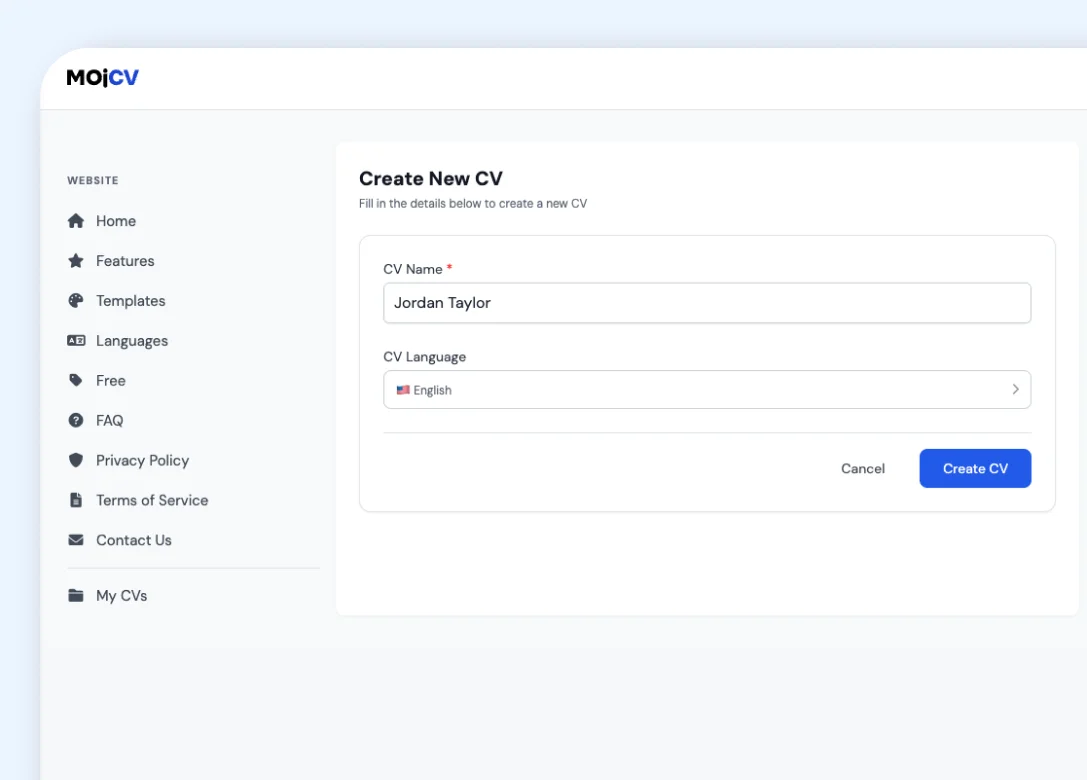
Create your CV and get a unique private link
Start writing right away. Enter your name, choose a language, and the editor opens immediately. As soon as your CV is created, MojCV generates a unique private link connected to your CV. No email address needed at any point.
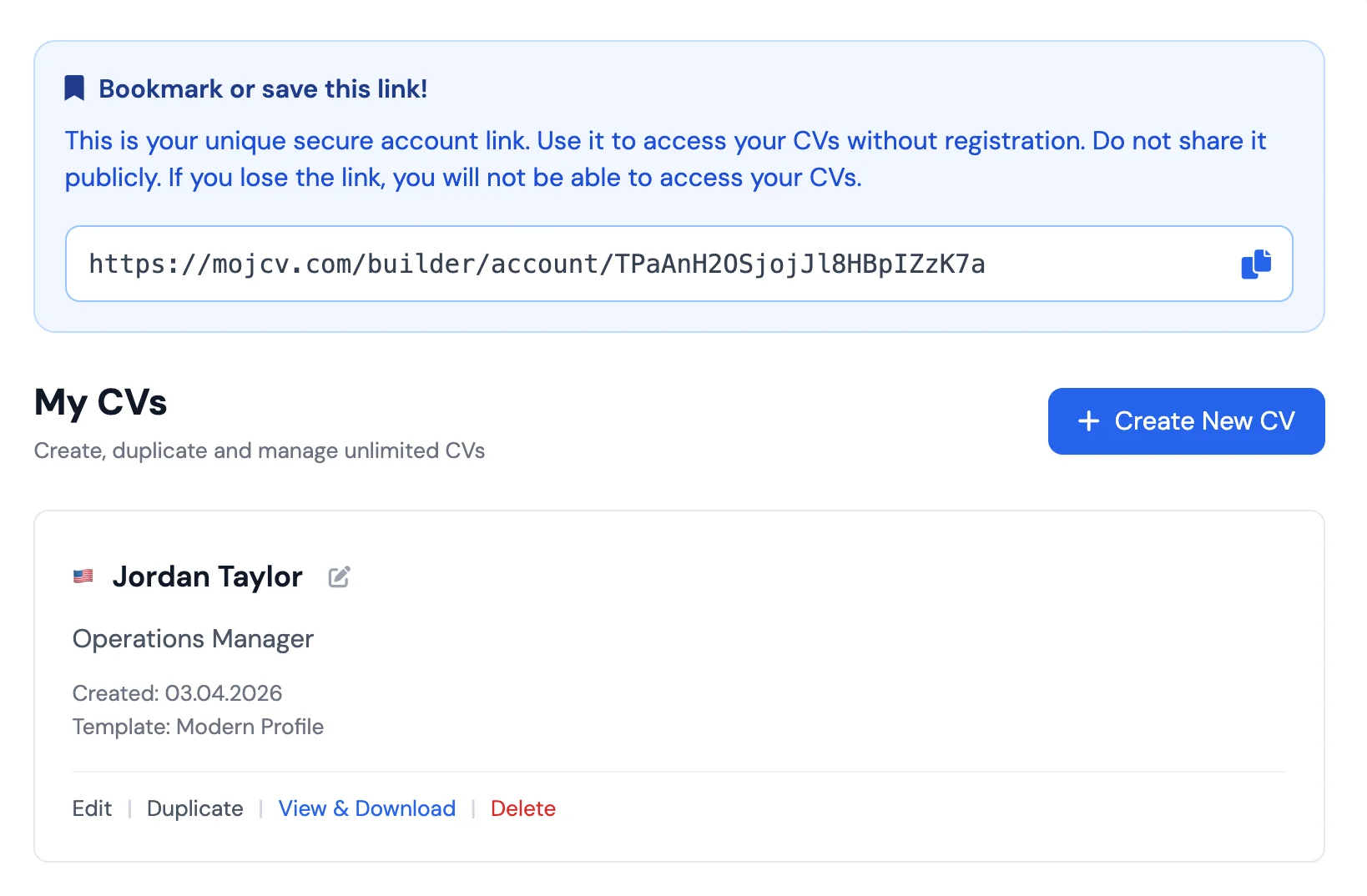
Bookmark the page or copy the link
Save the link in the way that feels easiest: bookmark it in your browser, send it to yourself, or keep it in your notes app. That link is the only thing you need to get back to your CV from any device.
Download the PDF without interruptions
Finish editing, choose your template, and download the PDF. No account creation step appears at the end. No login wall before the download. The file goes straight to your device.
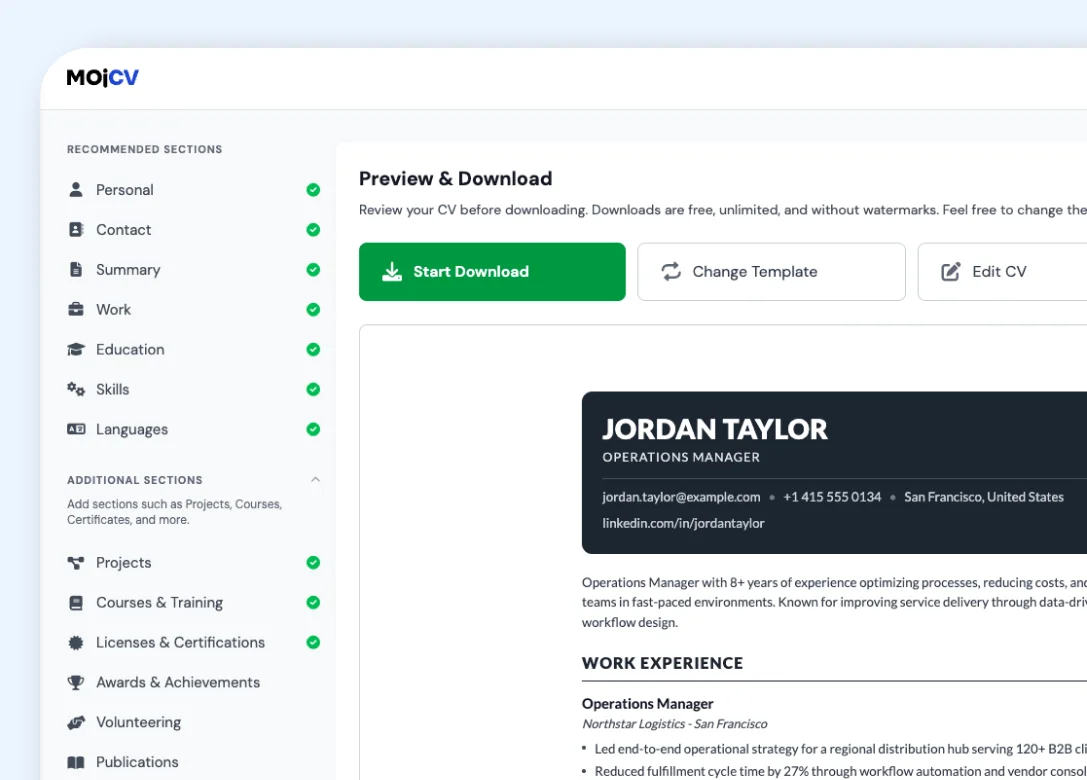
Come back later to edit or create a new version
Open the same private link any time to continue editing, duplicate your CV for another role, or download an updated PDF. You can manage multiple CVs under the same link without ever logging in.
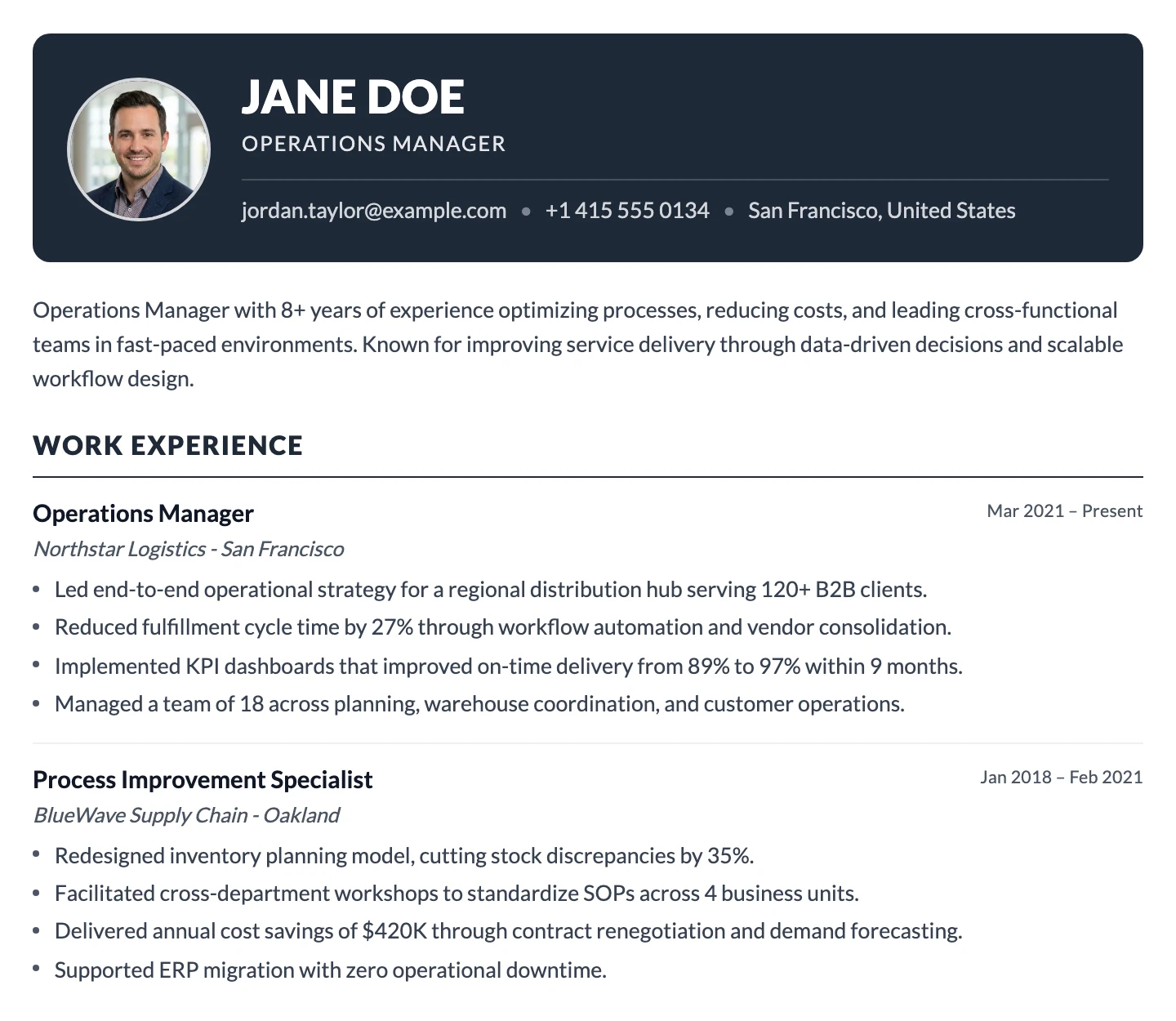
Everything you can do without an account
The private link gives you full access to the builder. You do not lose any features by not having an account.
Create a complete CV or resume
Fill in every section: work experience, education, skills, languages, projects, certifications, volunteering, and more. All sections are available without registration. See <a href="/en/cv-sections" class="text-blue-600 hover:underline">all CV sections</a>.
Switch templates at any time
Try any of the available templates and switch as many times as you like. Your content carries across automatically each time. No template is locked behind registration or a paid plan.
Download your PDF, free
Download your CV as a clean PDF whenever you are ready. No paywall appears at the end, no login prompt before the file. Download as many times as you need, including after edits.
Edit from any device
Open your private link from a phone, tablet, or laptop and your CV loads exactly as you left it. You can start on your phone and finish on a computer with no account linking required.
Duplicate your CV for different roles
Create multiple tailored versions of your CV without starting from scratch. Duplicate in one click, adjust the copy for the specific role, and download a separate PDF. All versions live under your private link.
Change your CV language
Switch your CV to any of the 30+ supported languages with one click. Section headings, date formats, and document structure update automatically. No account needed for multilingual CVs.
No account means less data collection and more privacy for you
Many CV builders are built around accounts, subscriptions, and email funnels. MojCV is built around the document instead.
| MojCV | Typical CV builders |
|---|---|
|
No email required You can create, edit, and download your CV without giving us your email address. |
Email required You are often asked to register before you can properly use the builder. |
|
No account setup required There is no password to create, no verification flow, and no account recovery process. |
Extra verification steps Account systems often add password setup, email confirmation, or social login flows. |
|
No follow-up marketing emails Because there is no account, your CV is not tied to a marketing profile or email campaign. |
Accounts often lead to follow-up marketing User accounts are often used for follow-up emails, trial reminders, or subscription upsells. |
|
No permanent account profile MojCV does not keep a traditional user account sitting behind your document. |
Inactive user accounts stay stored Old accounts and inactive profiles can stay stored long after a one-time CV is finished. |
|
Built for the document, not the funnel MojCV is designed to let you create, download, return, or leave without being pulled into an account system. |
Accounts often lead to upsells Registration often becomes the starting point for trials, reminders, and subscription funnels. |
What replaces the account on MojCV
The private link does everything an account login would normally do, without requiring your email, a password, or any signup step.
Your CV, your data. Delete it any time.
When you are done with a CV, whether that is after one application or after a long job search, you can delete it directly from your dashboard. No support request. No account deletion process. No GDPR form to fill in. Delete the CV and it is removed. Because there is no account profile tied to it, there is nothing left behind. No dormant user record sitting in a database, no inactive profile attached to your document.
- Delete any CV directly from your private dashboard
- No support ticket or request needed
- No account profile remains after deletion
- Perfect for one-off applications where you want no trace left
No account needed on mobile either
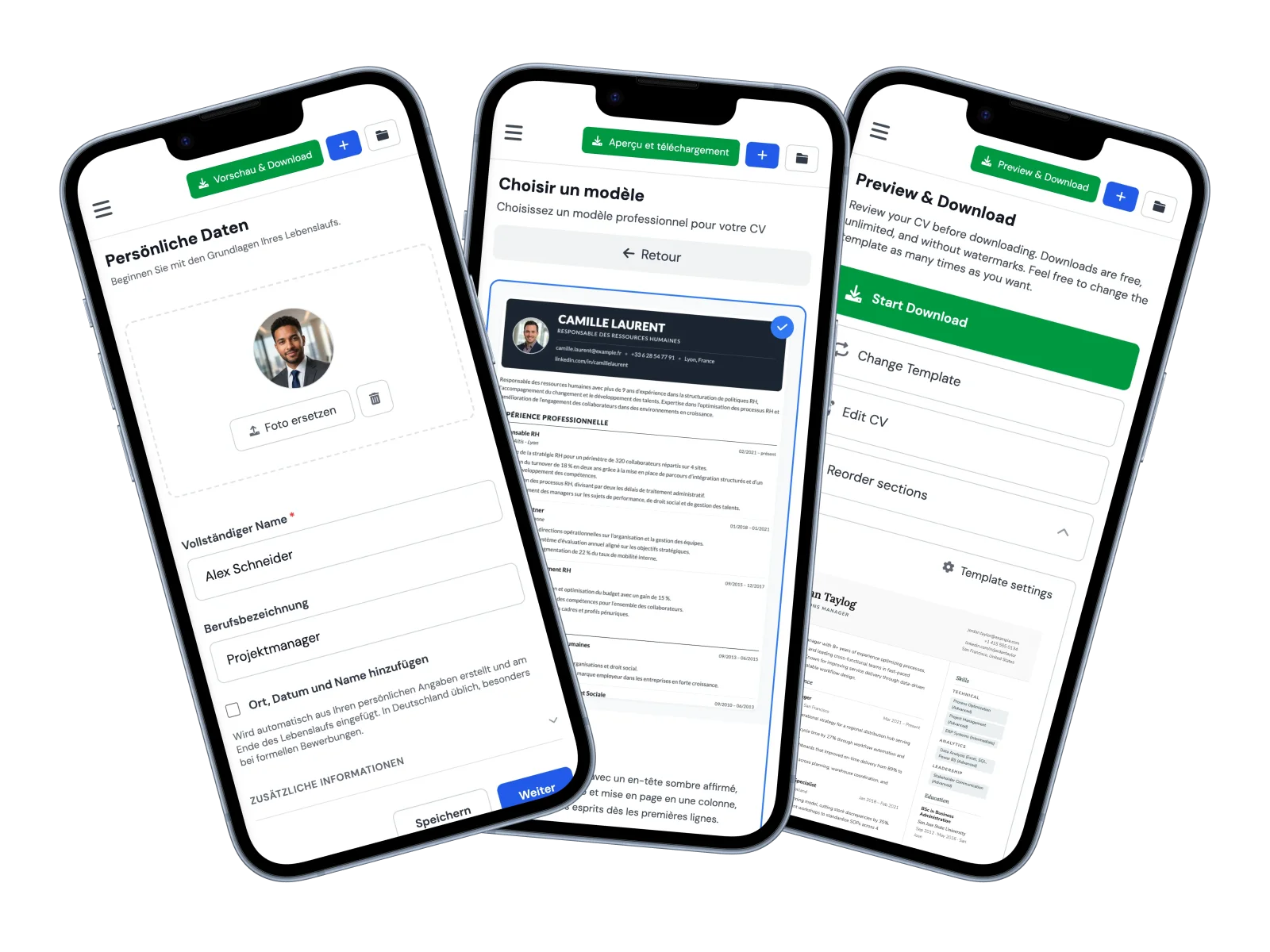
The no-registration experience is the same on your phone as it is on a desktop. Open MojCV in any mobile browser, create your CV, and download the PDF. No app to install, no login screen, no account required. Your private link works on mobile too. Bookmark it on your phone and you can return to edit or re-download at any time, from any device.
- Works in Safari, Chrome, and any mobile browser on iPhone and Android
- No app to install from the App Store or Google Play
- PDF downloads directly to your phone: Files app on iPhone, Downloads on Android
- Same private link works on mobile and desktop interchangeably
Common questions about creating a CV without an account
Do I need an account to create a CV?
Can I create a resume without registration?
Can I edit my CV later without an account?
Can I edit my CV on a different device without an account?
Can I have multiple CVs without an account?
How do I access my CV again after closing the browser?
What happens if I lose my private link?
Does MojCV send marketing emails?
What if I want to come back six months later?
Create your CV without registration
No account. No email. No waiting. Just open the builder and start.
Free to use. No registration. No credit card.