1
Write the letter or generate a draft
Write the greeting, main text, and sign-off yourself, or generate a first draft using your CV and the job description.
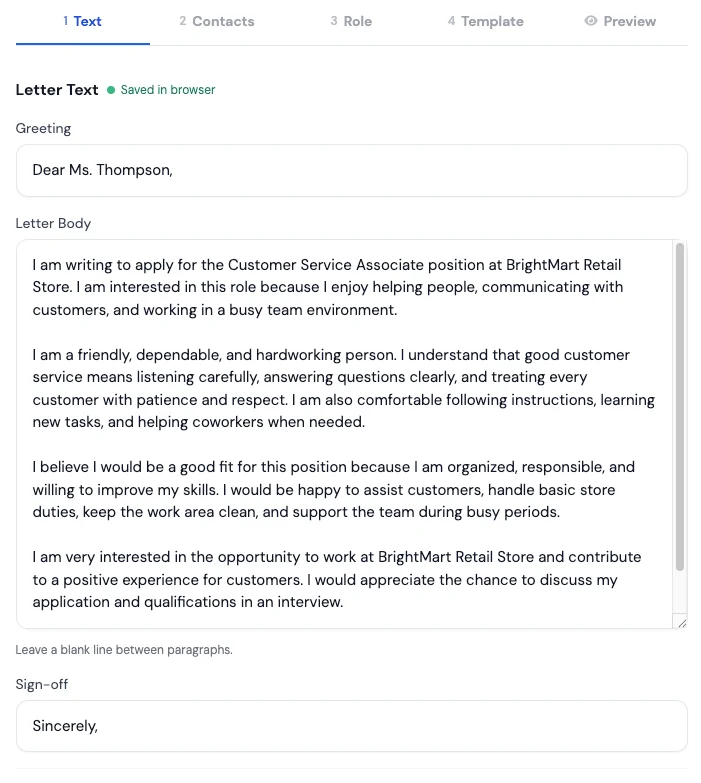
Write your cover letter yourself or generate a tailored first draft with AI. Edit the text, choose a professional template, and download the PDF for free.
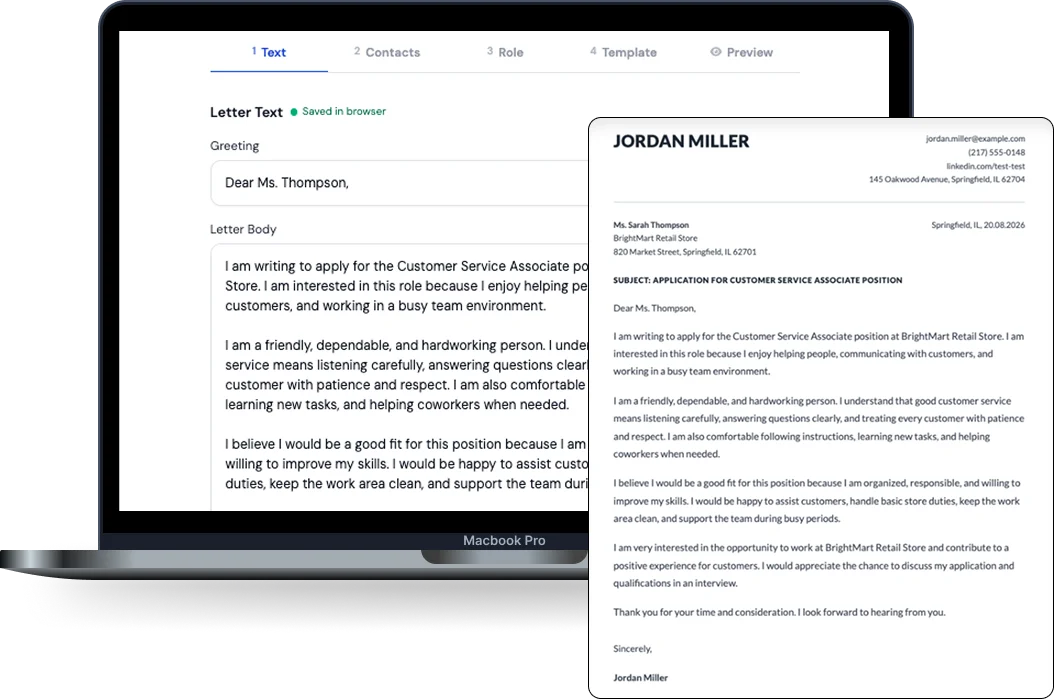
Use our quick cover letter maker to write it yourself, or let our AI cover letter generator prepare the first draft. Both options are free, fully editable, and use the same professional templates. Not sure which to choose? Read the step-by-step guide to both ways.
Choose a CV from your private MojCV dashboard, paste the job description, and generate a tailored first draft based on your experience and skills. Edit the result before downloading.
Generate with AIWrite your letter in the guided editor, add your contact details, choose a template, and download the finished PDF. No account or AI required.
Start WritingEverything needed to write, format, and download your cover letter is available without a payment screen at the end.
Open the manual builder and begin writing immediately. No email address, password, subscription, or card is required.
Create separate cover letters for different roles and download every finished version for free.
See the layout update while you write, so you know how the finished document will look before downloading it.
Generate a tailored first draft from your CV and a job description, then review and edit it in your own words.
Choose from free, professional cover letter templates and switch between them without losing your letter.
The manual builder saves your draft in the current browser as you type. You can also save your work to a private MojCV dashboard for longer-term and cross-device access.
No design experience is needed. MojCV handles the structure and formatting for you. Read the step-by-step cover letter guide for the details.
Write the greeting, main text, and sign-off yourself, or generate a first draft using your CV and the job description.
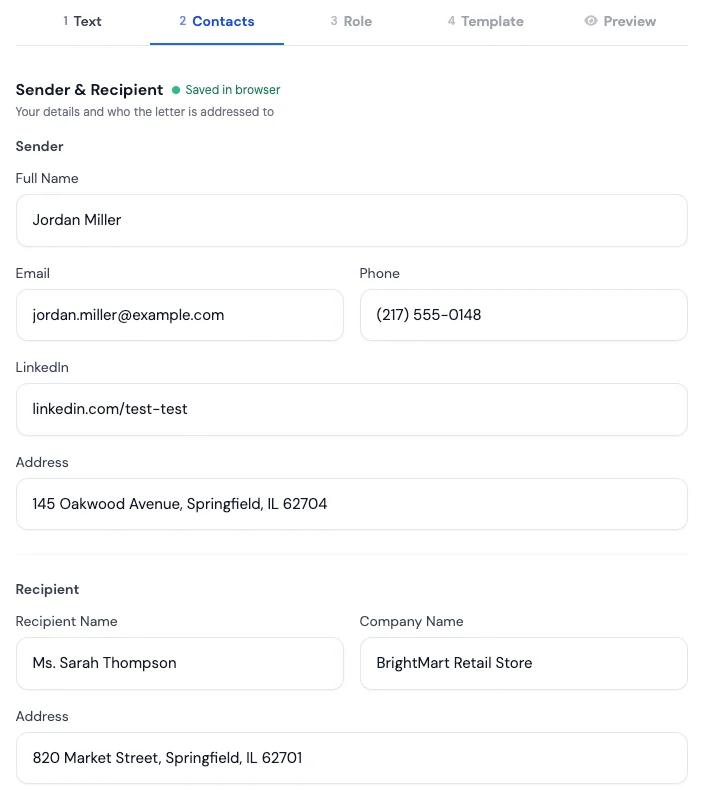
Enter your contact information and the employer’s details so the letter follows a clear professional structure.
Select a professionally designed layout and let MojCV apply the formatting automatically.
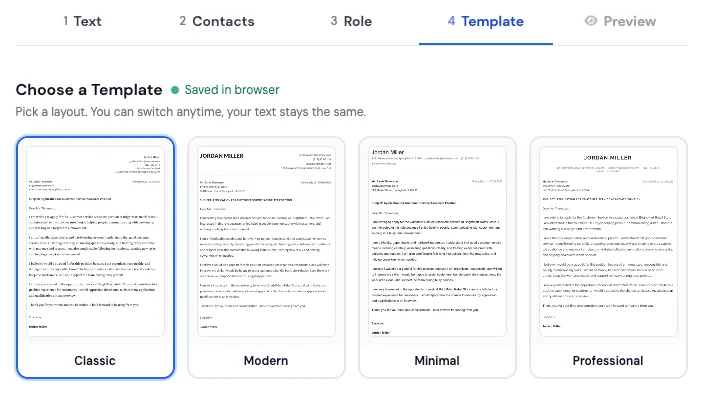
Review the completed letter and export a clean, high-quality PDF with no watermark or download limit.
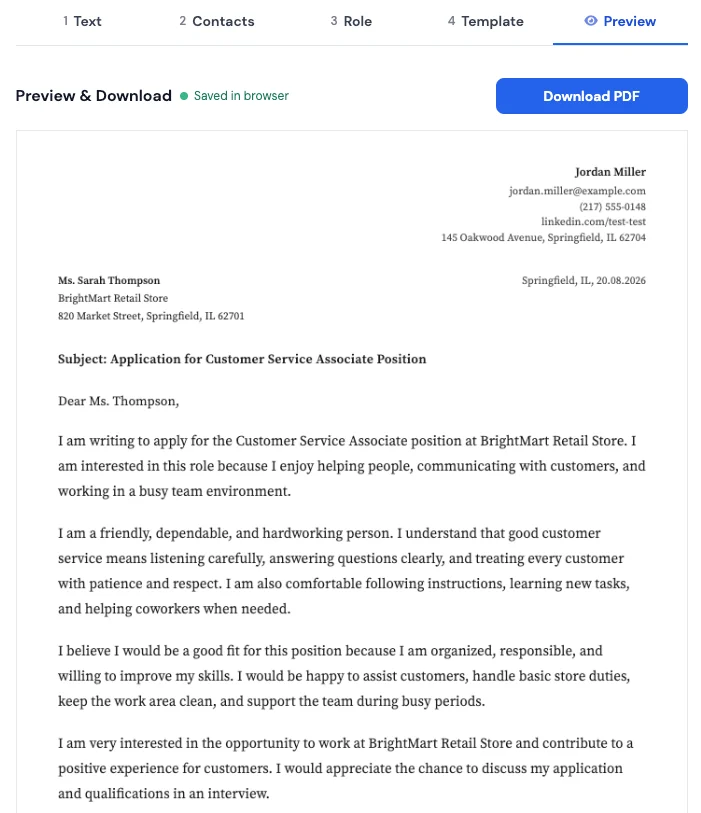
Templates
Choose from free cover letter templates, preview your letter, and switch layouts whenever you want. Your text stays in place while you compare the designs.
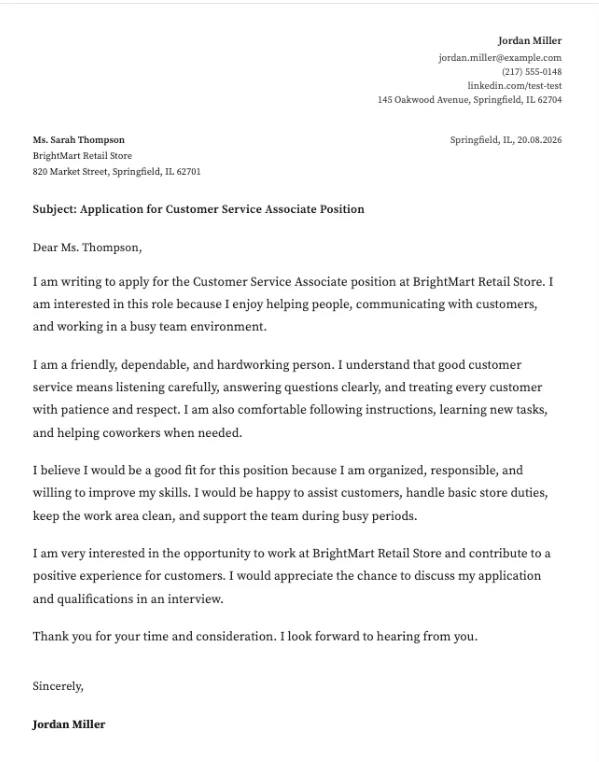
A clean, conventional cover-letter layout with formal structure and generous spacing.
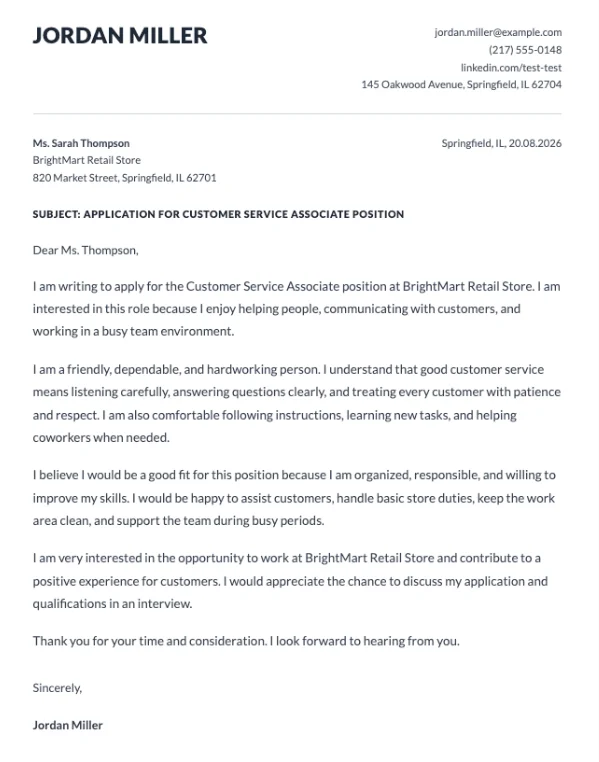
A contemporary cover-letter layout with stronger hierarchy and a crisp top section.
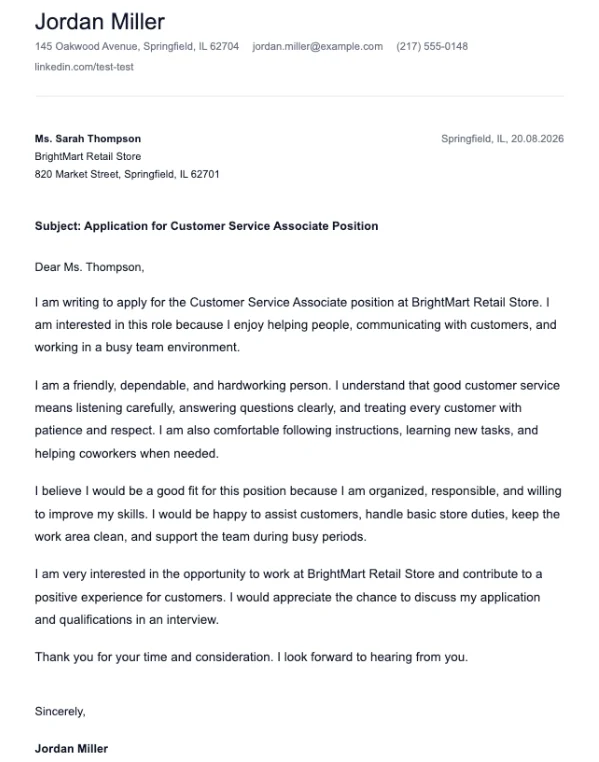
A stripped-back cover-letter layout that keeps the focus on the writing itself.
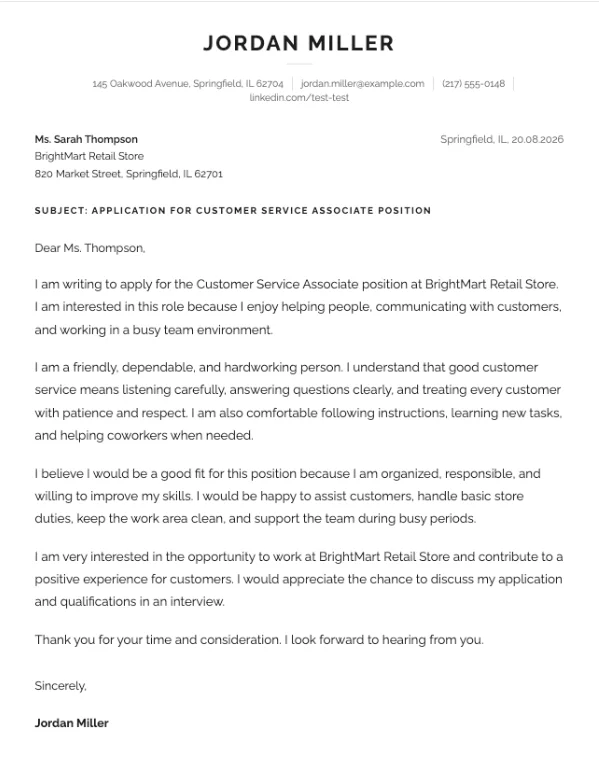
A refined cover-letter layout with a polished header and confident visual rhythm.
A clean, conventional cover-letter layout with formal structure and generous spacing.
A contemporary cover-letter layout with stronger hierarchy and a crisp top section.
A stripped-back cover-letter layout that keeps the focus on the writing itself.
A refined cover-letter layout with a polished header and confident visual rhythm.
Many builders call themselves free, then charge when you try to download the finished letter. MojCV is free from start to finish.
Most cover letters should fit on one page. Around 250 to 400 words across three or four short paragraphs is usually enough. A professional cover letter normally contains:
Include your name, email address, phone number, and city. You normally do not need to provide your full street address.
Address the hiring manager by name when you know it. Otherwise, use a clear role-based greeting such as "Dear Hiring Manager."
Name the role you are applying for and quickly explain why you are a relevant candidate.
Use a concrete responsibility, achievement, or result to show how your experience relates to the position.
Briefly connect your background and interests with the employer's needs or the purpose of the role.
Thank the reader, express interest in discussing the position, and end with a professional sign-off.
A complete, properly formatted cover letter created with the builder above.
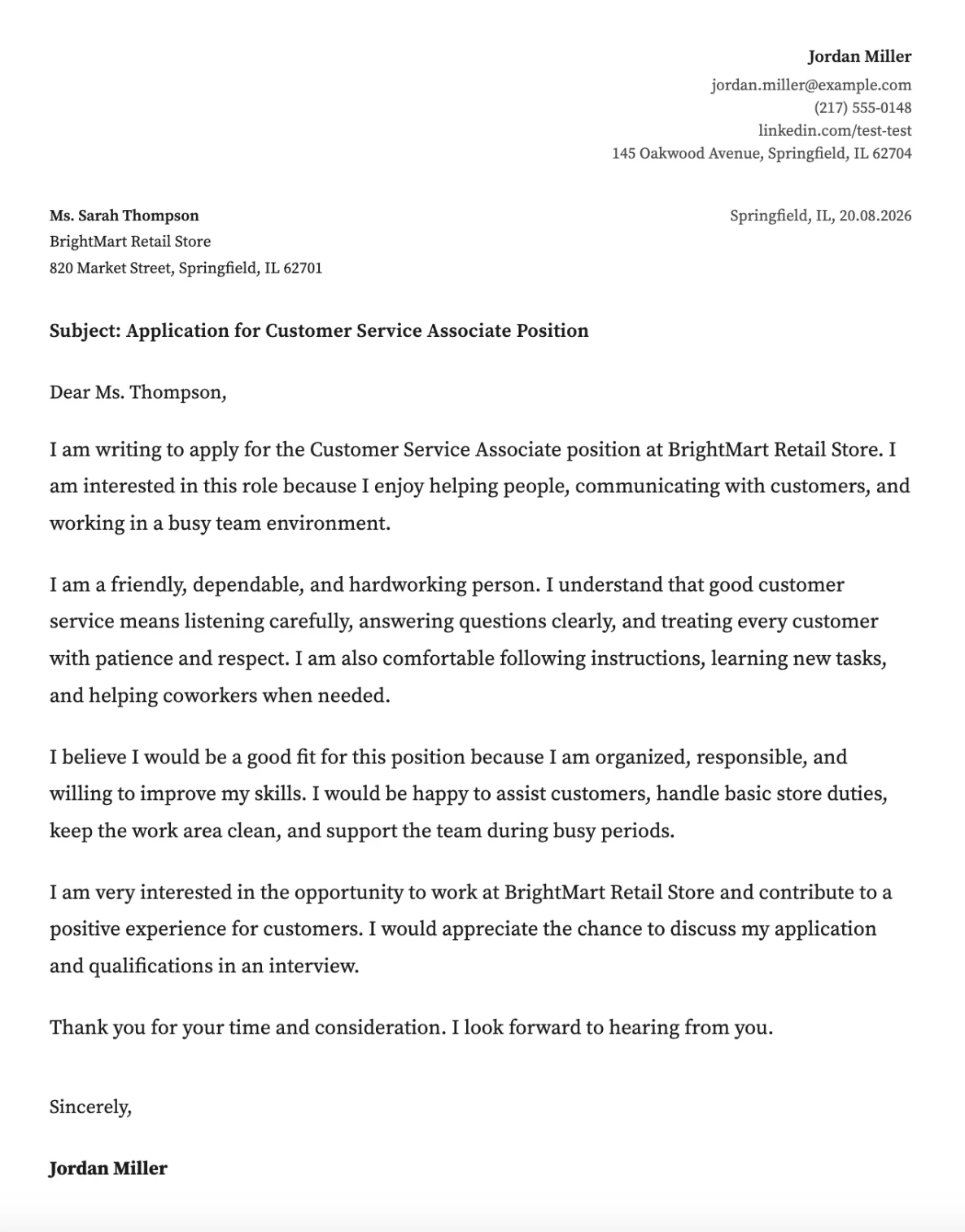
Start with a blank cover letter, add your contact details, and write the text yourself. Choose a professional template and download the finished PDF for free. No account required.
Direct answers, no marketing spin.
Write it yourself or generate a tailored first draft with AI. Edit every part, choose a professional template, and download the finished PDF without a paywall or watermark.
Free to use · No registration required · Unlimited PDF downloads