Unlimited use. Free PDF download.
Quick Summary
A fast overview of where the Split template fits best.
About the Split Template
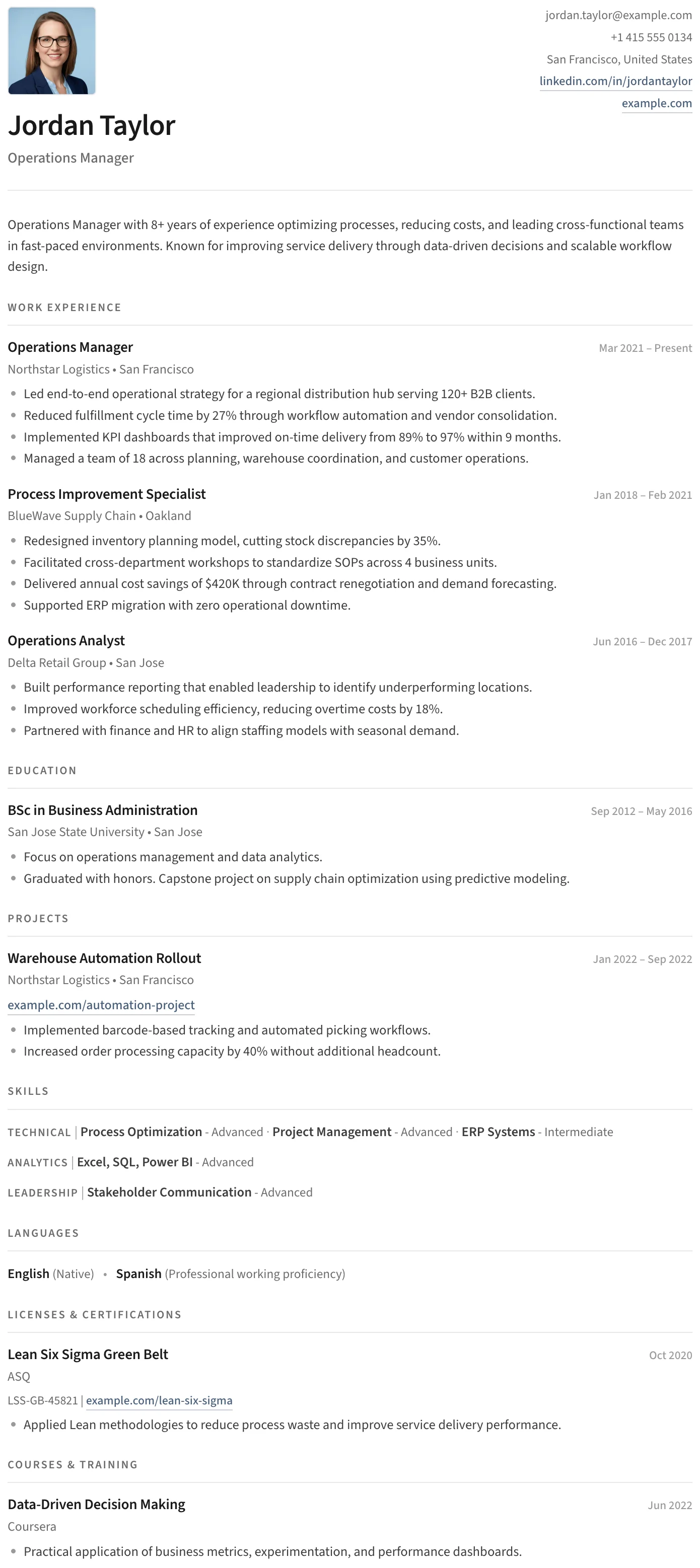
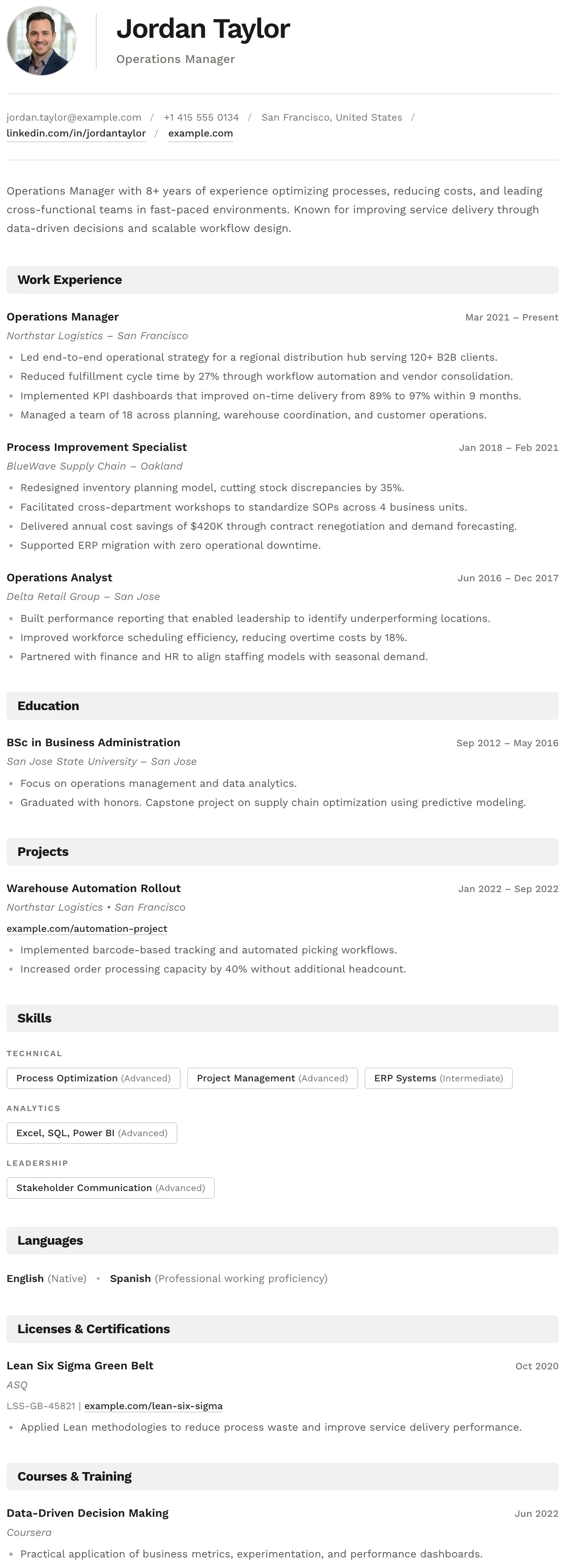
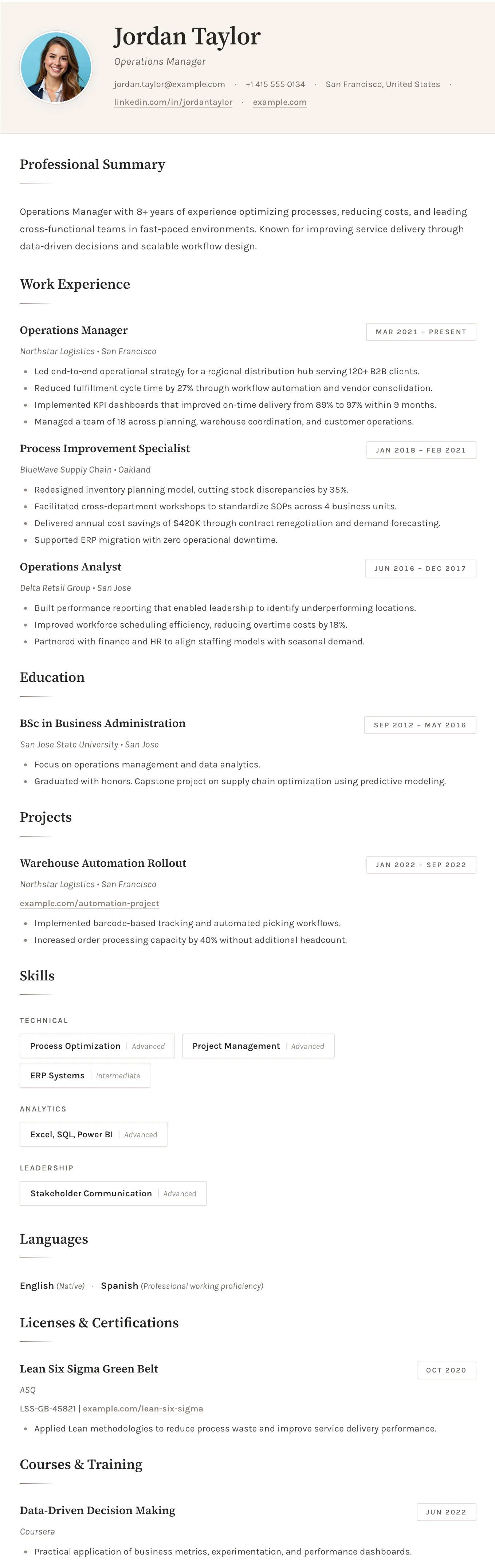
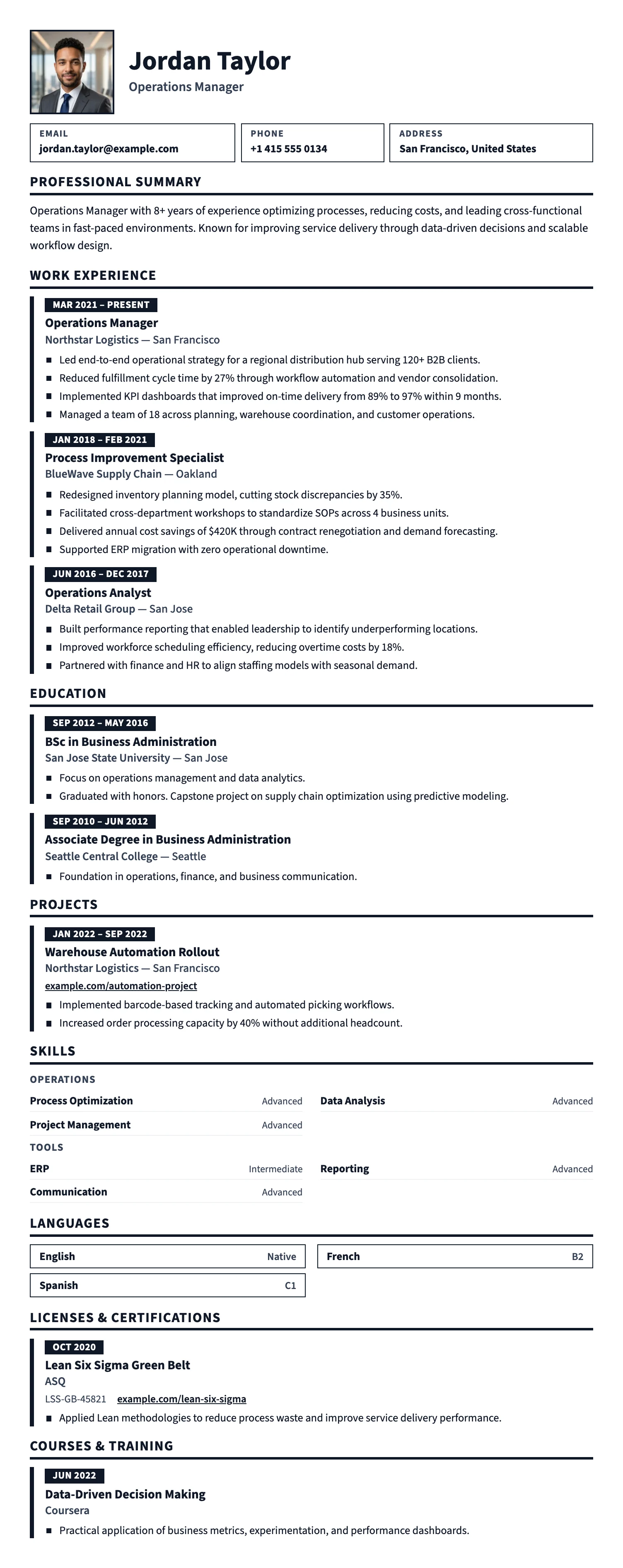
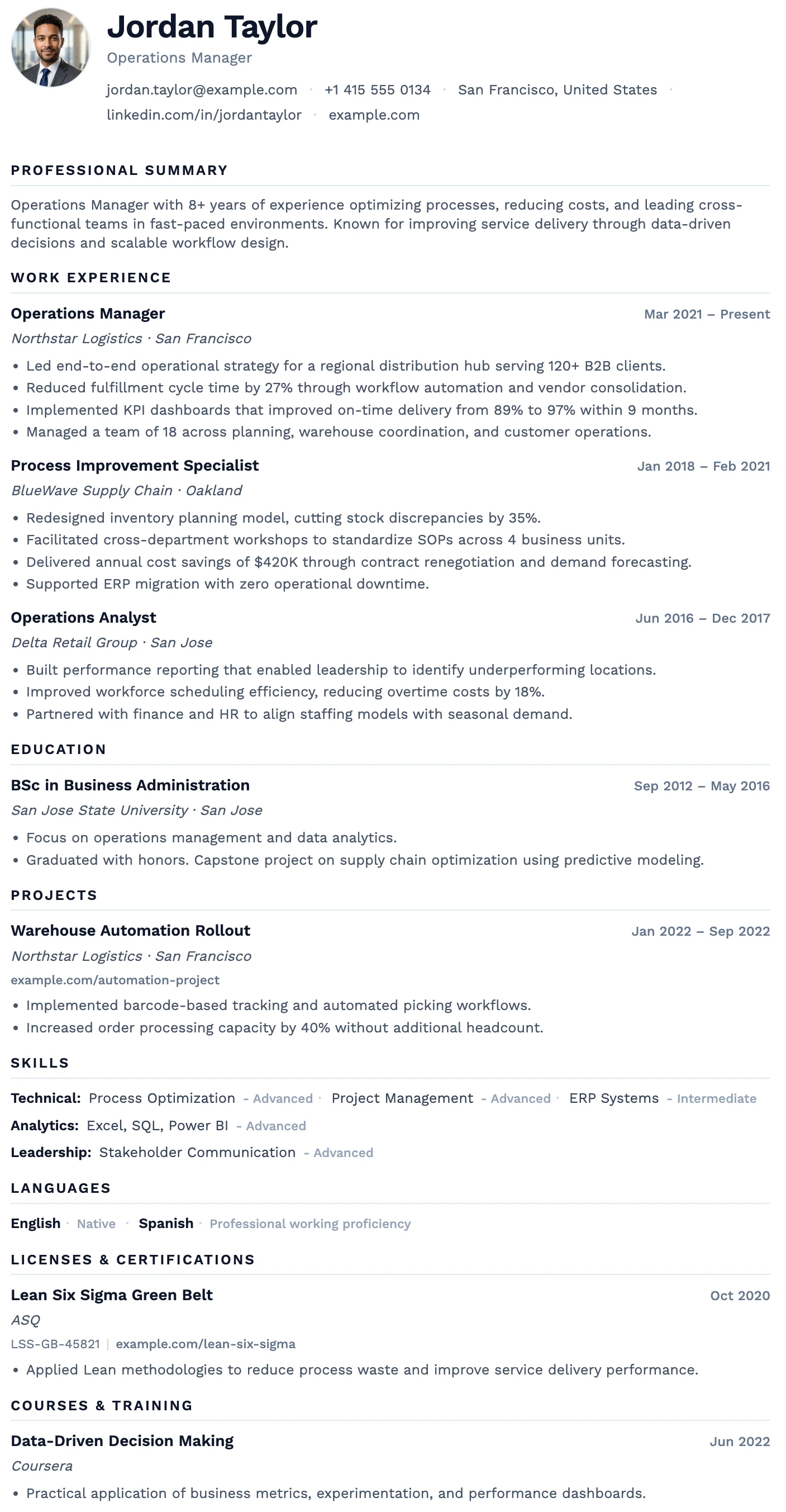
The Split template is a clean single-column CV and resume layout built for candidates who want the most straightforward possible presentation without sacrificing professionalism. Its split header places your name, title, and optional photo on one side and contact details on the other, giving the page clear structure without adding visual noise. Section headings are minimal, spacing is controlled, and the overall document stays focused on content rather than styling.
This template works especially well when you want a resume that feels modern, readable, and low risk in almost any hiring context. It avoids strong branding, decorative design elements, and layout complexity, which makes it an easy choice for job seekers who care most about clarity, recruiter scanability, and ATS performance.
Who Should Use This Template
Split is best for candidates who want a professional resume template that stays clear, conventional, and highly readable in almost any industry. It is especially useful for applicants who want a document that feels polished without looking stylized, branded, or overly tailored to a specific niche.
- Business analysts and operations professionals
- Project coordinators and consultants
- Software engineers and technical specialists
- HR professionals and administrative staff
- Finance, business, and corporate applicants
- Recent graduates and career changers who want a safe, clean format
- Experienced candidates who prefer substance over visual branding
Who Should Not Use This Template
This template is less suitable for candidates who want a resume to make a strong visual statement. Its strength is simplicity and practicality, not creative expression or premium branding.
- Creative portfolios and design-led applications
- Candidates who want strong personal branding through layout
- Applicants seeking a more premium executive presentation
- Roles where a visually distinctive document is part of the evaluation
ATS Compatibility
Split is an excellent ATS-friendly resume template. It uses a linear single-column structure, conventional section flow, readable typography, and minimal formatting complexity. Because it avoids multi-column layouts, tables, graphics-heavy design, and decorative content blocks, applicant tracking systems can usually parse it very reliably.
That makes it one of the safest choices for candidates who want to maximize ATS performance while still using a polished modern resume. It works especially well when you are applying across different industries and want a single document style that stays broadly compatible and recruiter-friendly.
Why it performs so well in ATS systems
- Single-column reading flow
- No multi-column layout complexity
- No graphics-heavy content structure
- No tables used for core content organization
- Standard sections such as summary, experience, education, skills, and certifications
Design and Layout Features
The visual identity is intentionally restrained. There are no bold accent colors, no heavy visual dividers, and no complicated layout tricks. Instead, the template relies on spacing, typography weight, and quiet hierarchy to make the document feel orderly and readable. That gives it a practical, modern tone that works well in both traditional and contemporary hiring environments.
The split header is one of its most useful design choices. It creates immediate structure at the top of the page while keeping the rest of the document straightforward and linear. Skills are handled in a compact inline format, and the main sections stay easy to scan whether the resume is concise on one page or slightly longer across two pages.
Best Industries and Roles
This simple professional CV template performs well across a wide range of industries because it does not impose a strong stylistic personality on the application. It is especially effective for candidates who want a broadly acceptable resume format that works in both modern and traditional professional settings.
- Technology and engineering
- Business, finance, and consulting
- Operations and project coordination
- Human resources and administration
- Corporate environments and office-based roles
Typical roles that fit this template well include Operations Manager, Business Analyst, Software Engineer, Project Coordinator, Consultant, Administrative Specialist, HR Professional, and Corporate Associate.
Use the Split Template
If you want a clean ATS-friendly resume template with maximum readability and minimal design risk, Split is one of the safest and most flexible choices.
Use This TemplateTemplate Strengths
- Exceptional ATS compatibility
- Maximum readability for recruiters
- Very low design risk across industries
- Clean professional presentation without distraction
- Works for both short and longer resumes
- Strong mobile, PDF, and print readability
Template Limitations
- Less distinctive for candidates who want strong visual branding
- Not ideal for creative or design-heavy applications
- May feel too plain for executive resumes that need more presence
- Offers less personality than more stylized templates
How to Customize This Template
The best way to customize Split is through content clarity rather than visual changes. You can rename sections, reorder supported sections, leave empty sections out of the final PDF, and adjust date formatting to suit your market or personal preference.
To get the most from the layout, keep your writing concise and focused on measurable results. This template works best when your achievements, skills, and career progression are presented clearly and directly, without unnecessary detail or decorative language.
Frequently Asked Questions About the Split Template
Is the Split template ATS-friendly?
Who is the Split template best for?
Can I use the Split template with a photo?
Is this a good template for entry-level candidates?
What makes the Split template different from more stylized resume templates?
Unlimited use. Free PDF download.
Other Templates
Never pay to download your CV again.
Create your CV, download the PDF instantly, and move on with your job application.
Create Free CV NowFree forever · No registration · Unlimited downloads