Free online CV & resume builder
Actually Free CV Builder. No Signup. Unlimited Downloads.
MojCV is a free online CV and resume builder with 33 ATS-readable templates localized in 34 languages. Create your CV with no account and download PDF files with no watermark. MojCV is supported by ads, not subscriptions.
Truly free CV builder
Create and download your CV without paying, with no subscription and no payment step.
Unlimited PDF downloads
Download your CV as a PDF as many times as you want, with no watermark.
No account or signup
Start with only your name and a language, with no email or password.
Localized in 34 languages
Section headings, date formats, and fields adapt to the language of your CV.
Create your CV
No account. No signup. No registration.
Start with your name and a language
Enter your name and choose the language of your CV. The builder opens right away, with no email, password, or account.
-
Your CV opens in the builder
Start from an empty CV, or load an example to see how a finished one looks.
-
Edit freely
Add your details, watch the live preview, and switch templates without entering your information again.
-
Download and come back
Download the PDF as often as you want, and use your private link to return to your CV.
Choose a CV template first
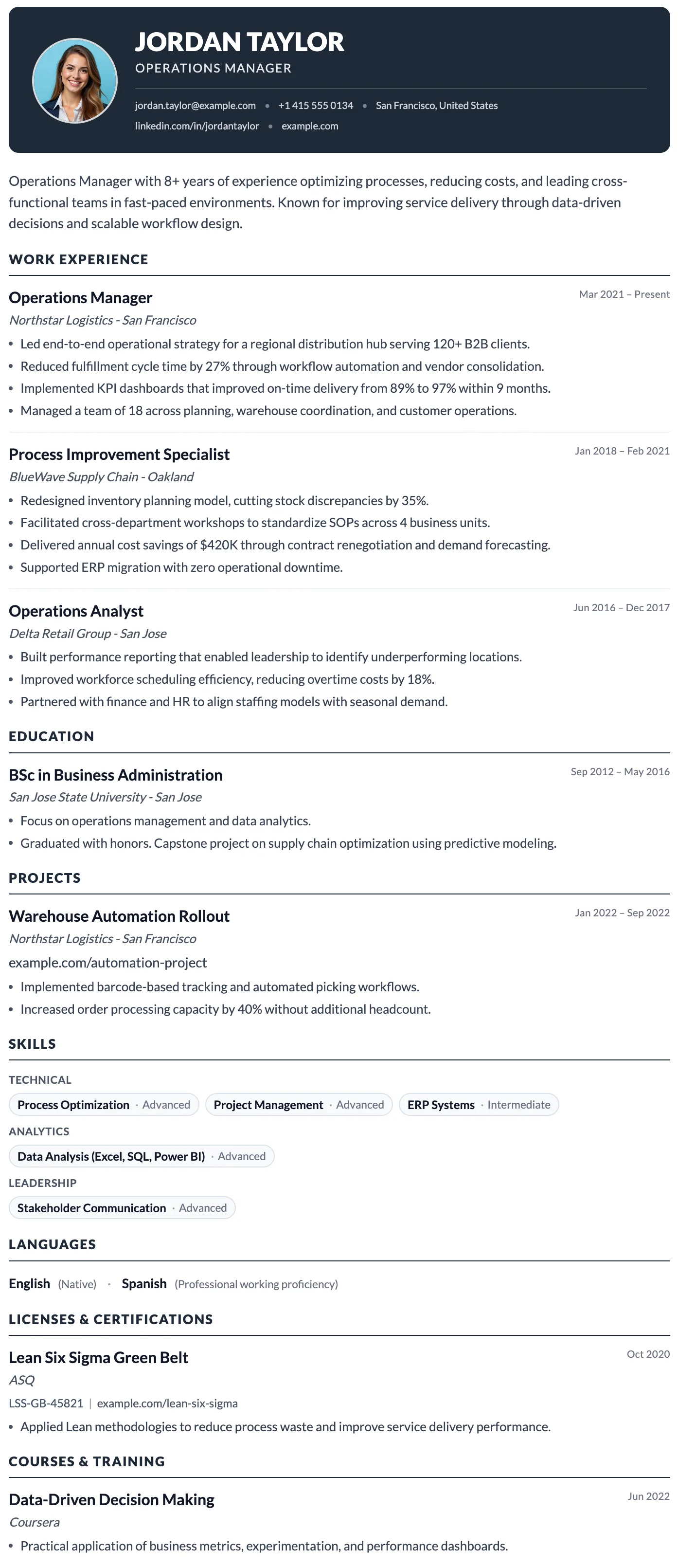
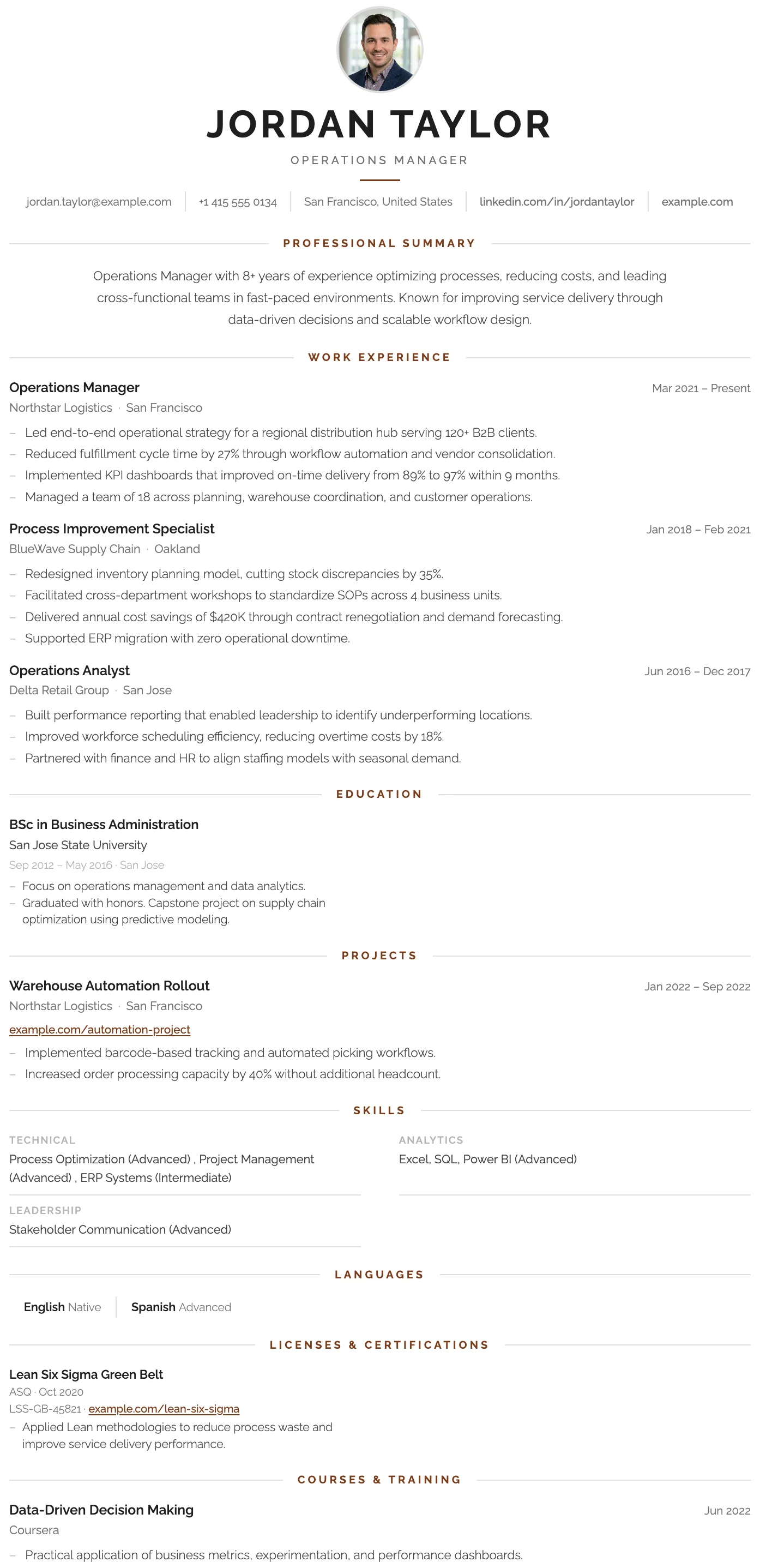
All templates are clean, ATS-readable, and reviewed by recruiters. Enter your data once and change templates anytime. Choose a template and start creating your CV.
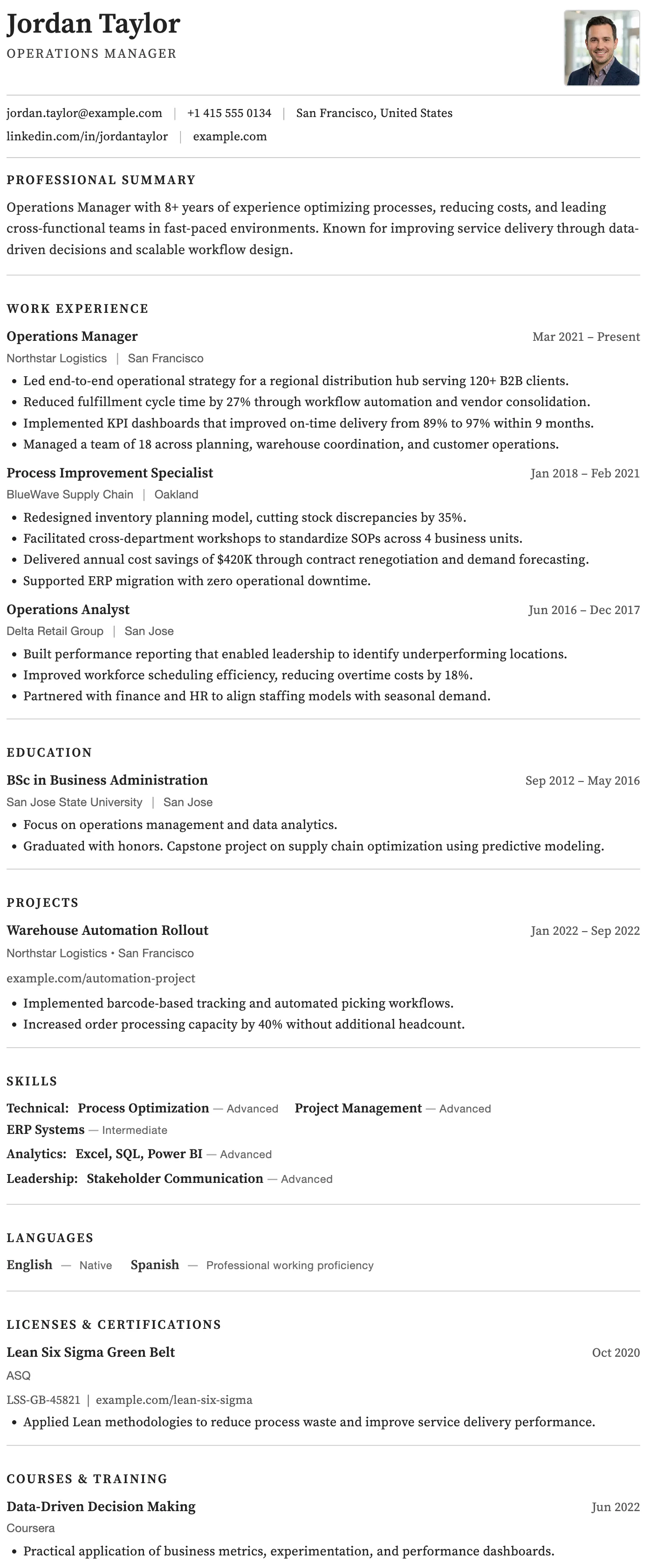
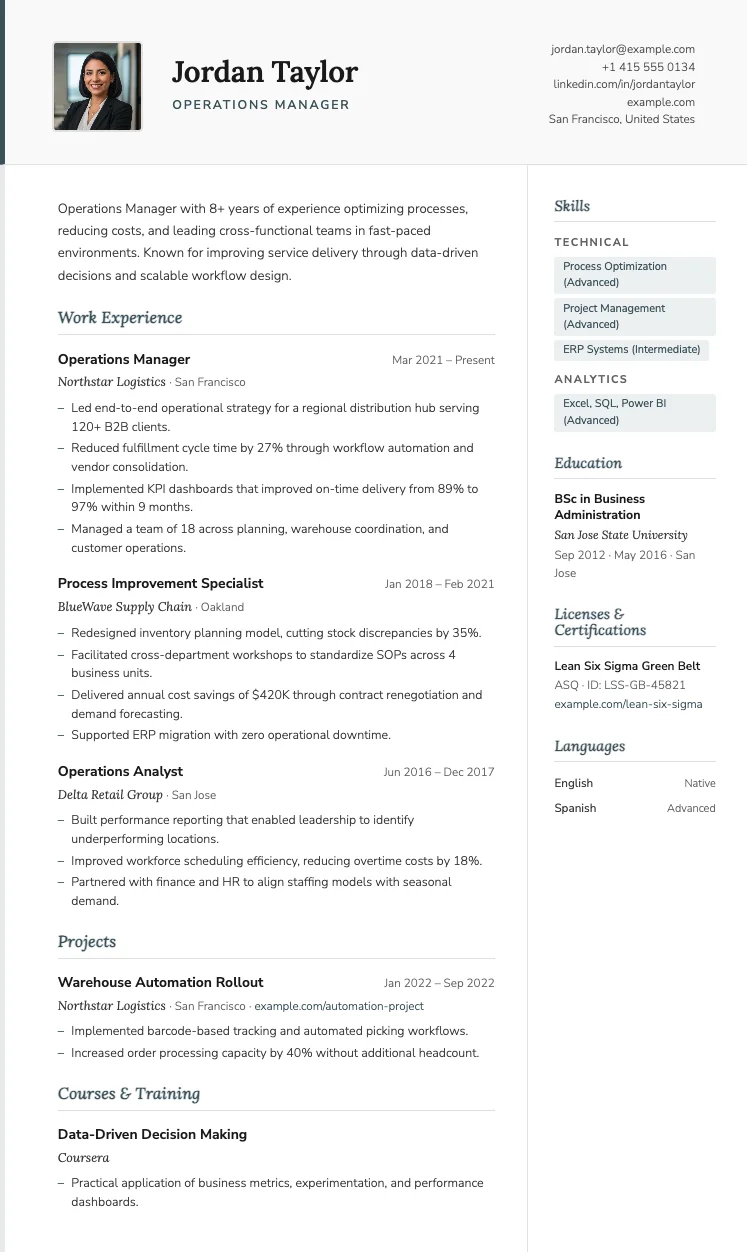
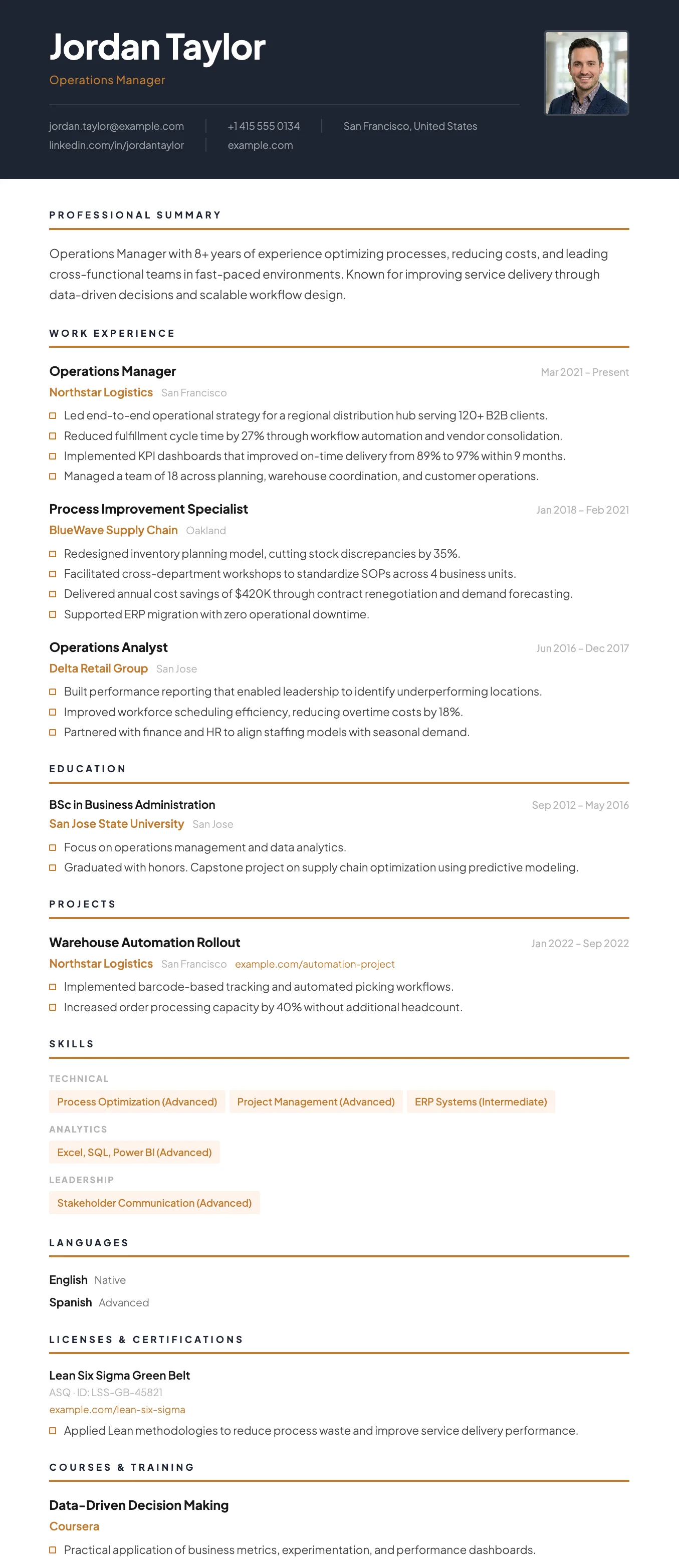
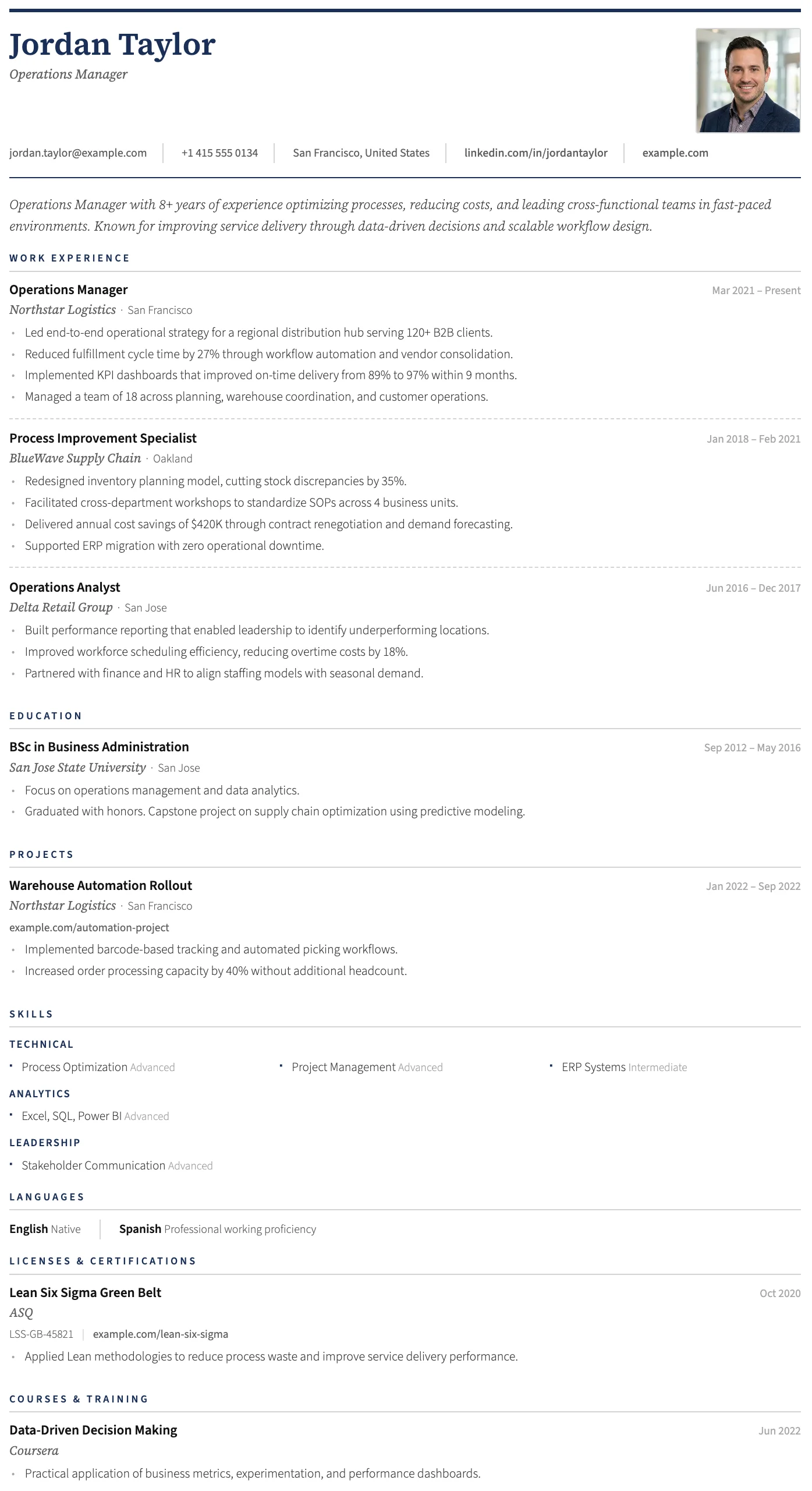
CV examples by profession
Start with a realistic CV example
We prepared realistic CV examples for common professions. Load one into the builder, then replace the details with your own to make it yours.
Retail & Customer Service
Cashier, sales assistant, support
Hospitality & Food Service
Waiter, cook, hotel and travel
Admin & Office Support
Receptionist, office assistant
Healthcare
Nursing, medical, allied health
Education
Teaching, tutoring, academic
Trades & Technical
Mechanical, electrical, delivery
How the CV builder works
Five screens from the real builder, in the order you use them, from your first details to the downloaded PDF.
Fill in your details and watch your CV update
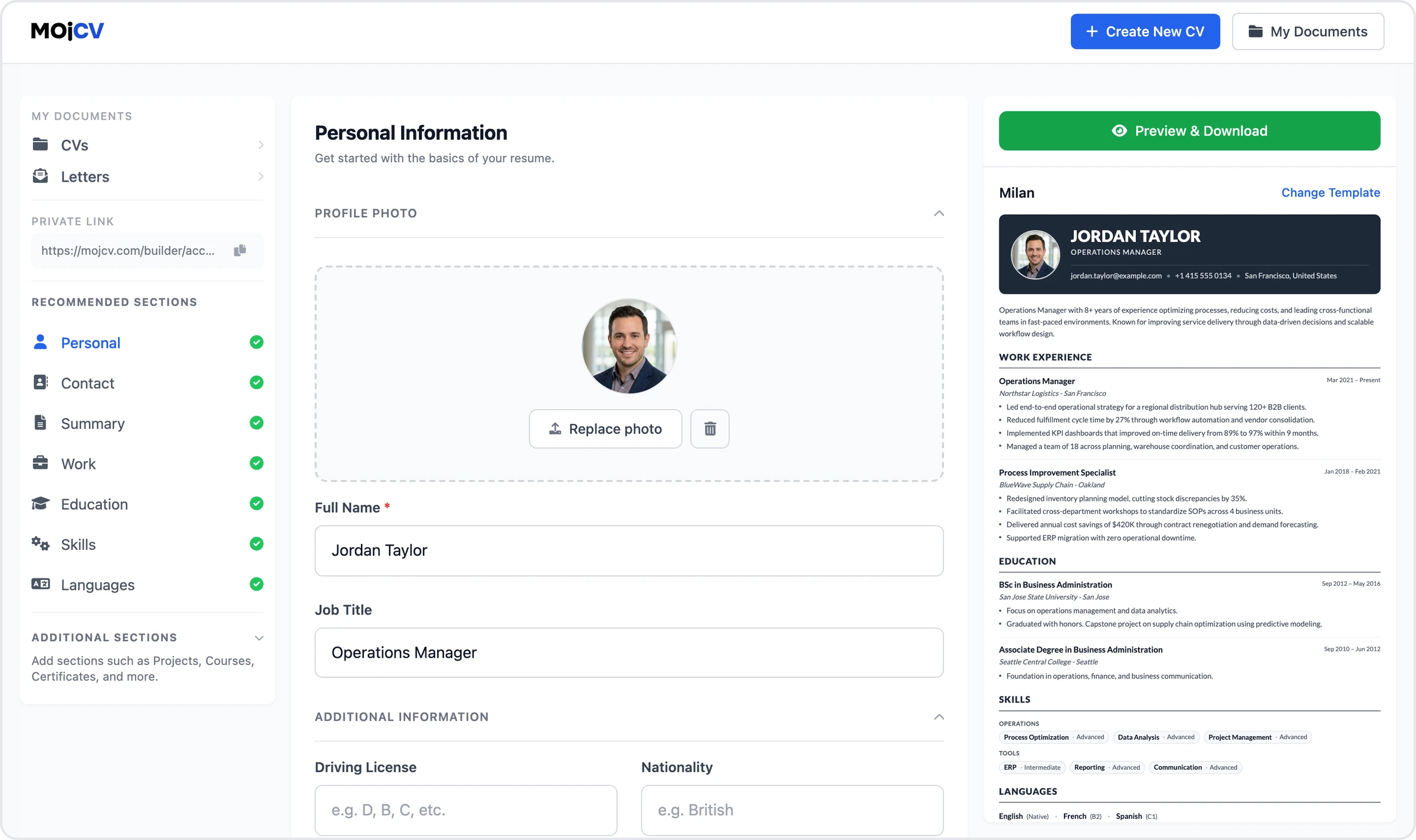
Add your work experience, education, and skills in simple forms. The live preview next to the form updates as you type, so you see exactly how your CV looks.
See all features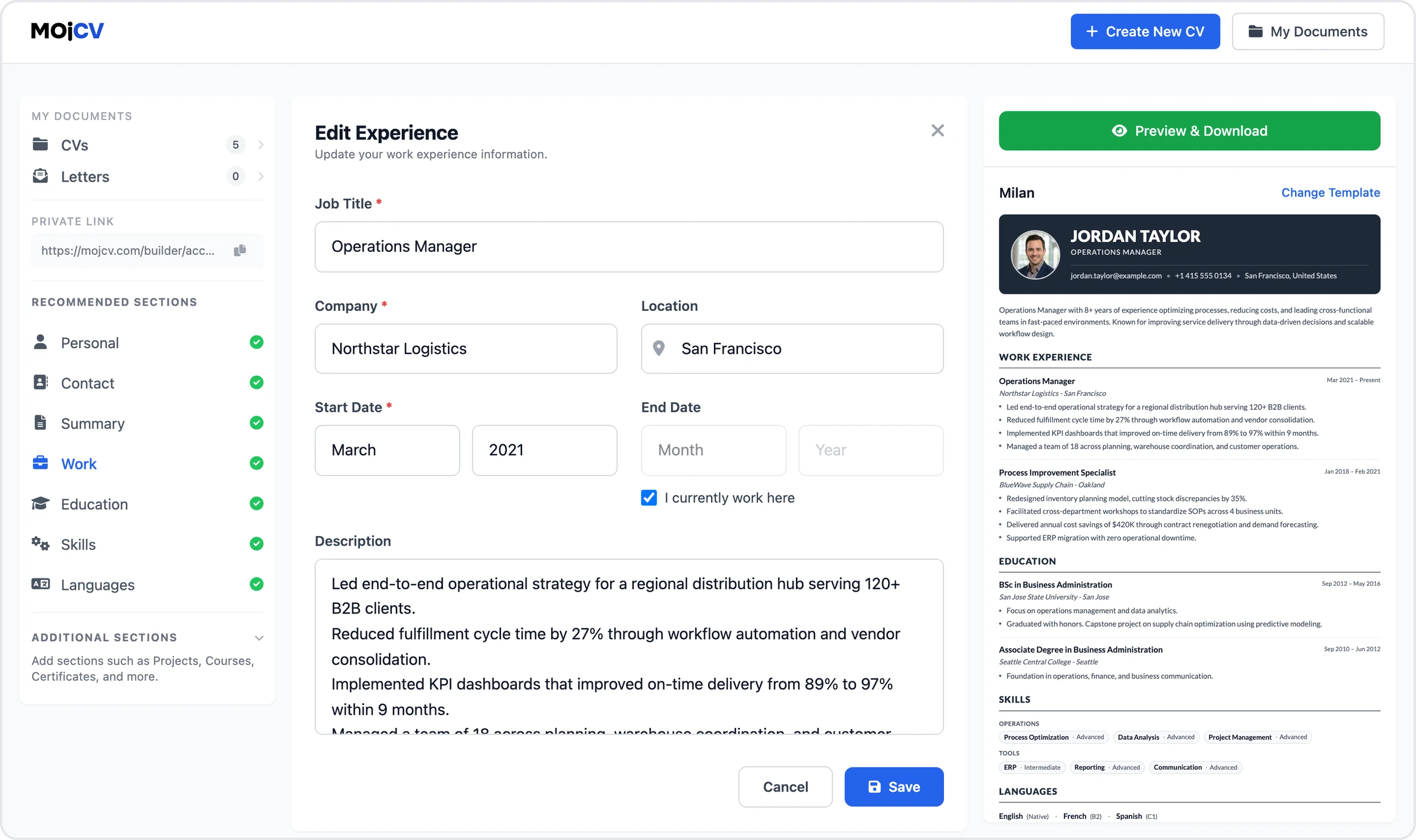
Switch templates without retyping
Pick any template from the gallery at any time. Your information stays in place, and your CV updates to the new layout right away.
Browse all CV templates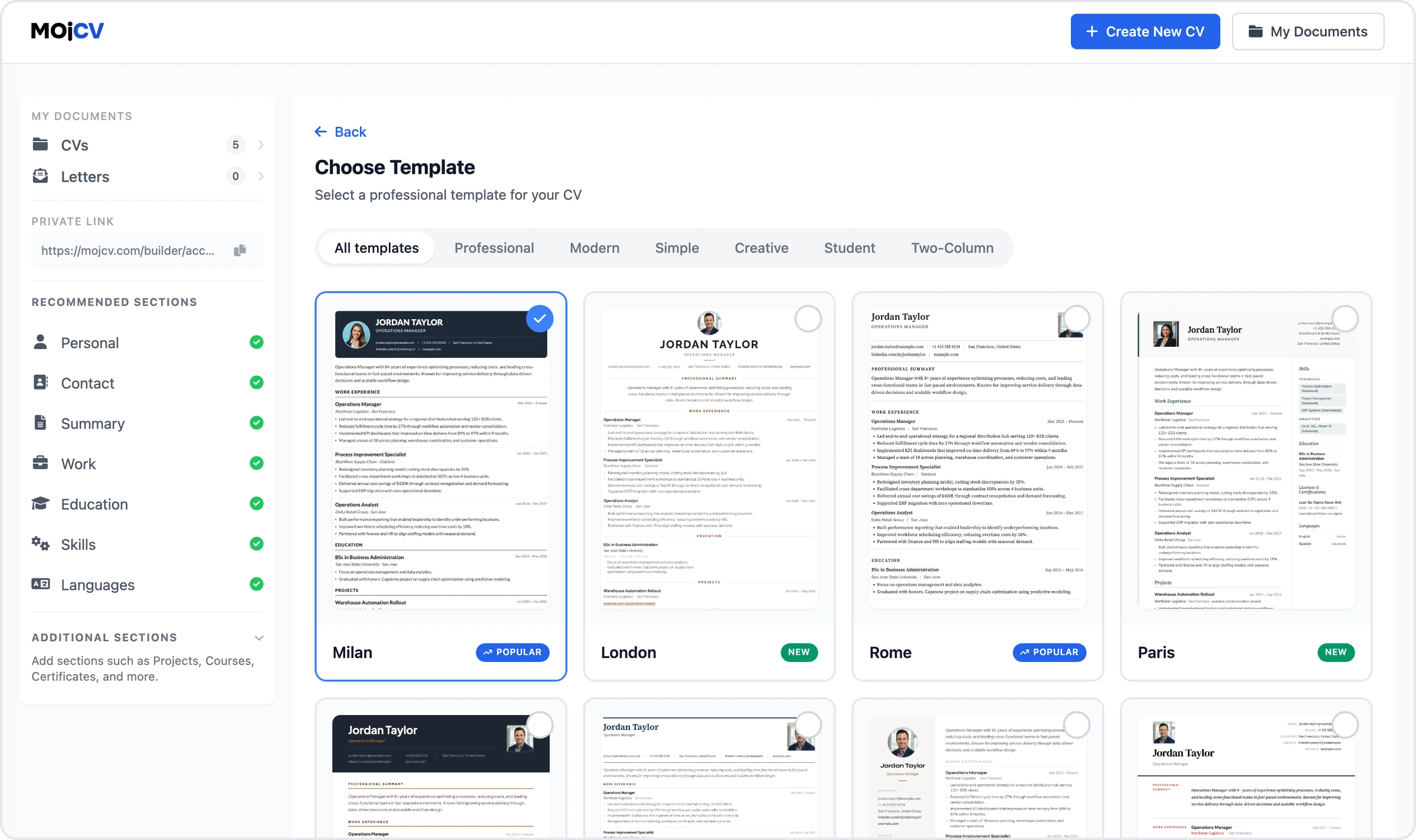
Reorder, rename, and duplicate sections
Move sections up or down to fit the role you are applying for. You can also rename sections and duplicate a whole CV to tailor it for another job.
Explore all 15 CV sections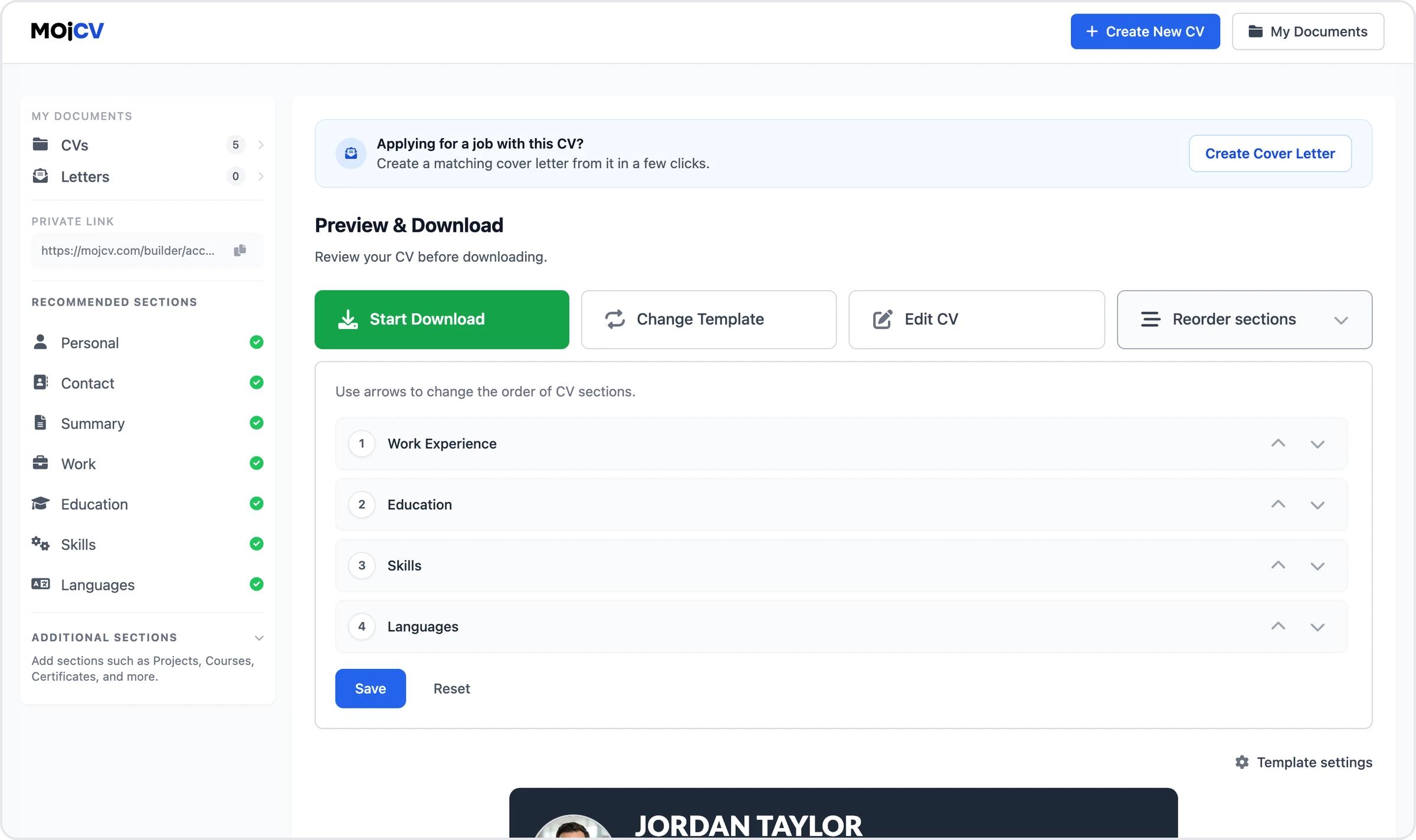
Download a clean PDF
Download your finished CV as a PDF as many times as you want. The file has real, selectable text and no watermark, and there is no payment step.
About PDF downloads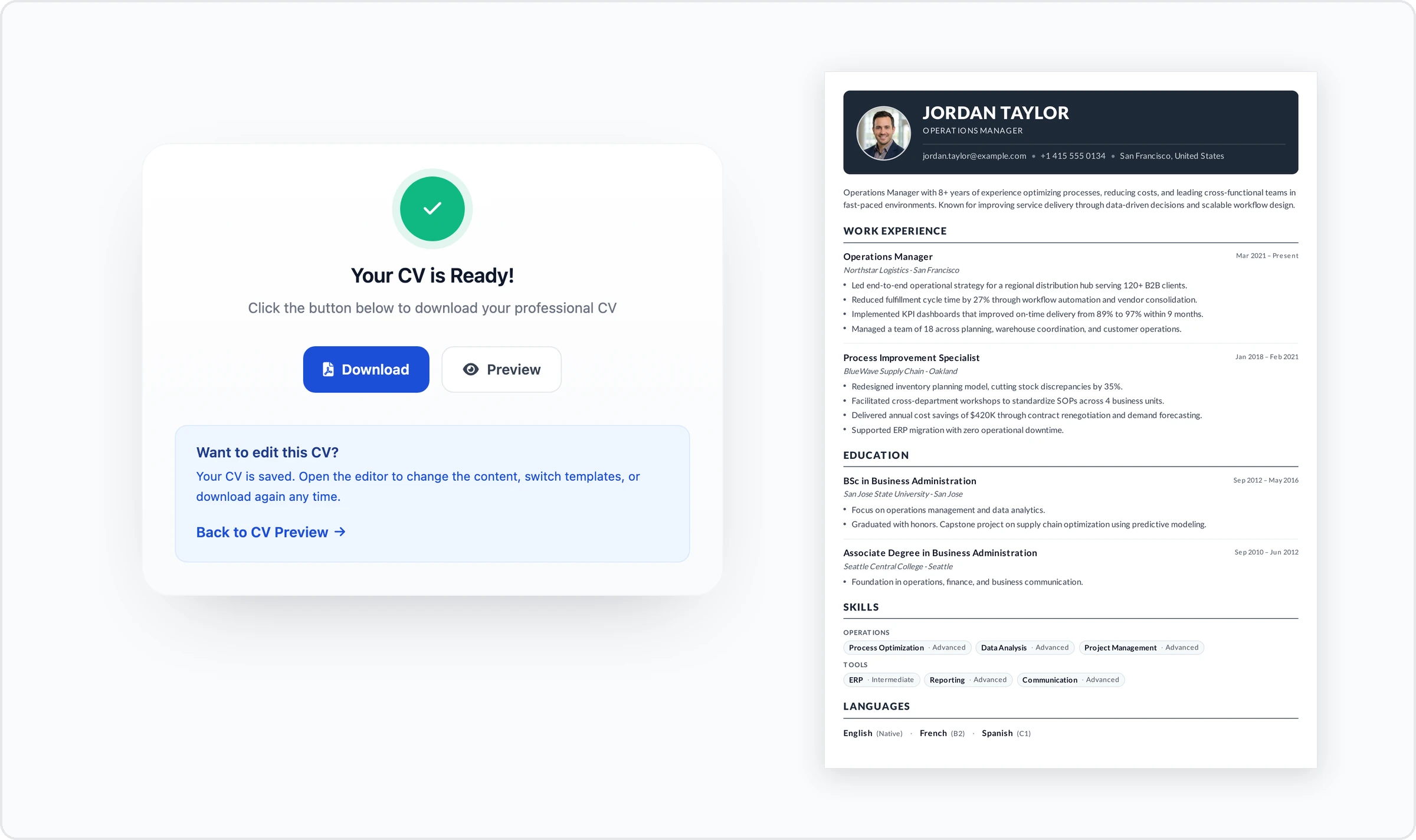
Come back with your private link
All your CVs live under one private link instead of an account. Open it on any phone, tablet, or computer to edit, duplicate, or download again.
How the private link works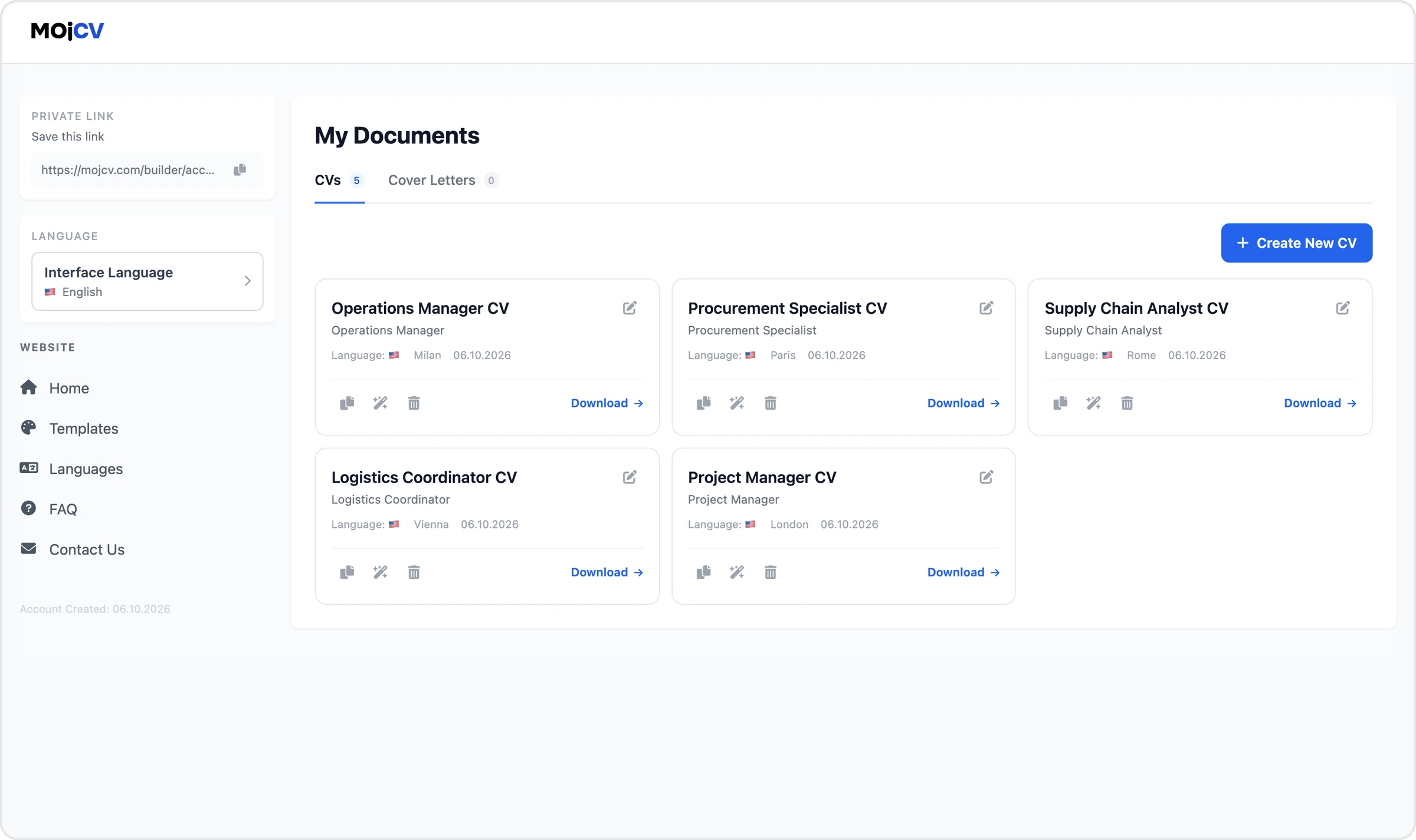
See how to create your CV in minutes
Watch this short tutorial to see how easy it is to create and download a professional CV with MojCV.
Who MojCV is best for
Students, first jobs, and quick applications
MojCV is for people who do not want to pay to create and download a CV. It fits these situations best.
Students and first jobs
Student templates and examples.
No work experience
Lead with skills, education, and projects.
Need a CV fast
Skip what does not apply and download.
One-page CV
Compact layouts for a single page.
CV on your phone
No app to install.
Private CV
No account profile attached to your CV.
MojCV compared with other CV builders
Many CV builders advertise "free", then charge or restrict you at the end. MojCV never does.
| What you get | MojCV | Other CV builders |
|---|---|---|
| Account to download | No account | Often required |
| Watermark | Never | Often added on the free plan |
| Payment at download | Never | Often asked at the end |
| Templates | All included | Some locked behind a plan |
| ATS-friendly layouts | Clean layouts, real text | Varies by template |
| Cost | Free, funded by ads | Free tier, then a paid plan |
Create a CV in 34 languages with one click
Make multiple CVs in different languages. Each CV is localized to that country's standards: section headings, date formats, and available fields adapt to the language you choose.
Frequently asked questions about the free CV and resume builder
Is MojCV really free?
How does MojCV work?
Do I need to create an account or register?
Can I download my CV as a PDF for free, and is there a watermark?
Are MojCV templates ATS-friendly?
What is an ATS, and will my CV pass it?
Is a CV the same as a resume?
Can I create a cover letter too?
Can I create a CV in another language?
Create your CV for free, no account
Download the PDF and apply. Add a cover letter if you need one.